Jul 29, 2025 10:24 AM UTC
Solved

Why is text blurry in mind maps on Lucidchart?

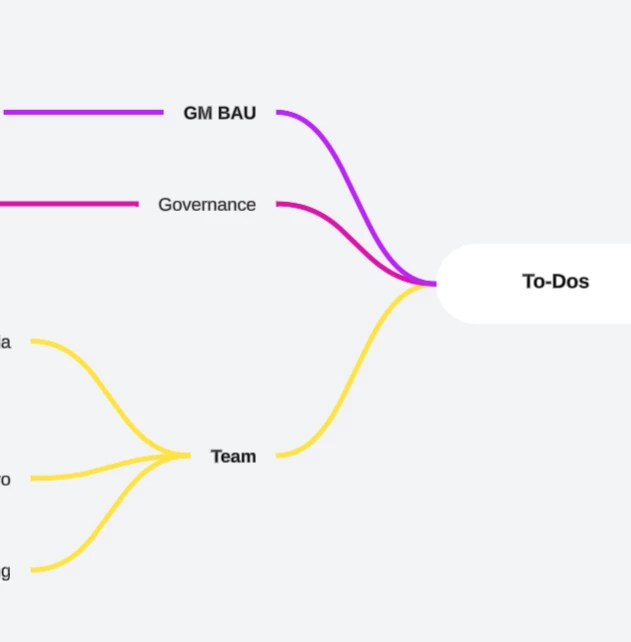
At least on a second screen, but also sometimes on a laptop screen, the text in a mind map looks blurry 
 

Zuzia S
Zuzia SAnswer
Lucid community team
Jul 30, 2025 1:39 PM UTC

Hi ​@Duarte Rosa, thanks for your post! 

WebGL might be causing an issue with the graphics card on your computer. Can you try toggling WebGL off? This can be done by selecting View > Rendering > Use WebGL and un-selecting this option. For help with disabling WebGL, please see this Community post.

Additionally, could you try opening your document in a private or incognito window? Could you also try connecting to a different network or disconnecting from your VPN (if applicable)? Sometimes account performance issues can be related to internet security/speed or browser issues. These steps will help us eliminate that possibility. For help with opening an incognito window, please see this community post.

If these don’t help, could you let us know if the issue occurs in all documents?

Cheers!

Comments

Zuzia S
Zuzia SAnswer
Lucid community team
Jul 30, 2025 1:39 PM UTC

Hi ​@Duarte Rosa, thanks for your post! 

WebGL might be causing an issue with the graphics card on your computer. Can you try toggling WebGL off? This can be done by selecting View > Rendering > Use WebGL and un-selecting this option. For help with disabling WebGL, please see this Community post.

Additionally, could you try opening your document in a private or incognito window? Could you also try connecting to a different network or disconnecting from your VPN (if applicable)? Sometimes account performance issues can be related to internet security/speed or browser issues. These steps will help us eliminate that possibility. For help with opening an incognito window, please see this community post.

If these don’t help, could you let us know if the issue occurs in all documents?

Cheers!

Translate