

Unable to connect lines to grouped shapes in Lucid
I just started experiencing an issue where I can no longer create a line originating from shape group.
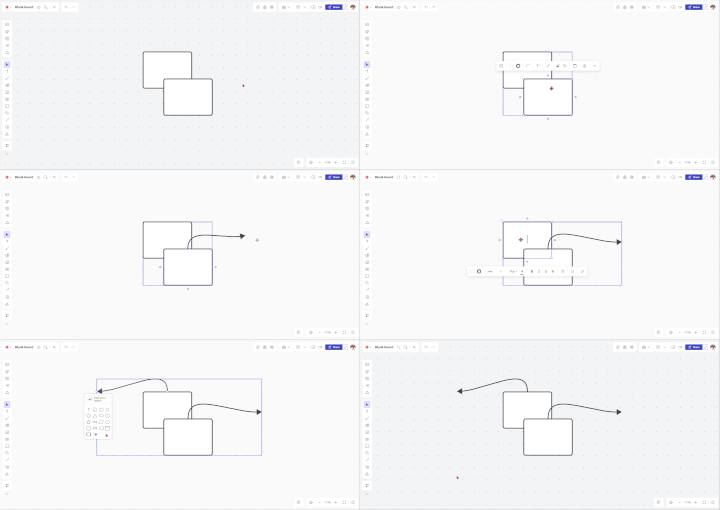
Prior to this issue, I had several shapes within a “group”, and would click on that shape group to get the little purple circle to show up, then drag that to another shape to create/connect the line. This has never been an issue before.
However, when I click on that shape group now, the purple circle never appears. If I click on a single, ungrouped shape, the circle appears, and I can create lines just fine. Also, if I ungroup the group, I can connect lines from the individual shapes that were within that group. But I can no longer draw a line from the group itself.
I tried looking for settings that might control this (i.e. View / Enable Line Connections), but couldn’t find anything that might have changed this behavior.
Is there a setting to get this working again? Or is this possibly some sort of bug?

 Your privacy choices


