

Solved
Text appears hazy in Lucid document
Hello
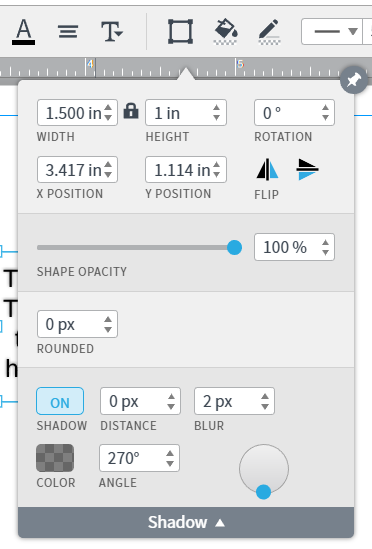
I'm creating flowcharts in Lucidchart and there are two different sets of text formatting that I can't fix; one set appears hazy (upper box in image) and the other appears normal (normal box in image). I've tried playing with the text formatting options but can't get the hazy box to look normal - anyone have any insight into how to fix this?
Alternatively is there a way to just delete all special formatting for a text box so I can start at square one?
Thanks.

 Your privacy choices


