Question

Revision History

  • March 3, 2026
  • 3 replies
  • 21 views

Forum|alt.badge.img+1

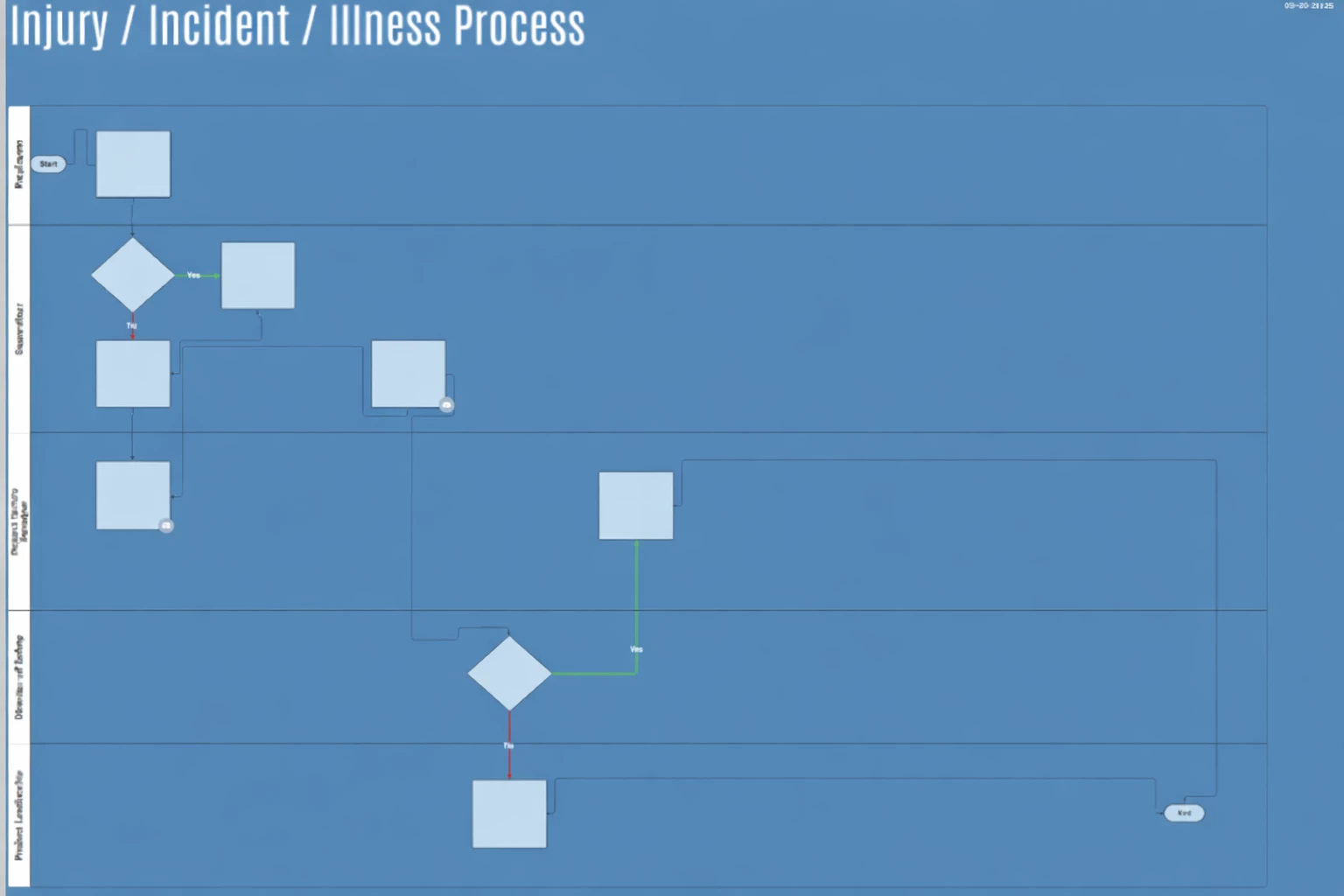
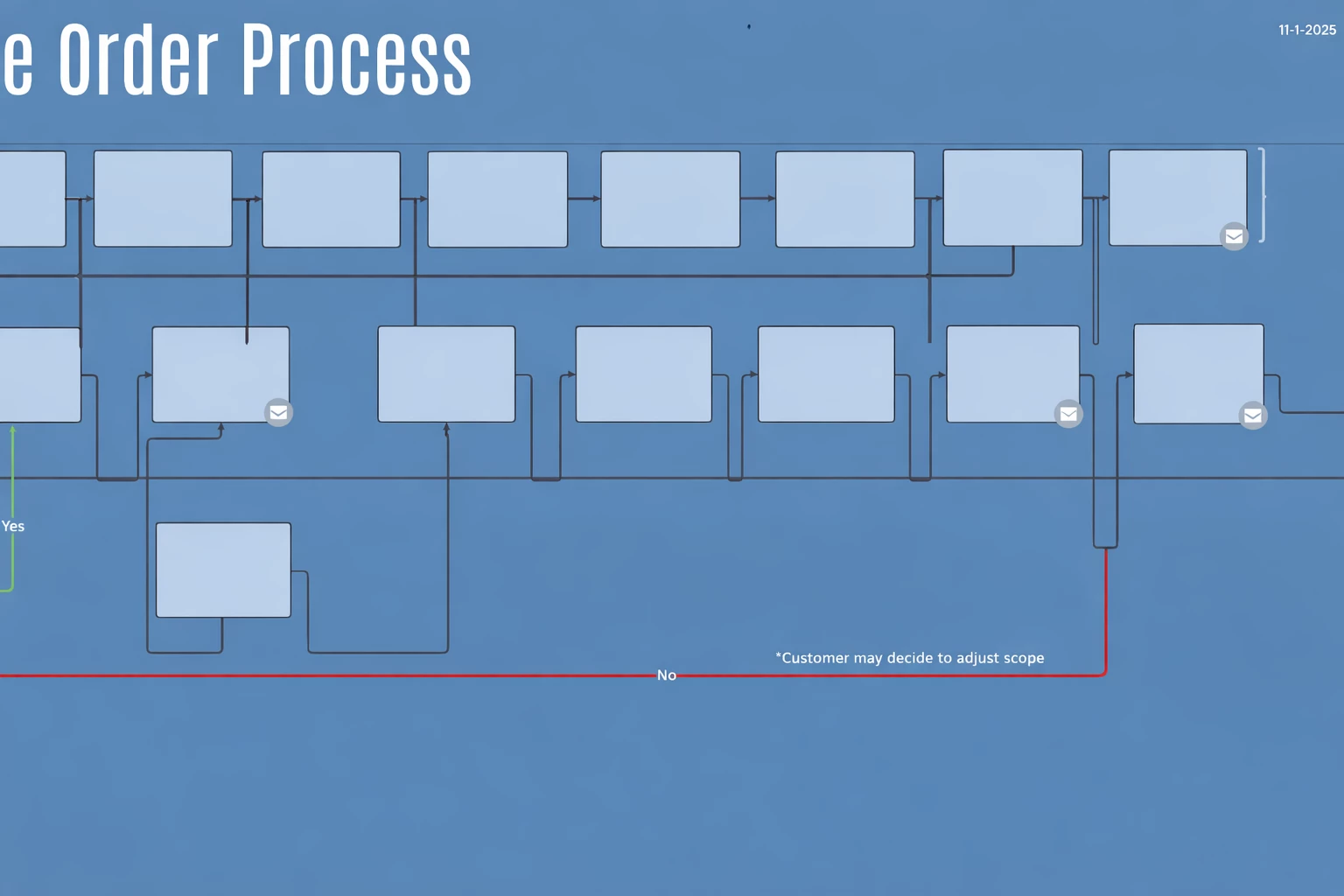
I’m experiencing an issue with the Revision History feature. I noticed that the connector lines between process and decision boxes are no longer appearing straight. Instead of connecting directly to the shapes, the lines route downward and then back up before reaching the box.

When I attempt to restore a previous version from Revision History, many of those versions show the same issue. I did find one version where the connector lines appeared correct; however, after restoring it, the lines reverted to the incorrect routing. When I tried again, even the version that originally displayed the correct straight lines now shows the same downward-and-upward routing behavior.

“Show grid,” “Snap objects to grid,” and “Show guides” are all disabled. Screenshots are attached for reference. So far, this issue does not seem to affect my other process diagrams.


Comments

Zuzia S
Forum|alt.badge.img+8
  • Lucid community team
  • March 6, 2026

Hi ​@Bert, thank you for posting in the Community and I am sorry that you are experiencing this issue!

Could you try opening your document in a private or incognito window to help us narrow down the potential cause? Could you also try connecting to a different network or disconnecting from your VPN (if applicable)? Sometimes account performance issues can be related to internet security/speed or browser issues. These steps will help us eliminate that possibility. For help with opening an incognito window, please see this community post.

Additionally, WebGL might be causing an issue with the graphics card on your computer. Can you try toggling WebGL off? This can be done by selecting View > Rendering > Use WebGL and un-selecting this option. For help with disabling WebGL, please see this Community post.

If those don’t resolve the problem, can you please send the following information so I can take a closer look?

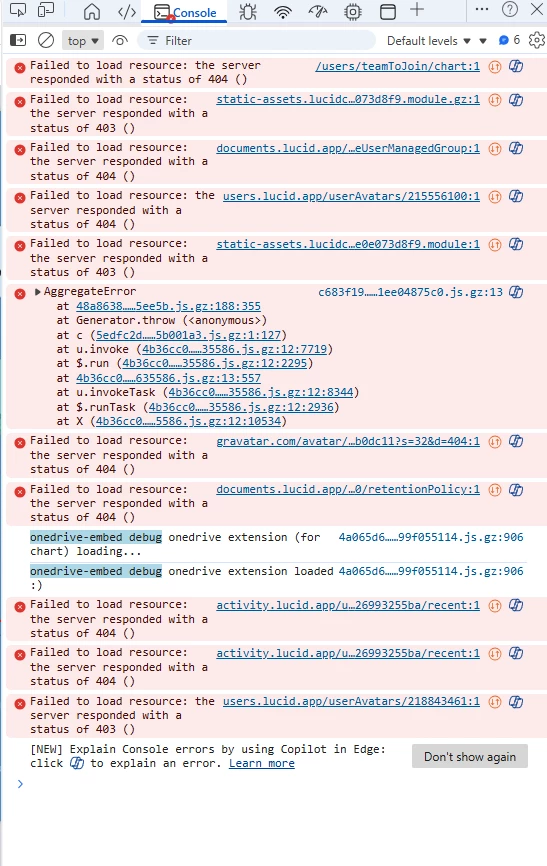
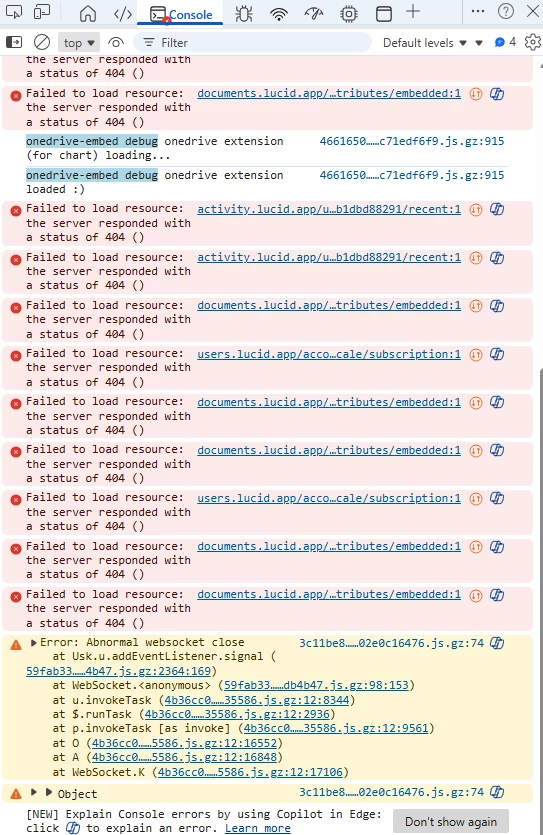
  • A screenshot of the associated Javascript Console output after reproducing the issue. You can open your Javascript Console by pressing Ctrl+Shift+J (if your computer is a Windows/Linux) OR Cmd+Opt+J (if your computer is a Mac).
  • A temporary Document Support PIN for this document. This PIN is safe to post in this thread because it is only accessible by members of the Lucid support staff. You can find steps for generating a Support PIN in this  Help Center article.
  • Similarly, a Technical Support PIN for your account.

Thanks in advance for your help and patience!


Forum|alt.badge.img+1
  • Author
  • March 6, 2026
Screen shot

Doc support PIN: duTGNMBTHfveuDjS8hEcp3mqIkYjhllYRK215556100

Tech support PIN: iuJgKIVbtJnYIgriPYbNI5hzbdcacNUqIC215556100


Forum|alt.badge.img+1
  • Author
  • March 6, 2026

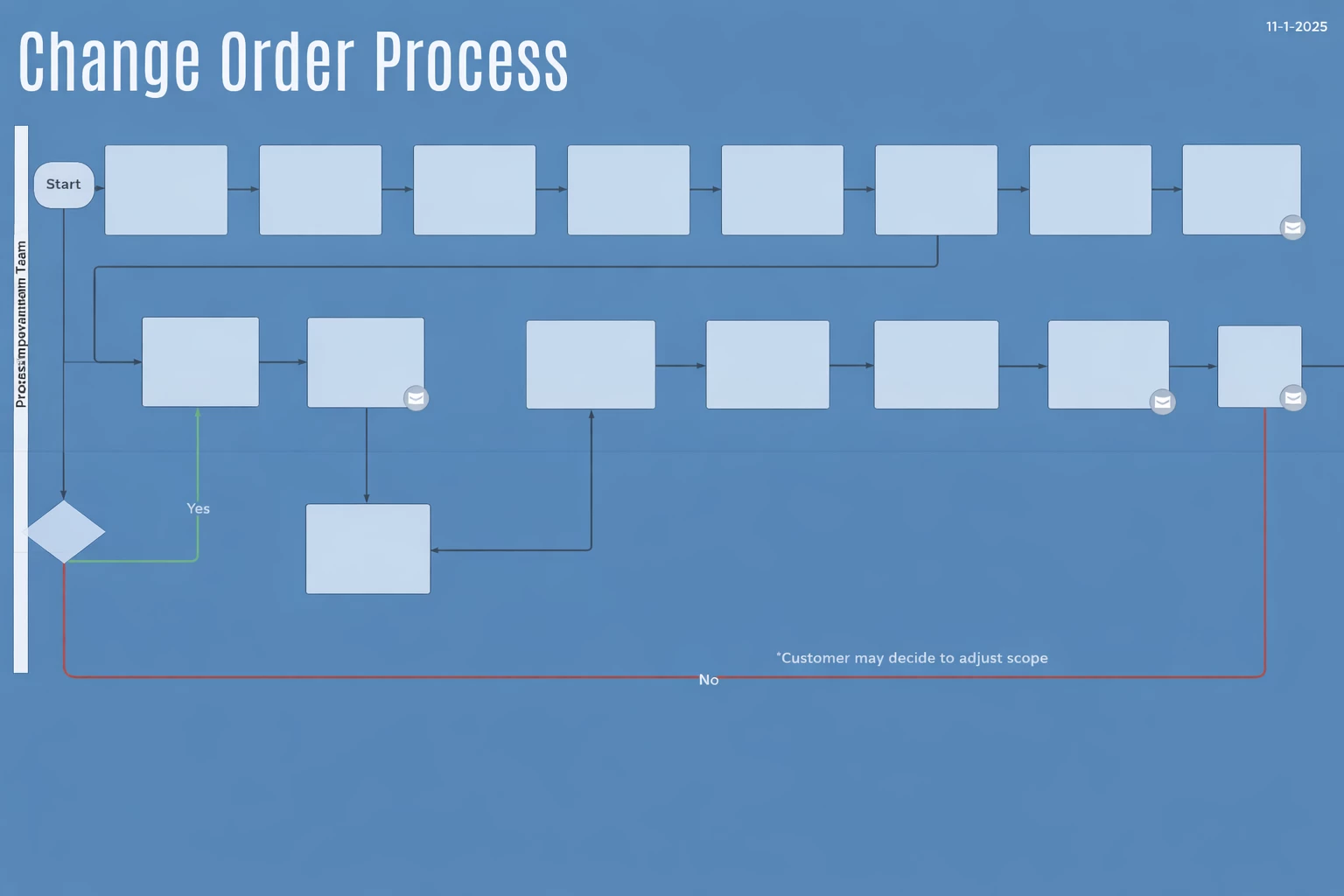
The same issue has now appeared in this flow diagram. Please note that the lines connecting the shapes are misaligned. I did not access the Revision History—this is exactly how the file looked when I opened it today. Yesterday, everything was displaying correctly.

At the end of each day, I shut down Windows. When I log in the next day, the browser automatically reopens all tabs that were open before shutdown. This tab reopened today after logging back in.

Flow

Doc support PIN: duemVJR94tvoVrWFNkqVFpbYznzOJp5YoI215556100

Tech support PIN: duemVJR94tvoVrWFNkqVFpbYznzOJp5YoI215556100