Hello I'm making a Lucidchart diagram for which I need a symmetrical curved arrow linking the top of one box to the top of the one right next to it. I've played with the bendy arrow style but just can't get enough control to get the effect I want (i.e. a near semi-circle). I also tried making my own shape out of a lucidchart circle but it seems you can't crop those down. Any ideas? Many thanks!
Maybe something like this:
Best answer by andrea_z
Hello @karene, thank you for chiming into this thread. Indeed, the two options listed above by @Sara M102 (customizing your arrow and adding custom shapes) are great ways to achieve what you’re trying to do.
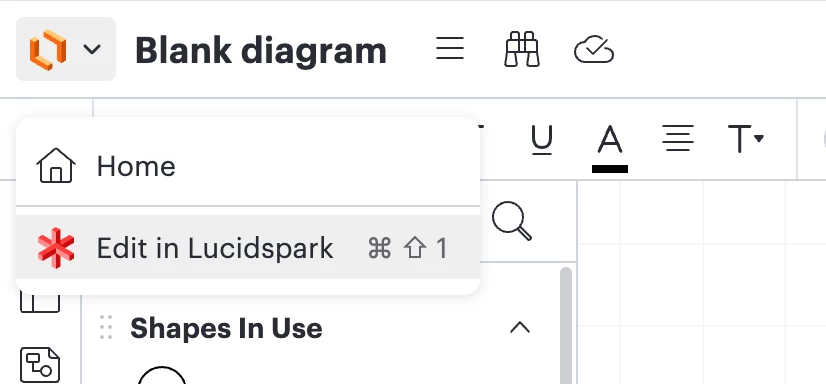
Alternatively, you can add an arrow icon to your board. To do this, first click the top left Lucidchart icon and select the “Edit in Lucidspark” option.
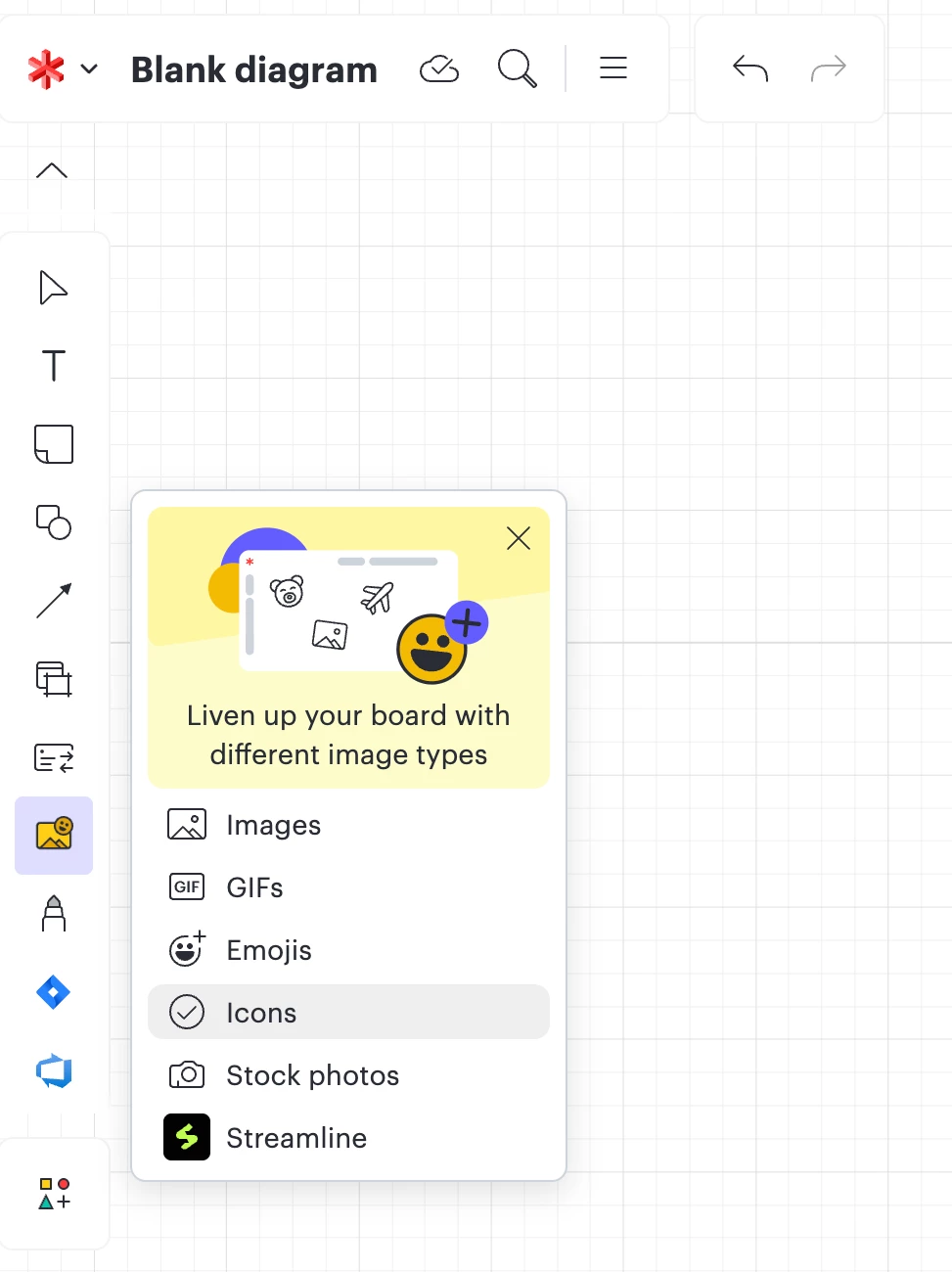
Then, click on Images > Icons to open the Icon Library.
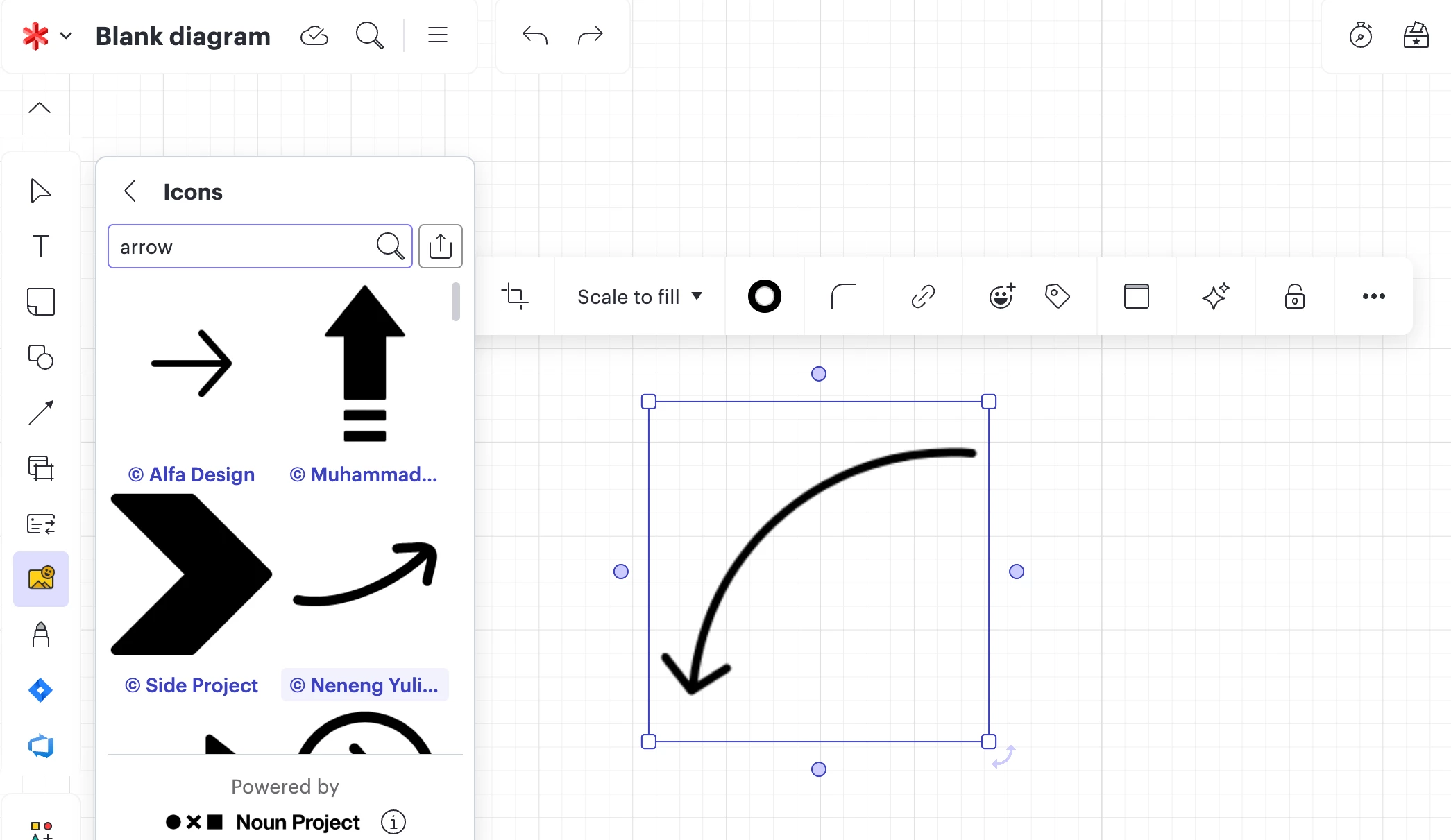
You can search for a curved arrow or just an arrow in the library and use it on your board. After you have found your icon, you can switch back to Lucidchart.
We’re very interested in your ideas and committed to continually improving our products. If you’re willing to share, we’d love to hear more details about your use case or what you’d like to see in this experience within this thread. I’ve also converted this post to an idea so that it’s visible to others within the Product Feedback section of the community - from here, they can upvote it and add details of their own.
Hi there - Thanks for reaching out! If you draw a normal angled arrow connecting the top of the two boxes and then change it to curved it should do so automatically.
If you're not crazy about the idea of using a regular angled arrow and curving it you can always import your own custom shapes into the custom shapes library. To learn how to do this take a look at the Add and customize shapes article in our Help Center.
If neither of these options is the right fit for you please provide us that feedback. We’re very interested in your ideas and committed to continually improving our products. If you’re willing to share, we’d love to hear more details about your use case or what you’d like to see in this experience within this thread. I’ve also converted this post to an idea so that it’s visible to others within the Product Feedback section of the community - from here, they can upvote it and add details of their own.
Finally, for more information on how Lucid manages feedback via this community, take a look at this post.
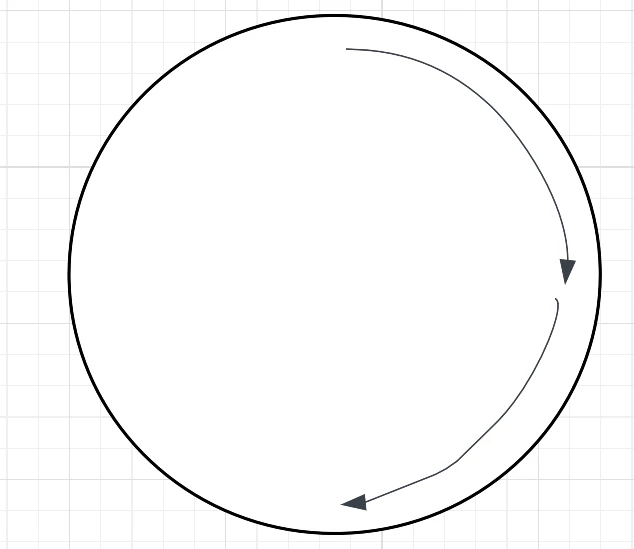
I’ve been trying to draw curved arrows to show a repeat. I’ve used a circle to act as guidelines, but trying to manipulate the line to draw a nice quarter circle arrow is crazy difficult. Then I tried to copy the first one which looked good to then rotate it, but I also can’t find a way to rotate it, or click on it to move it without the shape changing. And it doesn’t help that it’s really difficult to align the arrow properly so it points in the right direction. What am I doing wrong and surely there must be an easier way? Thanks
Hello @karene, thank you for chiming into this thread. Indeed, the two options listed above by @Sara M102 (customizing your arrow and adding custom shapes) are great ways to achieve what you’re trying to do.
Alternatively, you can add an arrow icon to your board. To do this, first click the top left Lucidchart icon and select the “Edit in Lucidspark” option.
Then, click on Images > Icons to open the Icon Library.
You can search for a curved arrow or just an arrow in the library and use it on your board. After you have found your icon, you can switch back to Lucidchart.
We’re very interested in your ideas and committed to continually improving our products. If you’re willing to share, we’d love to hear more details about your use case or what you’d like to see in this experience within this thread. I’ve also converted this post to an idea so that it’s visible to others within the Product Feedback section of the community - from here, they can upvote it and add details of their own.
A Lucid or airfocus account is required to interact with the Community, and your participation is subject to the
Supplemental Lucid Community Terms.
You may not participate in the Community if you are under 18. You will be redirected to the Lucid or airfocus app to log in.
A Lucid or airfocus account is required to interact with the Community, and your participation is subject to the
Supplemental Lucid Community Terms.
You may not participate in the Community if you are under 18. You will be redirected to the Lucid or airfocus app to log in.







 Your privacy choices


