

Lucid Suite release notes | July 2026

This post details the latest updates across the Lucid Visual Collaboration Suite, which includes Lucidchart and Lucidspark. The Lucid Suite provides an end-to-end platform for visual collaboration, helping your teams to stay aligned, build, and drive results from start to finish. We've designed this page to be your primary resource for staying informed about all the new product releases, features, and improvements we've made.
Subscribe to stay up to date with these releases and share your feedback with our team in the Product Feedback community space.
Generate synced Jira cards and Dynamic Tables via MCP server
Use a connected LLM to instantly generate bidirectionally synced Jira cards on Lucidspark boards, as well as create, edit, and populate Dynamic Tables to fit your planning needs. Learn more.
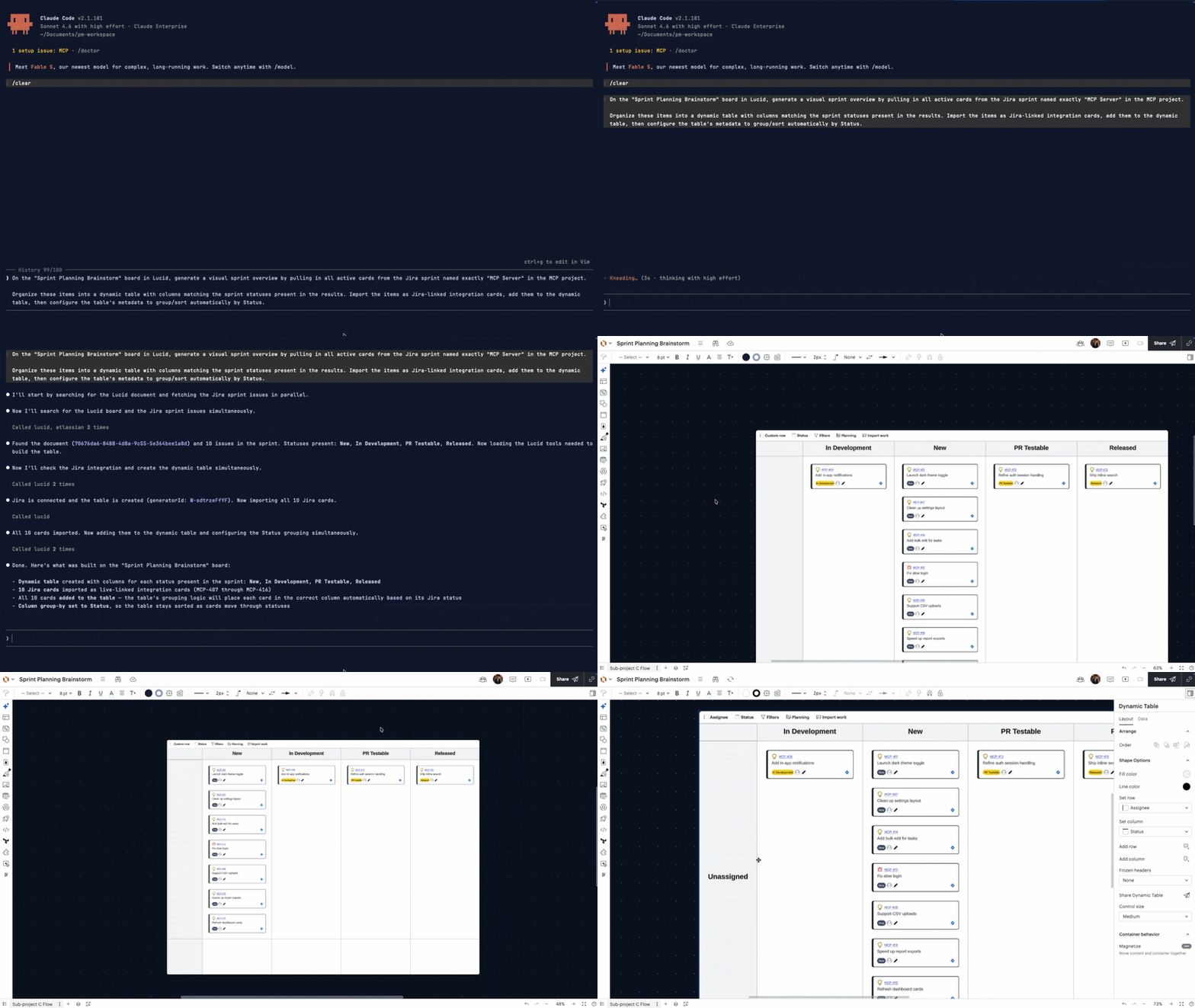
Lucid Codex connector
Connect Lucid directly to Codex to instantly generate diagrams from raw codebases, use visual boards as context for downstream tools, and orchestrate development workflows without ever leaving the interface. Learn more.
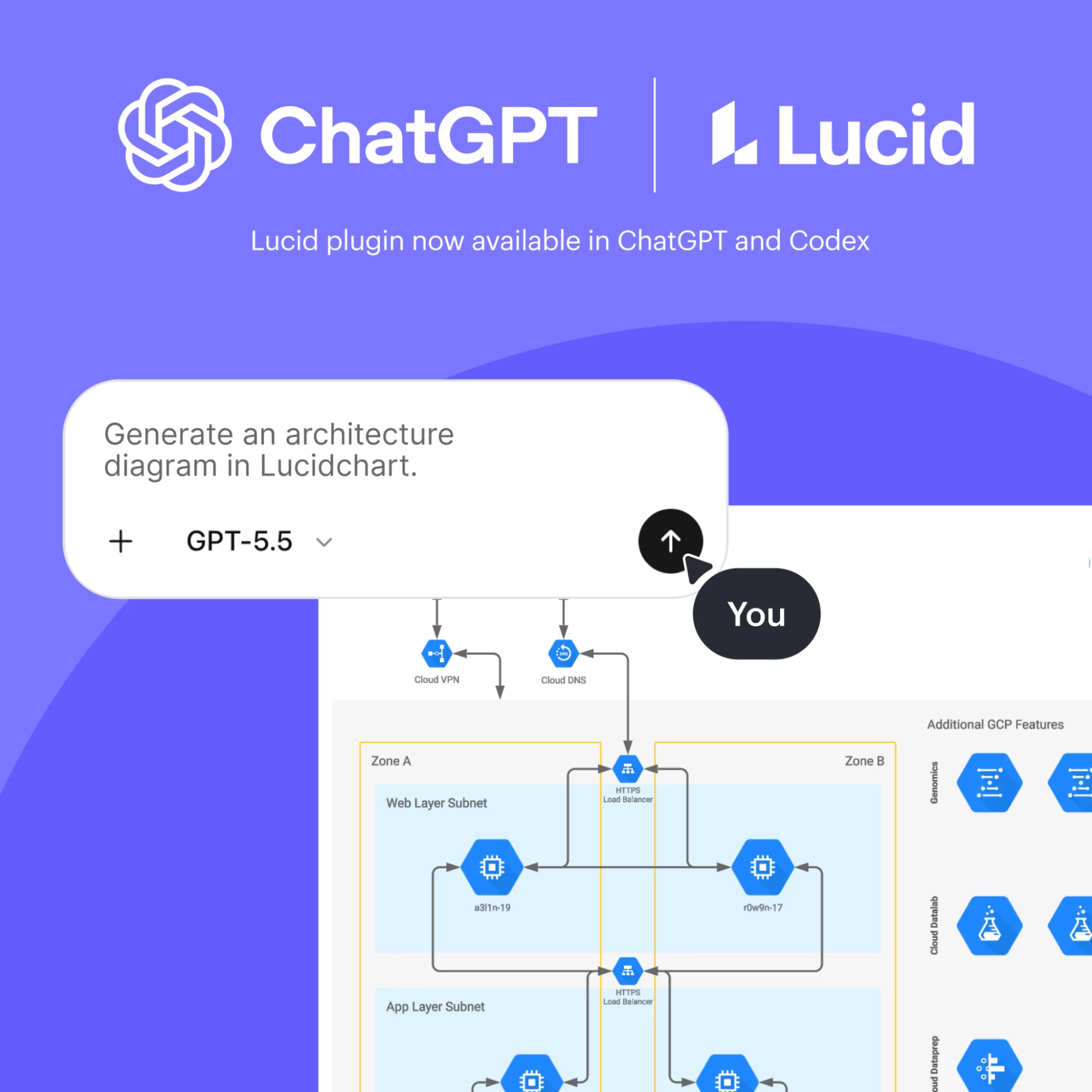
Intelligent line nudging
Keep your diagrams perfectly aligned during every adjustment. Standalone lines can now be nudged, and any content connected by lines will automatically move in sync with your selection, reducing manual cleanup and friction when reorganizing complex boards. Learn more.
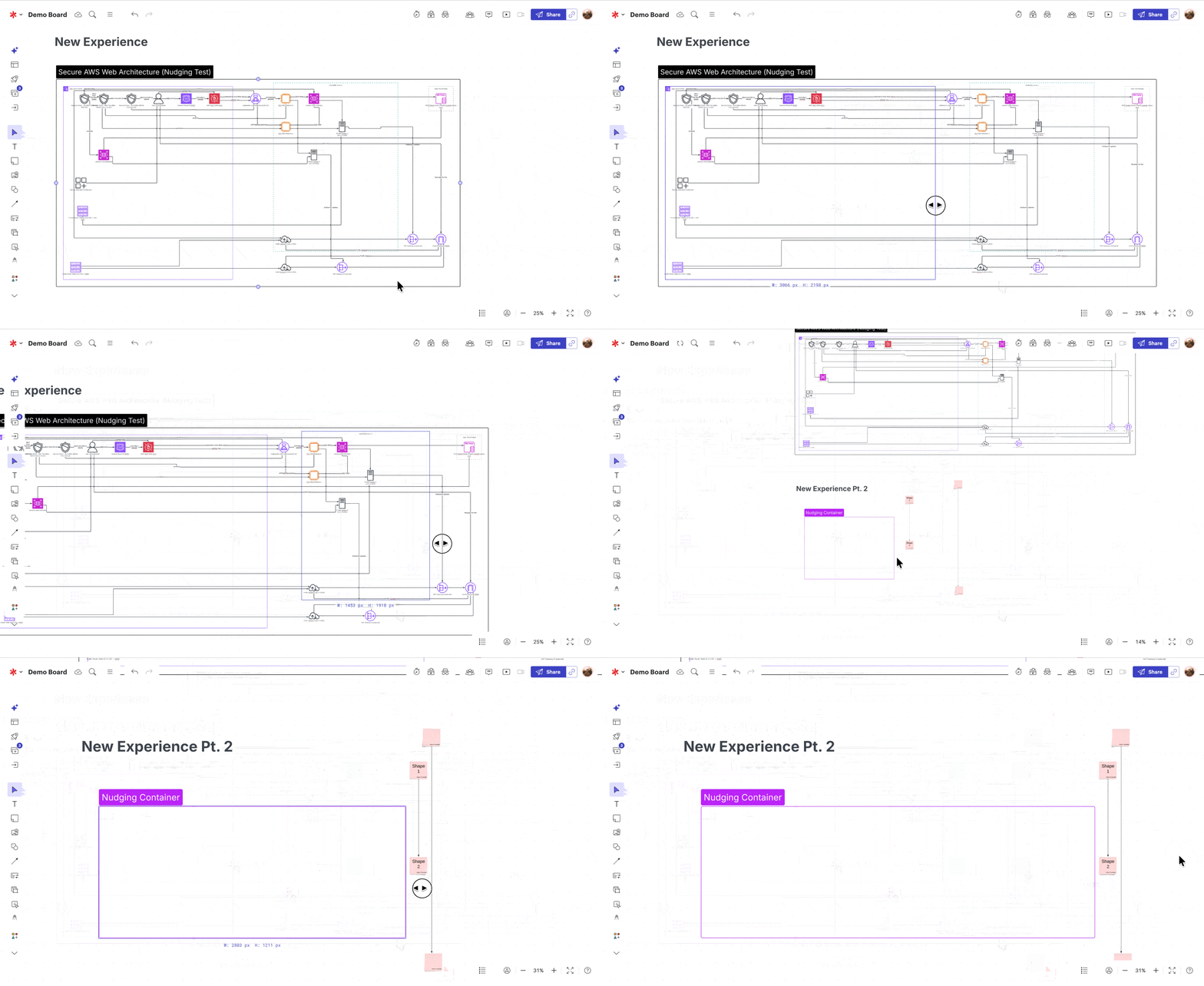
Auto-nudging for Dynamic Tables and quick sticky notes
Keep your layouts perfectly organized without the manual effort. When you change the size of Dynamic Tables or add quick sticky notes, nearby content now automatically shifts out of the way, preventing overlap and keeping you in your flow state instead of rearranging your canvas. Learn more.
Mermaid ELK layout support
Generate significantly better-looking Mermaid diagrams using the newly supported ELK layout. Choose between Mermaid’s manual layout options or simply let an LLM format the code for you. Learn more.
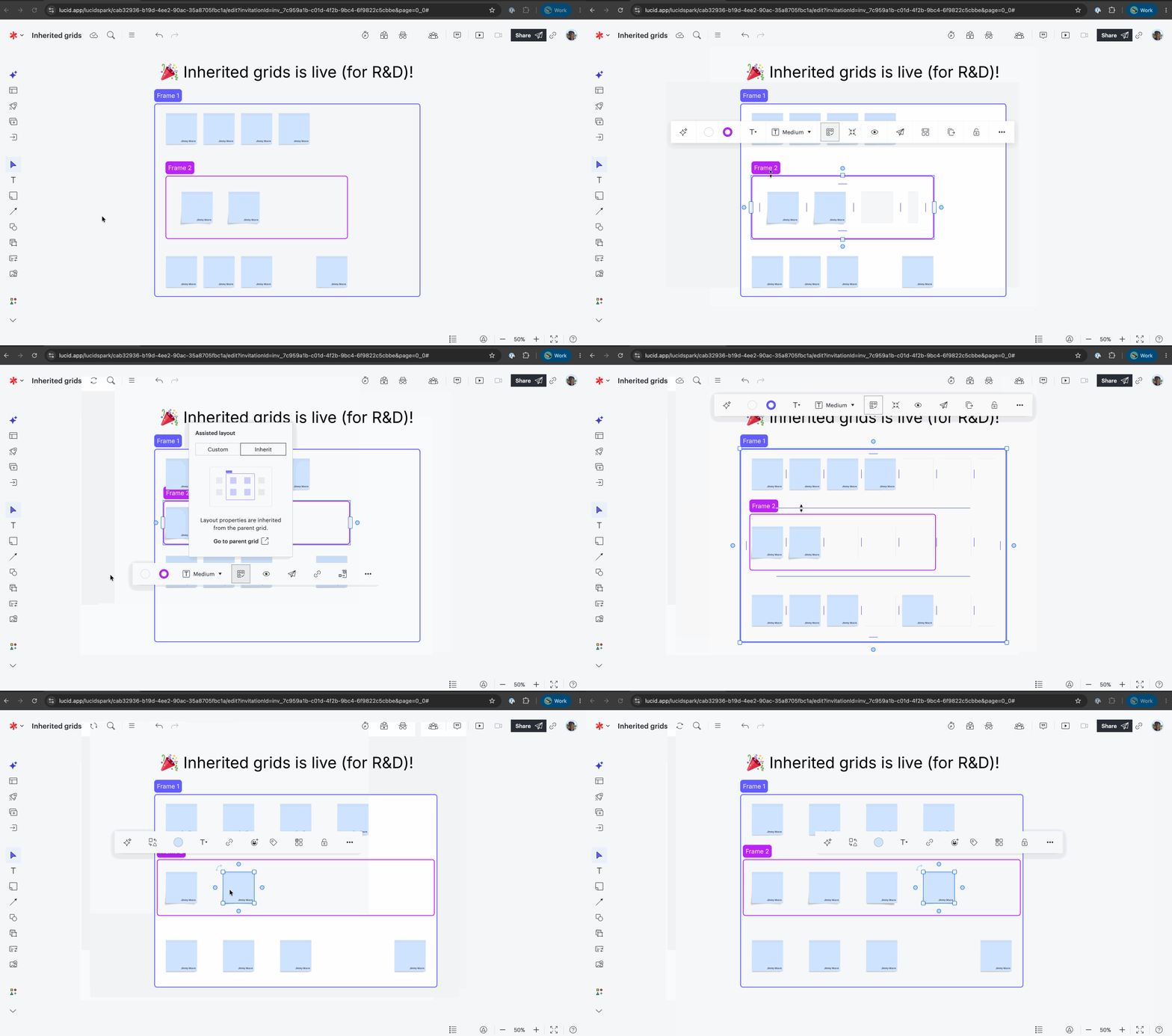
Inherited grids for assisted layout
Automatically align child elements by inheriting the grid settings of their parent container. Instantly match spacing, sizing, and alignment across multiple nested levels so you can focus on your ideas instead of manual formatting. Learn more.
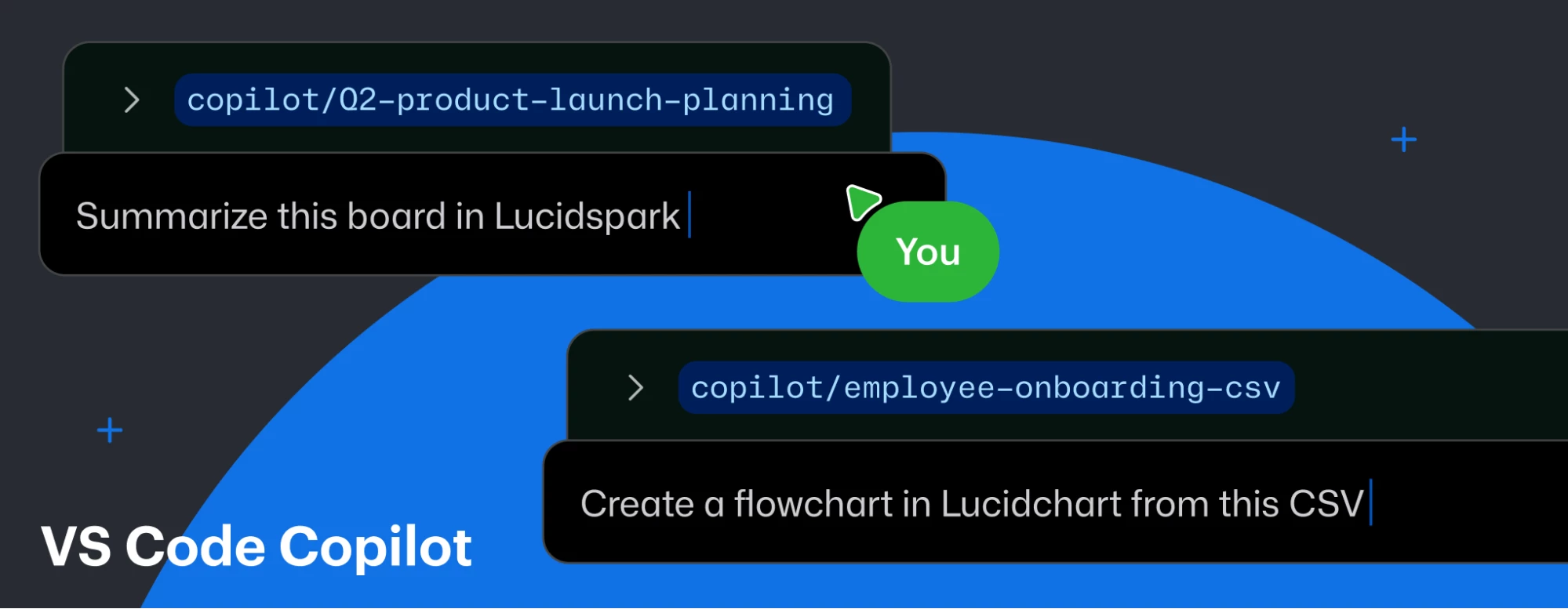
Lucid VS Code Copilot connector
Connect Lucid to VS Code to locate, summarize, and share Lucid documents, or generate foundational diagrams from text prompts, all within your VS Code workflow. Learn more.
Lucid AI data linking
Link your data to your diagram using Lucid AI. Upload a PDF of your data, and Lucid AI will link it to the diagram. Learn more.
Lucid read-only MCP server
Connect third parties to your Lucid workspace to securely search, view, and extract text or comment threads from your documents without any risk of data modification. Learn more.
Lucid MCP intelligent shape discovery
Enables LLMs to search and identify shape libraries in Lucid. This ensures AI-driven diagramming is highly accurate and context-aware right from the start, rather than relying on guesswork. Learn more.
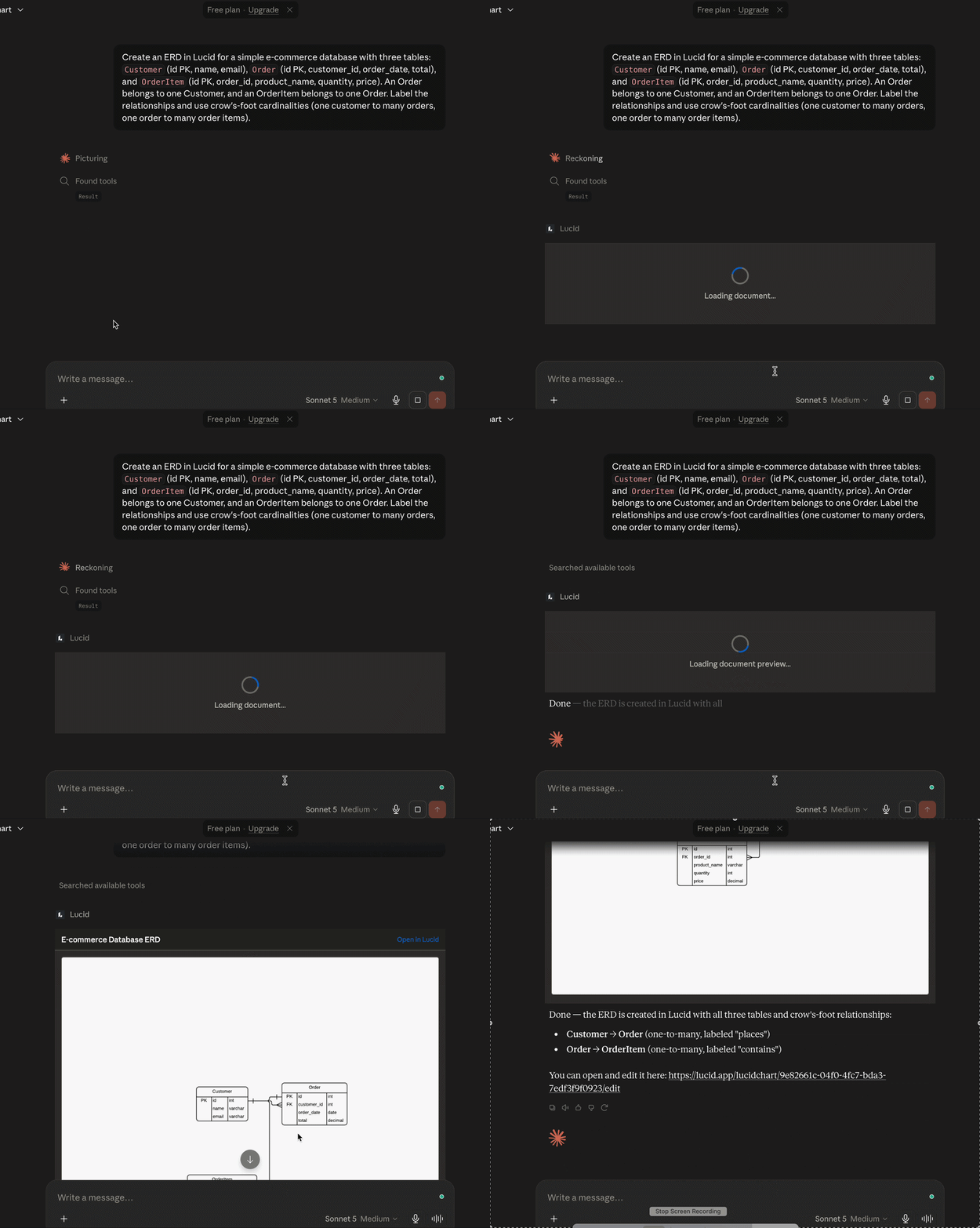
Data-backed ERD generation via Lucid MCP server
Instantly generate completely editable, data-backed entity relationship diagrams (ERDs) using raw database schema inputs directly through your AI chat interface. Learn more.
API key authentication for the Lucid MCP server
Seamlessly power autonomous background workflows with new API key authentication. Learn more.
Presentations update
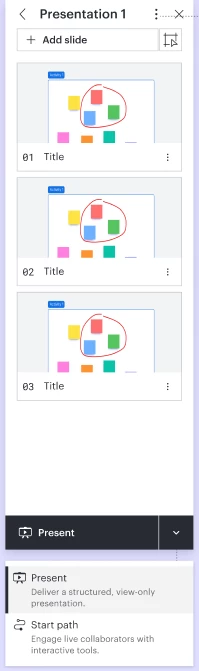
We’ve overhauled the presentation experience to give you more flexibility, a cleaner workspace, and better ways to collaborate. You now have one deck, with multiple presentation options. Build your presentation once and choose how it plays depending on your audience:
- Presentation Mode: Ideal for formal, structured delivery. It crops closely to your slide content and hides the UI for a distraction-free view.
- Path Mode: Built for interactive collaboration. It keeps the surrounding canvas visible and lets you choose which tools your audience can use.
What else is new?
- Multi-presentation Support: You can now create multiple distinct presentations within a single document.
- Clutter-free UI: We moved settings like aspect ratio and transitions into a clean three-dot menu, freeing up your builder panel.
- 1-click slide creation: Easily turn existing Frames or board objects into slides using new on-canvas UI hints.
- Slide-level controls: Adjust settings (like aspect ratio and transitions) or add titles for the entire presentation, or customize them slide by slide. Learn more.
 Your privacy choices


