
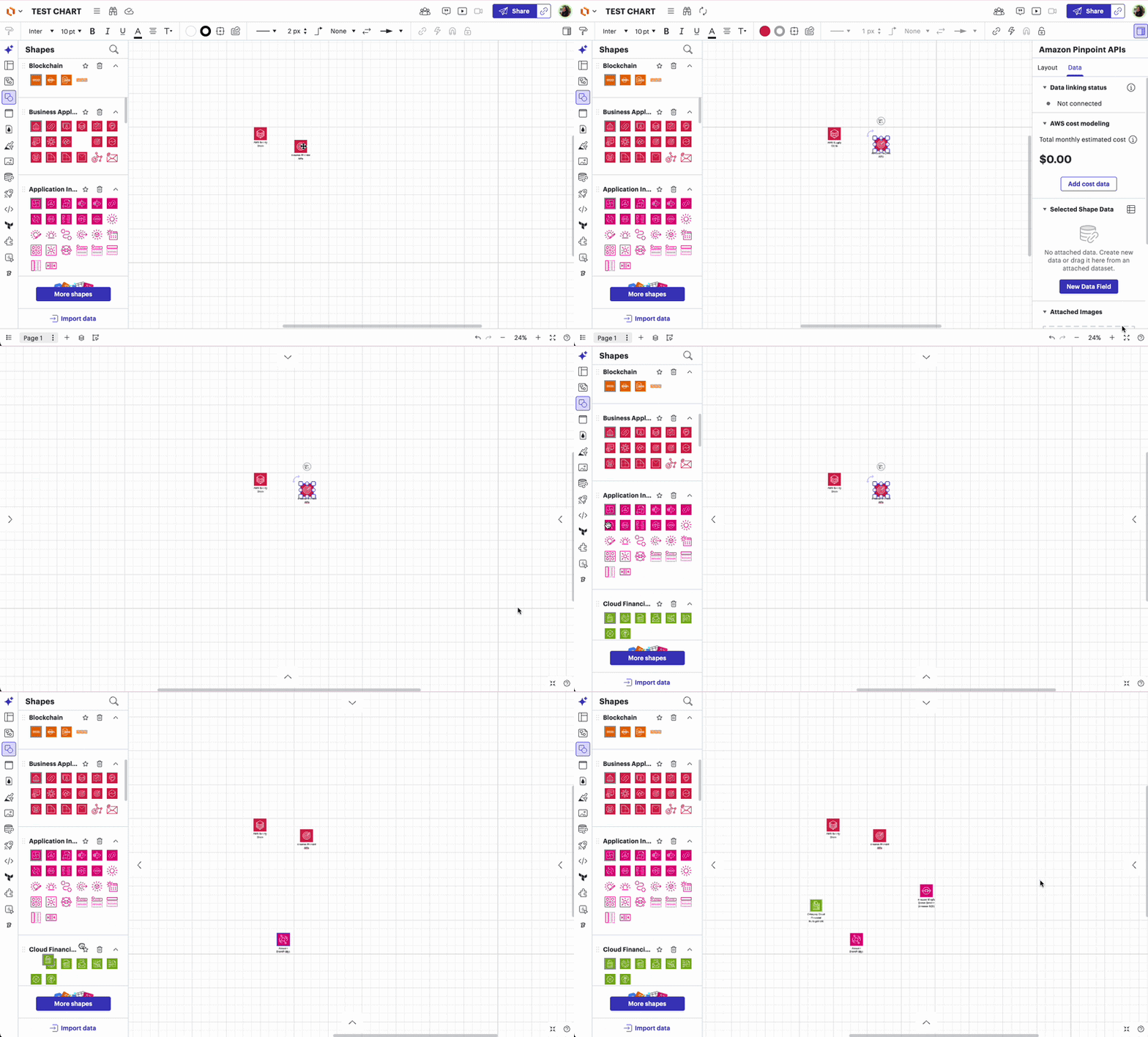
Whenever I select > 1 object in a Lucidchart drawing, the Multiple Objects tab automatically pops out from the right side of the screen. I must then click the tab show/hide toggle button to make it go away (to keep my workspace free of your control clutter). This is very, very annoying. How do I make it stop?
Solved
Contextual panel automatically opens when selecting shapes
 +1
+1Best answer by Suman Chatterjee
HI Clint,
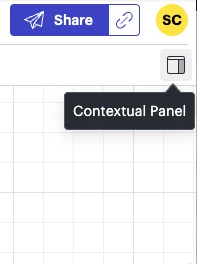
By “multiple objects tab” do you mean the contextual panel on the top right (see screenshot below) ?
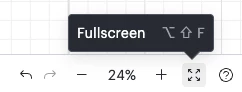
If yes, is this happening for specific shapes like third party shapes only ? I tried with some basic shapes and this didn’t happen. When the panel did open up after selecting multiple shapes and I clicked on the icon, next time onwards the panel didn’t appear. Are you experiencing something else ?
Thanks





Create an account in the community
A Lucid or airfocus account is required to interact with the Community, and your participation is subject to the Supplemental Lucid Community Terms. You may not participate in the Community if you are under 18. You will be redirected to the Lucid or airfocus app to log in.
Log in to the community
A Lucid or airfocus account is required to interact with the Community, and your participation is subject to the Supplemental Lucid Community Terms. You may not participate in the Community if you are under 18. You will be redirected to the Lucid or airfocus app to log in.
Log in with Lucid Log in with airfocus
or
Enter your E-mail address. We'll send you an e-mail with instructions to reset your password.
 Your privacy choices


