Oct 28, 2026 2:14 AM UTC

Unable to open any existing Lucidchart documents, but new documents work fine

Hi everyone,

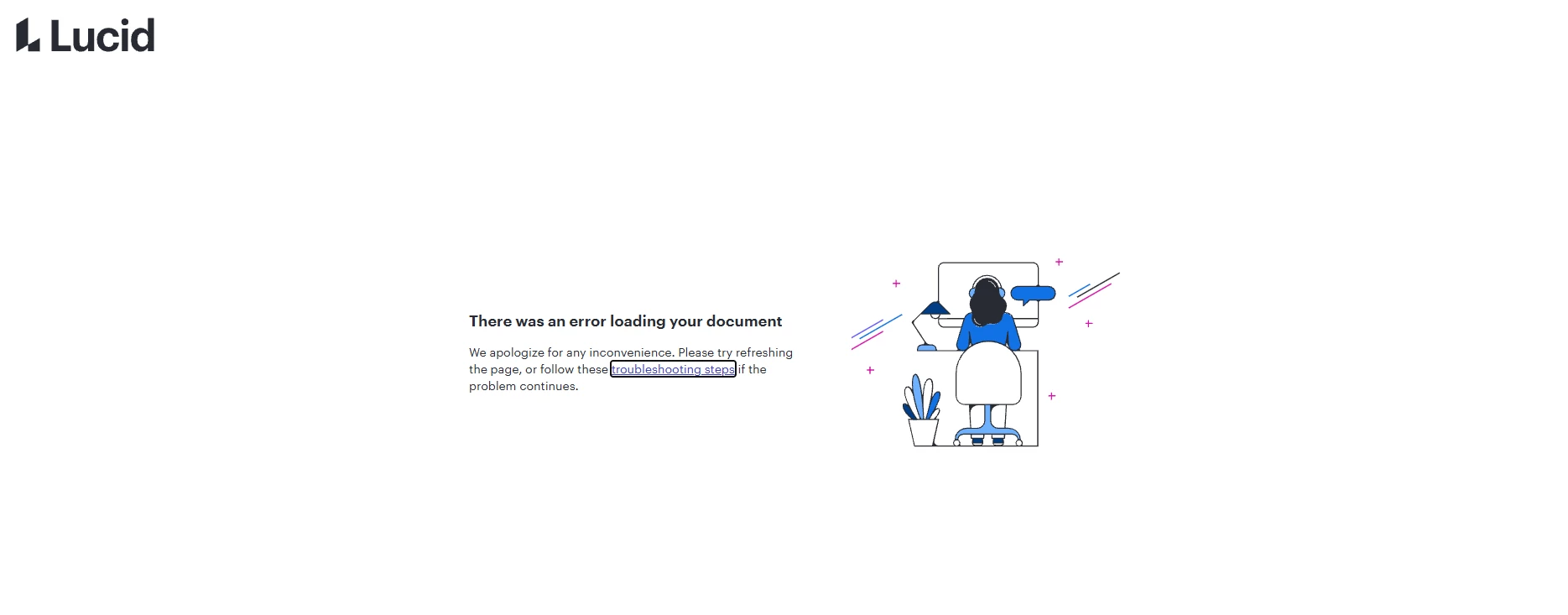
Whenever I try to open an existing Lucidchart document, I get the following error:

“There was an error loading your document”

This happens with every existing document I try to open. However, I can create and open new documents without any issues.

Browser: Google Chrome 156.0.8078.48 (Official Build, 64-bit)

I’ve attached a screenshot of the error for reference. Is anyone else experiencing the same issue? Are there any suggested troubleshooting steps or workarounds?


Comments

Zuzia S
Lucid community team
Oct 28, 2026 9:46 AM UTC

Hi ​@chen0305, thank you for posting in the Lucid community! I am sorry that you are experiencing issues when opening your documents and I’ll be happy to help.

First, I recommend trying the following steps. Sometimes account performance issues can be related to internet security/speed or browser issues. These steps will help us eliminate that possibility. 

  • Could you try opening your boards in a private or incognito window to help us narrow down the potential cause? For help with opening an incognito window, please see this  community post .
  • Could you also try connecting to a different network, different browser or disconnecting from your VPN (if applicable)?


If those don’t resolve the problem, can you please send the following information so I can take a closer look?

  • A screenshot of the associated Javascript Console output after reproducing the issue. You can open your JavascriptConsole by pressing Ctrl+Shift+J (if your computer is a Windows/Linux) OR Cmd+Opt+J (if your computer is a Mac).
  • A Technical Support PIN for your account. This PIN is safe to post in this thread because it is only accessible by members of the Lucid support staff. You can find steps for generating a Support PIN in this Lucid Help Center article: Generate a Lucid Support PIN.
  • A detailed description of the steps taken leading up to the issue. Could you please confirm whether you have tried opening documents both via the Lucid app and its Documents section, as well as when clicking on a document’s sharing URL?


Thanks in advance for your help and patience!

Translate
Oct 28, 2026 11:04 AM UTC

We are experiencing the same issue.

I analyzed the logs, and it looks like the Lucidchart editor fails when trying to load certain custom shapes. (yaml library for the custom shapes)

However, I suspect the root cause is an issue on Lucid's side rather than with the document itself.


Translate
Oct 28, 2026 11:12 AM UTC

The steps to reproduce are straightforward: simply open the file. The Lucidchart editor attempts to load the document but eventually fails with an error.

I've tried every possible workaround, including different browsers, incognito mode, and even another computer, but the issue persists.

This strongly suggests that the problem is on Lucid's side rather than being related to my browser or local environment.

I also noticed that other documents containing only basic shapes load without any issues.
This suggests that the issue may be related to how the Lucidchart editor handles custom shapes.

Translate
Oct 28, 2026 4:50 PM UTC

I have the same issue. I have one document that I have worked on for last few months, then today I could not open it. I have tried all the recommended fixes,

all other documents work fine. i made a copy and tried to open on mobile and still got same error

Translate
Oct 28, 2026 4:52 PM UTC

I get exact same on a single diagram that I am the owner of. Others can open. All suggested workarounds fail so far. Also get same error opening on mobile phone

Translate
Oct 28, 2026 7:09 PM UTC

Same issue 

Translate
Oct 28, 2026 7:17 PM UTC

Same issue I can’t open one that I am an owner, others can open it 


Translate