August 2, 2025
Solved

Scaled units incorrect in Lucidchart floorplan

  • August 2, 2025
  • 12 replies
  • 195 views

I want to draw a floor plan in meters but cannot change the units to m.
Thus I have drawn in cm and set the scale to 1cm : 1m

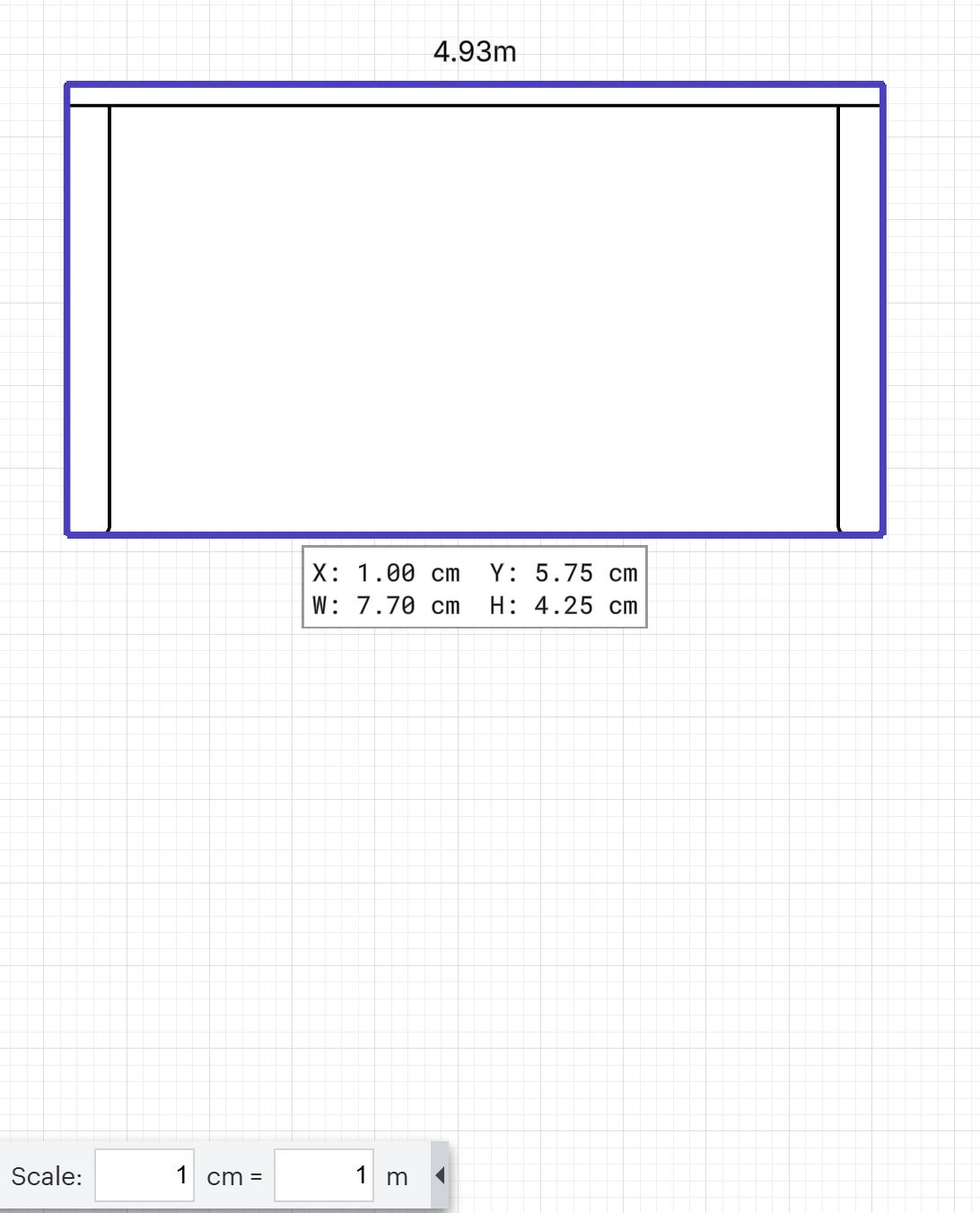
As can be seen below - 1cm does not correspond to 1m as the scale (bottom) suggests.
In fact the wall (4.93m) corresponds to the shape (7.7cm).

Seems to be a bug.


Best answer by Kelsey Gaag

Hi ​@cawoodm

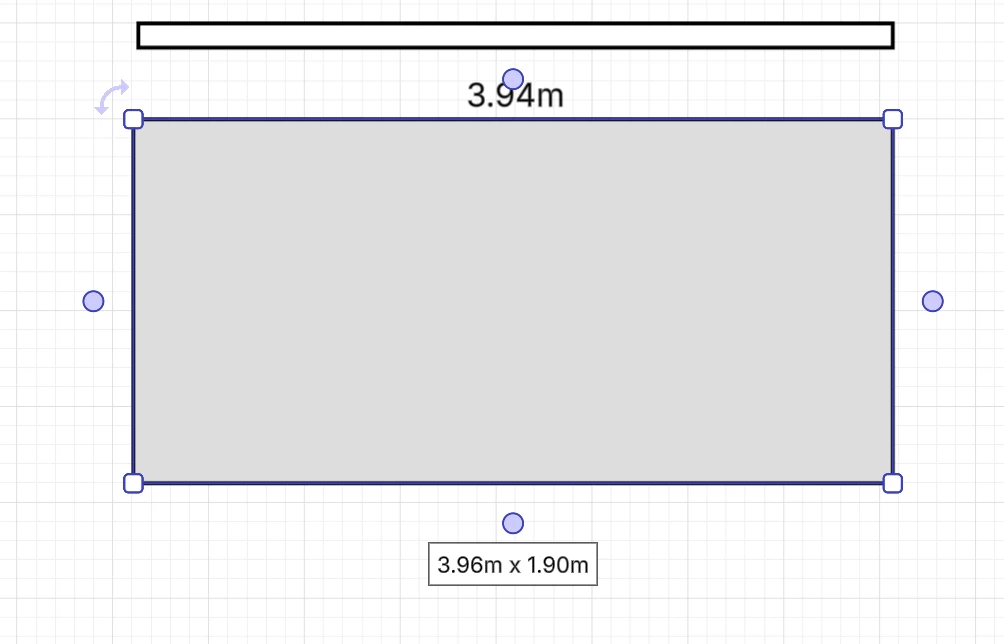
Thank you for the reply! Sorry for removing the links, it is our community policy so other users can’t access them and change your documents, even if they don’t contain sensitive information. I was able to check the link before removing however. It looks like the shape you are using in your screenshot is a regular rectangle shape and not a floor plan shape, which I believe is the reason for this discrepancy. If you use a floor plan shape, you will see the measurements are correct. I’m verifying with our team now to see if this is the intended behavior. 


Comments

cawoodmAuthor
August 13, 2025

I don’t feel you have really understood or reproduced the issue. I guess we will have to agree to disagree that 18m is 28cm on a 1cm:1m scale.

Kelsey Gaag
Lucidite
August 19, 2025

Hi ​@cawoodm, I don’t disagree that it should be match the scale. However, the scale option only applies to floor plan shapes and not any other regular shapes, which is the reason for the discrepancy. 

I’ve also converted this post to an idea so that it’s visible to others within the Product Feedback section of the community - from here, they can upvote it and add details of their own.

For more information on how Lucid manages feedback via this community, take a look at this post: