

This new Contextual Panel flyout panel feature opens on me constantly, and is extremely frustrating.
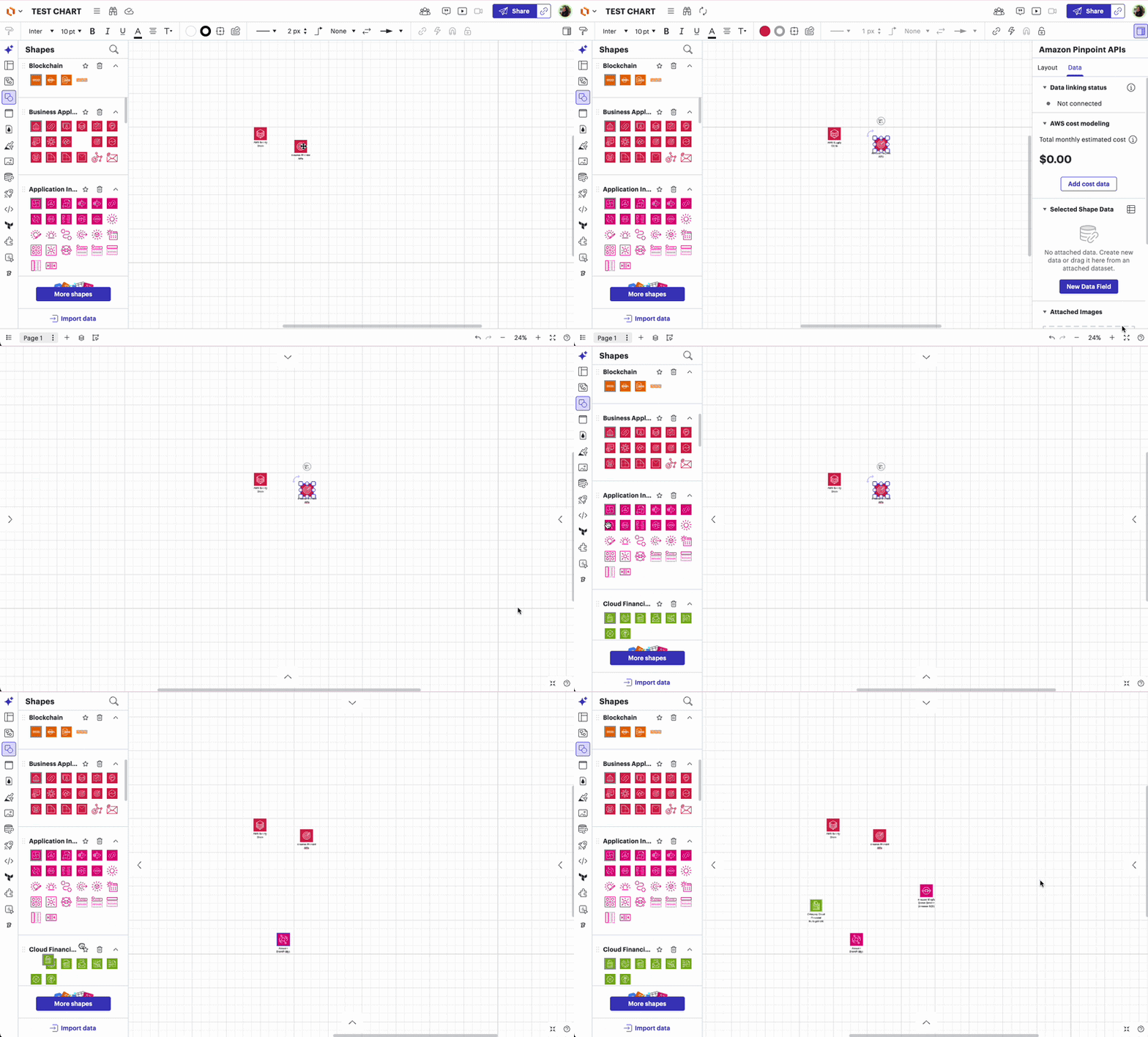
My diagrams make extensive use of the AWS objects from the Standard Library. Every time I select an object that Contextual Panel will fly out from the right edge, regardless of how many times I close it. There is no view menu option to disable this thing. I do NOT need to edit the data properties of these objects every time I select one. When working on a smaller screen, it is especially annoying.
To reproduce, create a new diagram and drop any of those AWS objects from the Standard Library. It’s likely triggered by others as well.
Please provide a method to disable this panel display. Most straightforward approach is to make it an optional toggle like the Layers panel.
Thanks!


 Your privacy choices


