
Lucidchart shows sync error "We couldn't sync your data. Click to try again"
Hi Community,
In Lucidchart, it is possible to edit data directly via the right‑hand context menu under Data, which then writes the changes back to the connected Excel file.
For me, this works fine (I am the owner of both the Excel file and the Lucidchart document).
However, when we tested this with a colleague, it did not work for her. As soon as she tried to edit data, all shapes showed the following error message:
“We couldn’t sync your data. Click to try again.”
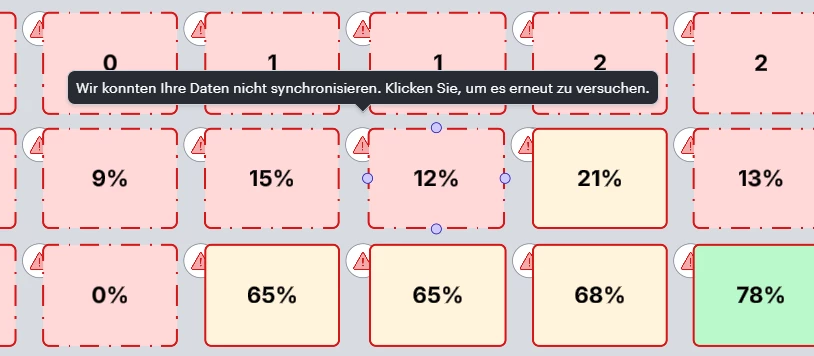
Clicking the message does not resolve the issue, and the data does not sync to Excel at all. The error message appears on each individual shape and only disappears after all connected data is removed and re-linked again.
Are there permission, ownership, or sharing restrictions that prevent collaborators from updating Excel data via Lucidchart? Or is this a known limitation?
Thanks a lot for any insights!

 Your privacy choices


