Solved

Lucidchart shows error on homepage

  • June 2, 2026
  • 1 reply
  • 28 views

Forum|alt.badge.img

Hello,


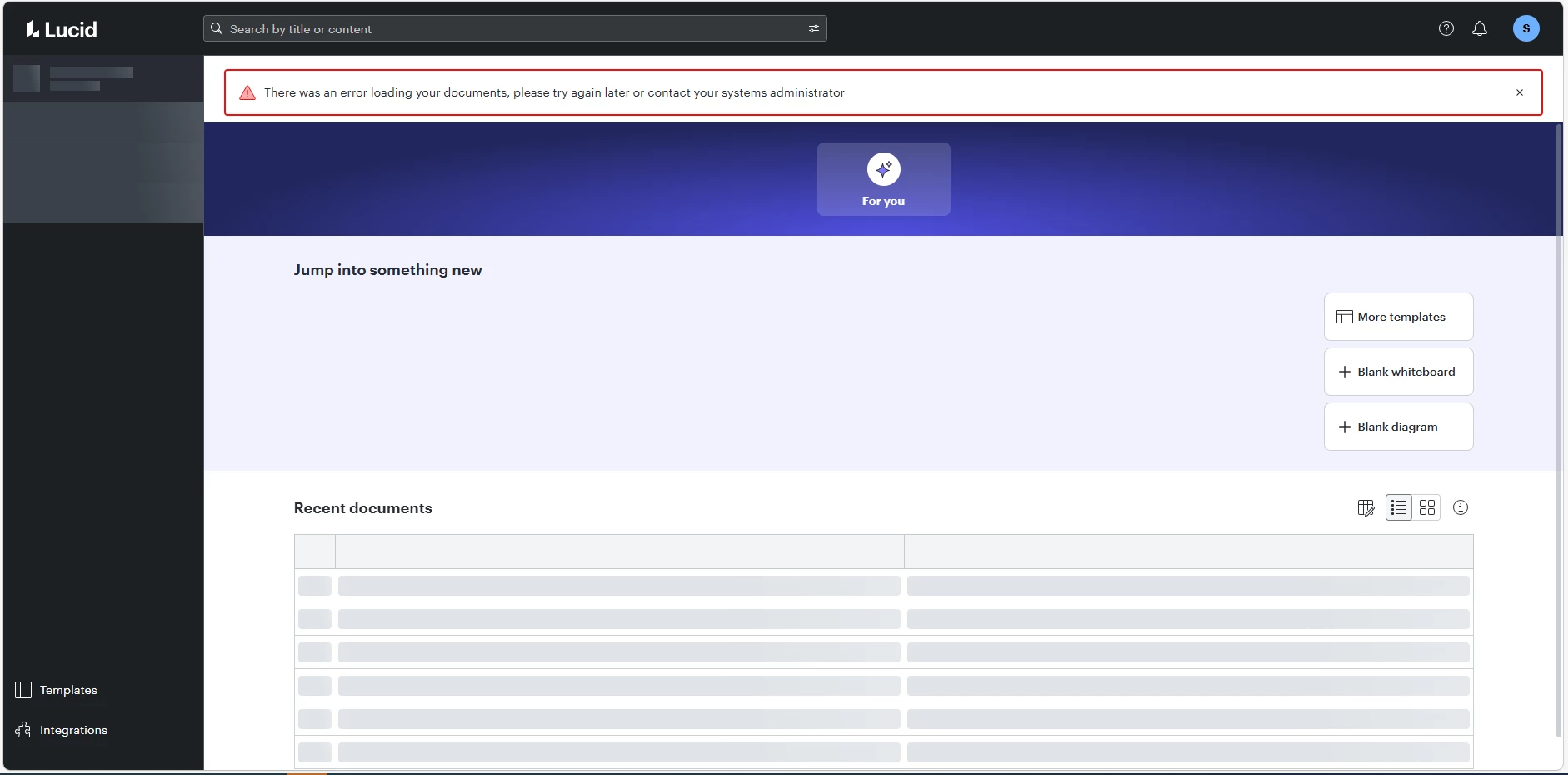
I logged into my Lucid Charts account today morning and I was presented with this screen. I cannot see any of my documents and no options to create a new document.


Can you tell me why my Lucid Charts is not working? Is this a known issue or is it only affecting my account?


Best answer by Zuzia S

Hi ​@sunny007, thanks for posting in the Community! I am sorry that you are encountering this issue and I’ll be happy to help.

Could you try opening your document in a private or incognito window to help us narrow down the potential cause? Could you also try connecting to a different network or disconnecting from your VPN (if applicable)? Sometimes account performance issues can be related to internet security/speed or browser issues. These steps will help us eliminate that possibility. For help with opening an incognito window, please see this community post.

If those don’t resolve the problem, can you please send a screenshot of the associated Javascript Console output after reproducing the issue? You can open your Javascript Console by pressing Ctrl+Shift+J (if your computer is a Windows/Linux) OR Cmd+Opt+J (if your computer is a Mac).

Thanks in advance for your help and patience!

Comments

Zuzia S
Forum|alt.badge.img+8
  • Lucid community team
  • Answer
  • June 2, 2026

Hi ​@sunny007, thanks for posting in the Community! I am sorry that you are encountering this issue and I’ll be happy to help.

Could you try opening your document in a private or incognito window to help us narrow down the potential cause? Could you also try connecting to a different network or disconnecting from your VPN (if applicable)? Sometimes account performance issues can be related to internet security/speed or browser issues. These steps will help us eliminate that possibility. For help with opening an incognito window, please see this community post.

If those don’t resolve the problem, can you please send a screenshot of the associated Javascript Console output after reproducing the issue? You can open your Javascript Console by pressing Ctrl+Shift+J (if your computer is a Windows/Linux) OR Cmd+Opt+J (if your computer is a Mac).

Thanks in advance for your help and patience!