
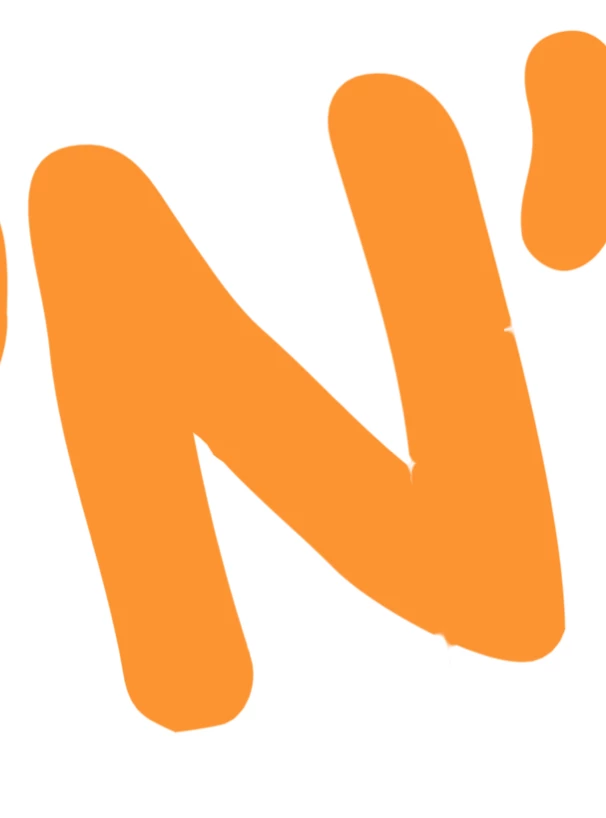
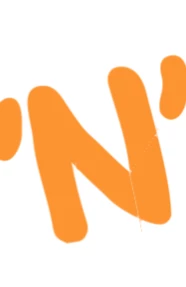
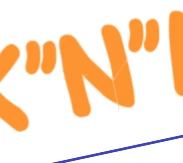
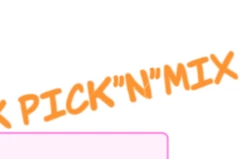
There’s a wierd line across letter N in Komika Hand font, due to poor vector edges. See:?
I know this is not the end of the world :)

 +1
+1There’s a wierd line across letter N in Komika Hand font, due to poor vector edges. See:?
I know this is not the end of the world :)
Best answer by Zuzia S
Could you let me know if the issue persists in a Chrome Incognito window, as well as when toggling WebGL off? This can be done by selecting View > Rendering > Use WebGL and un-selecting this option.
If the issue persists, would you mind sharing a temporary Document Support PIN for this document? This will help me take a closer look at the behaviour you are experiencing.
Best!
A Lucid or airfocus account is required to interact with the Community, and your participation is subject to the Supplemental Lucid Community Terms. You may not participate in the Community if you are under 18. You will be redirected to the Lucid or airfocus app to log in.
A Lucid or airfocus account is required to interact with the Community, and your participation is subject to the Supplemental Lucid Community Terms. You may not participate in the Community if you are under 18. You will be redirected to the Lucid or airfocus app to log in.
Enter your E-mail address. We'll send you an e-mail with instructions to reset your password.






 Your privacy choices


