Hi @AustinS, thank you for chiming into this thread and I am sorry that you are experiencing this issue!
Could you please try the following steps and let me know whether the issue persists then?:
- In Lucidspark navigate to the Excel icon in left toolbar > Select Settings

- In the Settings panel, select the kebab menu and unlink your account

- Refresh your browser
- Repeat the above steps to get to the kebab menu and select Link

- Select Authorize

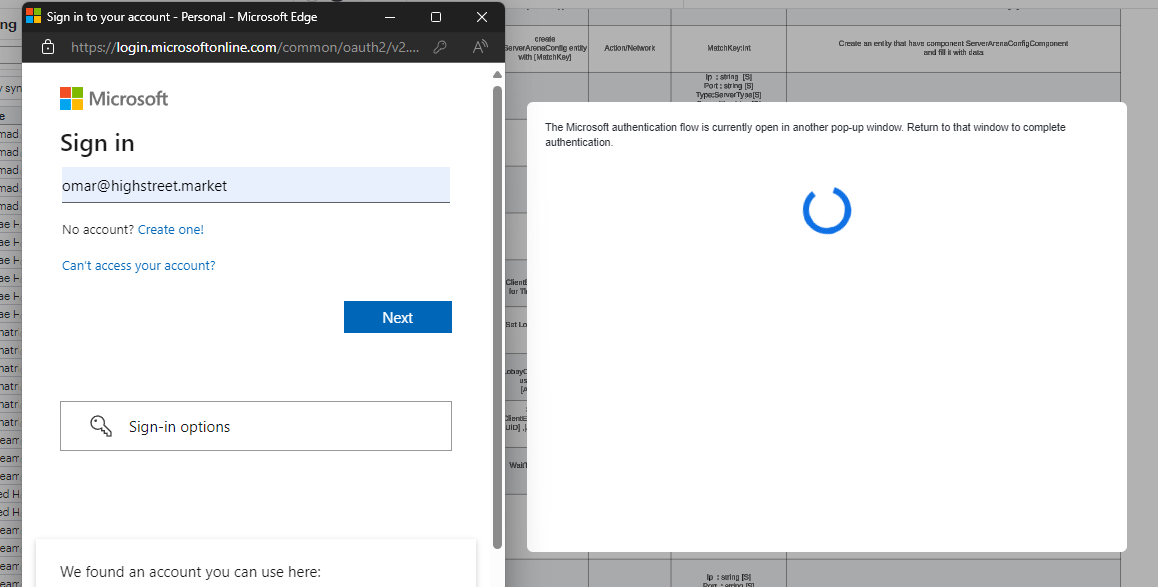
- Pick an account modal as it should display any previously logged in accounts
- Select the correct one or Use another account

- Continue login process
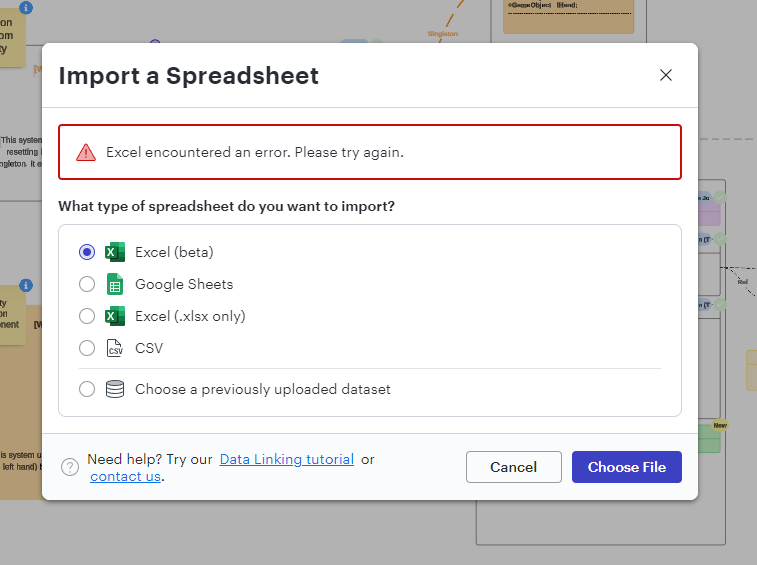
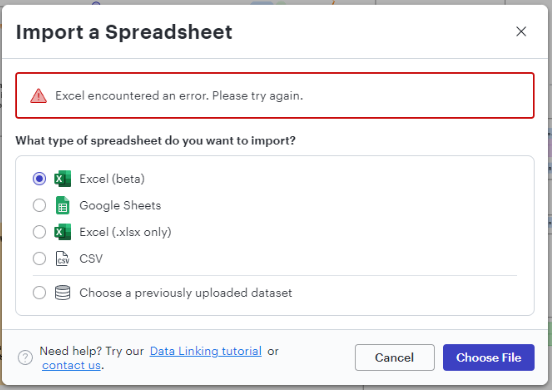
- Once logged in, try the import again
Please let me know how that goes. Thank you for your help and patience!






 Your privacy choices


