Solved

How to scale large diagrams for printing

  • May 14, 2026
  • 4 replies
  • 70 views

Forum|alt.badge.img+1

I’m sure this has been discussed, but I can’t come across the answer… I currently use Word to create swimlane diagrams and have to be aware of the size of my boxes so that when I print a hard copy the text in the boxes can be read.

I finished my first Lucid swimlane and when I print everything as a PDF it scales down so that nothing can be read. What is the solution to this? We need to be able to print these so end users/auditors can hold them to use them.


Best answer by Zuzia S

@HelloHelloHello Thank you for your patience!

Our development team has let me know that the issue should now be resolved. I’m sorry for any inconvenience this may have caused. 

If you’re still seeing the issue or have any other questions, feel free to reach out. I’m happy to help!

Comments

Humas1985
Lucid Legend Level 10
Forum|alt.badge.img+24
  • Lucid Legend Level 10
  • May 14, 2026

Hi ​@HelloHelloHello 

Lucidchart does not automatically preserve readability when a large diagram is printed onto a single PDF page; it typically scales the entire diagram down to fit the page size.

A practical solution is to increase the page size and/or adjust the print scaling settings under File → Page Settings before exporting or printing

To learn more - Scaling Lucidchart Documents for Printing | Community

Hope this helps !!


Forum|alt.badge.img+1

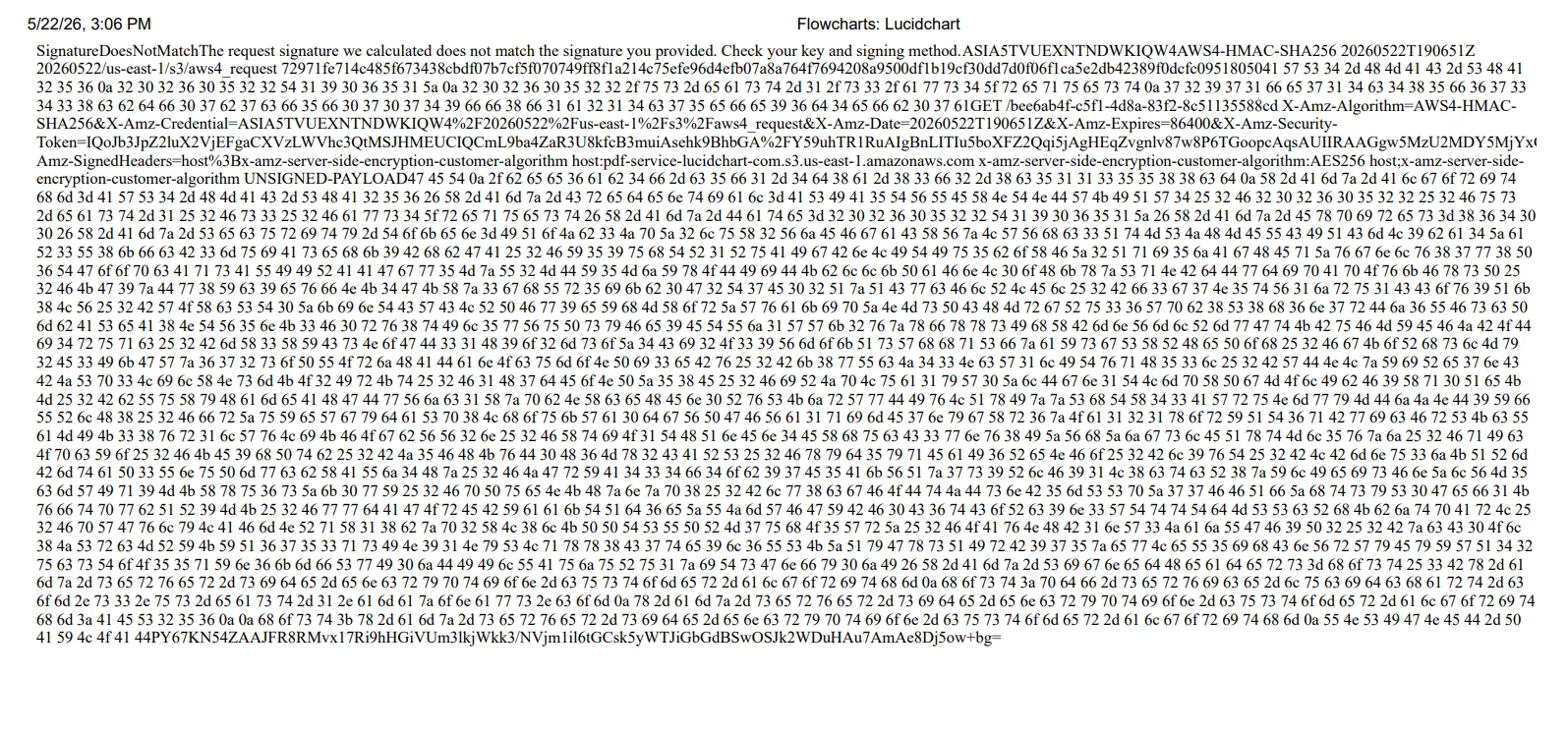
Thanks. I’m almost there! But when I print, this is what I get.


Leianne C
Forum|alt.badge.img+15
  • Lucid support team
  • May 25, 2026

Hi ​@HelloHelloHello thank you for posting in the community. I believe you have identified a bug with printing, and I have reported this to our development team.

As a workaround, you can Export your Lucid document and then print the exported document. 

I apologize for any disruption this may cause, and I will update this thread with any new information about a fix. Please follow along on this thread for updates, and post any additional questions or concerns below. 


Zuzia S
Forum|alt.badge.img+8
  • Lucid community team
  • Answer
  • June 12, 2026

@HelloHelloHello Thank you for your patience!

Our development team has let me know that the issue should now be resolved. I’m sorry for any inconvenience this may have caused. 

If you’re still seeing the issue or have any other questions, feel free to reach out. I’m happy to help!