
Solved
How to adjust zooming with a Macbook trackpad in Lucid documents
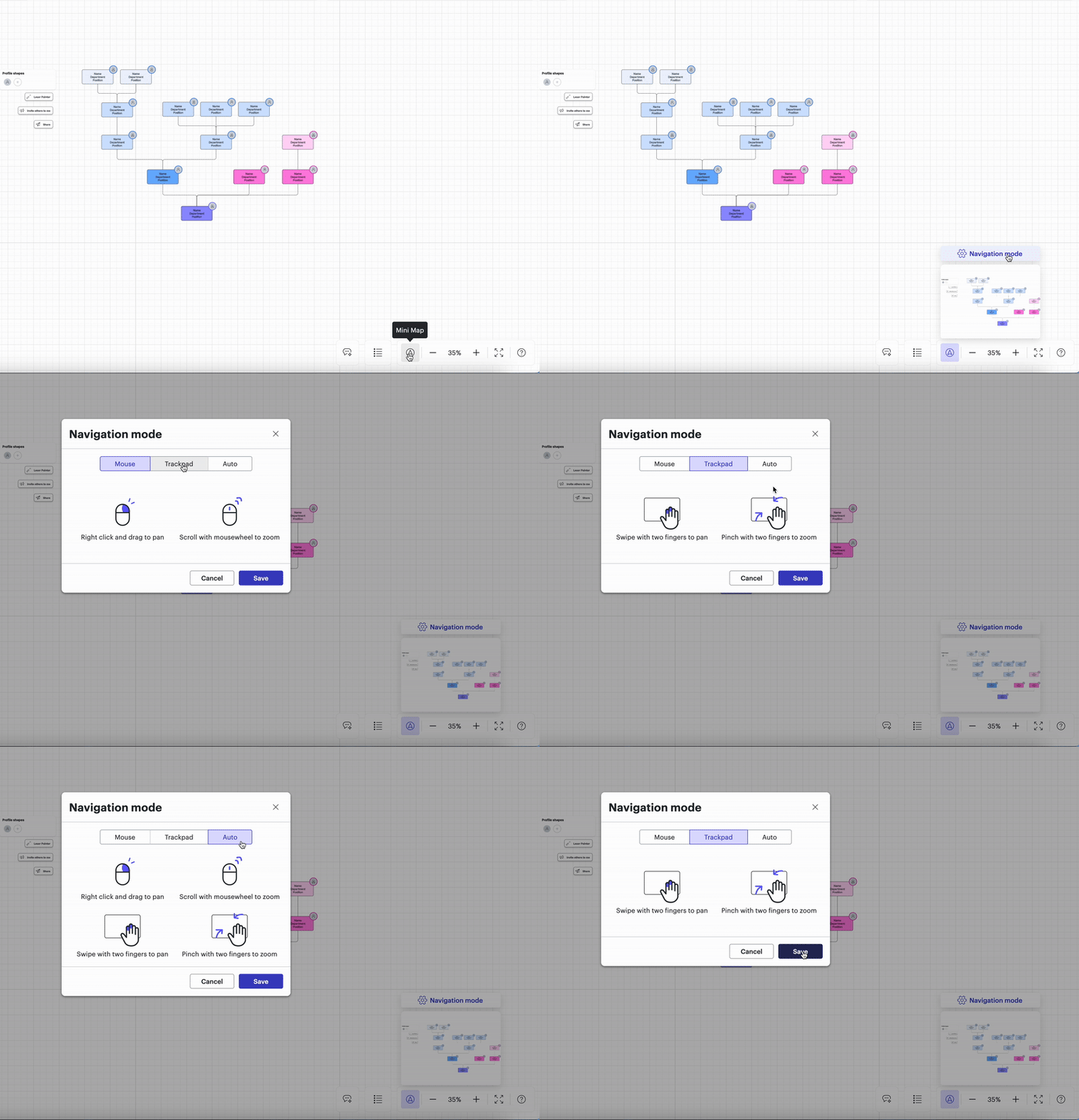
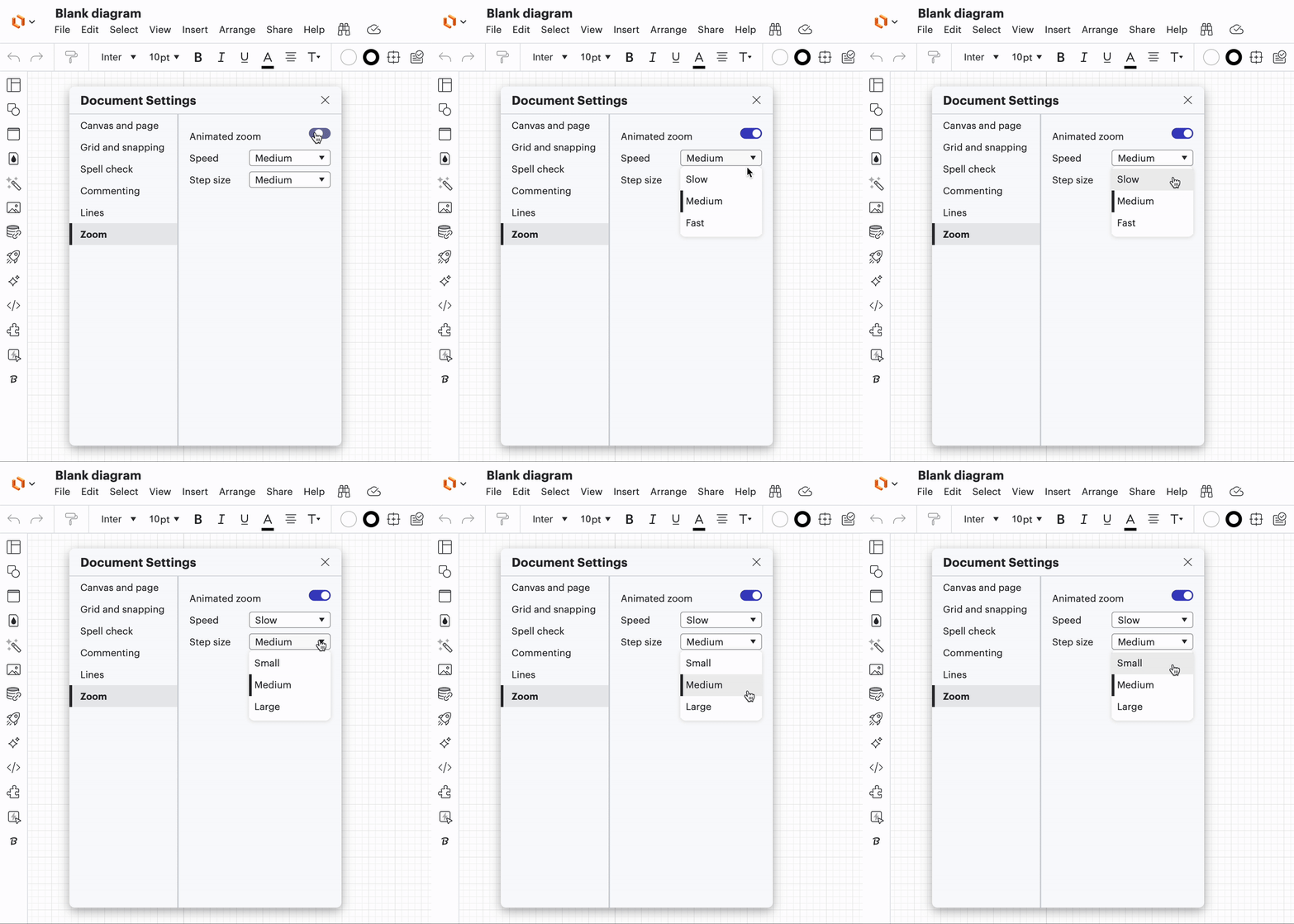
On a macbook (15.3.2), I use 2 fingers (together) on trackpad to move around the canvas. 2 fingers in a spreading motion zooms in/out. When I keep my fingers very close, it still registers as zooming and is extremely sensitive causing my to loose my spot. Is there a way to disable zooming via trackpad? This would improve navigation, and then I would use command+ or command- solely for zooming.

 Your privacy choices


