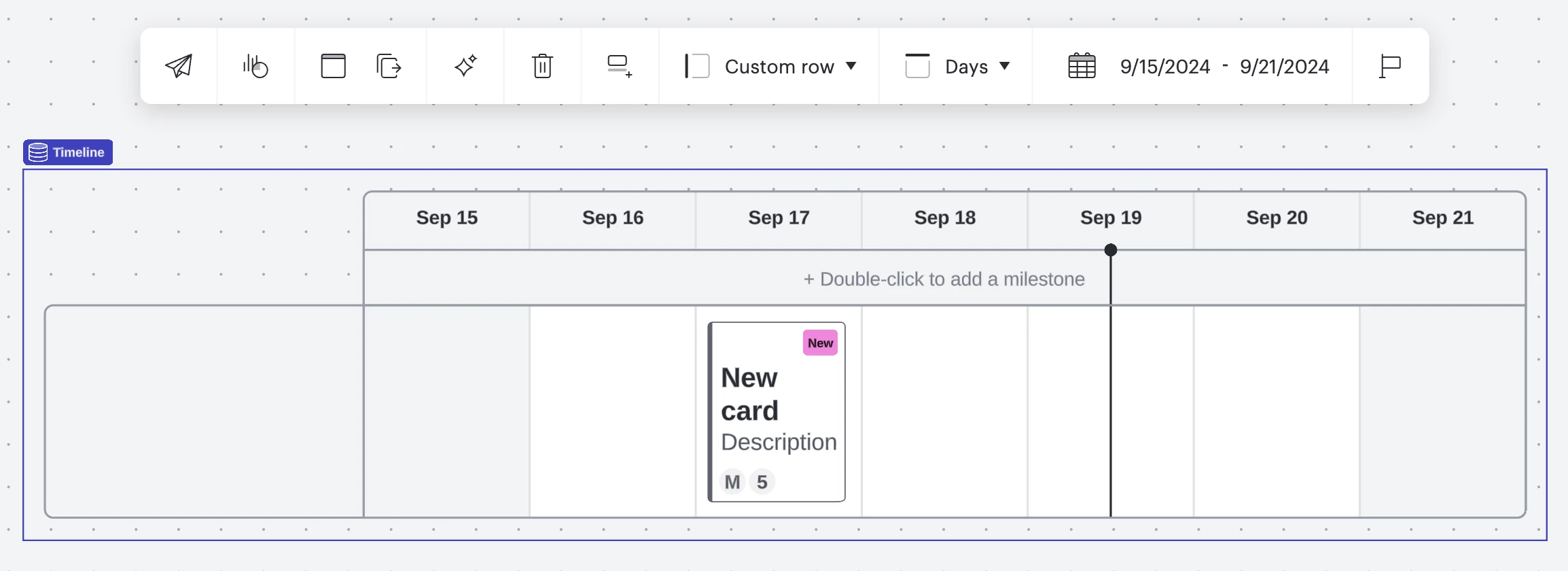
I am using the “Action Plan with Smart Containers Example” template to create project plans for my various projects. However, when I add cards to my action plan section, it is not updating the bar or pie chart in the summary. What am I missing?
Ideally I want to do a tab for each project and then eventually create a tab with “All Projects” to show where I’m at overall, not just based on projects.
We do not have JIRA or AzDO to leverage so I’m using this in place of tracking work and bandwidth.
How do I update the pie chart summary of a project in Lucid?
Best answer by Leianne C
Hi

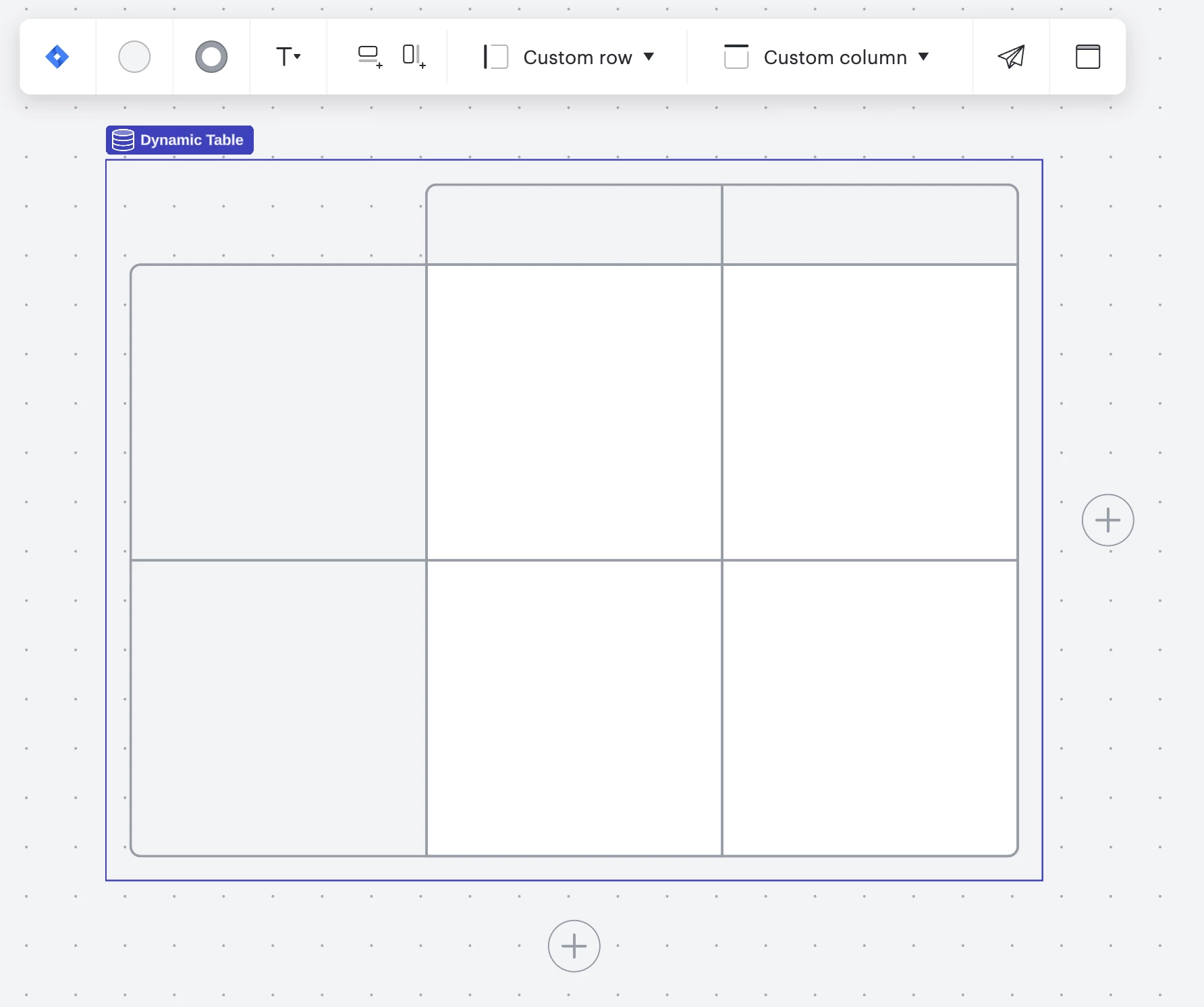
You can also use a Dynamic Table to plan your work visually and use the features such as progress bar and pie chart shapes outlined in this Help Center article to track your progress.

I hope this helps. Feel free to let me know if you have any questions about these features!
Create an account in the community
A Lucid account is required to interact with the Community, and your participation is subject to the Supplemental Lucid Community Terms. You may not participate in the Community if you are under age 18. You will be redirected to the Lucid app to log in.
Log in to the community
A Lucid account is required to interact with the Community, and your participation is subject to the Supplemental Lucid Community Terms. You may not participate in the Community if you are under age 18. You will be redirected to the Lucid app to log in.
Log in with Lucid
Enter your E-mail address. We'll send you an e-mail with instructions to reset your password.