I am having a similar issue. I can select a column of employee boxes and go to Arrange > Match size > Width and Height but it does not fix an odd spacing between one at the top and the other below in a hierarchy. 
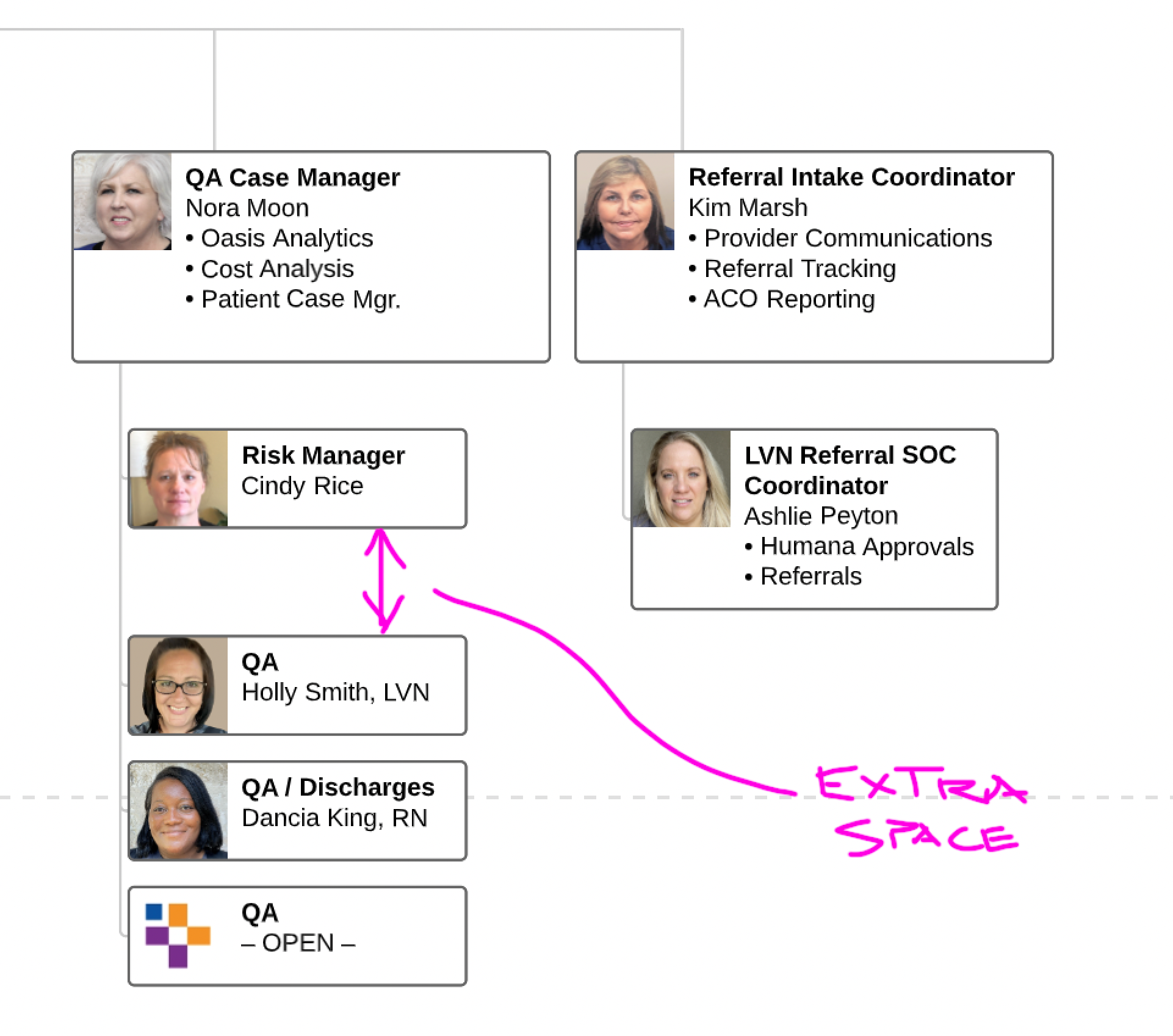

How can I fix the spacing between employee boxes in org charts?
Best answer by Micah
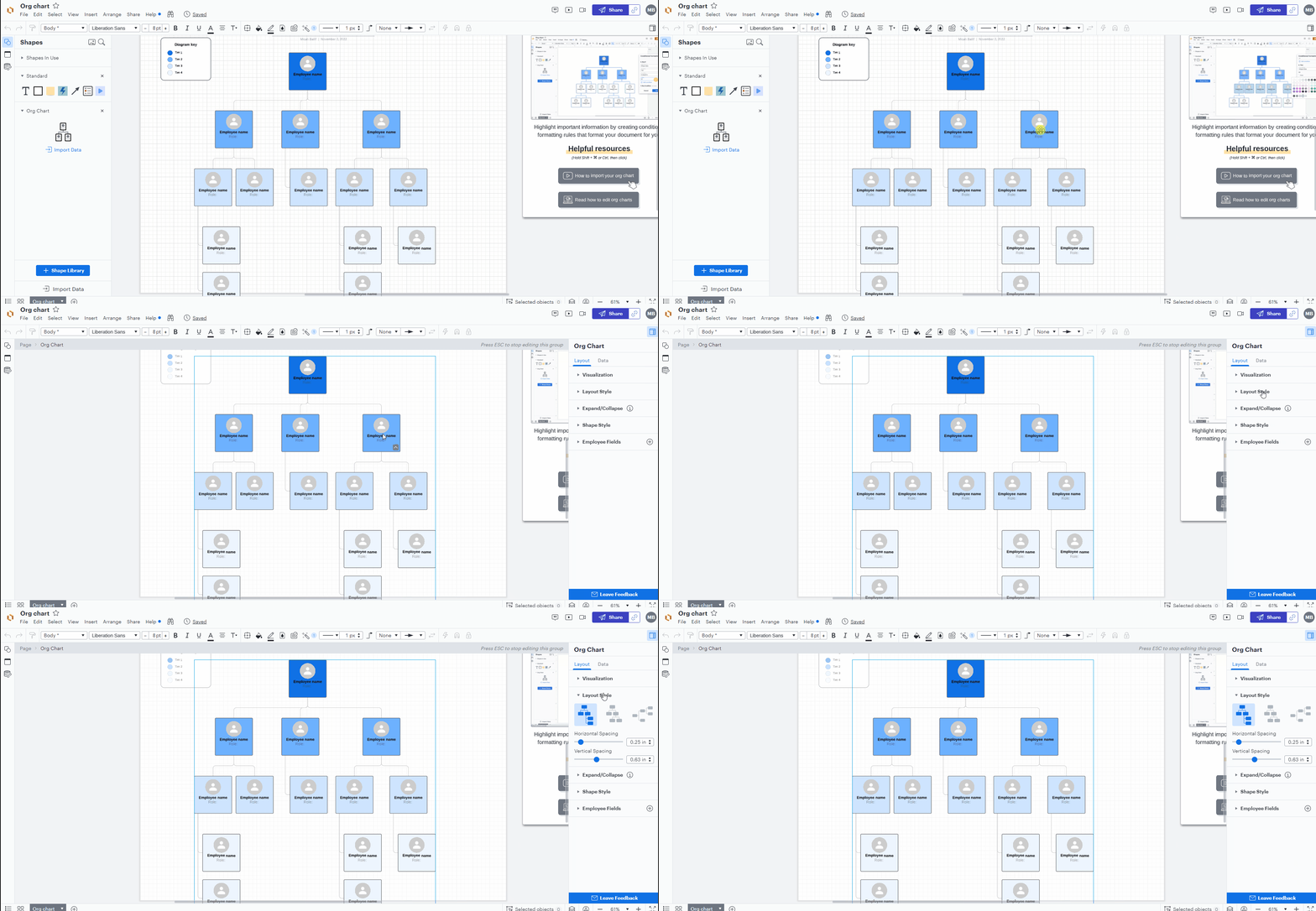
Hi Timothy thanks for getting back to me. Are you able to get the Org Chart panel to appear at all? It should automatically expand on the right side of the editor after double-clicking on your org chart and opening editing mode as shown in the GIF below:

If you're able to successfully open the panel do you simply not see a Layout Style dropdown menu? A screenshot of what you're seeing would be very helpful!
Create an account in the community
A Lucid or airfocus account is required to interact with the Community, and your participation is subject to the Supplemental Lucid Community Terms. You may not participate in the Community if you are under 18. You will be redirected to the Lucid or airfocus app to log in.
Log in to the community
A Lucid or airfocus account is required to interact with the Community, and your participation is subject to the Supplemental Lucid Community Terms. You may not participate in the Community if you are under 18. You will be redirected to the Lucid or airfocus app to log in.
Log in with Lucid Log in with airfocus
Enter your E-mail address. We'll send you an e-mail with instructions to reset your password.