
Solved
Formatting toolbar missing in Lucidchart
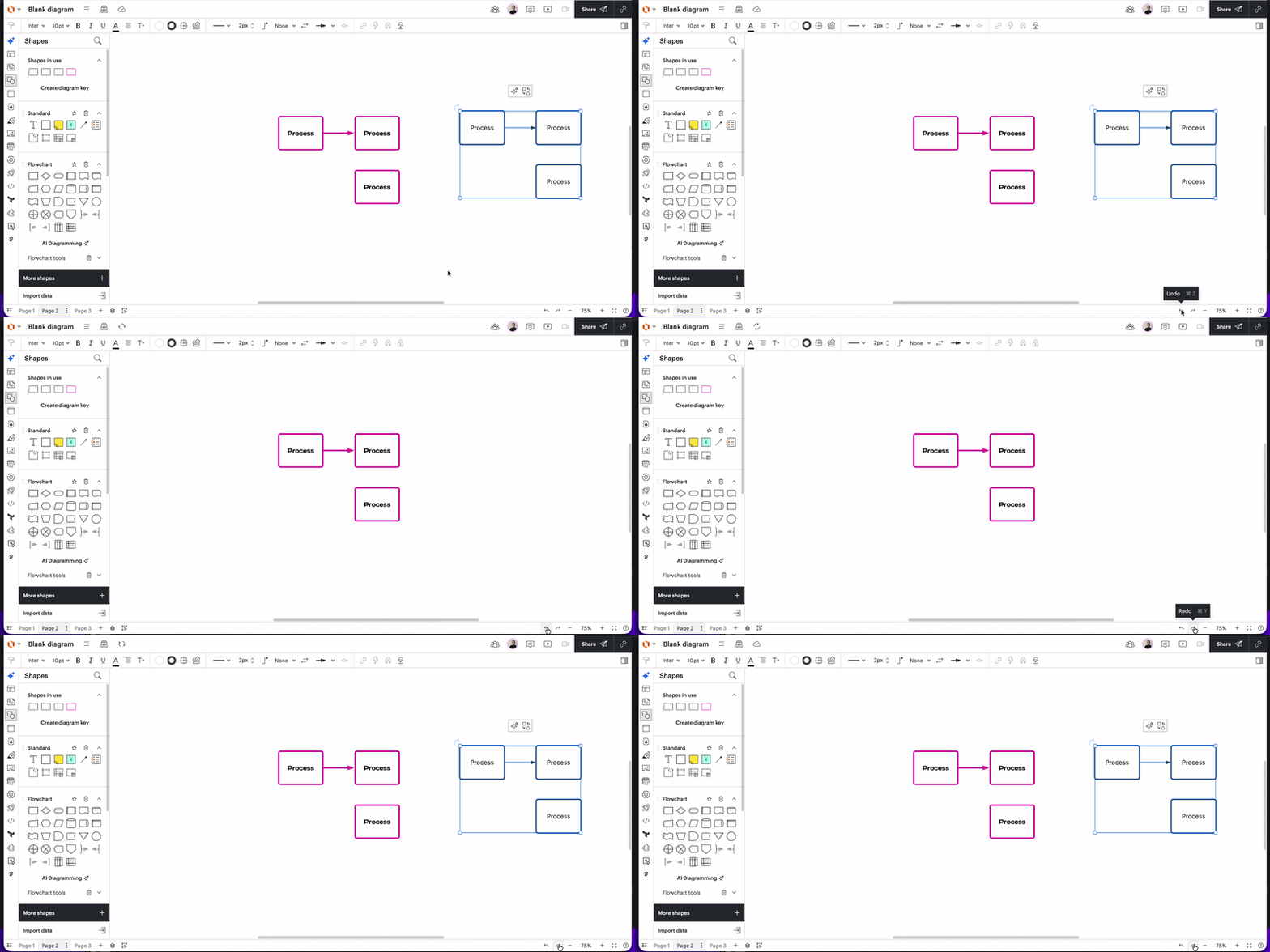
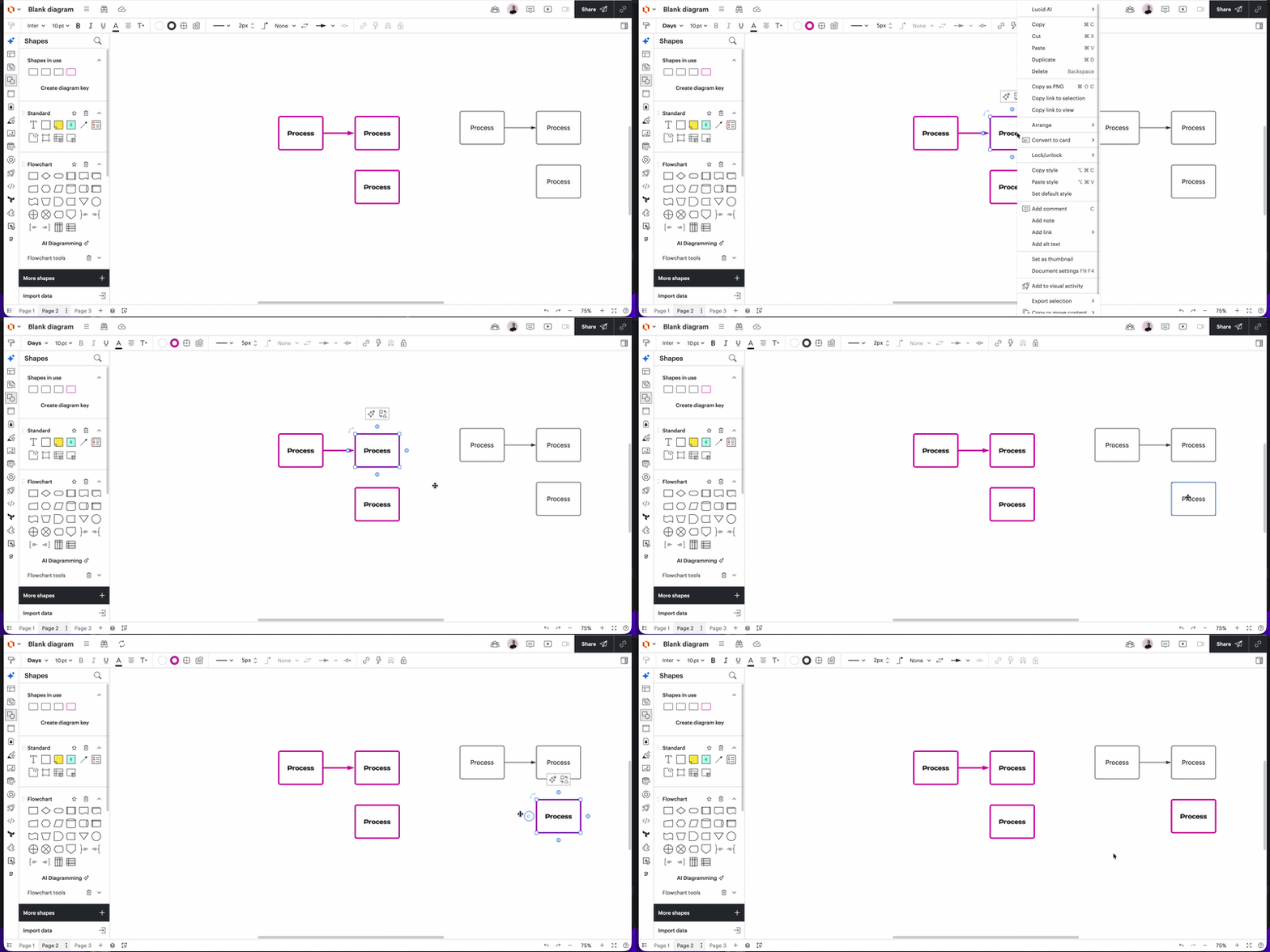
I haven’t used LucidCharts in a month or so and going into it now, the Formatting Toolbar is completely missing and there’s no option to toggle it on/off. This is immensely frustrating as the Format Paint tool was one I used often and now it’s embedded waaaay within the Shape properties dialog box.
Has anyone else noticed this?
Is there a workaround to get the toolbar back or add shortcuts etc? This also means the undo/redo buttons and others aren’t available to use.
It looks like the AI integration in the contextual floating toolbar has resulted in the permanent formatting toolbar at the top of the screen being completely hidden/removed.

 Your privacy choices


