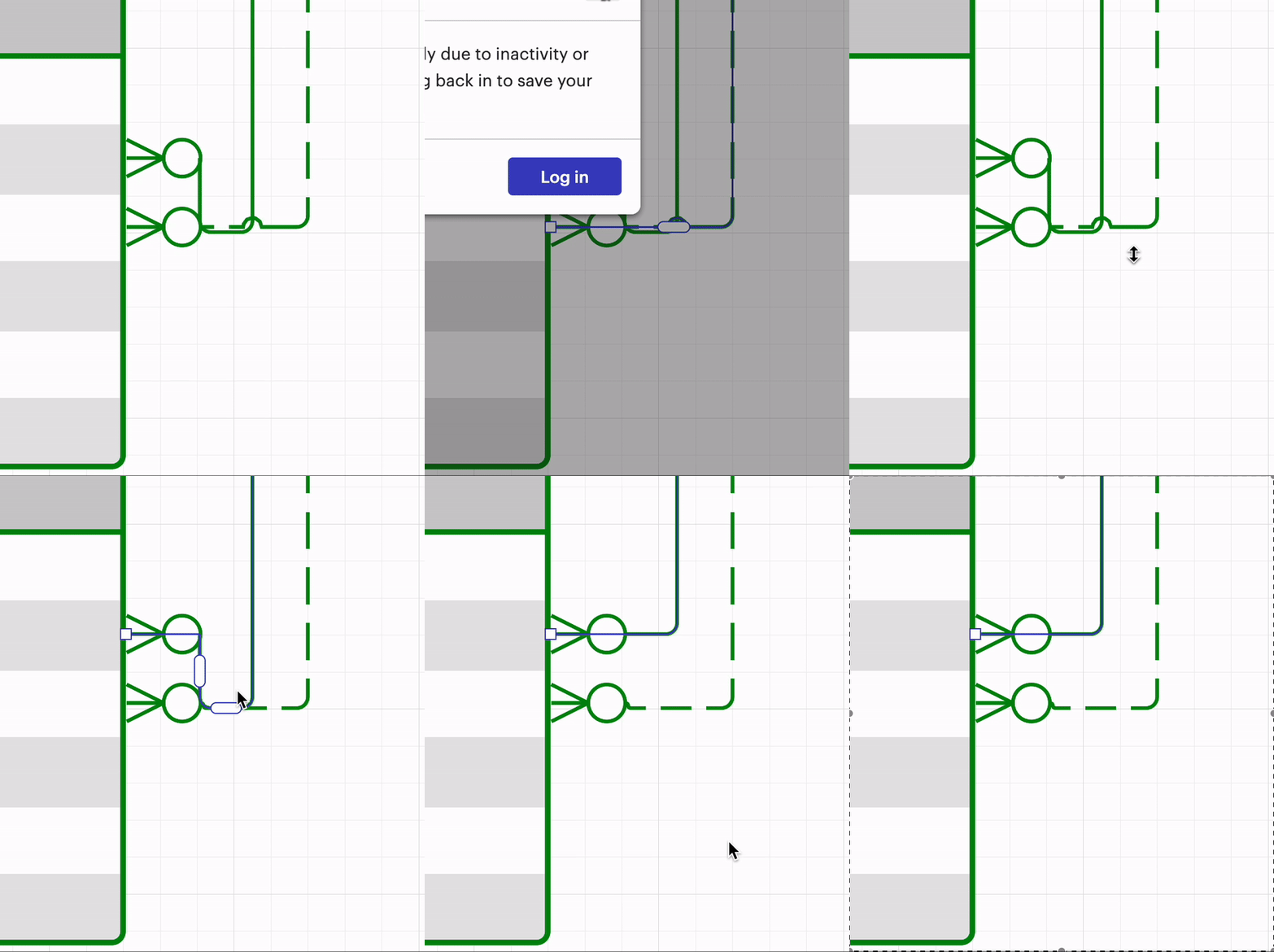
Answer

ERD relationships lines BUG

  • October 22, 2024
  • 9 replies
  • 67 views

Forum|alt.badge.img+2

After reopening the diagram or just after adding another field to a connected table, the lines get messed up. It’s very very very disappointing for me, given the fact that this is a pricy product…
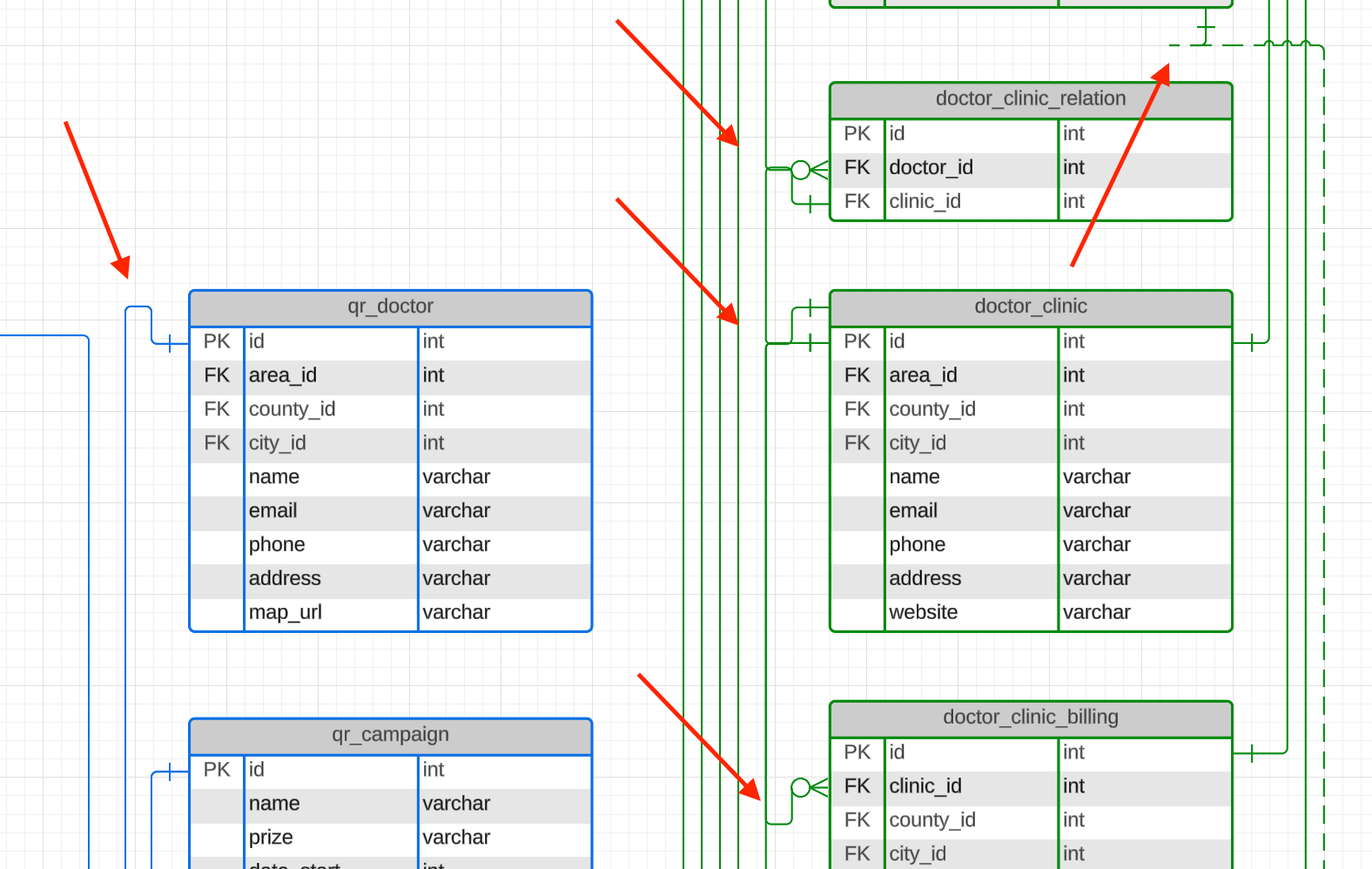
 

Please fix this.

Best answer by Kelsey Gaag

Hi @horas

Thank you for providing that support pin! I unfortunately was not able to replicate this issue on my end. Can you try the following to see if this resolves the issue on your end? 

  • Create a copy of the document 
  • Adjust the lines
  • Refresh

Do you still see the issue after following these steps?


Comments

Kelsey Gaag
Forum|alt.badge.img+16
  • Lucidite
  • October 22, 2024

Hi @horas

Thank you for your post! Does this issue occur in all your documents? Does this issue persist in an incognito window? 

Can you send a screenshot of the associated Javascript Console output? You can open your Javascript Console by pressing Ctrl + Shift + J (if your computer is a Windows / Linux) OR Cmd + Opt + J (if your computer is a Mac).


Forum|alt.badge.img+2
  • Author
  • October 24, 2024

I’ve attached a screenshot with the JavaScript console output.


Kelsey Gaag
Forum|alt.badge.img+16
  • Lucidite
  • October 24, 2024

Hi @horas

Thanks for the reply and providing that screenshot! Can you confirm that you tried an incognito window? Does this issue occur in other documents or just one? 

Can you try toggling WebGL off? This can be done by selecting View > Rendering > Use WebGL and un-selecting this option


Forum|alt.badge.img+2
  • Author
  • October 29, 2024

Hi,

The incognito window does not fix the issue.

Toggling WebGL off does not fix the issue.


Kelsey Gaag
Forum|alt.badge.img+16
  • Lucidite
  • October 29, 2024

Hi @horas

Thank you for the reply! Are you importing your data from a source to create this ERD?


Forum|alt.badge.img+2
  • Author
  • October 29, 2024

No, it’s been created using Lucidchart.


Kelsey Gaag
Forum|alt.badge.img+16
  • Lucidite
  • October 29, 2024

@horas, thank you for clarifying! Can you please send a temporary Support PIN for this document? This will allow me to take a closer look at the issue you’re experiencing. For more information on generating a Support PIN, check out this Help Center article. This is a pin only our support team can access. 


Forum|alt.badge.img+2
  • Author
  • October 30, 2024

Hi @Kelsey Gaag,

I’ve sent you the support pin via private message.

Thank you!


Kelsey Gaag
Forum|alt.badge.img+16
  • Lucidite
  • Answer
  • October 30, 2024

Hi @horas

Thank you for providing that support pin! I unfortunately was not able to replicate this issue on my end. Can you try the following to see if this resolves the issue on your end? 

  • Create a copy of the document 
  • Adjust the lines
  • Refresh

Do you still see the issue after following these steps?