

Lucid Cards in Excel: "Comment Only" mode stuck on progress bar
I have been exploring the new feature for embedding repo content within Excel. If I select the “view only” option, the content is embedded without issues.
The Edit option is greyed out, which makes sense.
When using the “Comment only” option and pressing the Insert button the embed panel becomes greyed out, and it just sits there doing nothing. You have to find the Lucid control button in the top left corner to be able to delete the panel from the screen, or right click on the panel to do refresh, go through the document selection process again. 2nd time through it looks like its working, but it just sits with the splash screen and the orange progress bar that gets to about 85/90 % and stays there.
I was having similar issues with PowerPoint, but after getting something to embed there in View only mode, the next time through in Comment mode works OK.
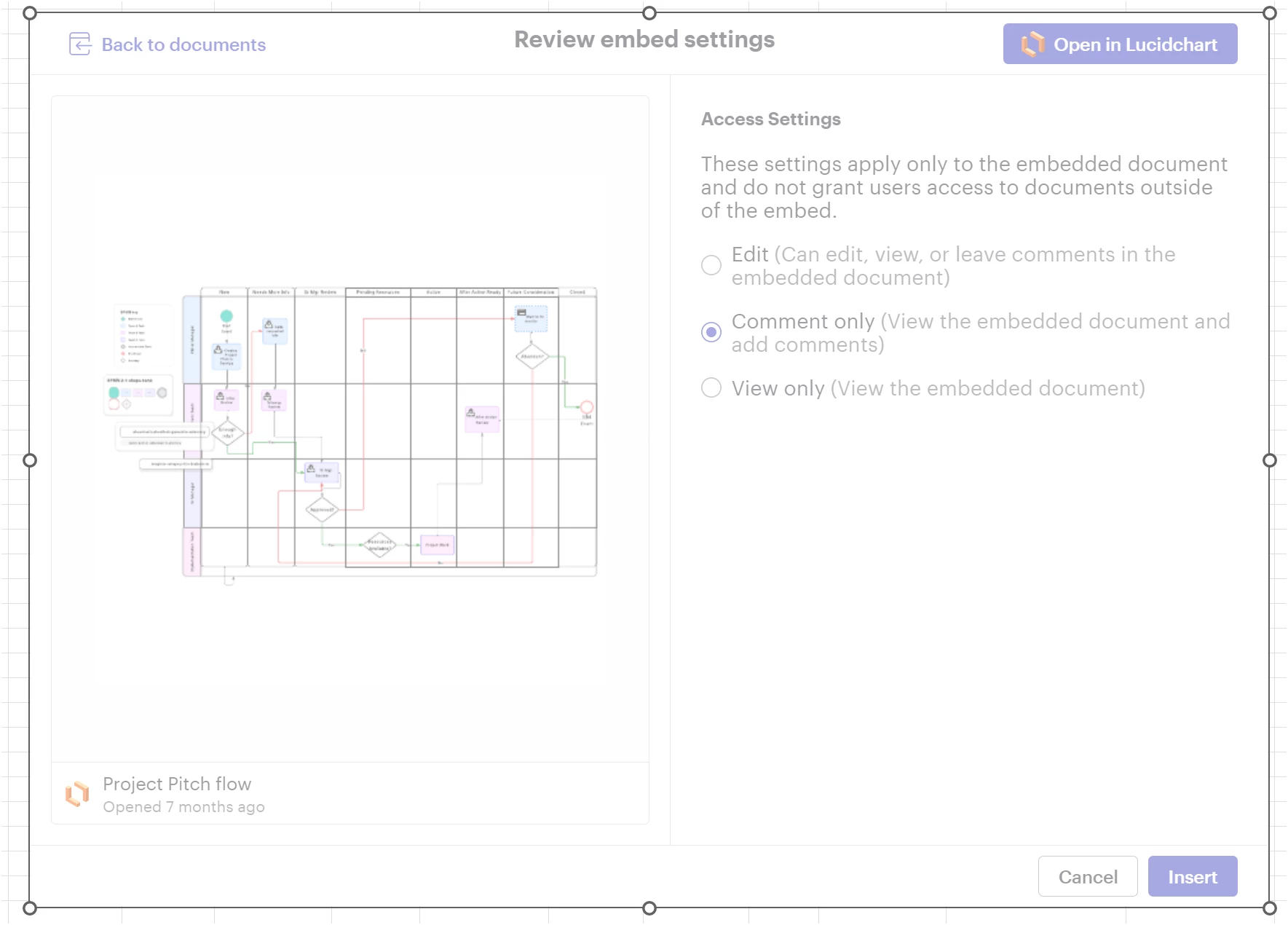
opening the debugger shows this info in the Console

after refreshing/reselecting a repo doc, it gets further 2nd time around, but still hangs. Nothing happens when trying the Attach Debugger this time around.
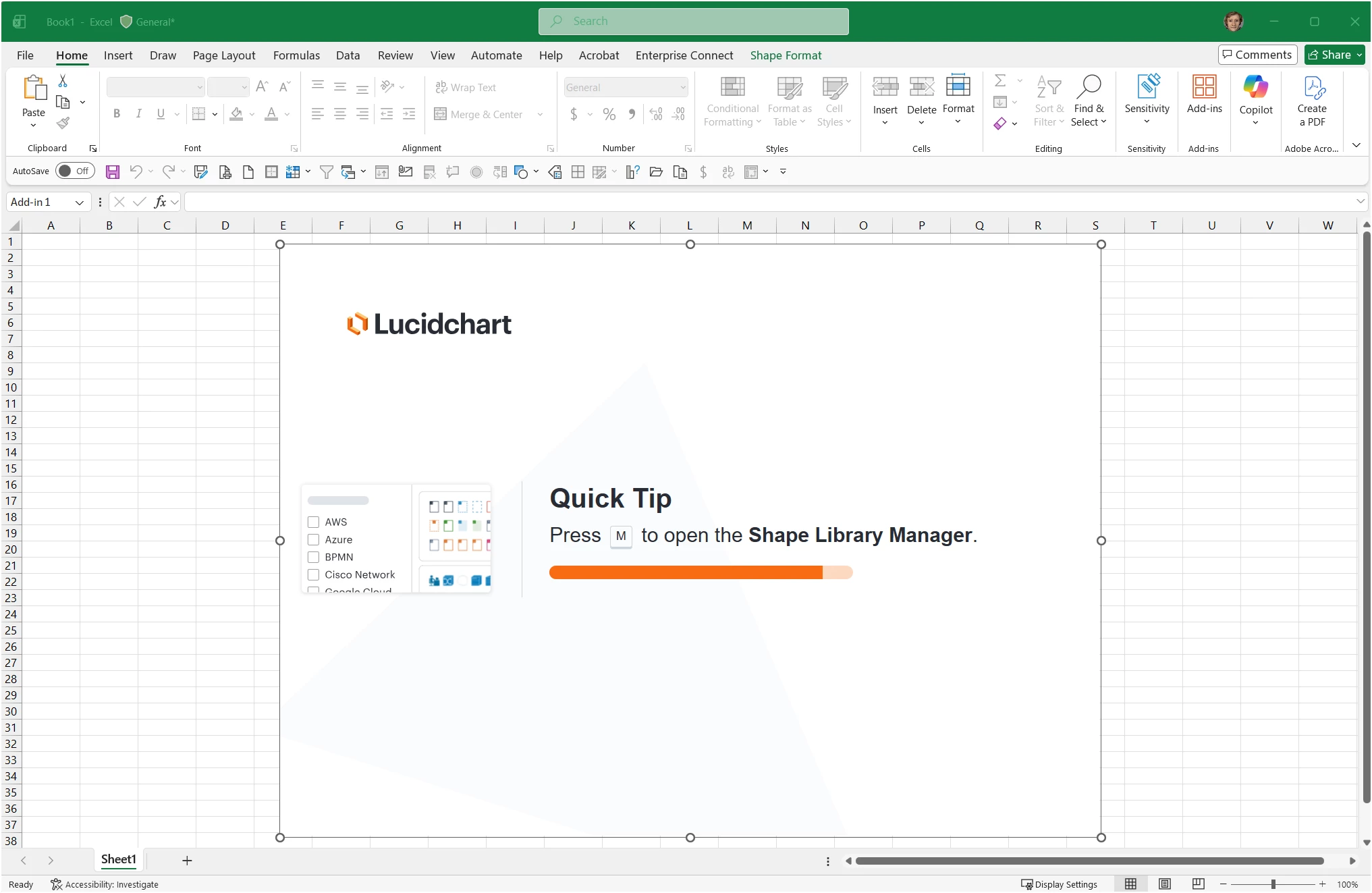
Refreshing again will finally embed the content but there’s a black message bar asking for a refresh.
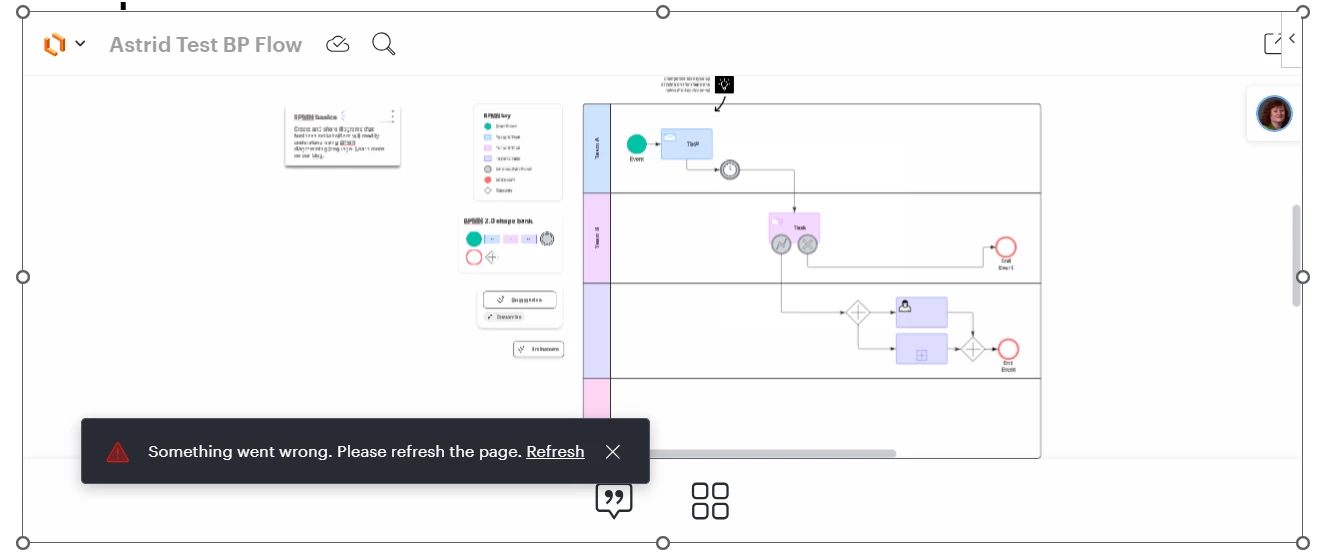
again, nothing with the Attach Debugger, using the refresh link on that message finally gets a clean embed.
It shouldn’t have to take this many steps to embed the content. Furthermore, the Add New Comment feature doesn’t actually work - 2nd question to be submitted shortly.
 Your privacy choices


