Answer

Custom Hover Text with Multiple Shape Data Elements

  • November 18, 2024
  • 1 reply
  • 74 views

Forum|alt.badge.img

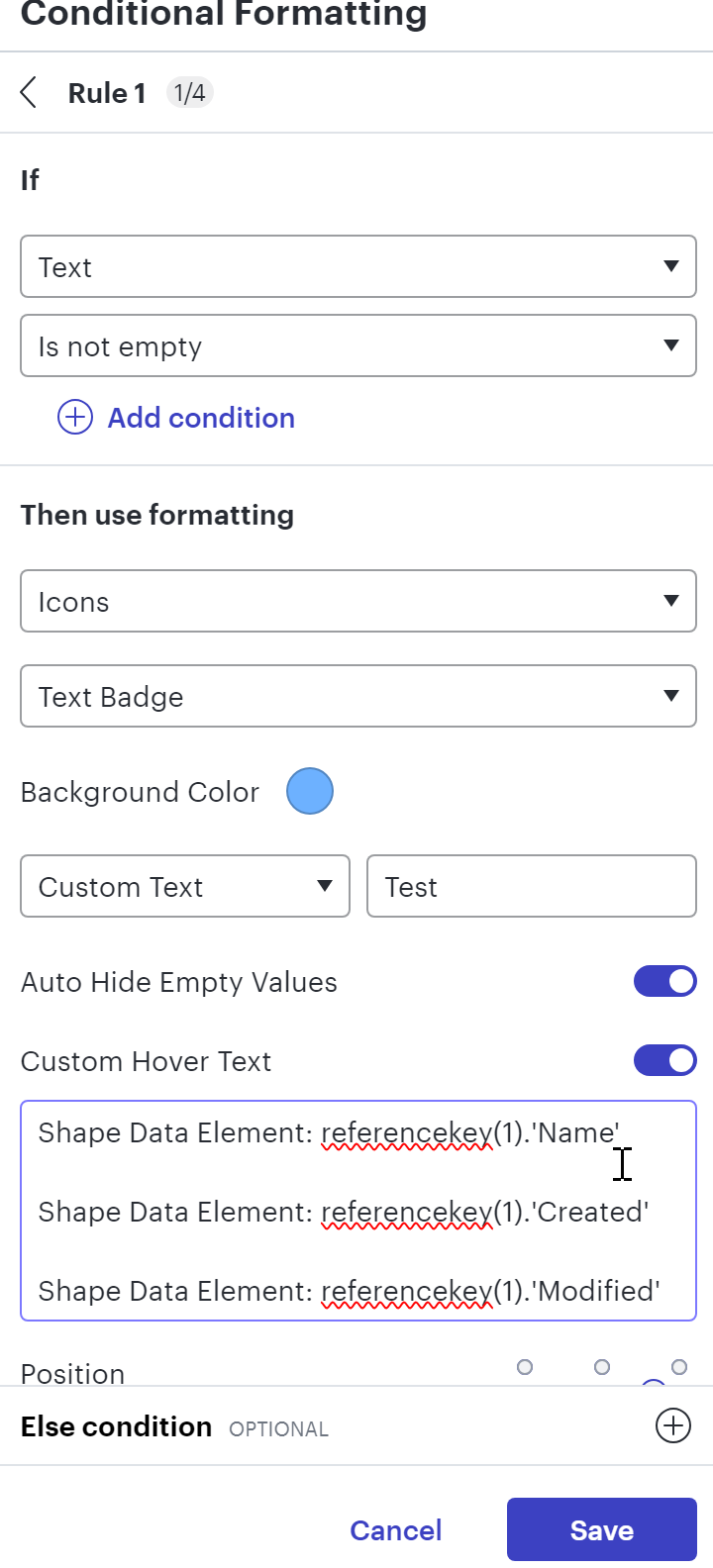
Trying to have a formula that displays multiple shape data elements with reasonable formatting.

I cannot figure out the syntax or if its even possible.


I have tried using concatenate which worked but there was no way I could figure out how to inject a new line \n or similar using text or char() or code() etc…


Any ideas?


Best answer by Amelia W

Hi ​@KrisKRH, thanks for posting in the Lucid Community! All formulas must start with = or {{=, then you’ll want to use @ or THIS prior to the name of your Reference Key. @ and THIS mean the same, so you can use either. For example, =@"Name" or =THIS."Name" would accomplish the same task. Please let me know if you continue to run into issues with your formulas after updating your syntax. I appreciate your help and patience!

For other users working with formulas, check out our Use formulas in Lucidchart article from the Lucid Help Center for more information!

Comments

Amelia W
Forum|alt.badge.img+9
  • Lucid support team
  • Answer
  • November 19, 2024

Hi ​@KrisKRH, thanks for posting in the Lucid Community! All formulas must start with = or {{=, then you’ll want to use @ or THIS prior to the name of your Reference Key. @ and THIS mean the same, so you can use either. For example, =@"Name" or =THIS."Name" would accomplish the same task. Please let me know if you continue to run into issues with your formulas after updating your syntax. I appreciate your help and patience!

For other users working with formulas, check out our Use formulas in Lucidchart article from the Lucid Help Center for more information!