Solved

Change Shape Button Missing After AI Update

  • June 30, 2026
  • 1 reply
  • 102 views

Forum|alt.badge.img

Another company hurting functionality to add AI I don’t need….😣

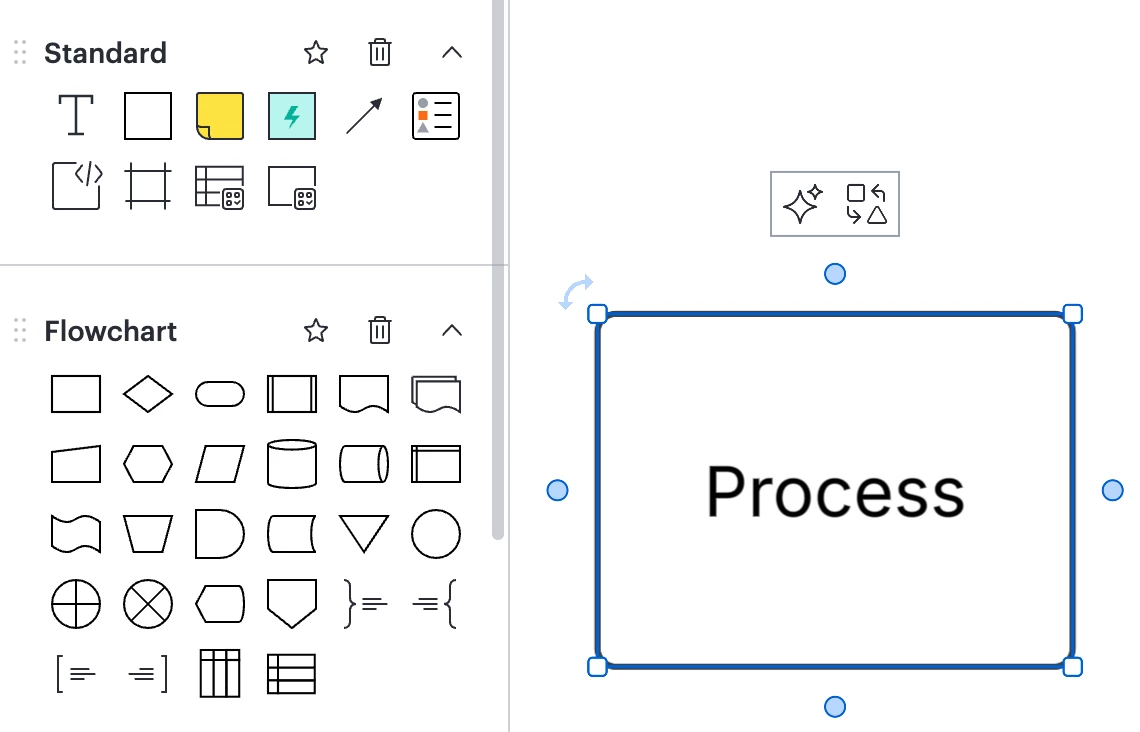
Hovering no longer gives me an option to change the shape - only this AI tool that I don’t need right now. I look at the full menu, no option to change the shape. 

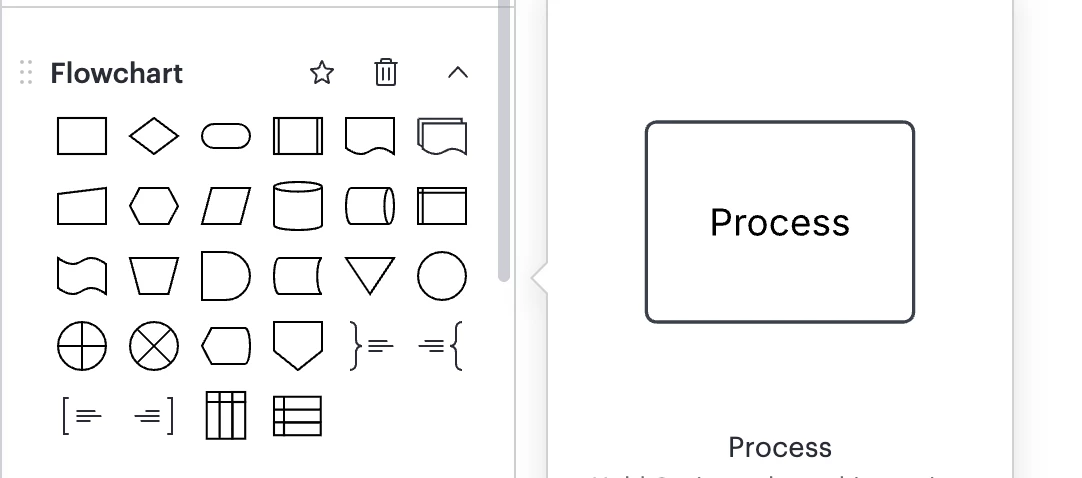
The only way I can find to change the shape here is add a completely new one from the left tool bar. Not ideal when I decide to change the shapes halfway into a project...now I just have to redo the whole thing?

Hopefully I just need another cup of coffee and am just overlooking it, but WHERE is the change shape button!? 


Best answer by Ambar D

Hi ​@Carrie Holland, thank you for posting in the Lucid Community! 

Sorry for the delay in response here, but I’m happy to help. I’m checking with our product team and hope to have some insight for you soon. 

In the meantime, could you share a temporary Document Support PIN for this document? This will help me take a closer look at what’s going on. This PIN is safe to post in this thread because it is only accessible by members of the Lucid support staff. You can find steps for generating a Support PIN in this Lucid Help Center article: Generate a Lucid Support PIN


Comments

Ambar D
Forum|alt.badge.img+13
  • Lucid community team
  • Answer
  • July 2, 2026

Hi ​@Carrie Holland, thank you for posting in the Lucid Community! 

Sorry for the delay in response here, but I’m happy to help. I’m checking with our product team and hope to have some insight for you soon. 

In the meantime, could you share a temporary Document Support PIN for this document? This will help me take a closer look at what’s going on. This PIN is safe to post in this thread because it is only accessible by members of the Lucid support staff. You can find steps for generating a Support PIN in this Lucid Help Center article: Generate a Lucid Support PIN