I’m laying out a floorplan in Lucid chart, and I want to illustrate the positioning and opening of doors accurately. However, Lucid does not allow doors to be flipped or rotated. Please fix. Thanks!
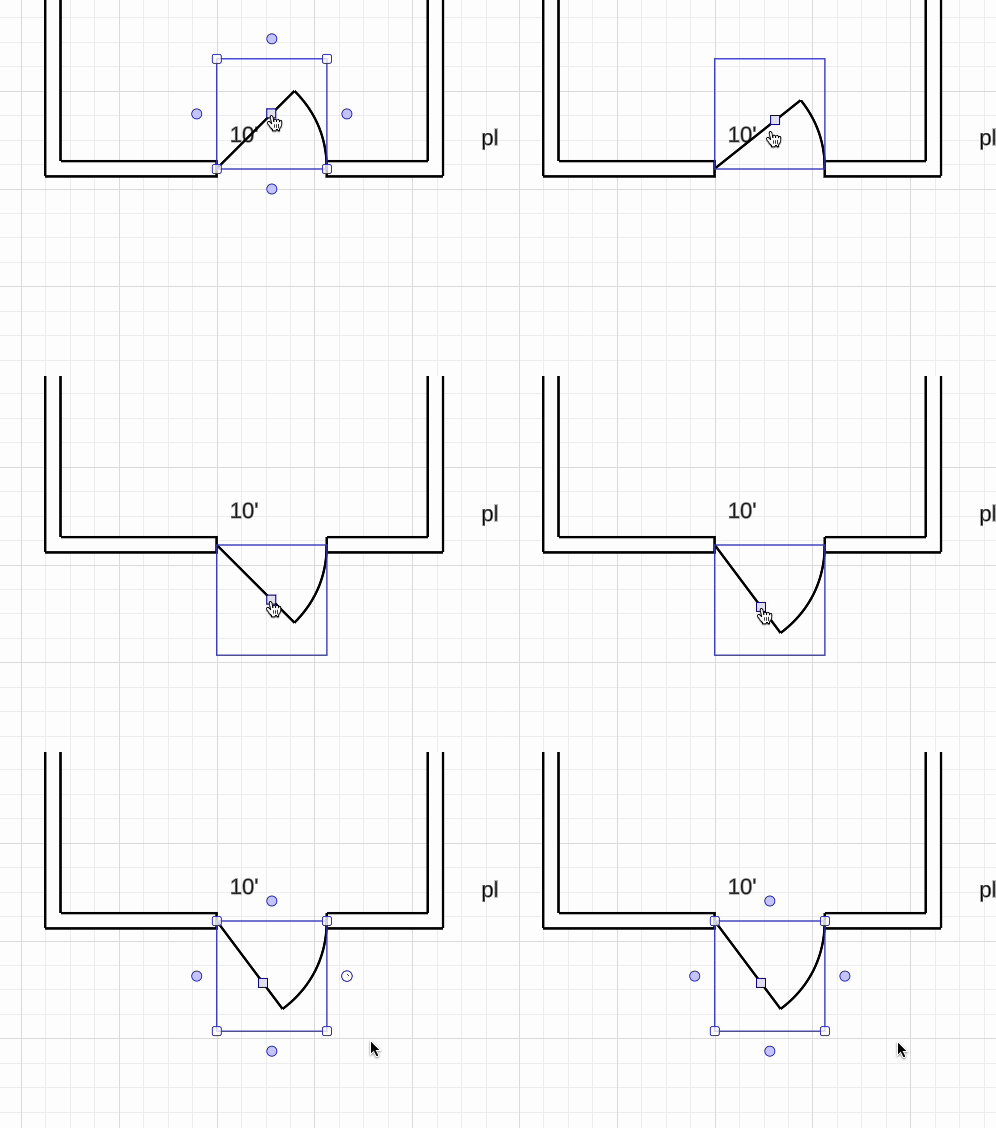
Thank you for the post! To add to @Humas1985 comments, you can flip which way a door opens by selecting the box in the middle of the door shapes, however you can not flip it left to right, instead I would recommend replacing the door shape that best fits.
If you would like to see this feature in Lucidchart, you can post this as an idea in our Product Feedback section.
Please first search the Product Feedback section of this community (with the filter Topic Type = Idea) to see if it’s already been submitted. If so, please add any additional details you’d like and upvote the request - this consolidation helps to refine feedback and properly capture the popularity of the request.
If no one has submitted this idea yet, please create one of your own and be sure to include details about your use case or what you’d like to see in this experience. This will also allow other users with similar requests to discover and upvote it, then add details of their own.
Thank you for the post! To add to @Humas1985 comments, you can flip which way a door opens by selecting the box in the middle of the door shapes, however you can not flip it left to right, instead I would recommend replacing the door shape that best fits.
If you would like to see this feature in Lucidchart, you can post this as an idea in our Product Feedback section.
Please first search the Product Feedback section of this community (with the filter Topic Type = Idea) to see if it’s already been submitted. If so, please add any additional details you’d like and upvote the request - this consolidation helps to refine feedback and properly capture the popularity of the request.
If no one has submitted this idea yet, please create one of your own and be sure to include details about your use case or what you’d like to see in this experience. This will also allow other users with similar requests to discover and upvote it, then add details of their own.
A Lucid or airfocus account is required to interact with the Community, and your participation is subject to the
Supplemental Lucid Community Terms.
You may not participate in the Community if you are under 18. You will be redirected to the Lucid or airfocus app to log in.
A Lucid or airfocus account is required to interact with the Community, and your participation is subject to the
Supplemental Lucid Community Terms.
You may not participate in the Community if you are under 18. You will be redirected to the Lucid or airfocus app to log in.


 Your privacy choices


