Question

Bug : Unicode Sinhala Fonts Not Rendering Properly

  • March 4, 2026
  • 3 replies
  • 14 views

Forum|alt.badge.img+1

I am planning to migrate to Lucidchart from Omnigraffle and stuck  with a very crucial bug of unicode typing in Lucidchart.

When I use unicode Sinhala font with an unicode keyboard (in Mac OS) Fonts not render/working properly. 

As an example ; if I type “මිසි ත්‍රිකෝනි විව් ටිට් ක්කිකු නින්නු තිත්තු විවුන්‍ර” ” using unicode font from Google “NotoSansSinhala” ; 

  1. it works correctly in this messaging window as well as any other web application
  2. It worked correctly in the Omnigraffle as in the below image

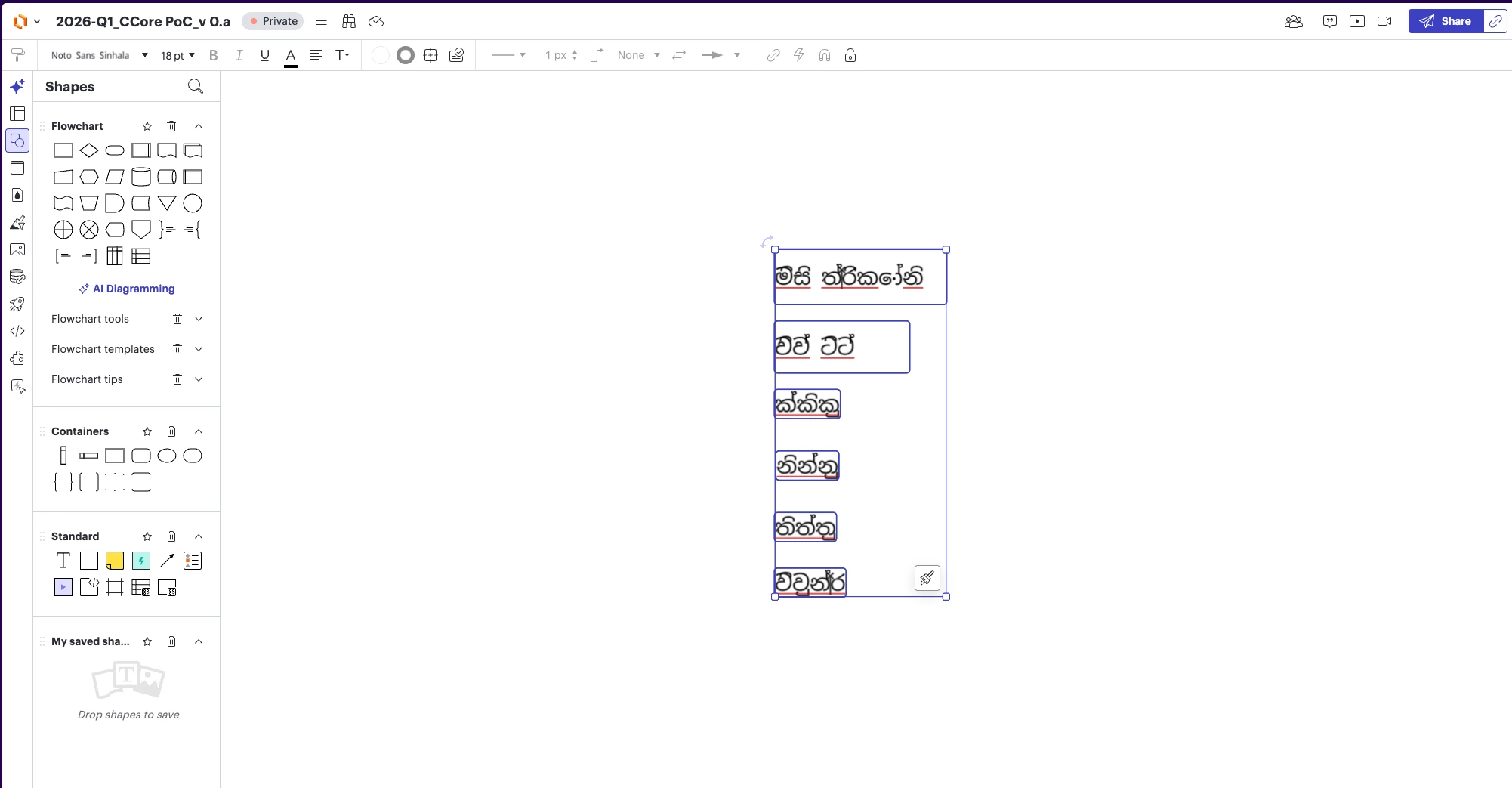
  1. However, it renders as below in the Lucichart
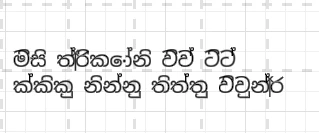
    Can you please let me know how to fix this?

Comments

alison cheney
Forum|alt.badge.img+4
  • Lucid community team
  • March 5, 2026

Hi ​@colD,

Thank you for posting in the Lucid Community! In order to take a closer look at the issue you’re experiencing, could you follow the troubleshooting steps below?

  • Try opening your document in a private or incognito window to help us narrow down the potential cause? For help with opening an incognito window, please see this community post.
  • Try connecting to a different network or disconnecting from your VPN (if applicable)? Sometimes account performance issues can be related to internet security/speed or browser issues. These steps will help us eliminate that possibility.

If those don’t resolve the problem, can you please send the following information so I can take a closer look?

  • A screenshot of the issue.

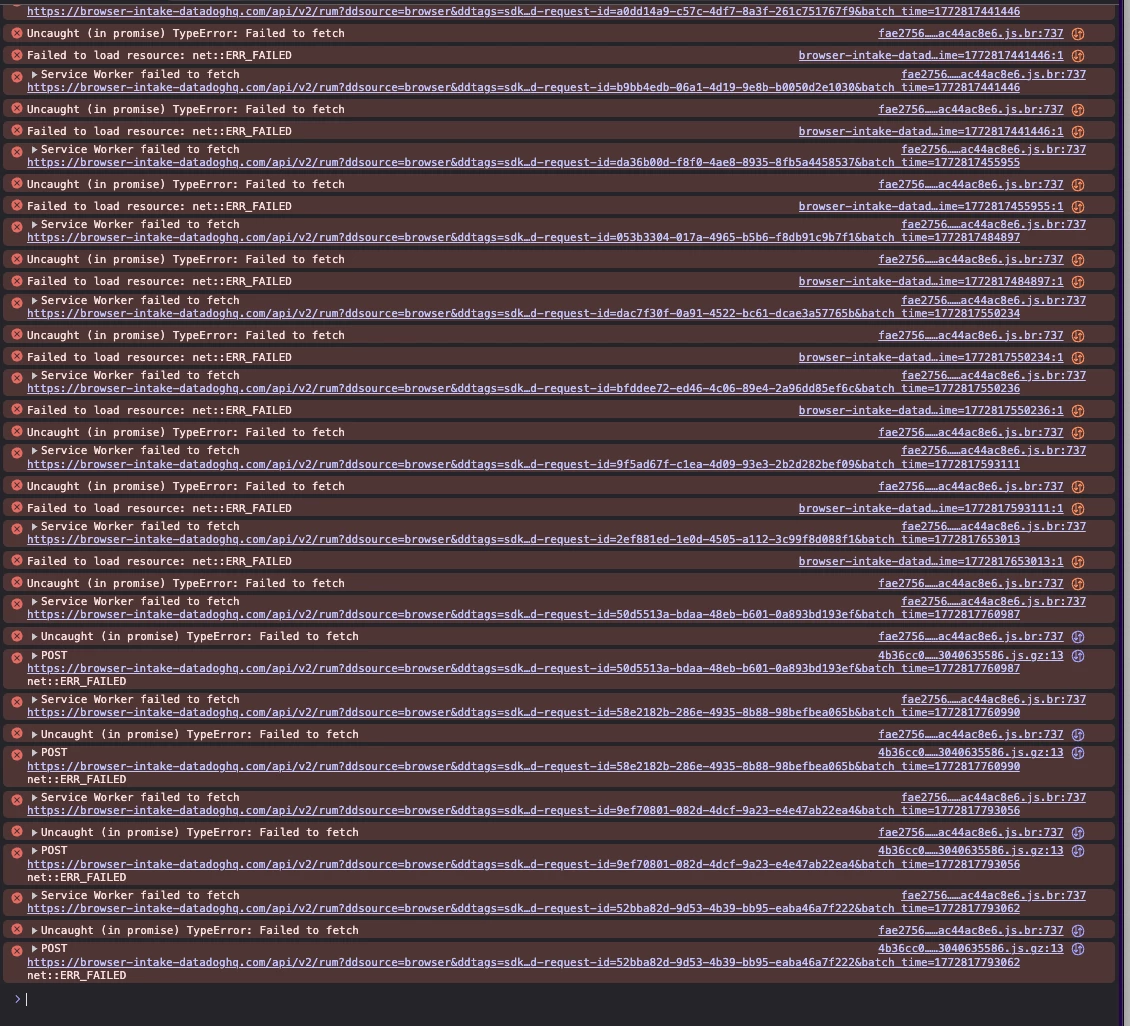
  • A screenshot of the associated Javascript Console output after reproducing the issue. You can open your Javascript Console by pressing Ctrl+Shift+J (if your computer is a Windows/Linux) OR Cmd+Opt+J (if your computer is a Mac).

Thanks in advance for your help and patience!


Forum|alt.badge.img+1
  • Author
  • March 6, 2026

Hi, Thanks for the response and based on your suggestions ;

  • I tried with the Private Window (both in Chrome and Safari) and it behave same
  • I tried with another network (via Mobile WiFi) -  it behave same
  • Attached : Screenshots of the Lucid Window
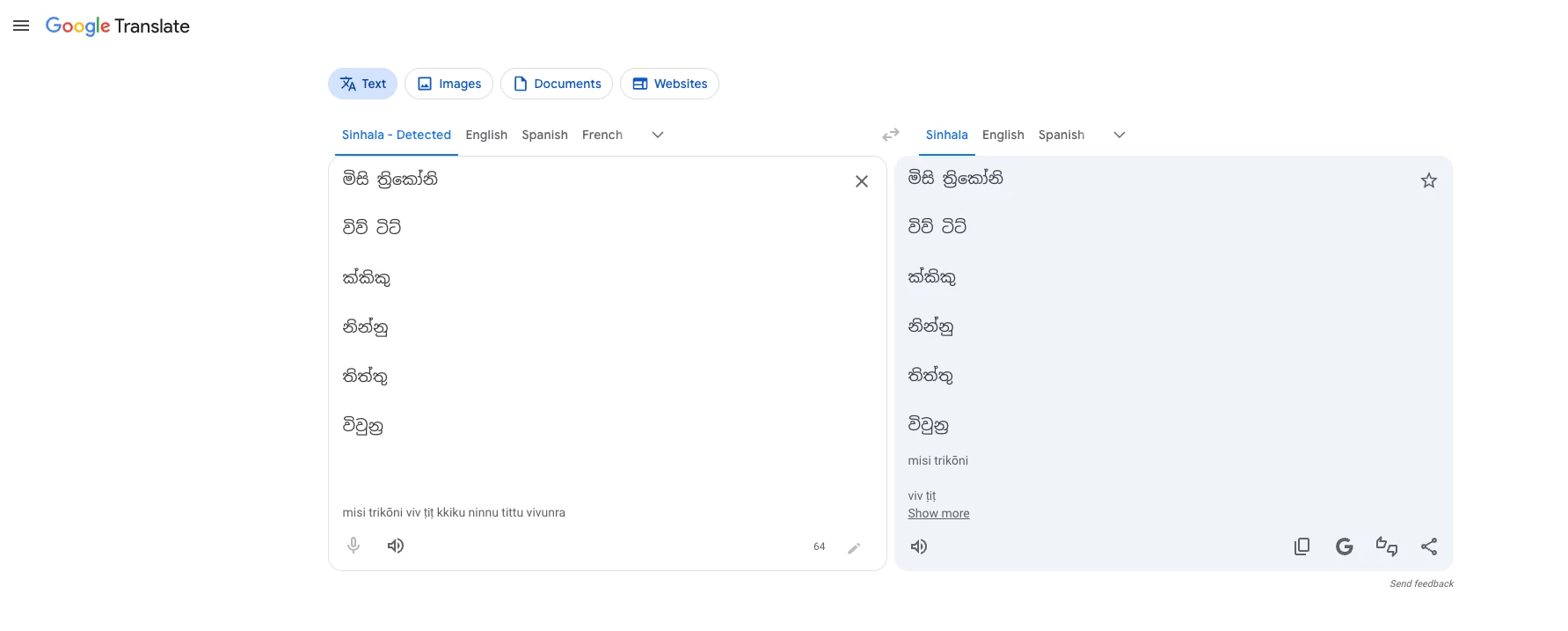
  • For the same network, same web browser and in another tab I typed exactly same words in the “Google Translate”  Window - it typed and rendered correctly. 
  • Attached : Screenshots of the Google Translate”  Window


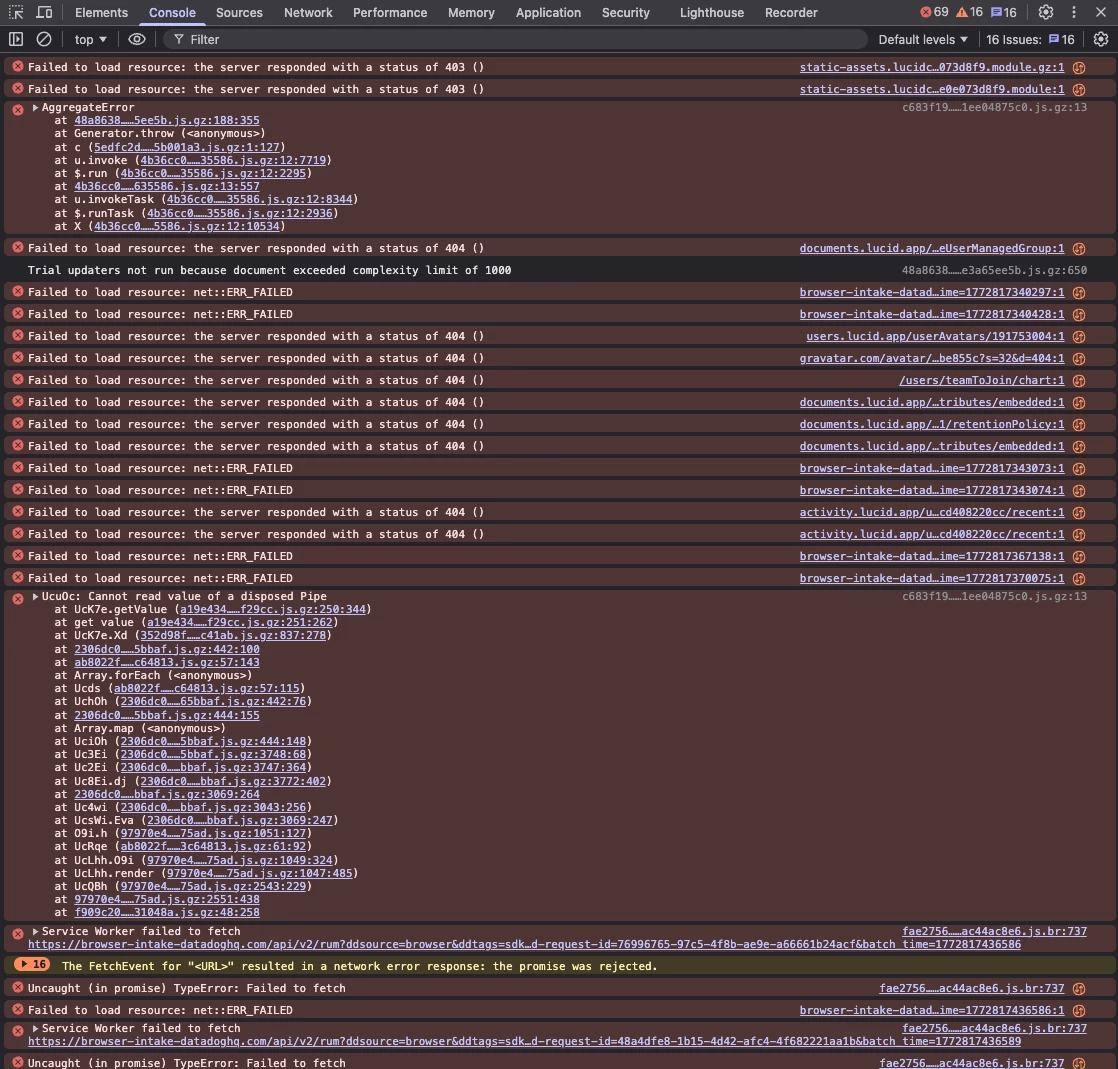
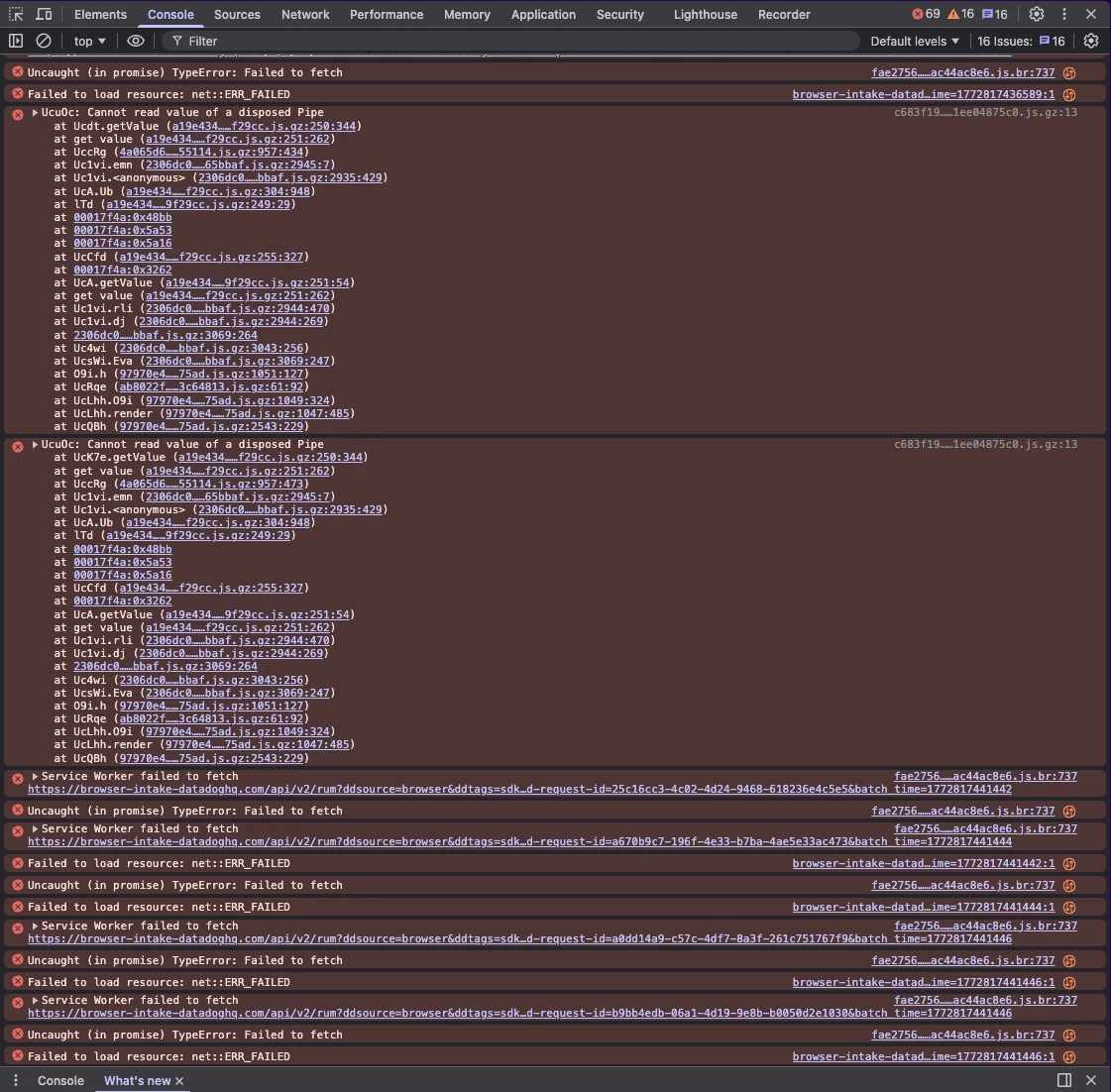
  • Attached : Javascript (in 3 pages)


alison cheney
Forum|alt.badge.img+4
  • Lucid community team
  • March 6, 2026

Hi ​@colD,

Thank you for attempting the steps and providing such great detail to help me take a closer look. Is this issue happening with only this specific document or multiple Lucid documents?

Based off the console output you provided, it’s possible that WebGL is causing an issue with your graphics card. Try turning WebGL off by going to View > Rendering > Use WebGL and unchecking the option. For more information on WebGL, check out these resources:

If the issue persists after turning WebGL off, could you share a temporary Document Support PIN for this document? This will help me take a closer look at what’s going on. This PIN is safe to post in this thread because it is only accessible by members of the Lucid support staff. You can find steps for generating a Support PIN in this Lucid Help Center article: Generate a Lucid Support PIN.

Let me know if you run into any issues or have any other questions in the meantime. Thank you for your help and patience as we investigate this issue!