

AI image import is now consolidated into standard file import!
Converting whiteboard snapshots, photos, and sketches into editable diagrams is now much more straightforward. We are pleased to share that AI-assisted image generation is now built directly into the regular import flow in Lucid!
Whether you are capturing a team brainstorming session or digitising technical architecture drawn on a whiteboard, you can now bring your visual ideas into Lucid without having to search for a dedicated AI menu.
What has changed and why it helps
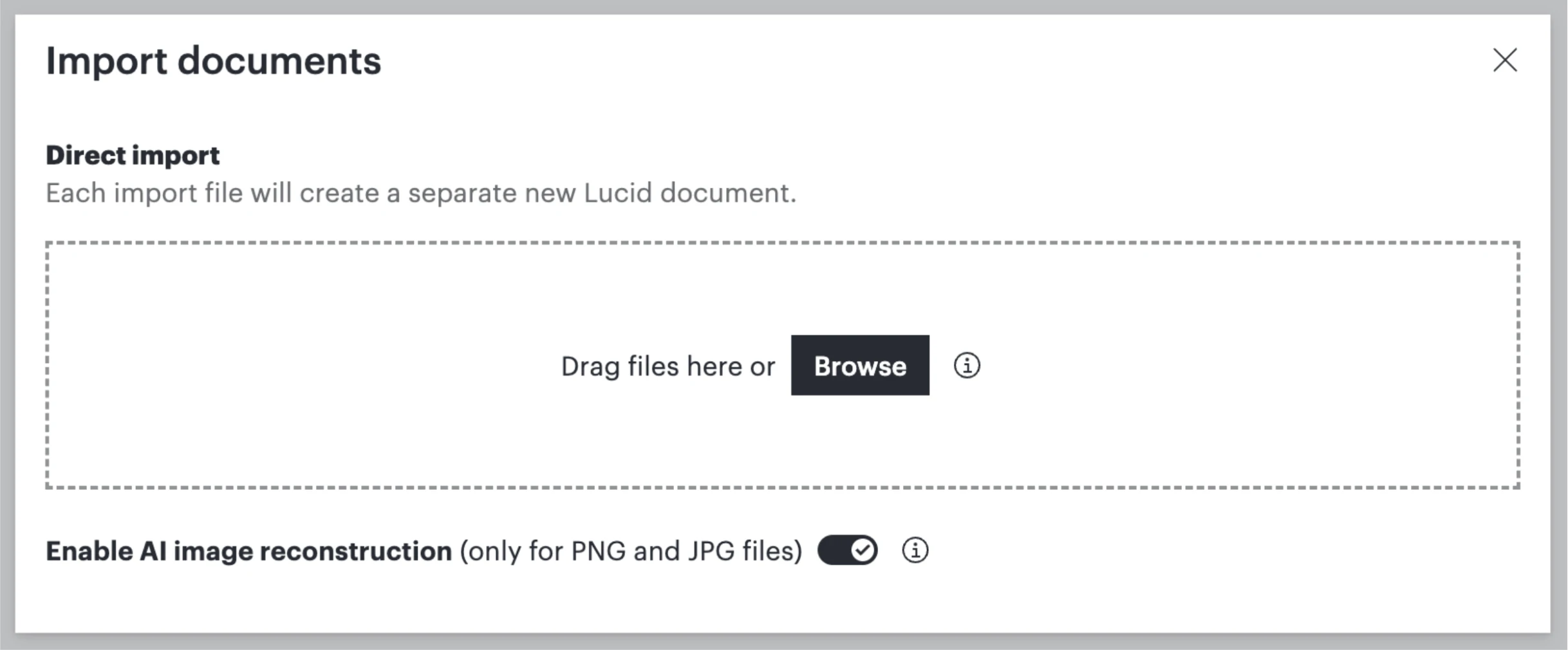
- A single place to import: Rather than choosing between a standalone "AI image import" option and the standard file uploader, every file type is now handled in one unified modal.
- No more failed attempts: Previously, uploading a picture through the standard file flow did not trigger AI conversion, which caused confusion. Now, dropping an image into the regular uploader automatically engages Lucid AI.
- Quicker to an editable canvas: Move from a static photo or sketch straight to an interactive, fully structured diagram with far fewer steps.
How to use it
- Open your Lucidchart document or Lucidspark board.
- Select the regular Import documents option (via File > Import Documents or the left-hand panel in the Documents page).
- Choose or drag and drop your image file (.png, .jpg, etc.). Lucid AI will automatically detect the image and convert it into editable shapes and lines.
Helpful resources
Check out the following resources for more information:
 Your privacy choices


