


I’m using the Rectangle Container, from the Container sub menu, and once it is on the canvas and selected I can see “Add Title” positioned centrally just above the shape outline
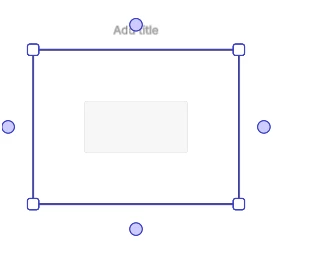
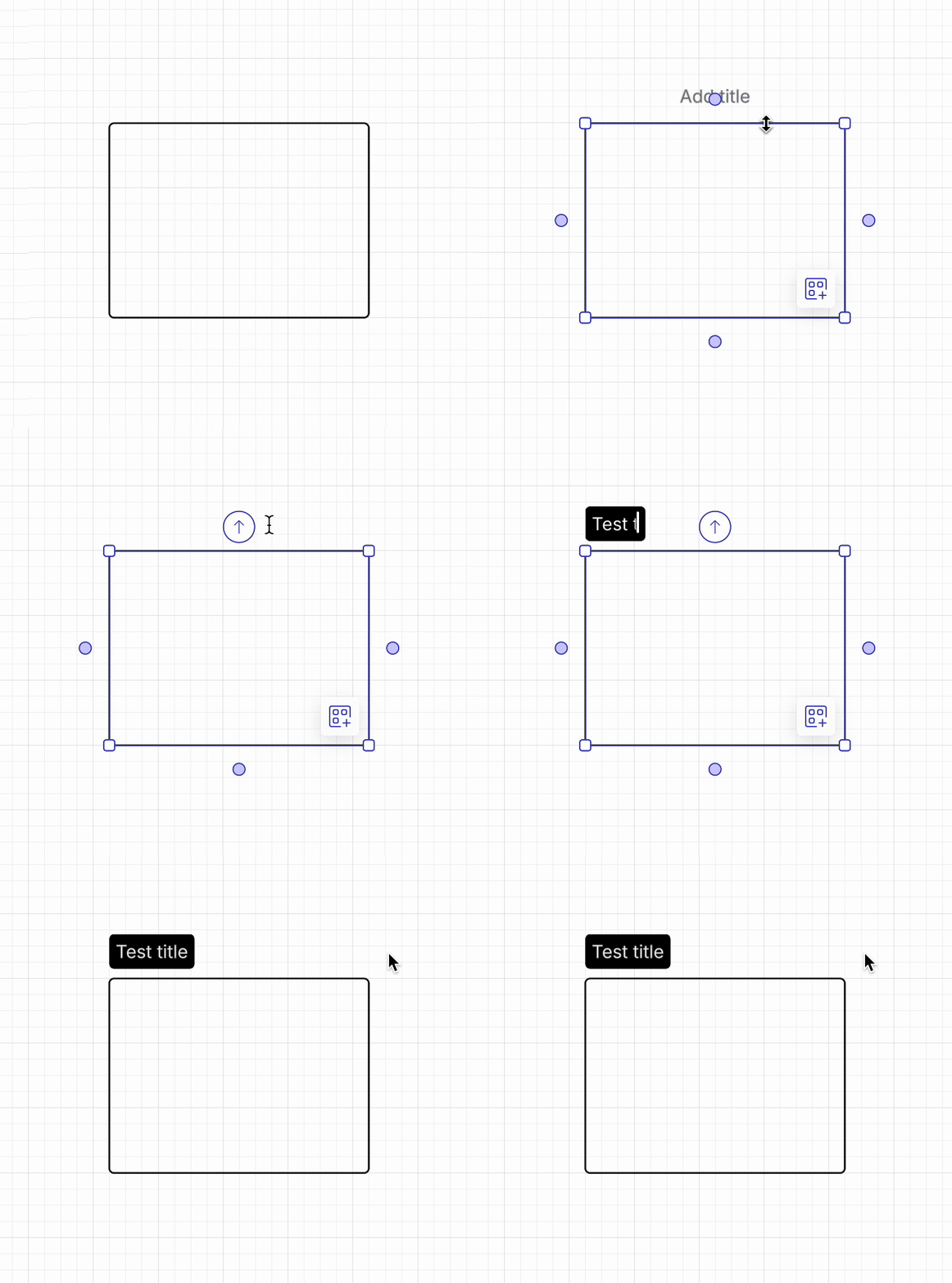
When I try single clicking in that area to set the title, the Drag Line from shape arrow pops up and I can’t get to the Add Title area. Double clicking in the vicinity opens up a new text box that isnt associated with the container.
I eventually double clicked in the right place which is within the container, on the other side of the top outline from “Add Title”.
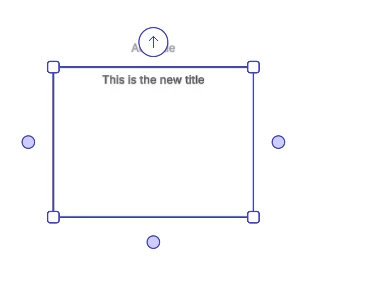
So, the title is now set and is part of the container, as it moves with it. However, the “Add Title” grey text is still visible above the container when the whole object is selected. Shouldnt that disappear once the container does have a title within itself?
If the Shape data is exported to csv, the text string for the Title appears in the Text Area 2 column, and there’s nothing in Text Area 1.


 Your privacy choices


