

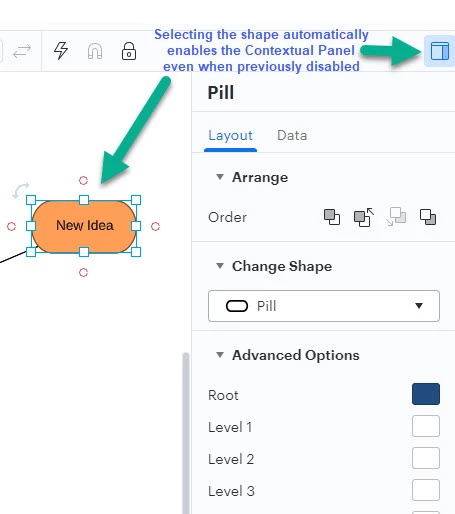
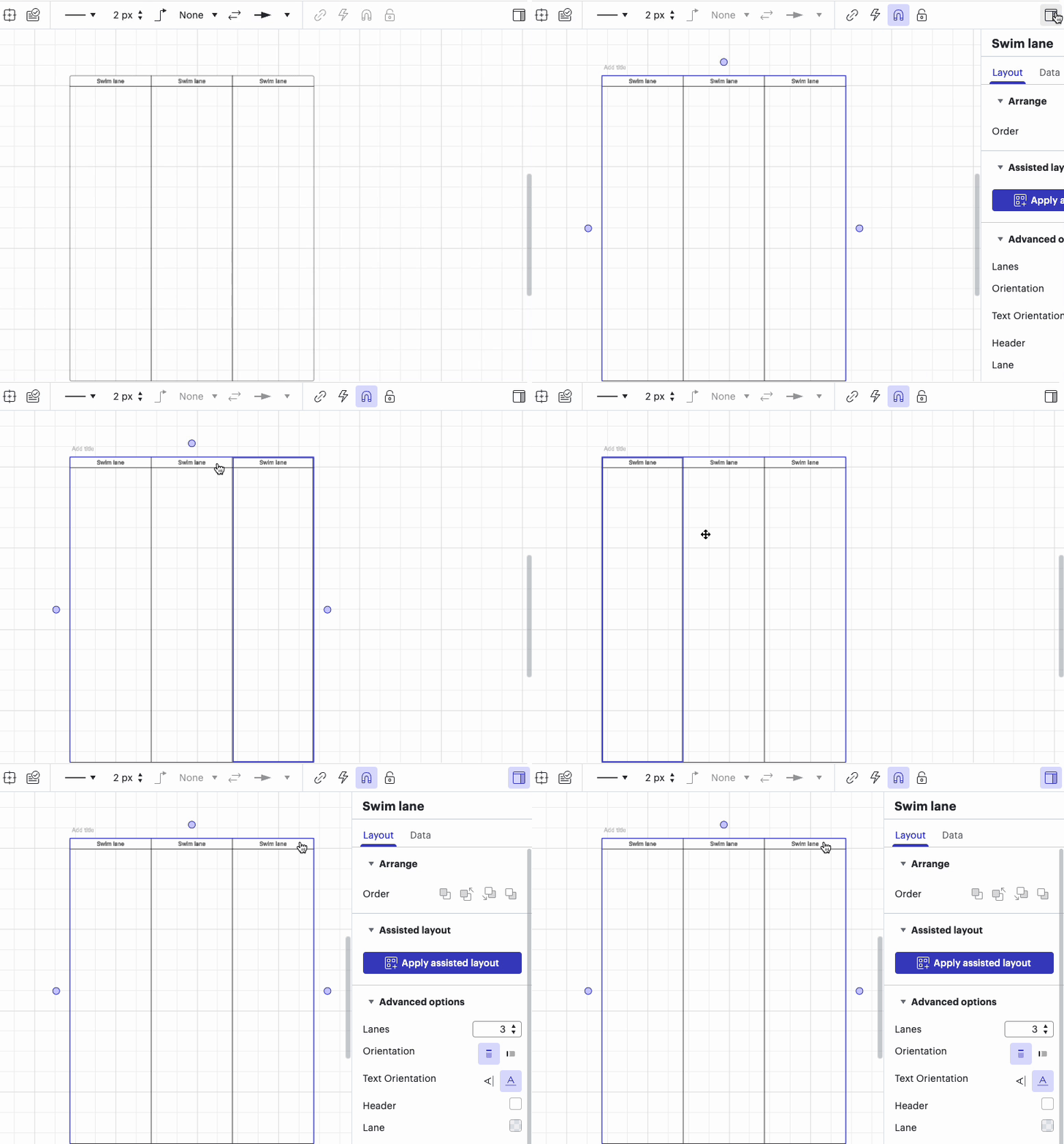
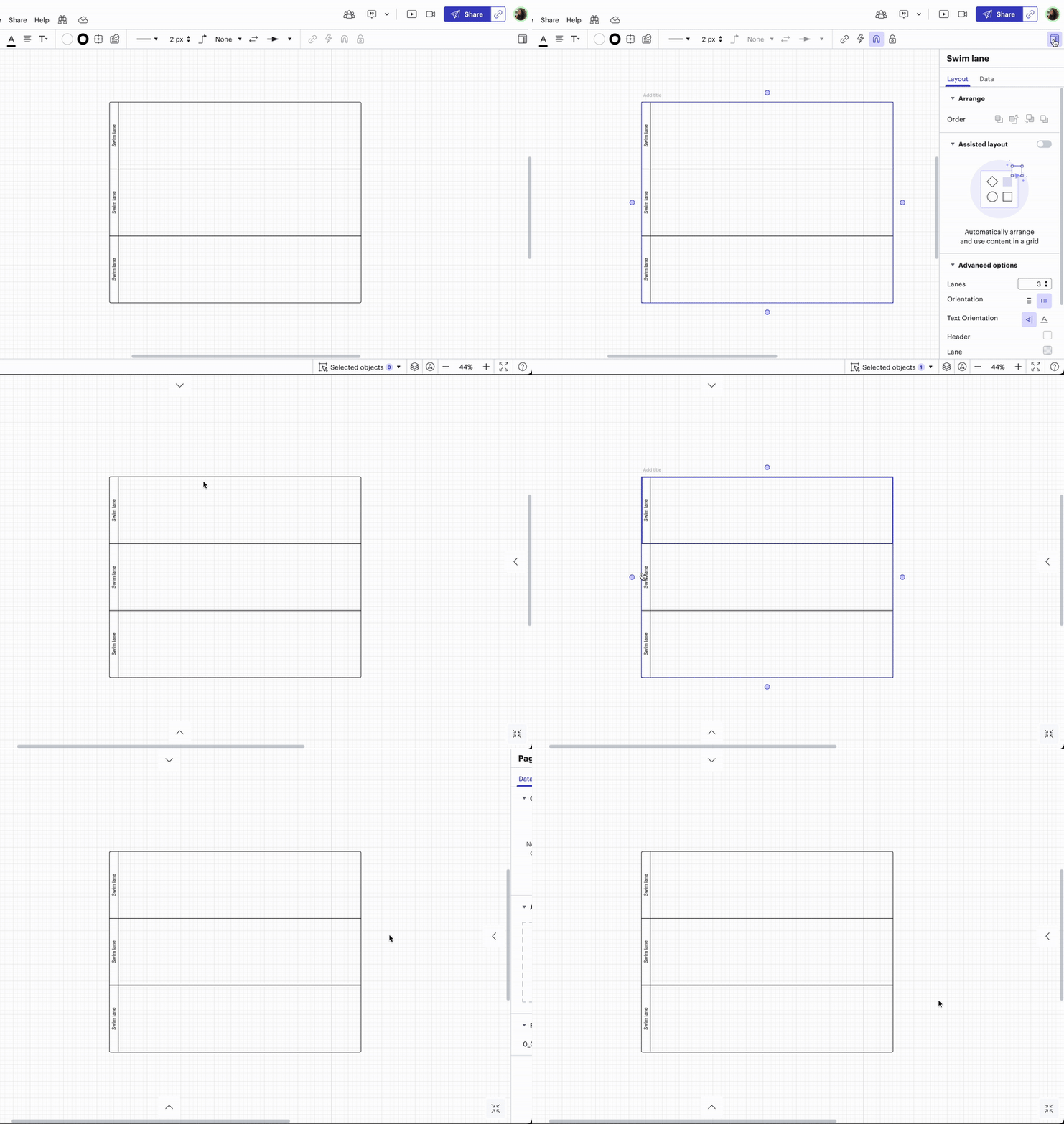
When I select a shape the Contextual Panel for that shape automatically opens up even when I've previously clicked the Contextual Panel icon to disable it (in the hopes it would stop opening each time). This is highly inconvenient as it takes up screen space and often covers up the very shape I just clicked on with the intention of entering text. Each time I have to click to disable the panel and then when I click the next shape it opens again.
It seems to happen on all container elements. The example is from a Mind Map but I've also seen it on Org Charts Swim Lames etc.









 Your privacy choices


