

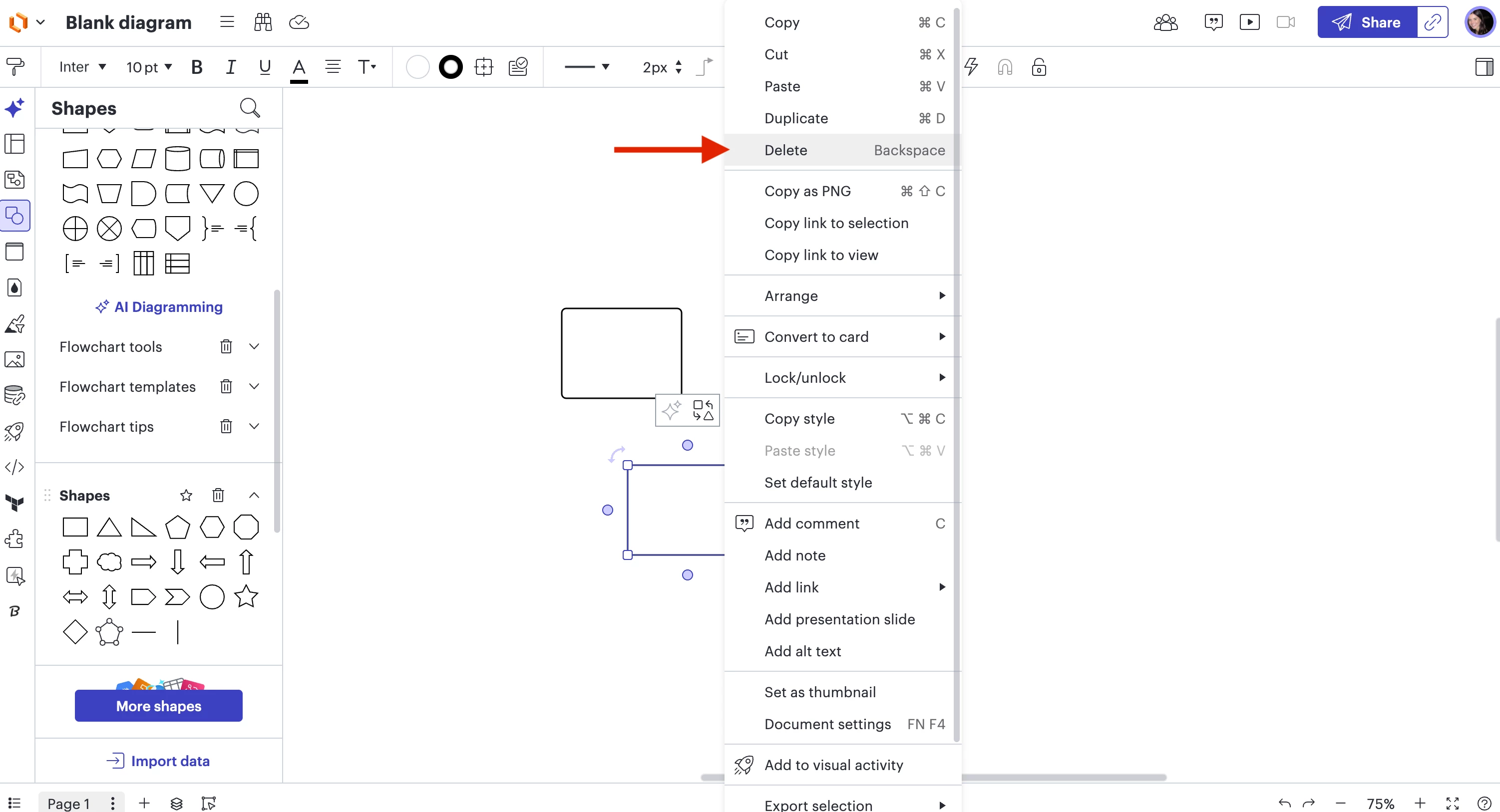
I did not have this problem when I first used LucidChart, but now I cannot click and hit delete/backspace to delete a shape. When I right click, options like copy/paste appear but there is no delete option. If I just frantically click on things, I eventually get it deleted, but there’s no consistency to it and it’s highly unclear to me what is actually achieving a delete of the shape. Does anyone know how to fix this? It appears to be a bug, because there should be a delete option in the right click menu, as there is for any other software ever created.
Question
Unable to delete shapes in Lucidchart






Create an account in the community
A Lucid or airfocus account is required to interact with the Community, and your participation is subject to the Supplemental Lucid Community Terms. You may not participate in the Community if you are under 18. You will be redirected to the Lucid or airfocus app to log in.
Log in to the community
A Lucid or airfocus account is required to interact with the Community, and your participation is subject to the Supplemental Lucid Community Terms. You may not participate in the Community if you are under 18. You will be redirected to the Lucid or airfocus app to log in.
Log in with Lucid Log in with airfocus
or
Enter your E-mail address. We'll send you an e-mail with instructions to reset your password.
 Your privacy choices


