

Lucid Suite release notes | April 2026

This post details the latest updates across the Lucid Visual Collaboration Suite, which includes Lucidchart and Lucidspark. The Lucid Suite provides an end-to-end platform for visual collaboration, helping your teams to stay aligned, build, and drive results from start to finish. We've designed this page to be your primary resource for staying informed about all the new product releases, features, and improvements we've made. Subscribe to stay up to date with these releases and share your feedback with our team in the Product Feedback community space.
Tidy up enhancements
Tidy up now uses smarter alignment logic to organize your diagrams into natural rows and columns while preserving intentional spacing. This makes it easier to clean up your board instantly without losing the original flow or context of your work. Learn more.
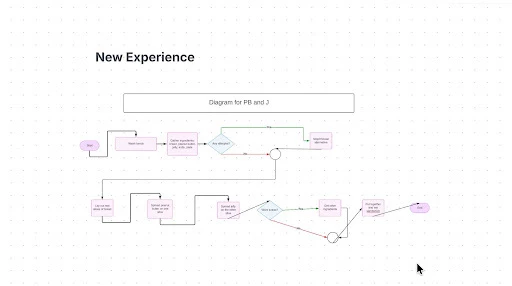
New VPATs available
Updated VPATs for Lucidchart and Lucidspark include improvements that make keyboard navigation easier to access via the footer and quick actions on the canvas. Learn more.
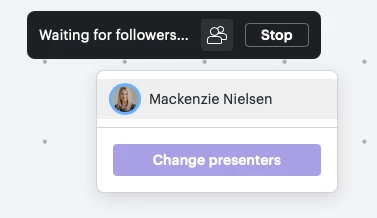
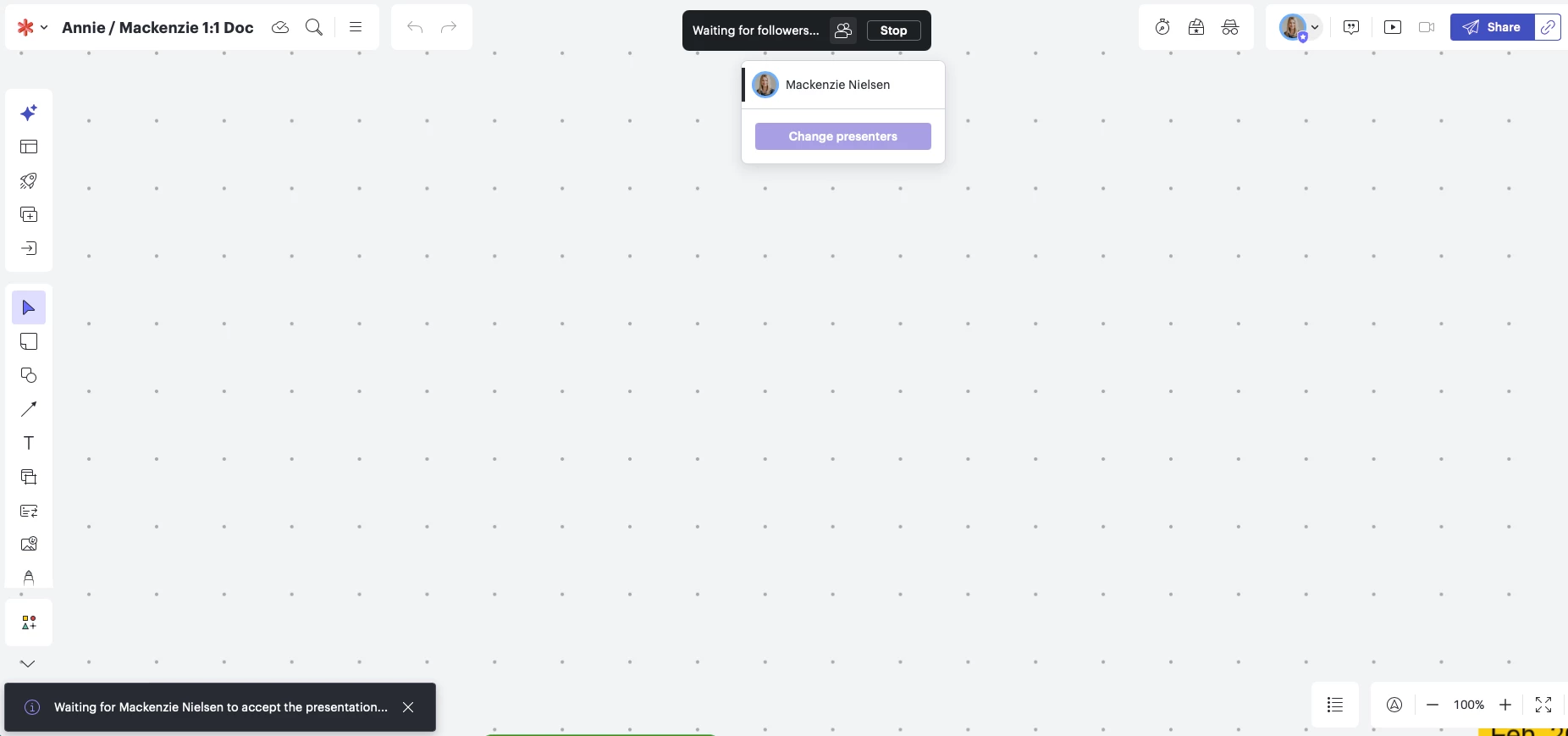
Change presenters
Hand off a presentation to another collaborator, allowing multiple presenters to co-present during a single session. Learn more.
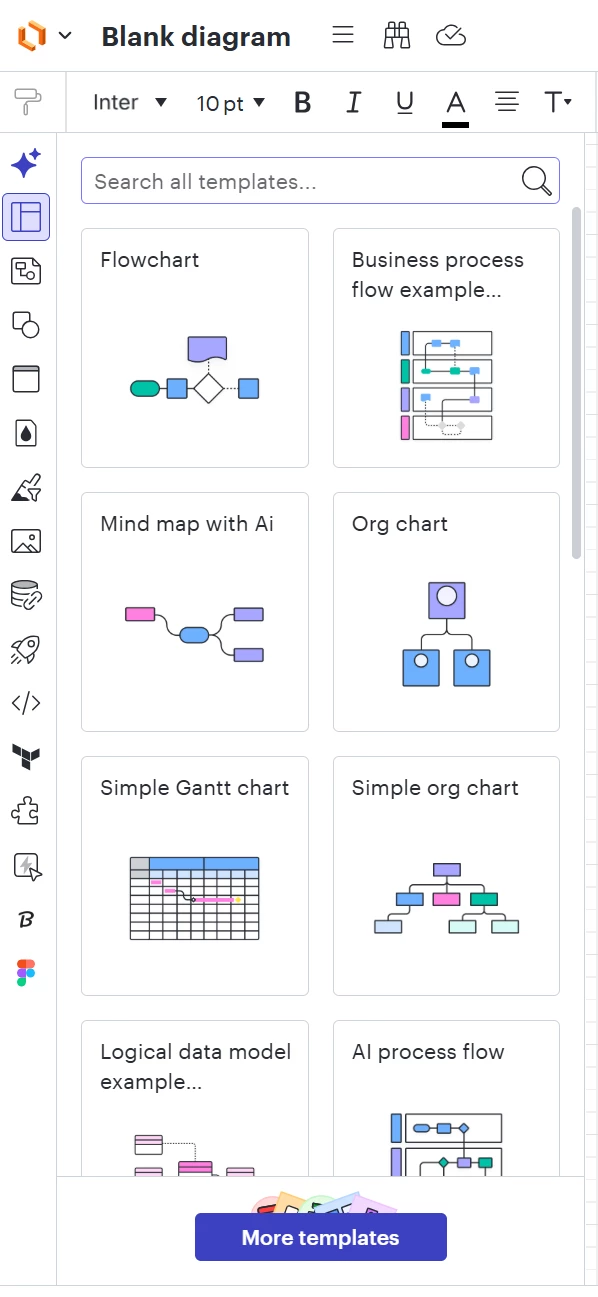
Template gallery in left panel
The template gallery now loads in the left panel, making it easier to view and access templates right within your workflow. Learn more.
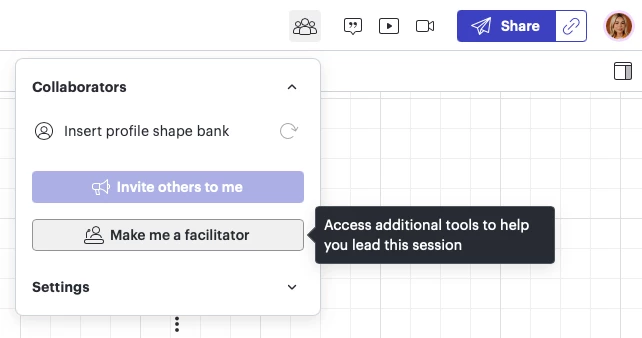
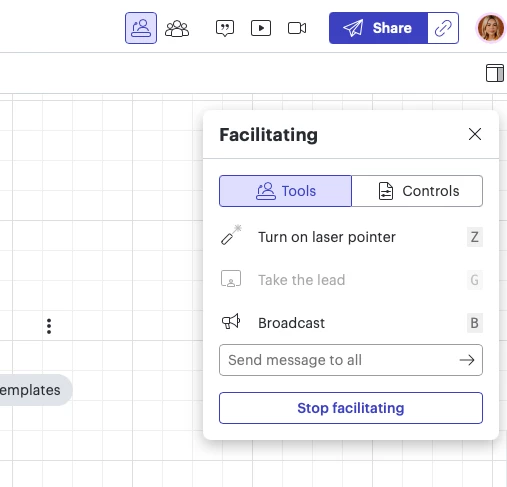
Facilitation in the collaborator menu
Facilitation features are now accessible within the collaborator menu, making it easy to access facilitation controls from the canvas. Learn more.
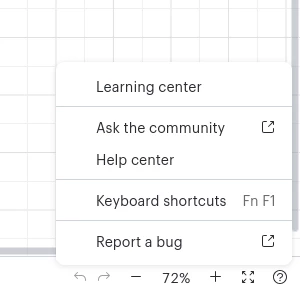
New help button menu
A simplified menu for the help button makes it easier to get the support you need on the canvas. Learn more.
Certain generated content grouped into containers
When content is added to the canvas under certain conditions, it is automatically grouped within a container to improve order and facilitate simple editing. Learn more.
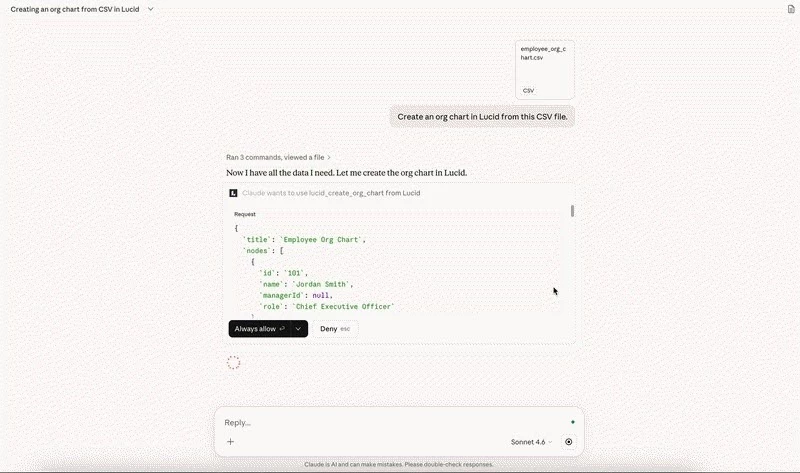
Create intelligent org charts with the Lucid MCP server
Generate team visualizations instantly using CSV files or text prompts directly within your AI client. Learn more.
Lucid JSON export
Export Lucid documents as structured JSON files to easily store document blueprints offline, conduct internal audits, and access document metadata directly from the interface—no API coding required. Learn more.
Edit documents via MCP
Reduce the friction of manual updates by enabling your LLM to act as a collaborative editor that can update or remove items from any Lucid document. Learn more.
Generate UML sequence diagrams with the Lucid MCP server
Move from code-logic to visual-logic instantly by providing an LLM with PlantUML syntax to generate a customizable UML sequence diagram in Lucid. Learn more.
Export documents as images with Lucid AI
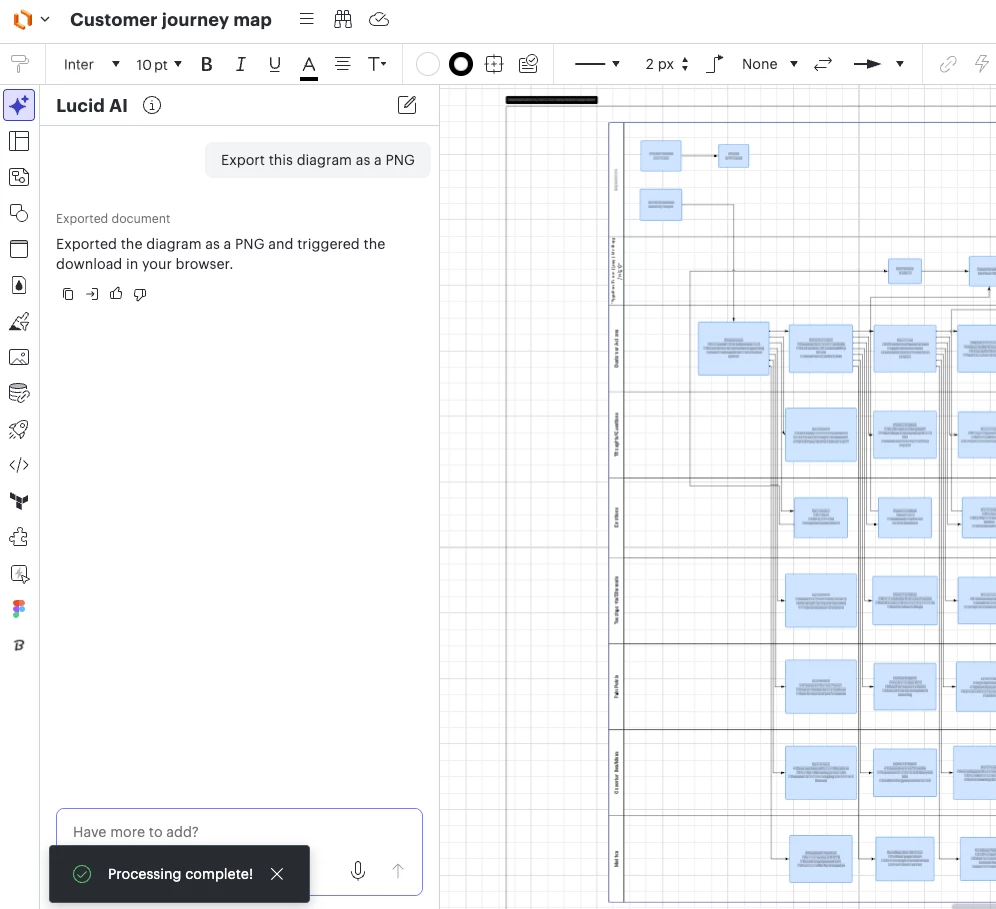
Lucid AI can now export your documents and create instant, high-quality images that are automatically formatted. Learn more.
Lucid ChatGPT app
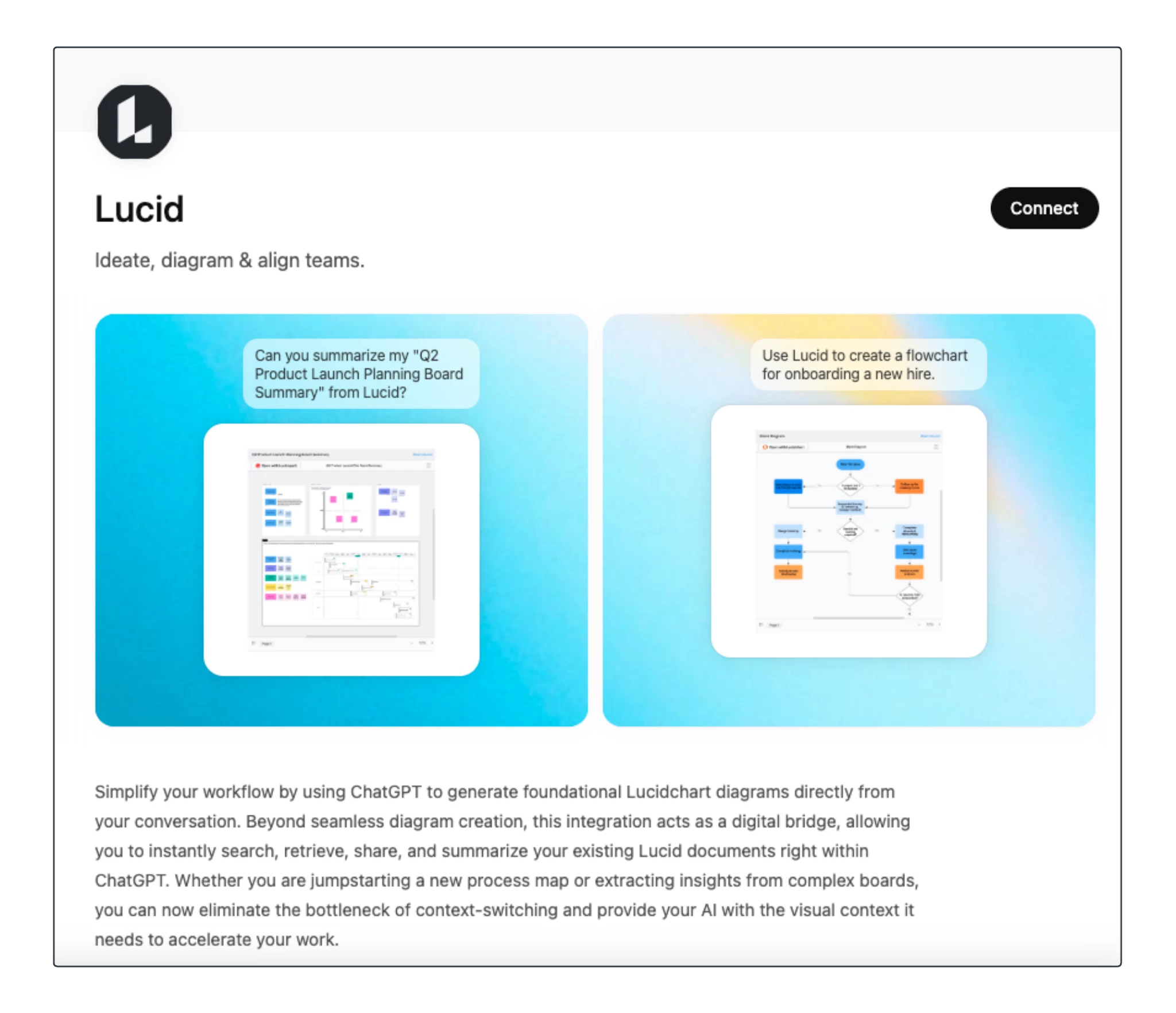
Connect Lucid to ChatGPT to locate, summarize, and share Lucid documents, or generate foundational diagrams from text prompts, all within your ChatGPT workflow. Learn more.
Lucid Claude connector
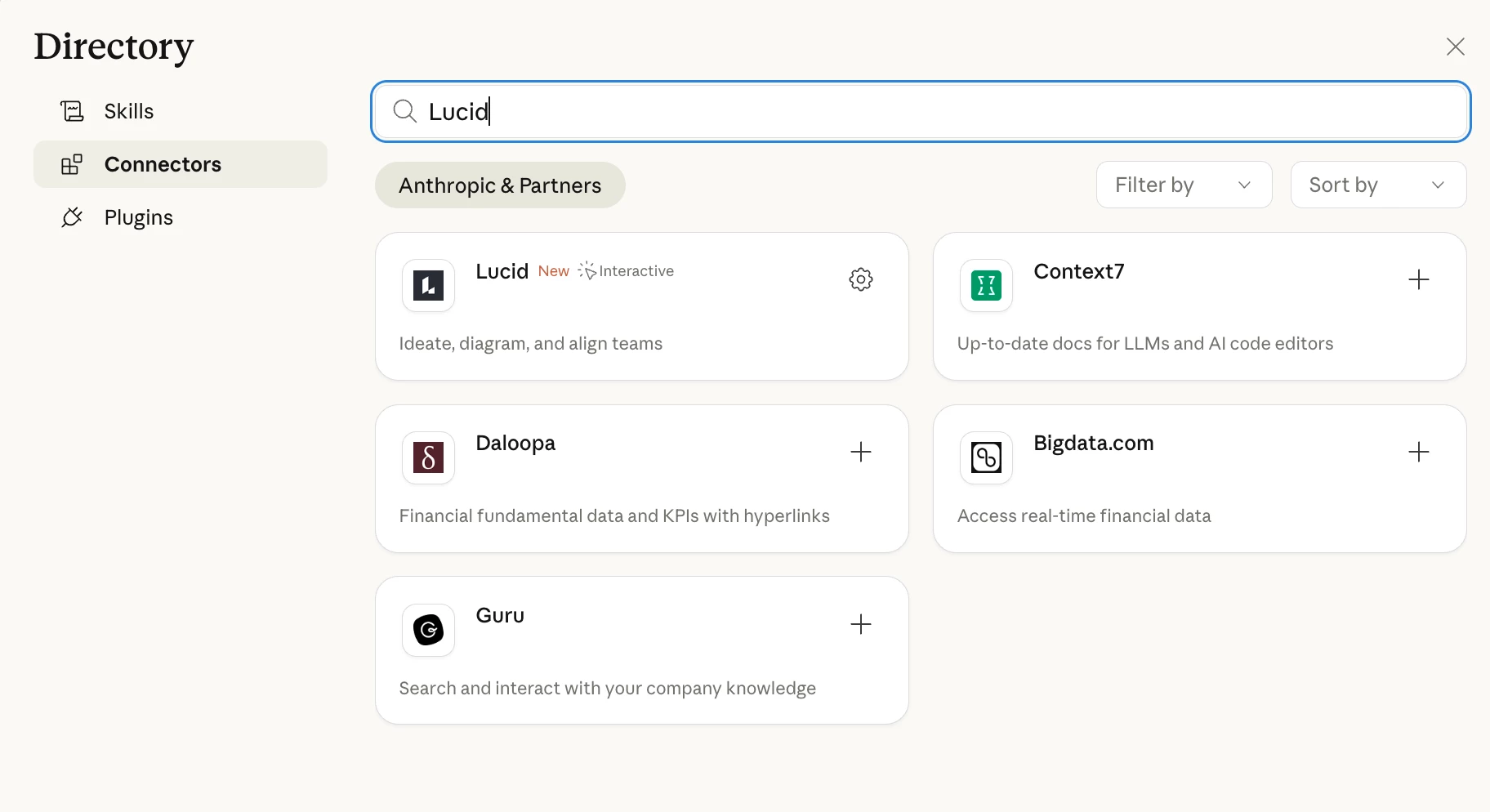
Connect Lucid to Claude to locate, summarize, and share Lucid documents, or generate foundational diagrams from text prompts—all within your Claude workflow. Learn more.
 Your privacy choices


