
What document settings sync for all collaborators and which don’t?
What document settings sync for all document collaborators and which don’t?
If you have ever shared a document, you may have wondered whether your collaborators will be affected by you changing certain document settings on your end.
This is a great question. There are a few document settings that change for all everyone, and a few that change just for you.
Settings that sync for all collaborators
If you adjust these Document or Board settings, the changes will update for the other users.
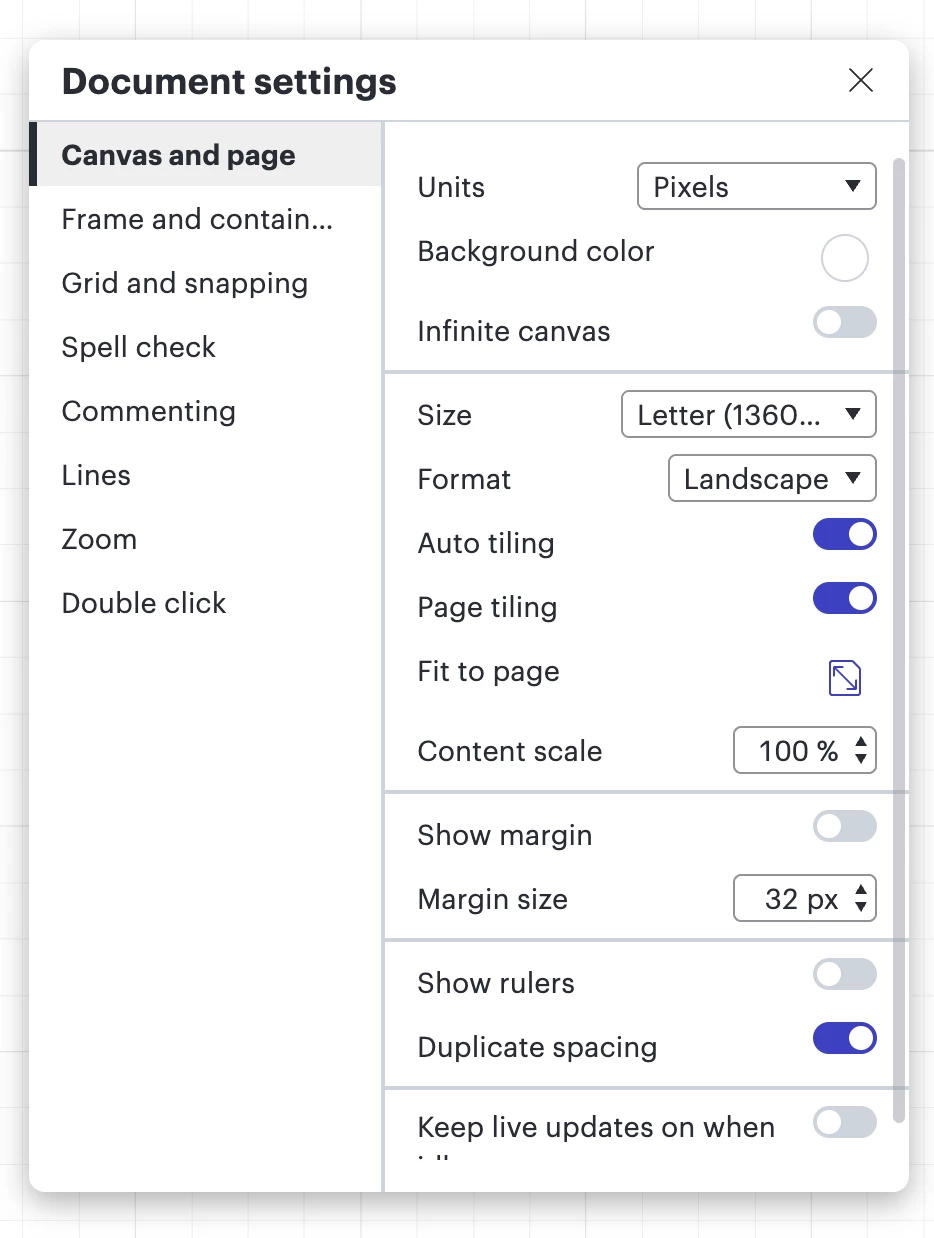
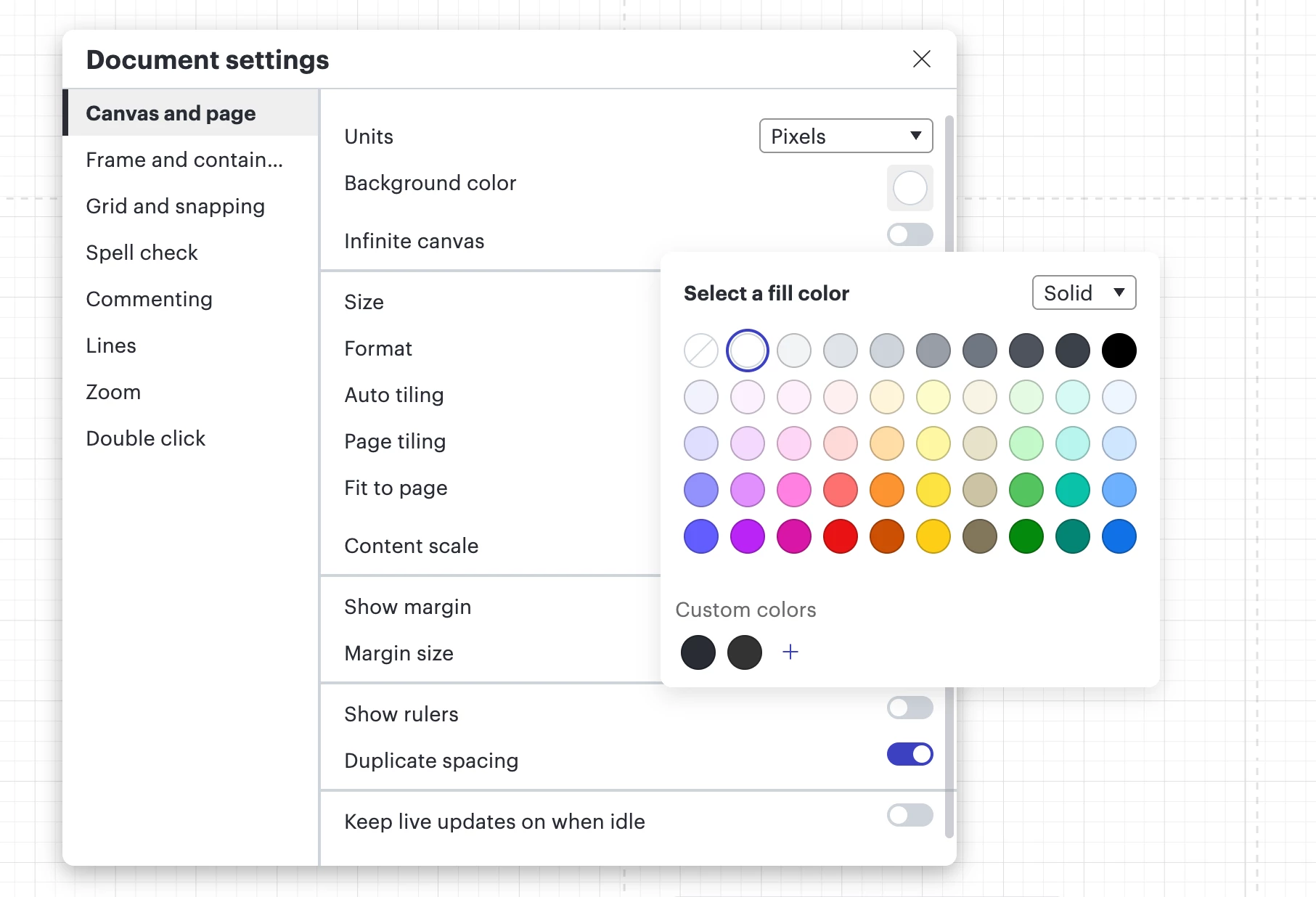
- Canvas and page: Infinite canvas toggle, page size, format, background color
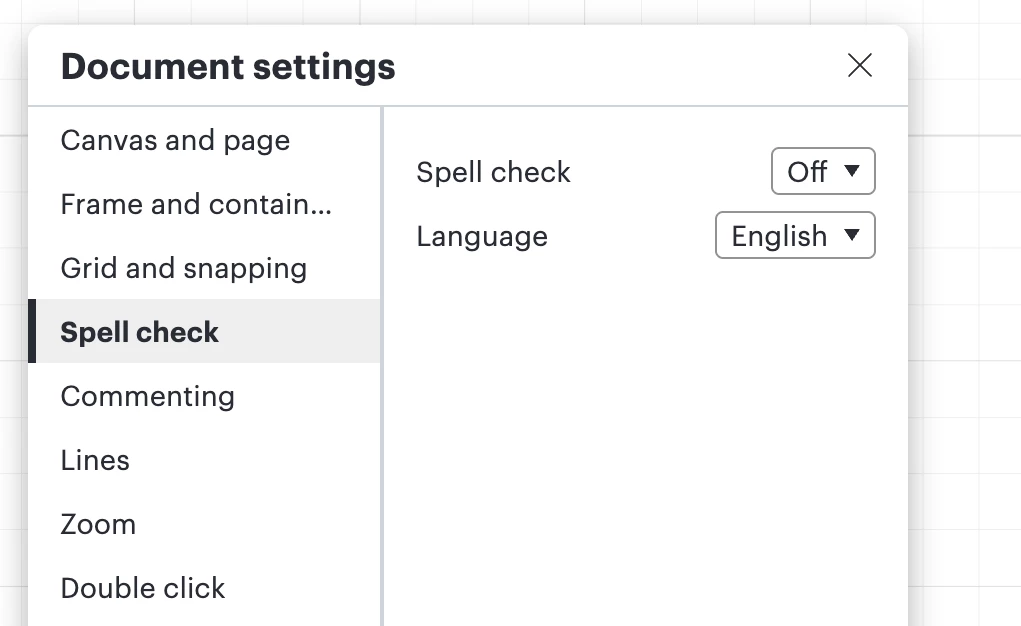
- Spell check: Spell check and language settings
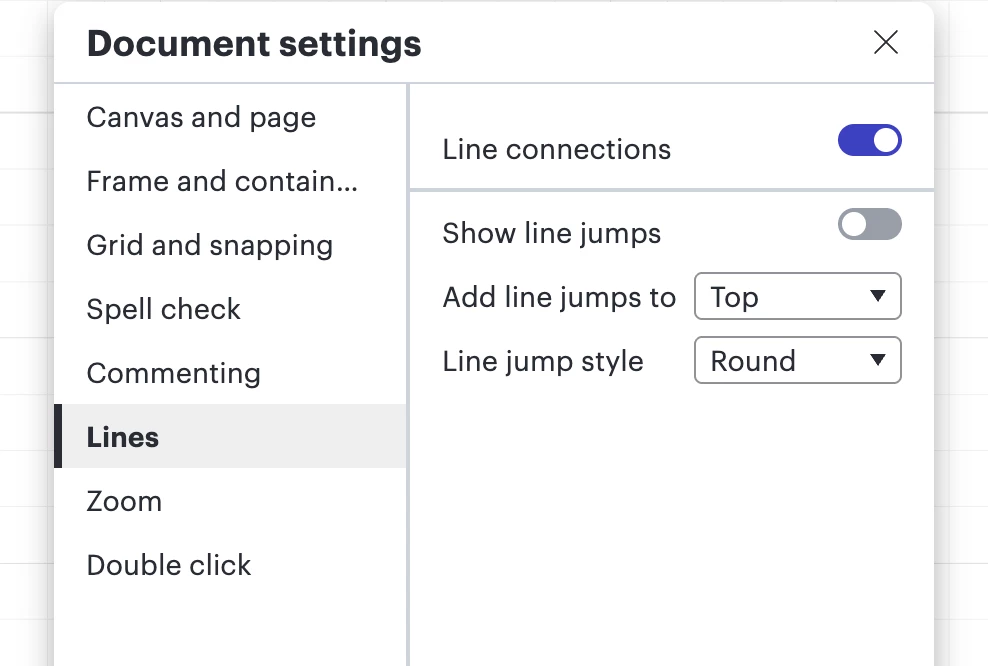
- Lines: Line connections and line jump toggles
- Your personal collaborator color
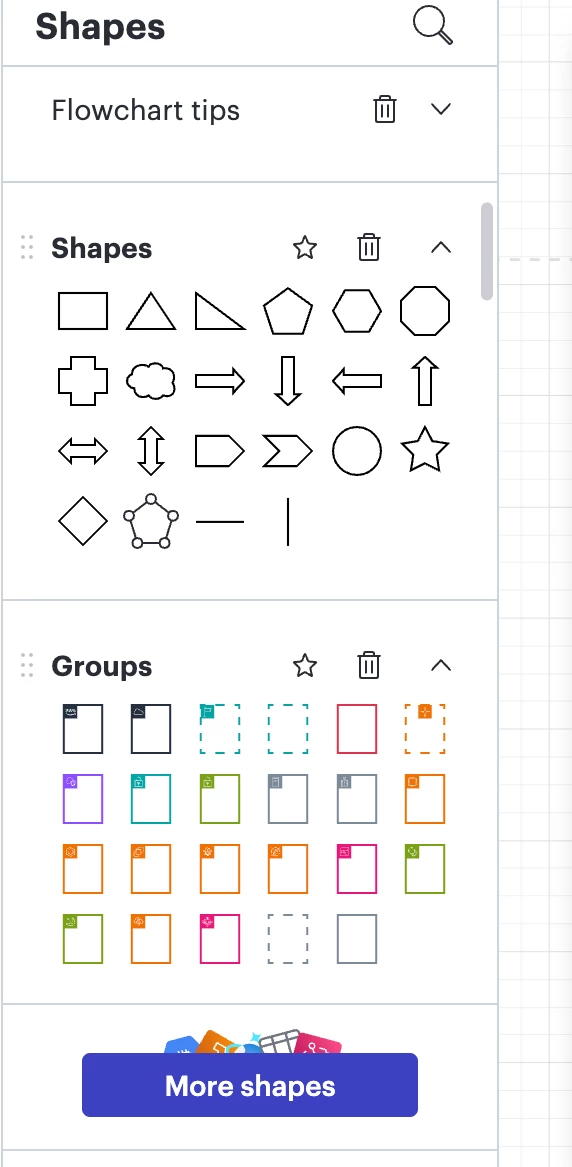
- Shapes panel: shape libraries that are added or removed
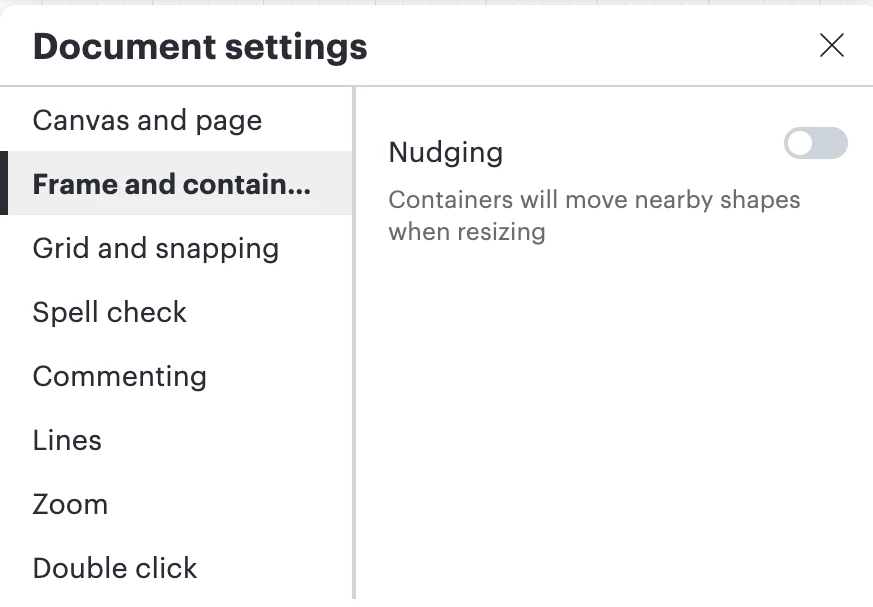
- Frames and containers: If you add a container, resize a frame, move shapes inside/outside of a container, or change their colors, everyone sees it.
Settings that only change for you
If you adjust these settings, these will not affect what the team collaborators will see, but will rather only show on your end:
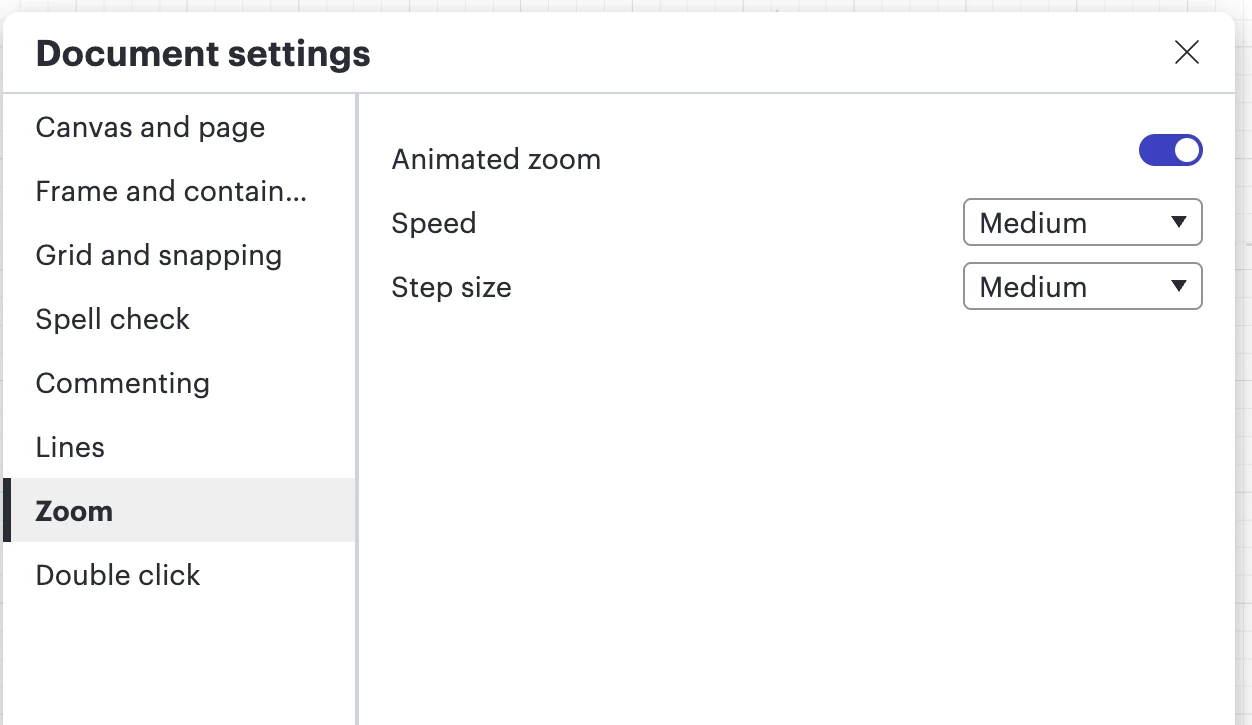
- Zoom: Zoom level / zooming in and out
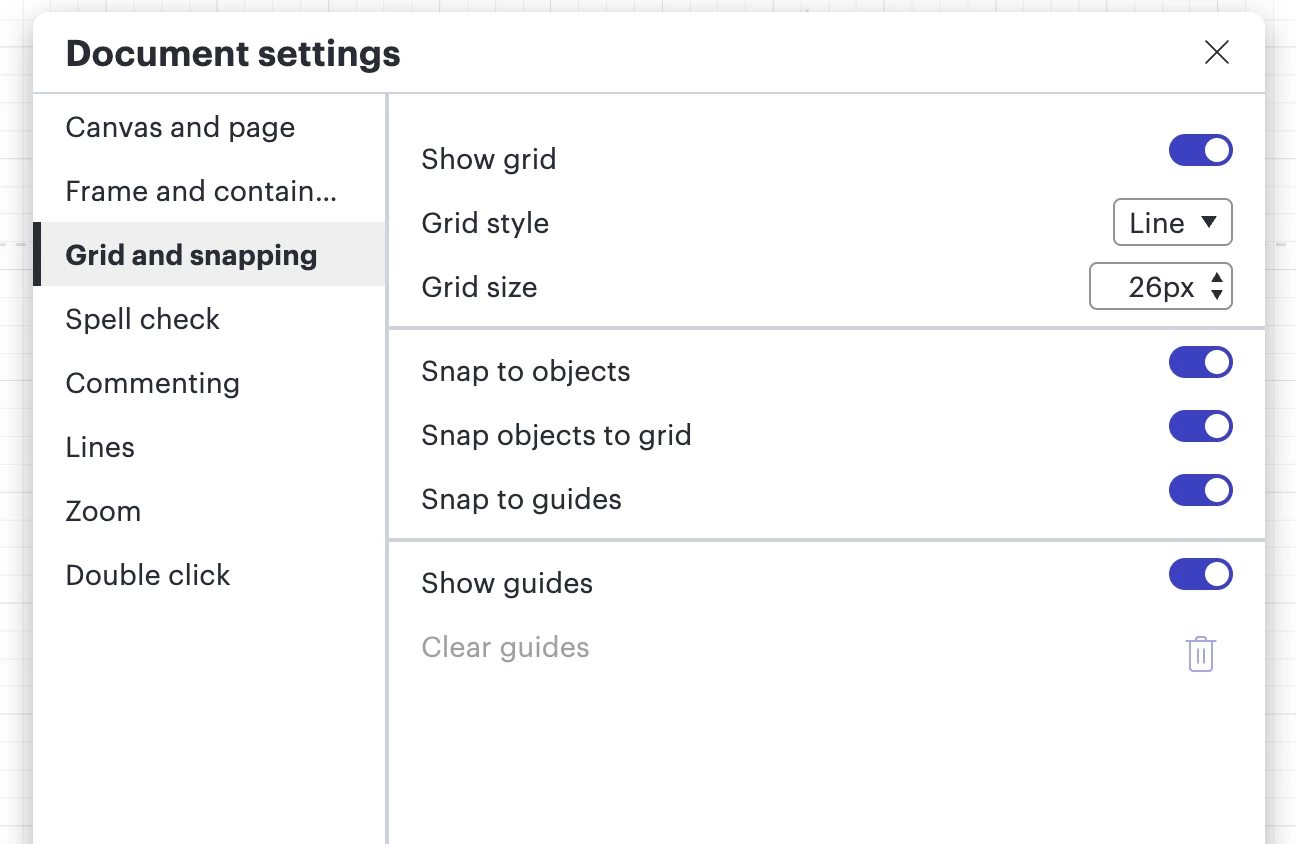
- Grid and snapping document settings (show grid, grid style, grid size)
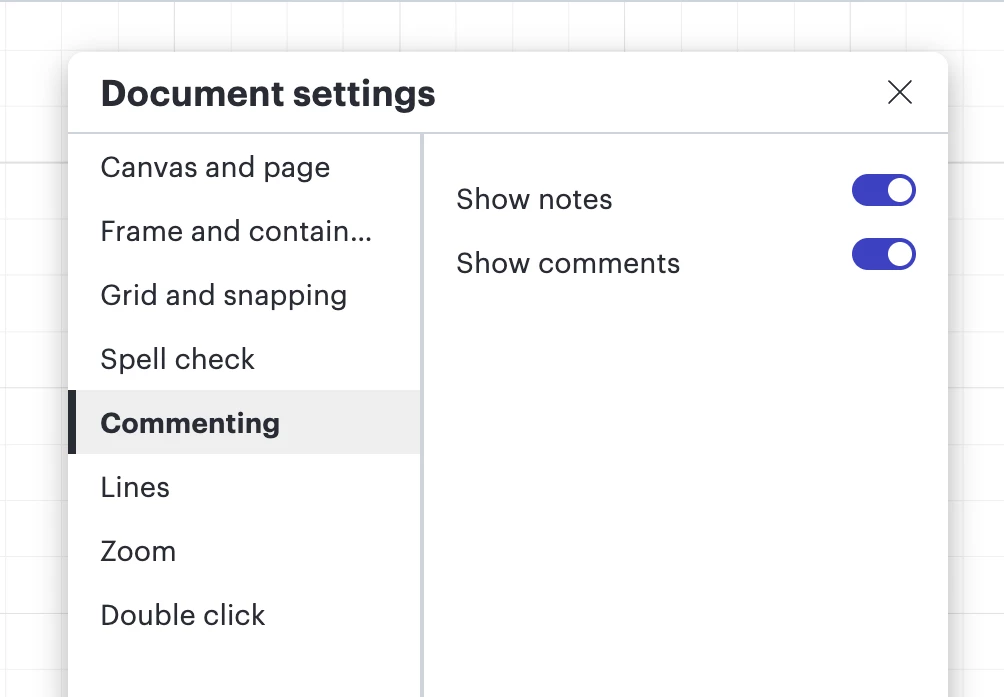
- Commenting: Whether you have comments or comments turned on or off (or notes)
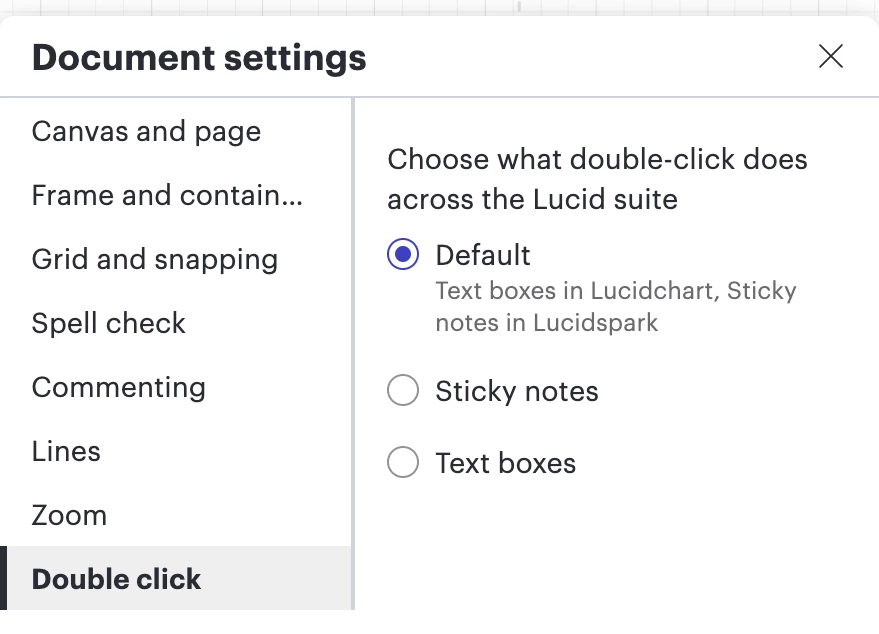
- Double click: f you click on "Page 2," your screen moves to Page 2. Other users will not be forced to move to Page 2; they will stay on whatever tab they are currently viewing.
 Your privacy choices


