Solved

Unable to import PDF thumbnail

  • March 20, 2026
  • 11 replies
  • 75 views

Forum|alt.badge.img+3

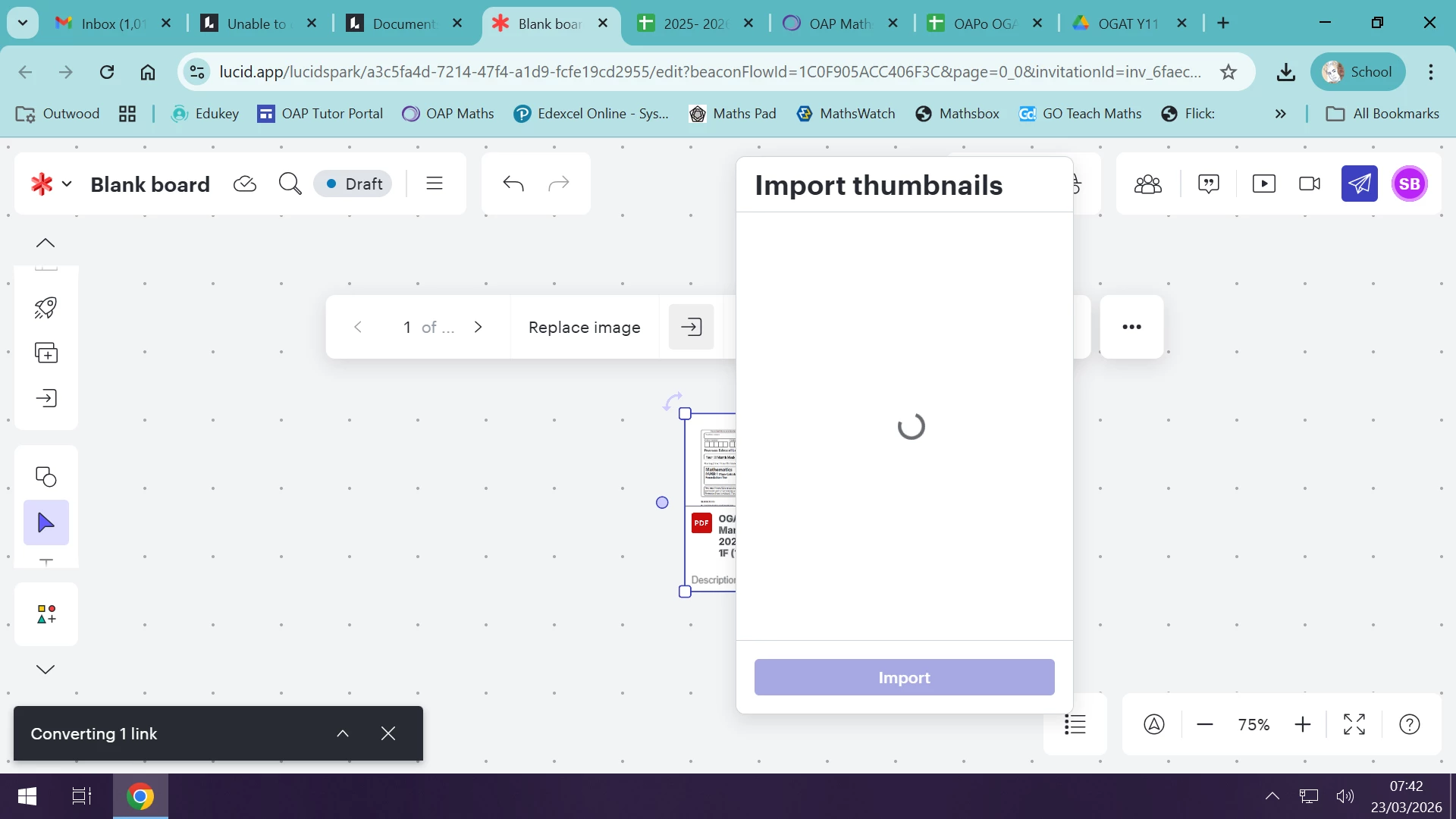
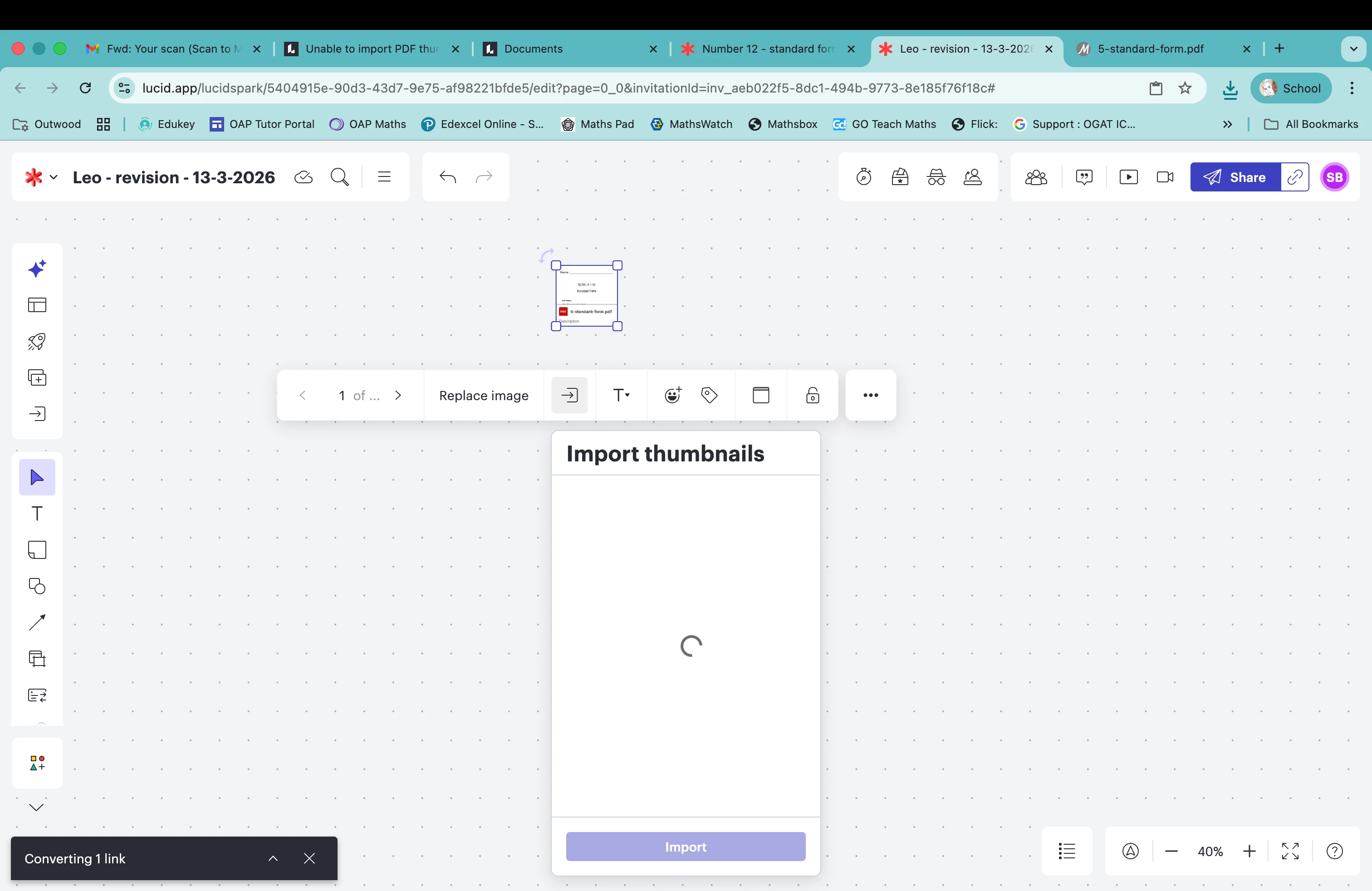
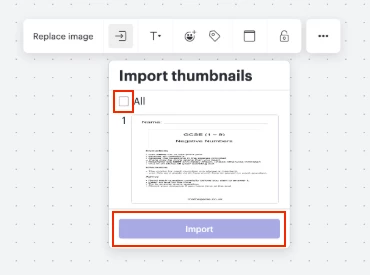
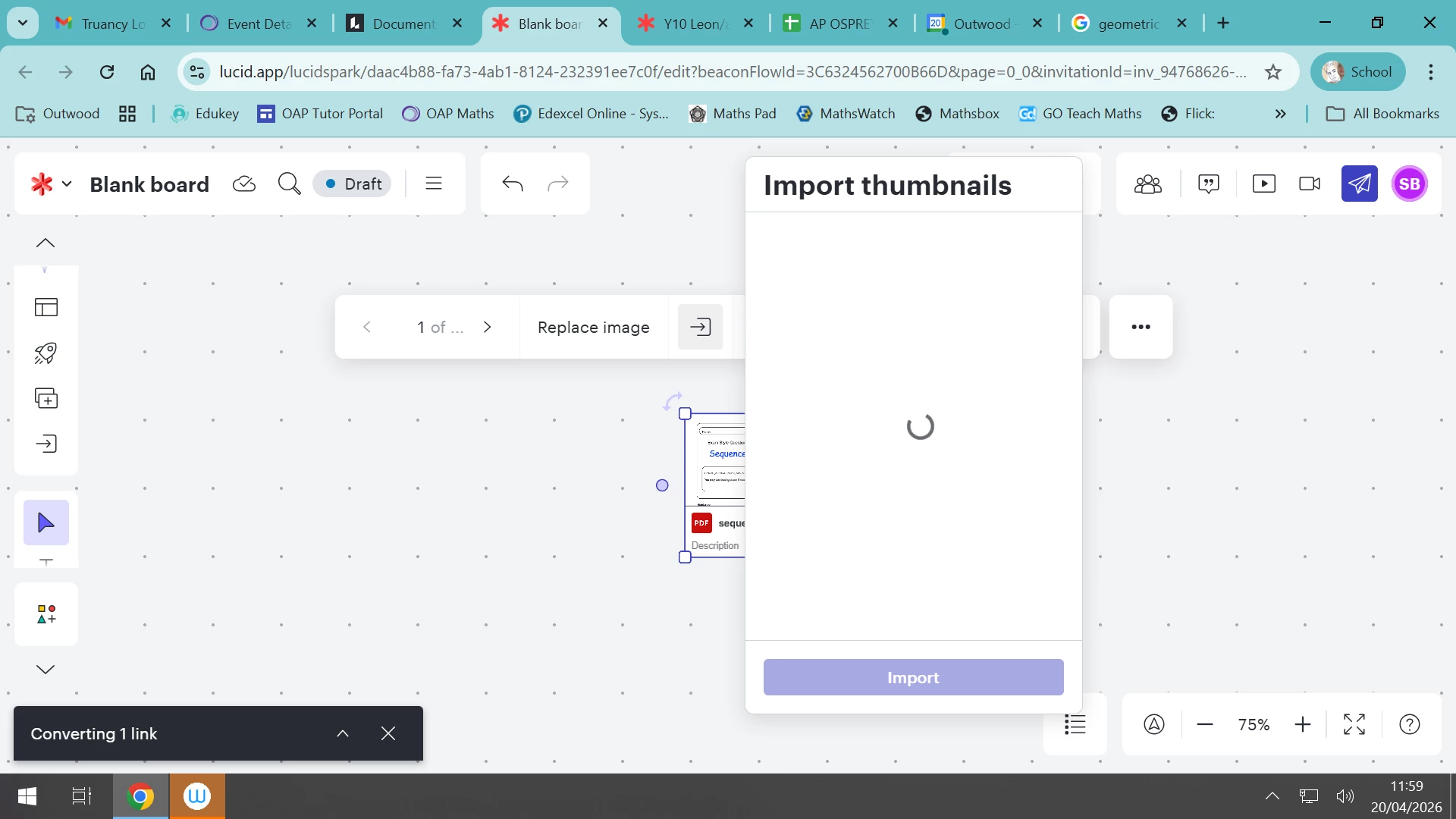
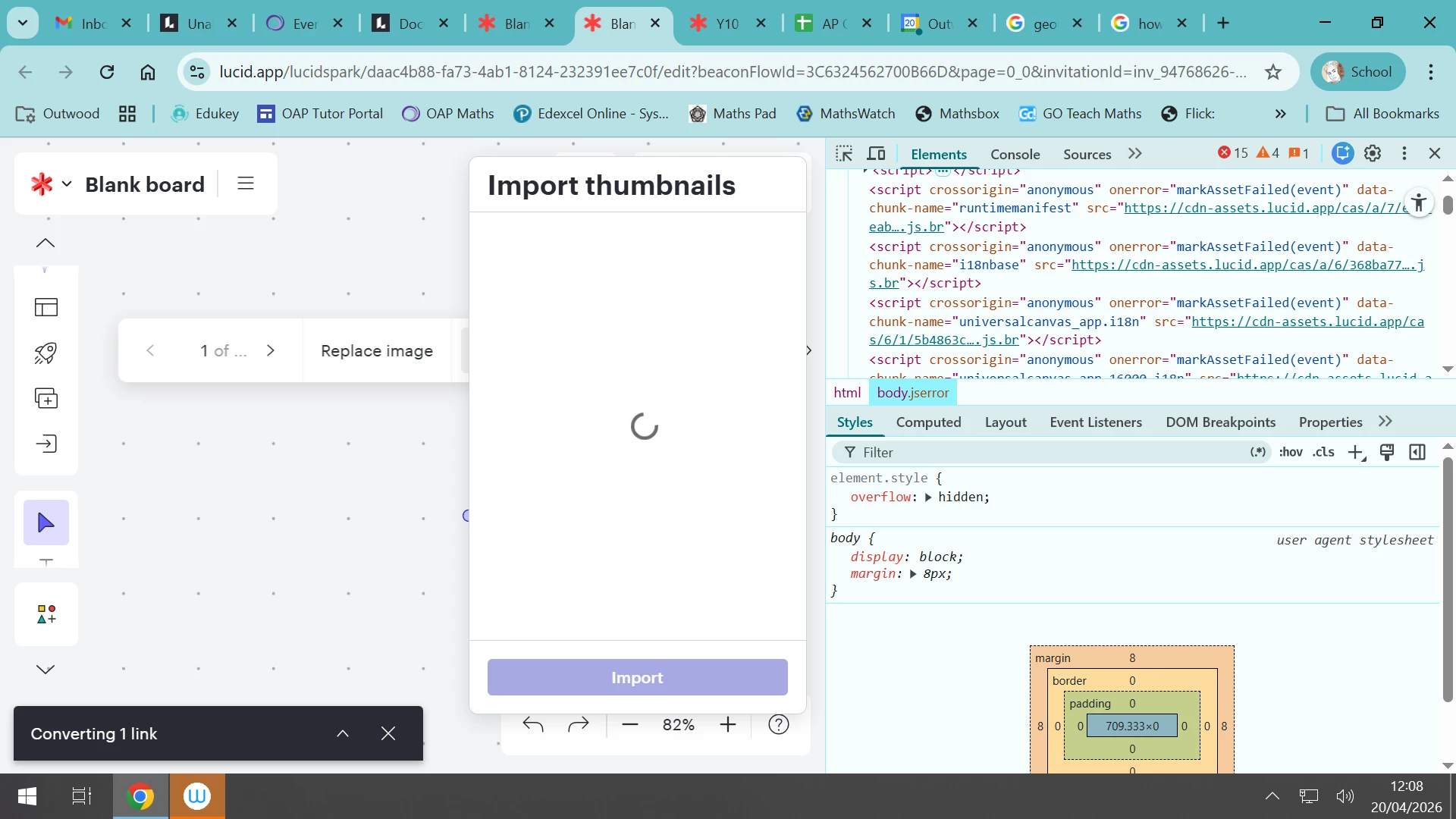
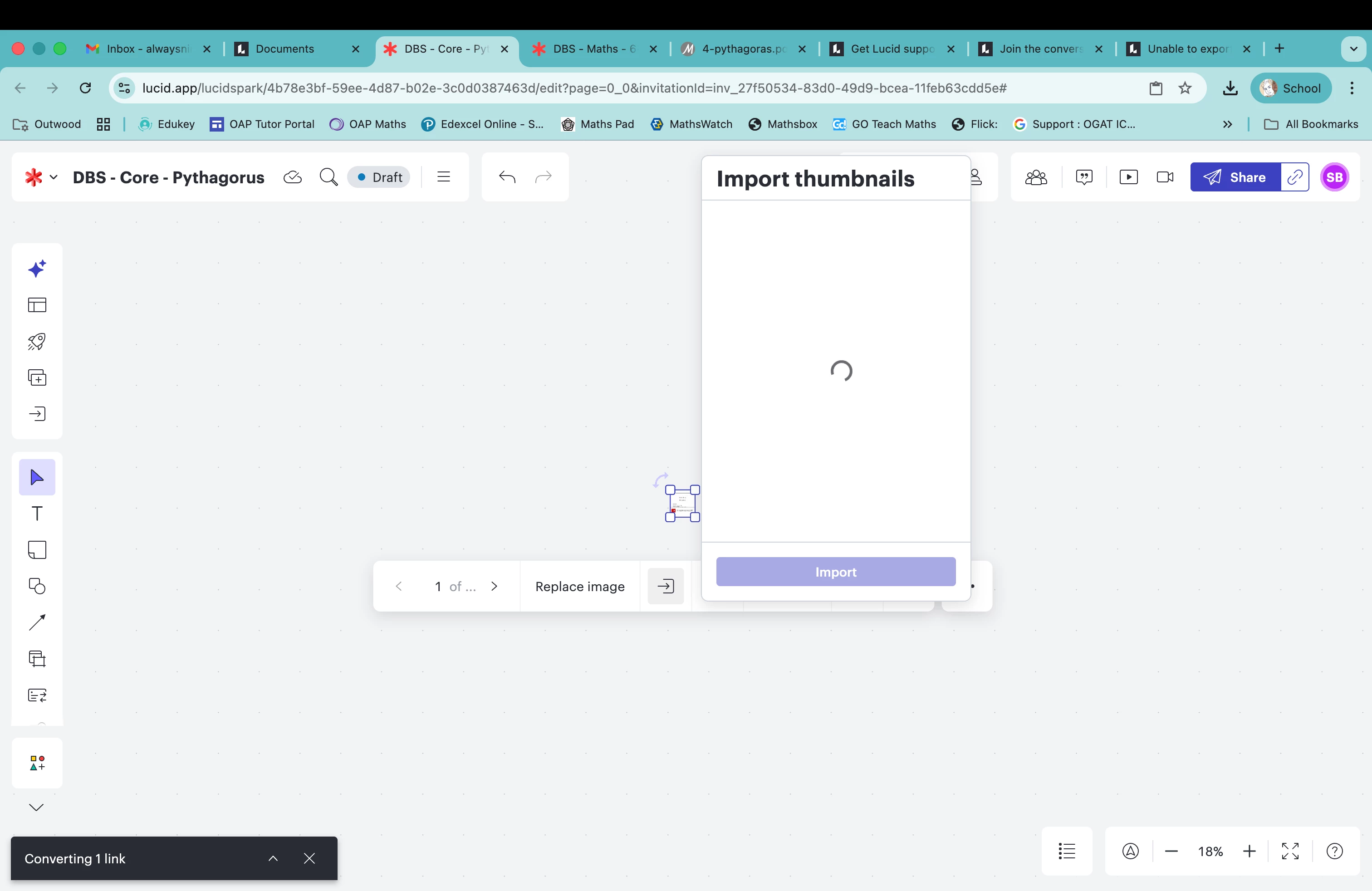
I am currently unable to download PDF files to my Lucid boards. This has been happening for a week or so now. The files just ‘hang’ when importing the thumb nails:

 

Best answer by Leianne C

Hi ​@SBlundell, thank you for posting in the community. I believe you have identified a bug, and I have reported this to our development team. I apologize for any disruption this may cause, and I will update this thread with any new information about a fix. Please follow along on this thread for updates, and post any additional questions or concerns below.

Comments

Leianne C
Forum|alt.badge.img+15
  • Lucid support team
  • Answer
  • March 23, 2026

Hi ​@SBlundell, thank you for posting in the community. I believe you have identified a bug, and I have reported this to our development team. I apologize for any disruption this may cause, and I will update this thread with any new information about a fix. Please follow along on this thread for updates, and post any additional questions or concerns below.


Forum|alt.badge.img+3
  • Author
  • March 23, 2026

So, just trying to upload documents this morning and am unable to upload anything at all. The upload just sits their.


Forum|alt.badge.img+2
  • April 1, 2026

Same issue here. All my files seem to get stuck in the “Running virus scans” step when importing thumbnails


Leianne C
Forum|alt.badge.img+15
  • Lucid support team
  • April 10, 2026

Hi there! I have good news! Our development team has let me know that the issue should now be resolved. I’m sorry for any inconvenience this may have caused. If you’re still seeing the issue or have any other questions, feel free to reach out. I’m happy to help!o


Forum|alt.badge.img+3
  • Author
  • April 12, 2026

Hi Leanne,


Unfortunately it is still the same. The import just hangs


Leianne C
Forum|alt.badge.img+15
  • Lucid support team
  • April 13, 2026

Hi ​@SBlundell, thank you for giving that a try. To confirm, is the PDF file you’re trying to import thumbnails for a large file? How many pages does it have? 

If possible, could you please try this in an Incognito window as well as with a PDF file with only a few pages? This will help us take a closer look at the issue. 

Thanks in advance for your help and patience. Please let us know if you have any questions!


Forum|alt.badge.img+3
  • Author
  • April 14, 2026

Hi Leianne,


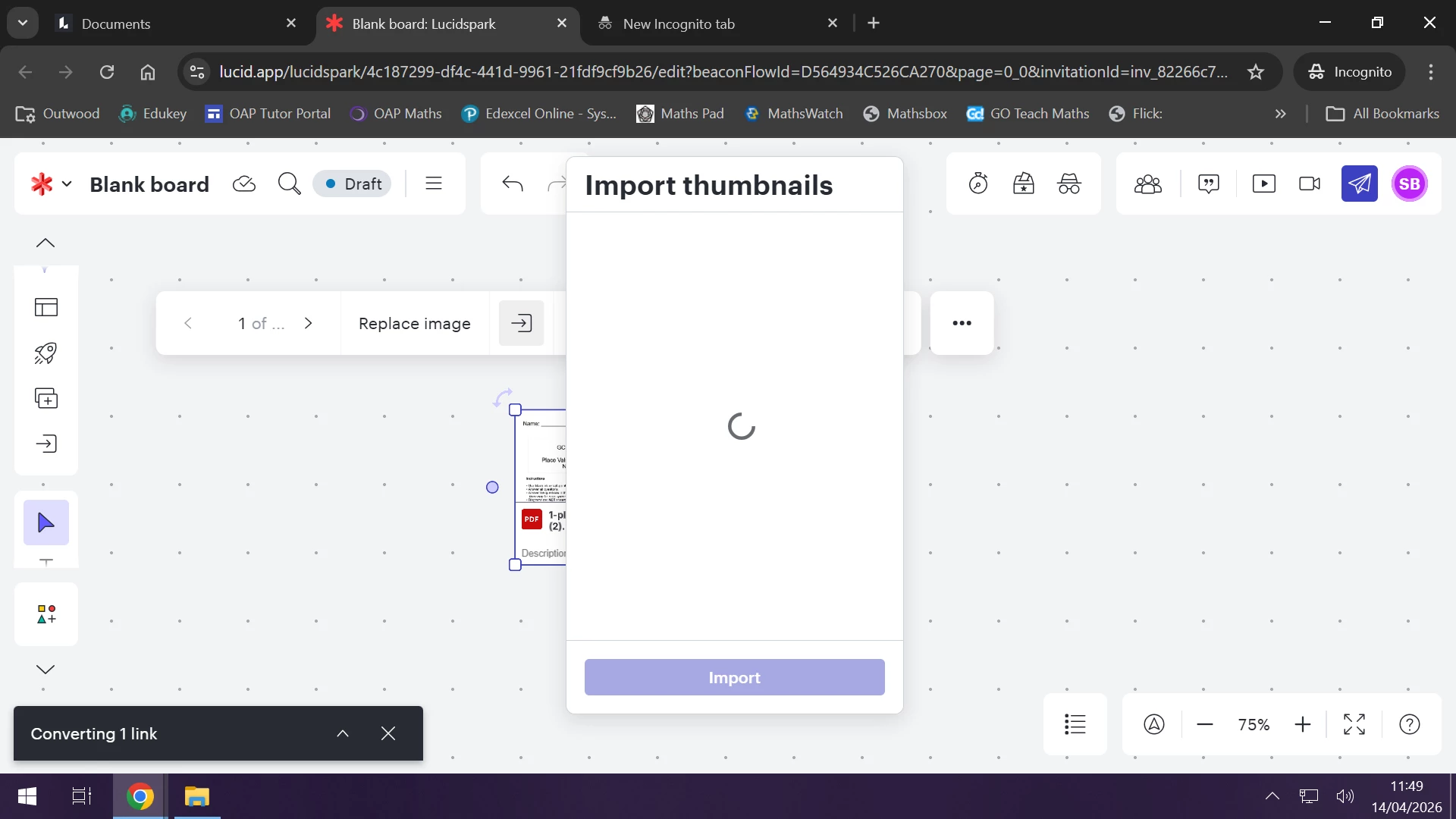
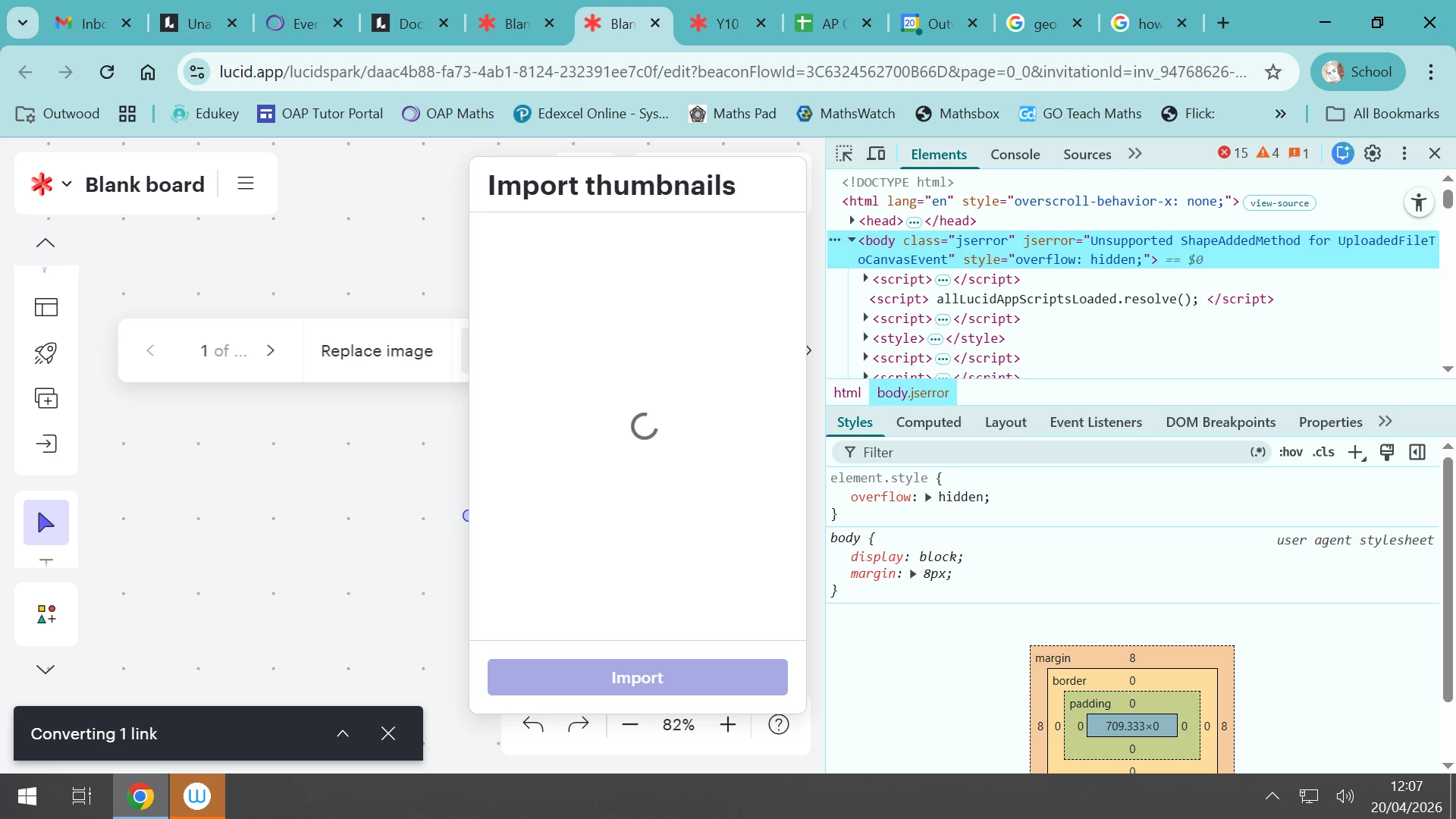
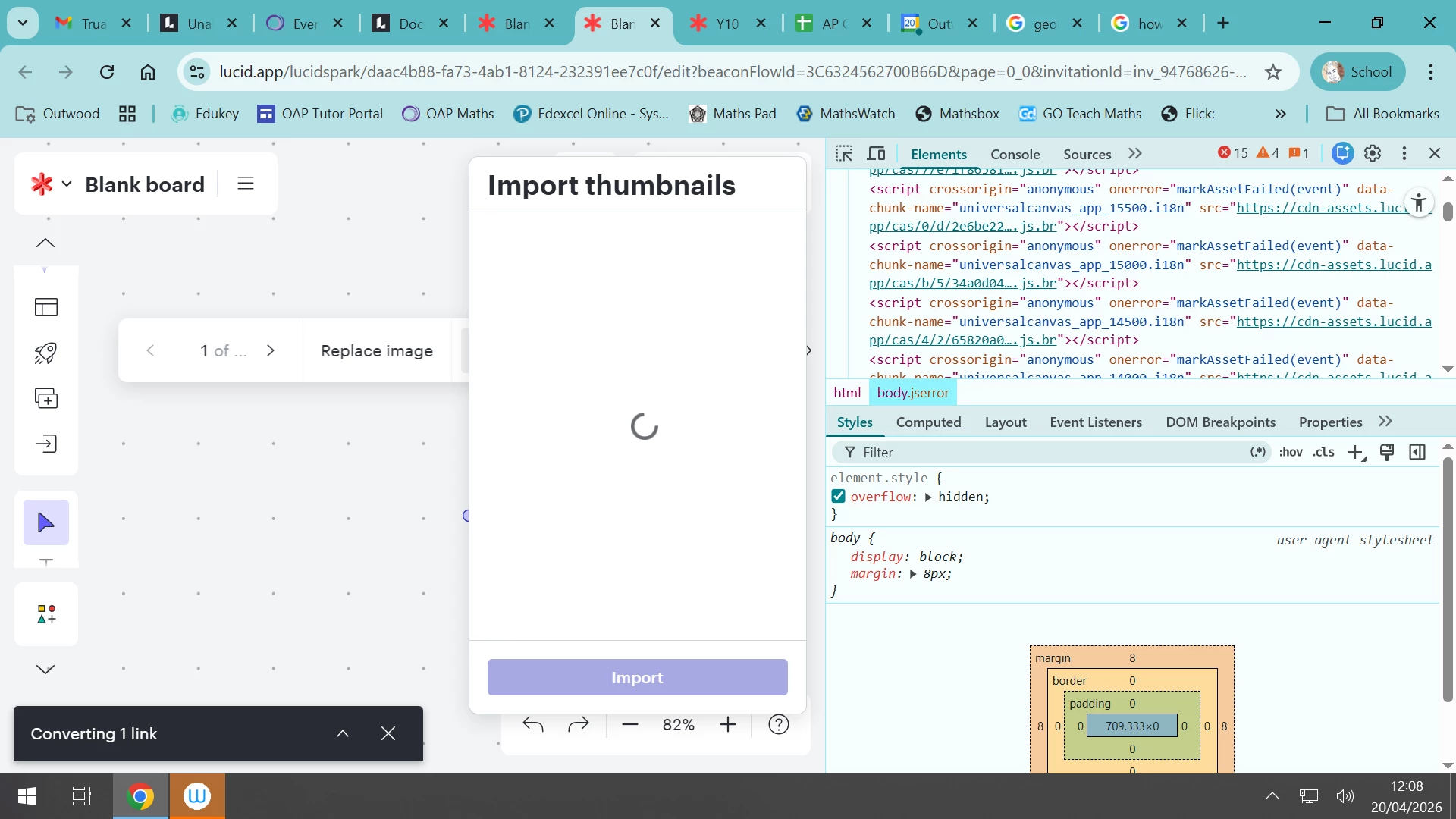
So I have tried again in an incognito window with a small (simple) PDF. I have also tried on my machine at work and my macbook at home. The result is still the same: Attached is a screenshot from my work PC.


Regards


Screen shot


Vanessa C101
Forum|alt.badge.img+15

Has this been fixed?  I am also having issues with this feature not working.


Forum|alt.badge.img+3
  • Author
  • April 15, 2026

No, not as yet. I have tried the incognito mode as suggested and also tried a smaller PDF. But no luck in downloading yet.


Leianne C
Forum|alt.badge.img+15
  • Lucid support team
  • April 16, 2026

Hi ​@Vanessa C101 and ​@SBlundell, thank you for continuing this thread and sorry for the trouble. We have reported this to our development team for further investigation and will share more information here as soon as possible. 

In the meantime, could you please try importing your PDF file and wait a few minuets before attempting to extract thumbnails? Please let me know if you see any improvements after trying this step. 

We appreciate your patience and please let us know if you have any questions. 


Forum|alt.badge.img+3
  • Author
  • April 16, 2026

Hi Leianne,


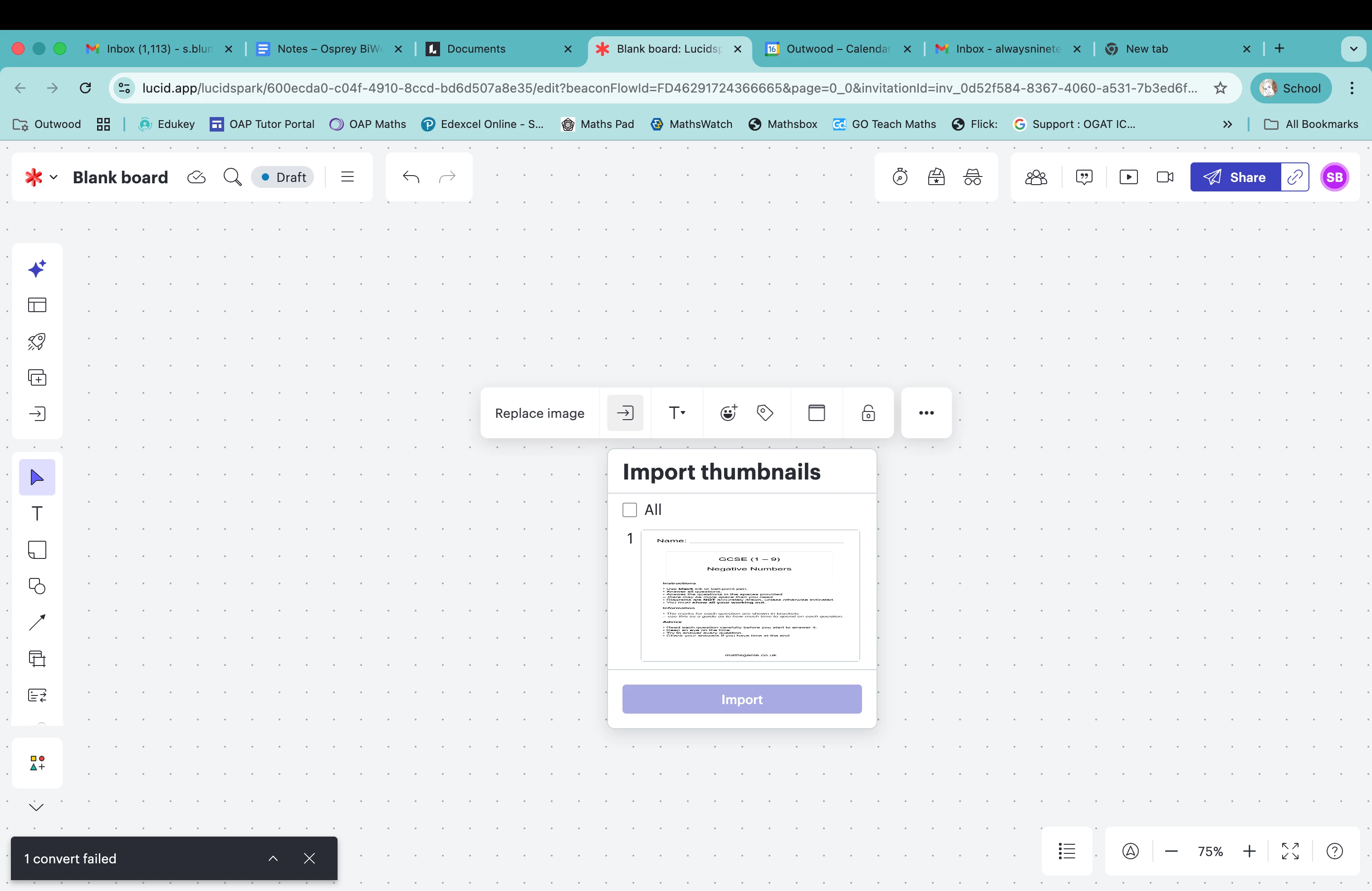
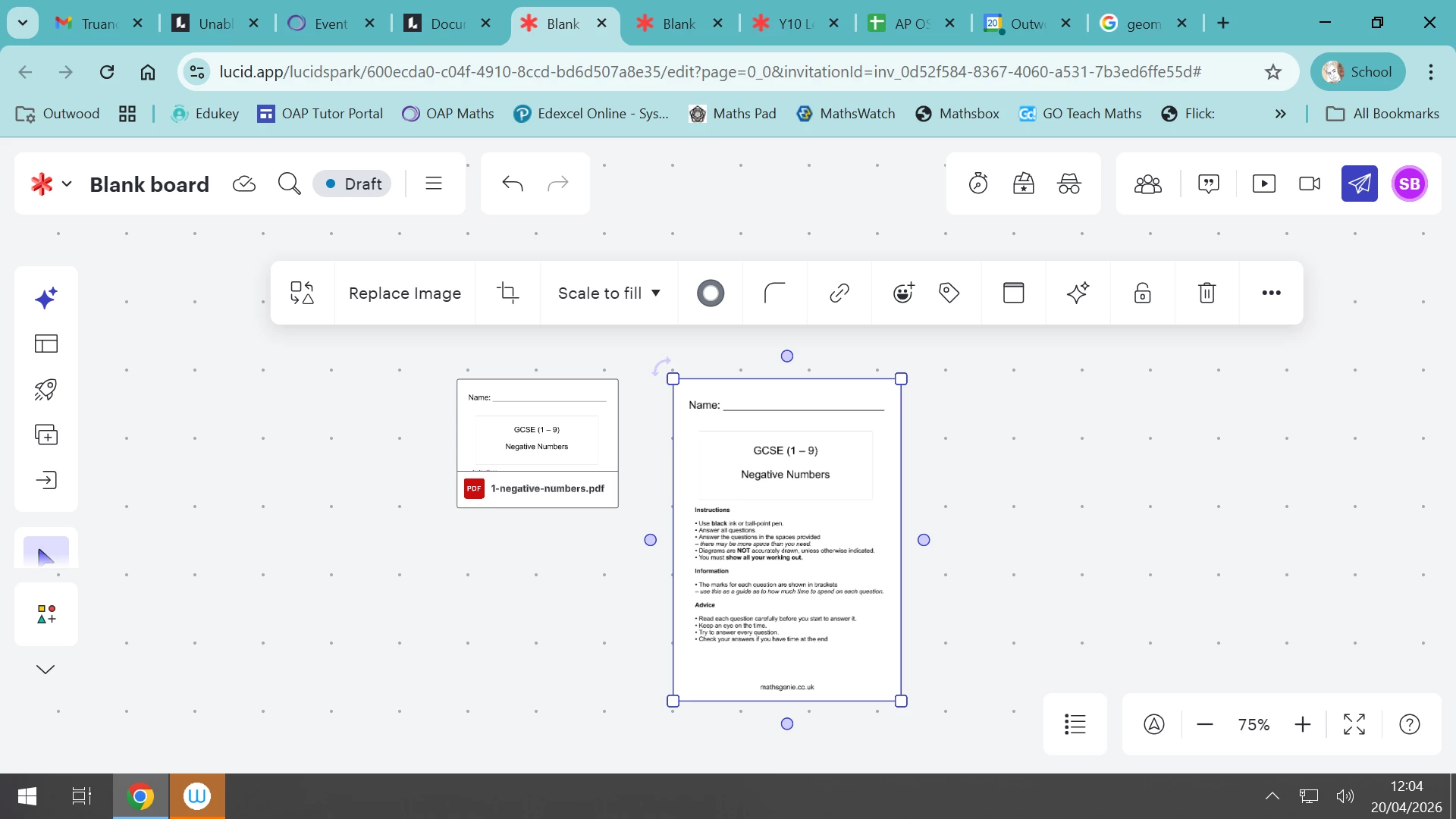
So, after leaving for 30mins or so I get the following (again this is a small basic/uncomplicated PDF.)


So still not working.