Hey Mary
Thanks for posting in the Lucid Community! As Emma mentioned in the previous post indention can be adjusted using the text options menu. I've included a screenshot that I hope will help out along the way. A couple of common tips that I frequently use when creating a bulleted list within Lucidchart are:
- Using Cmd (or Ctrl) + Enter to keep the list going. This can be used multiple times in a row to create a series of bullets.
- Tab to create a sub bullet in a new line.
- Shift + Tab to revert back to a main bullet.
- You can pin the text options menu by clicking the pin in the top right corner of the box.
Hope this helps! Please feel free to post another comment or reach out to us directly at support@lucidchart.com with additional questions--Cheers!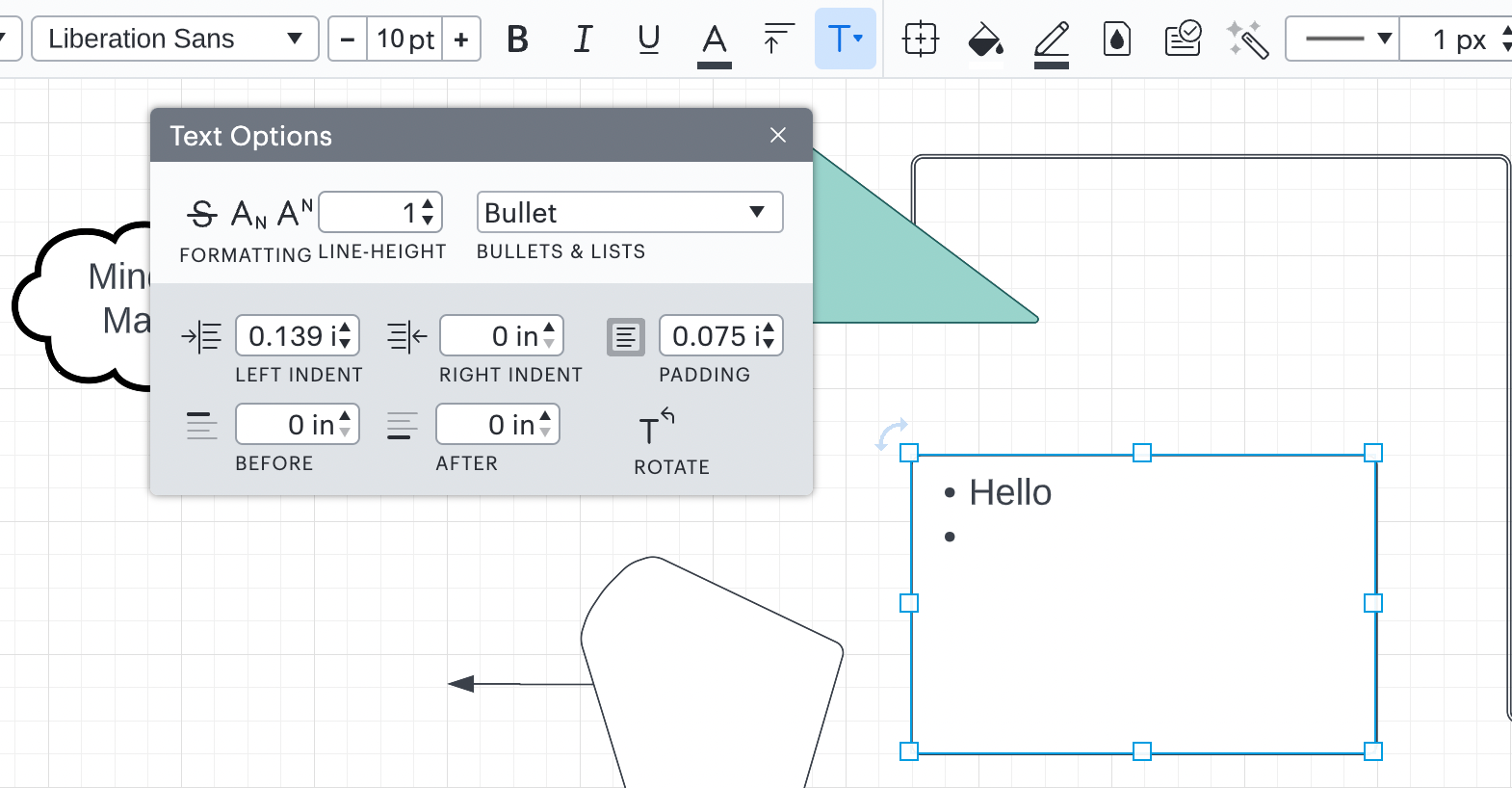



 Your privacy choices


