
Question

Student access to Lucid breakout boards during Canvas live session

  • March 13, 2026
  • 7 replies
  • 36 views

MayTse
Forum|alt.badge.img+4

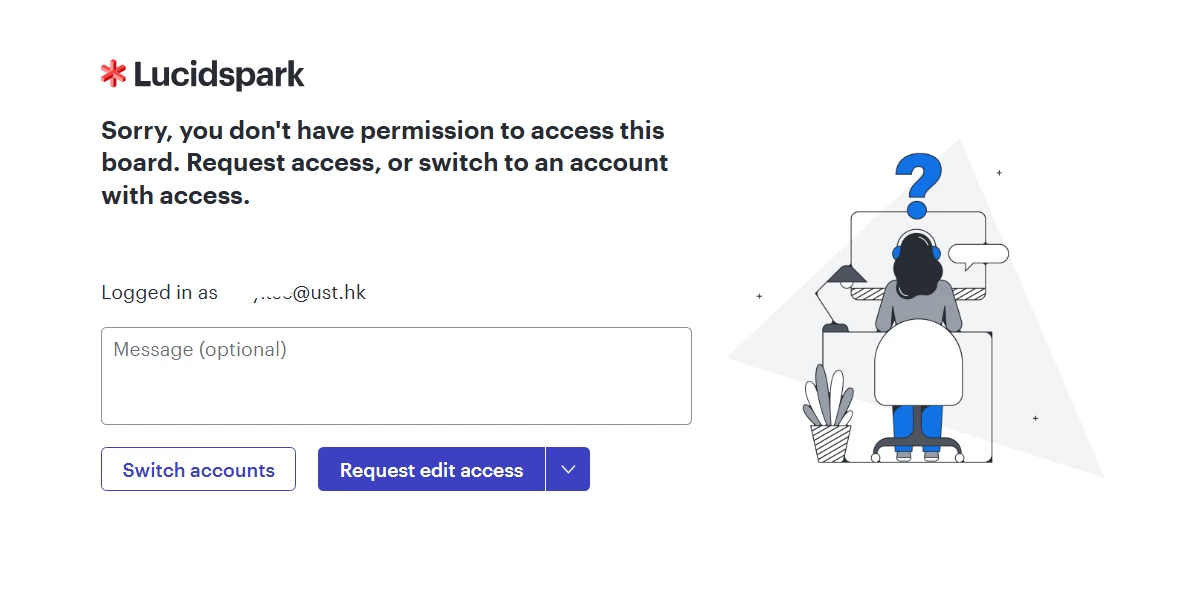
Course instructors at our university have reported student access issues when using Lucid during live class sessions. Students who are logged into Canvas encounter access permission problems and are prompted to request edit access in these scenarios:

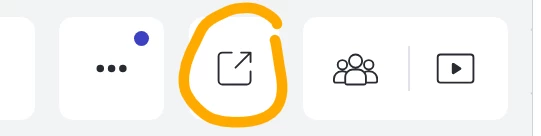
  • Clicking "Open in a new tab" on a Lucid board embedded in a Canvas page prepared by the instructor

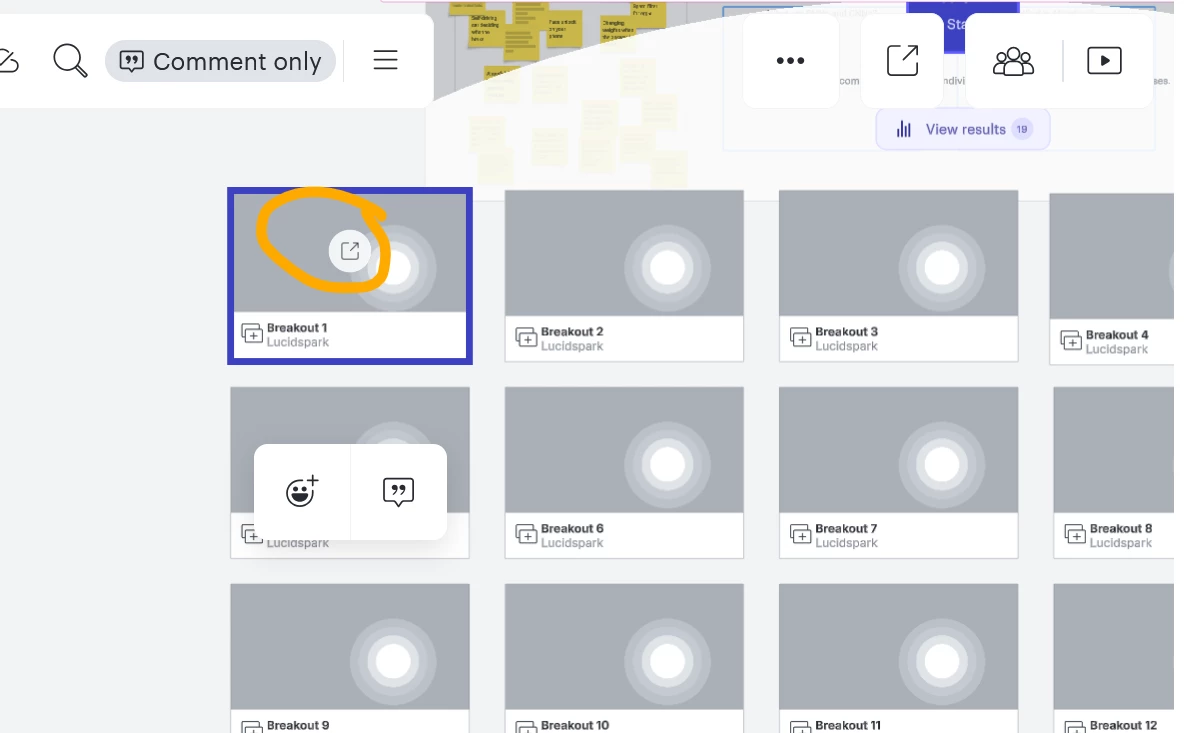
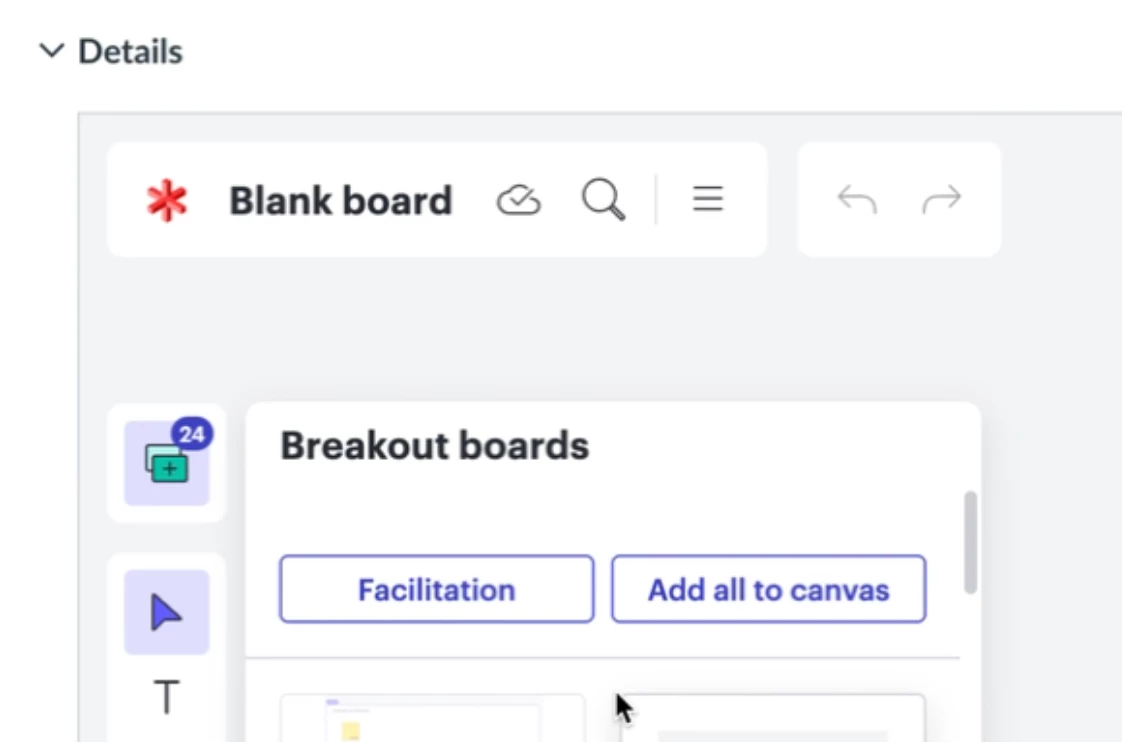
  • Clicking a breakout board link prepared within the main Lucid board by the instructor

Please advise on how to resolve this issue. It is not feasible for instructors to manually grant access to large numbers of students individually during live sessions.
Comments

Leianne C
Forum|alt.badge.img+15
  • Lucid support team
  • March 17, 2026

Hi ​@MayTse, thank you for posting in the community. To confirm, are your students running into any errors when attempting to access the Lucidspark Breakout boards? If so, could you please provide a screenshot of what they are seeing on their end? Please feel free to censor any private information. 

Additionally, could you please share a brief description of the steps your team took to create the Lucidspark board and assign it in Canvas? This will help me to get a better understanding of the issue.

In the meantime, as a workaround, I recommend providing a share link, generated outside of Canvas, and share this with students to ensure that they can access the embedded boards. For details on how to generate a sharelink, please review our article on sharing from the Lucid Help Center.

Thank you for your help and patience. Please don’t hesitate to let us know if you have any questions. 


MayTse
Forum|alt.badge.img+4
  • Author
  • March 18, 2026

@Leianne C 

When students click "Open in a new tab" (upper right corner)


or the Breakout board link,


they encounter the access denied screen shown below.


Leianne C
Forum|alt.badge.img+15
  • Lucid support team
  • March 20, 2026

Hi ​@MayTse, thank you for sharing that information. I’m checking internally for some additional insight and will update this post as soon as I have more details. 

In the meantime, as a workaround, I recommend providing a share link, generated outside of Canvas, and share this with students to ensure that they can access the embedded boards. For details on how to generate a sharelink, please review our article on sharing from the Lucid Help Center.

We appreciate your help the patience. Please let me know if you have any questions in the meantime. 


MayTse
Forum|alt.badge.img+4
  • Author
  • March 20, 2026

@Leianne C,

Thanks for the update. Yes, we're currently using the shareable link as a workaround in the meantime.

Hope to hear good news from your team soon.

Best,
May


Leianne C
Forum|alt.badge.img+15
  • Lucid support team
  • March 23, 2026

Hi ​@MayTse, thank you for your patience as I confirmed this with our development team. I believe you have identified a bug with the “Open in New Tab” issue, and I have reported this to our development team. I apologize for any disruption this may cause, and I will update this thread with any new information about a fix. Please follow along on this thread for updates, and post any additional questions or concerns below.

For breakout boards, unfortunately, this isn’t currently supported in Lucid, but we’re very interested in your feedback and committed to continually improving our products. This feedback is shared with our development team and the feature is on their radar. If you’d like, you are welcome to create and idea post of your own and be sure to include details about your use case or what you’d like to see in this experience. This will also allow other users with similar requests to discover and upvote it, then add details of their own.

Finally, for more information on how Lucid manages feedback via this community, take a look at this post:


Thank you for all your help and patience. Please let us know if you have any questions! 


MayTse
Forum|alt.badge.img+4
  • Author
  • March 24, 2026

@Leianne C May I clarify on what do you mean by “For breakout boards, unfortunately, this isn’t currently supported in Lucid.”?


Leianne C
Forum|alt.badge.img+15
  • Lucid support team
  • March 24, 2026

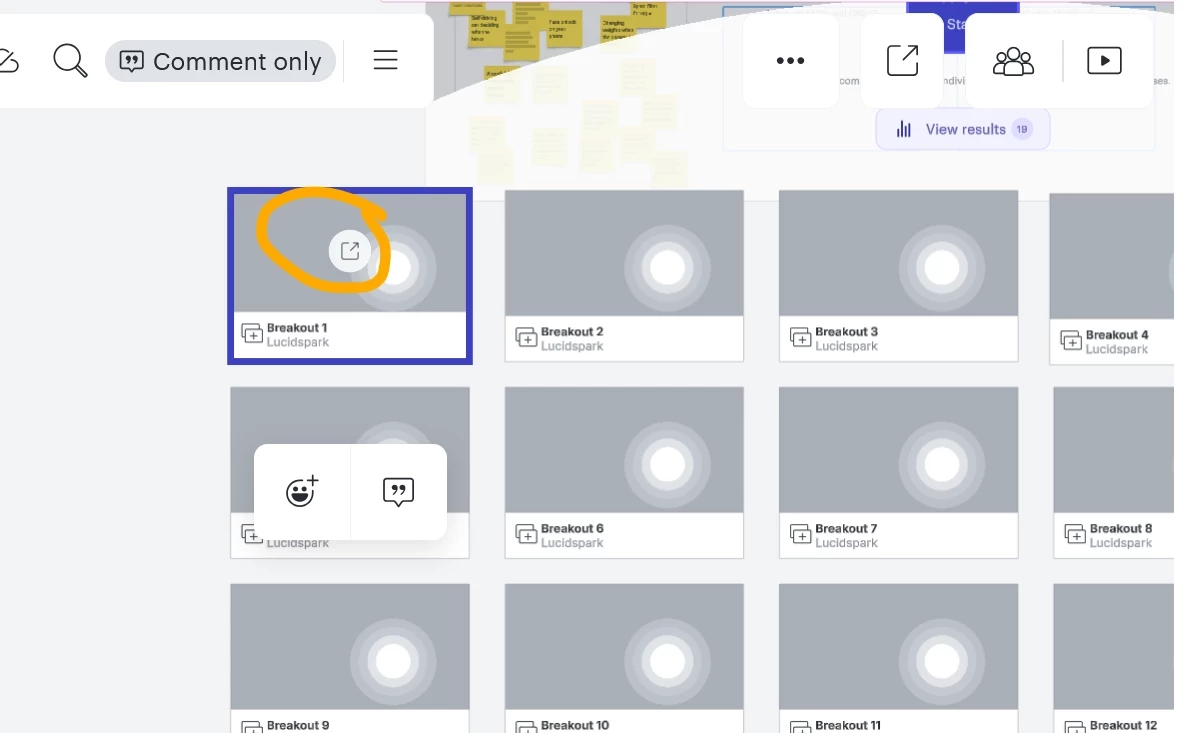
Hi ​@MayTse, apologies for the confusion! It is currently expected that students will receive a permissions request when try to access a breakout board from within Canvas using the thumbnail shortcut that the instruction has added to the board. This only happens from within the Canvas iFrame. This is a known limitation and is on our team’s radar for future improvements. 

Example of the breakout board shortcuts.


As a workaround, students can still access the breakout boards from within the Canvas iFrame by clicking the Breakout Boards icon along the left toolbar. Otherwise, they can do so by opening the board in a new tab (which is currently reported as a bug). 

I hope this helps. Please feel free to let me know if you have any further questions.