October 11, 2024
Solved

Smart Containers not showing configuration tab

  • October 11, 2024
  • 13 replies
  • 140 views

When using the Smart Containers template, I’m unable to edit the containers by clicking on the ‘Smart Container’ as directed in the guidance, is there additional steps to follow to be able to edit the layout of the smart container?

Best answer by Leianne C

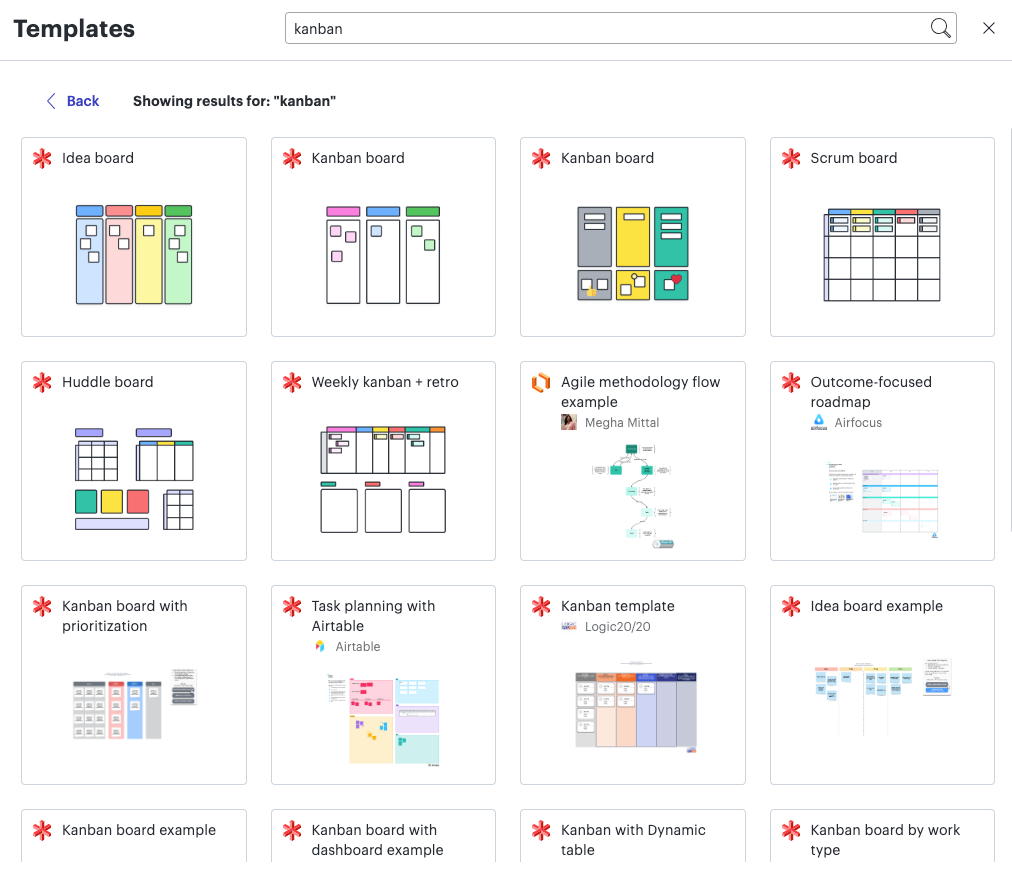
Hi ​@Val, thank you for continuing this thread. Would you mind confirm if you used one of the Kanban board templates with the red Lucidspark logo? If that is the case, it is expected that the side panel will not appear as the panel is only available in Lucidchart (orange logo). 


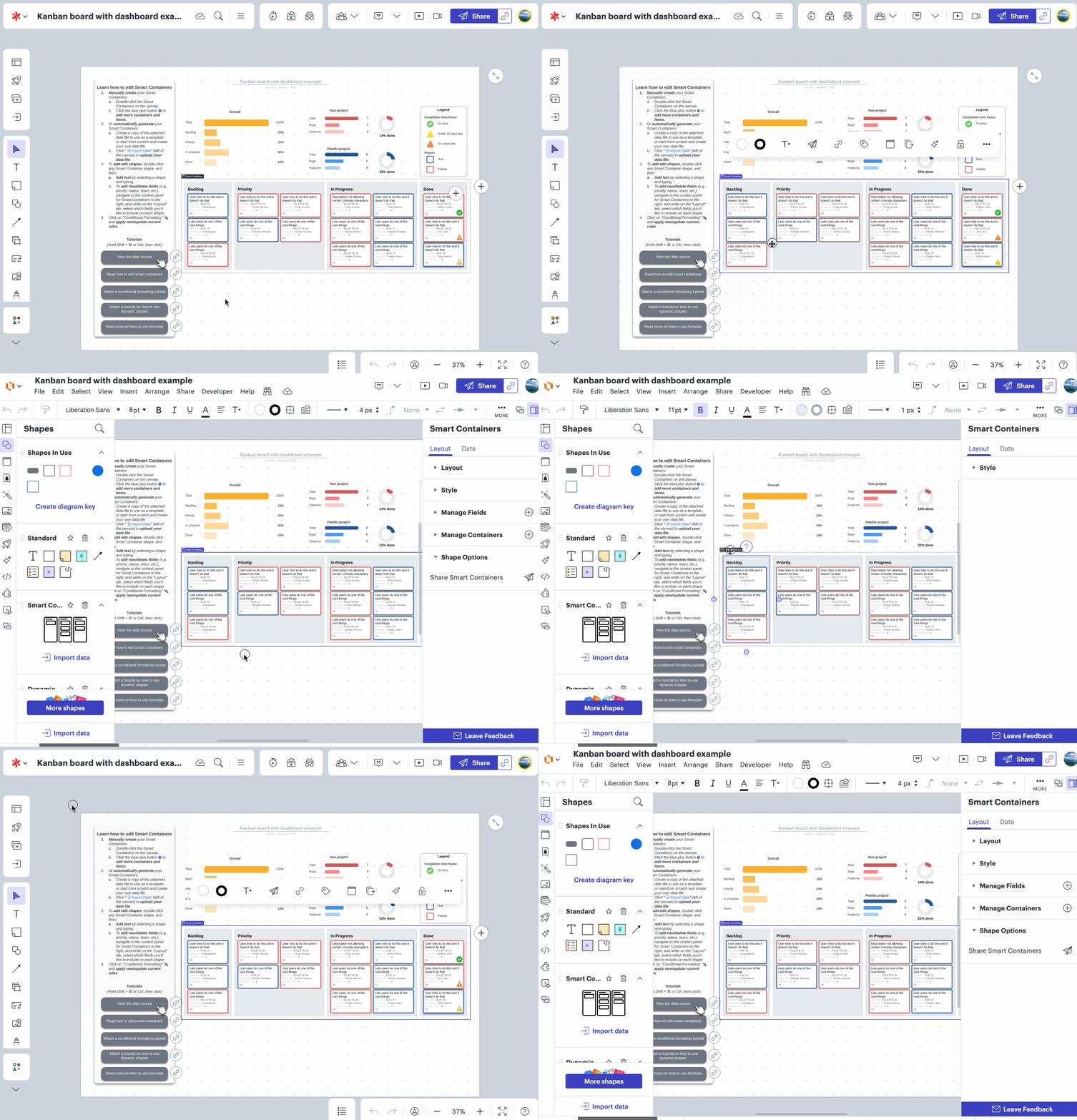
To access the side panel from a Lucidspark board,  you will need to edit your board in Lucidchart via Universal Canvas. I’ve also included a GIF demonstrating this: 


I hope this helps. Please let me know if this is not the case for you, or if you have any questions!

Comments

Leianne C
Leianne CAnswer
Lucid support team
January 7, 2025

Hi ​@Val, thank you for continuing this thread. Would you mind confirm if you used one of the Kanban board templates with the red Lucidspark logo? If that is the case, it is expected that the side panel will not appear as the panel is only available in Lucidchart (orange logo). 


To access the side panel from a Lucidspark board,  you will need to edit your board in Lucidchart via Universal Canvas. I’ve also included a GIF demonstrating this: 


I hope this helps. Please let me know if this is not the case for you, or if you have any questions!

January 7, 2025

Very helpful. Thank you so much!

Leianne C
Lucid support team
January 8, 2025

Hi ​@Val , I’m glad to hear that was helpful! Please feel free to let us know if you have any additional questions - we are happy to help :)