

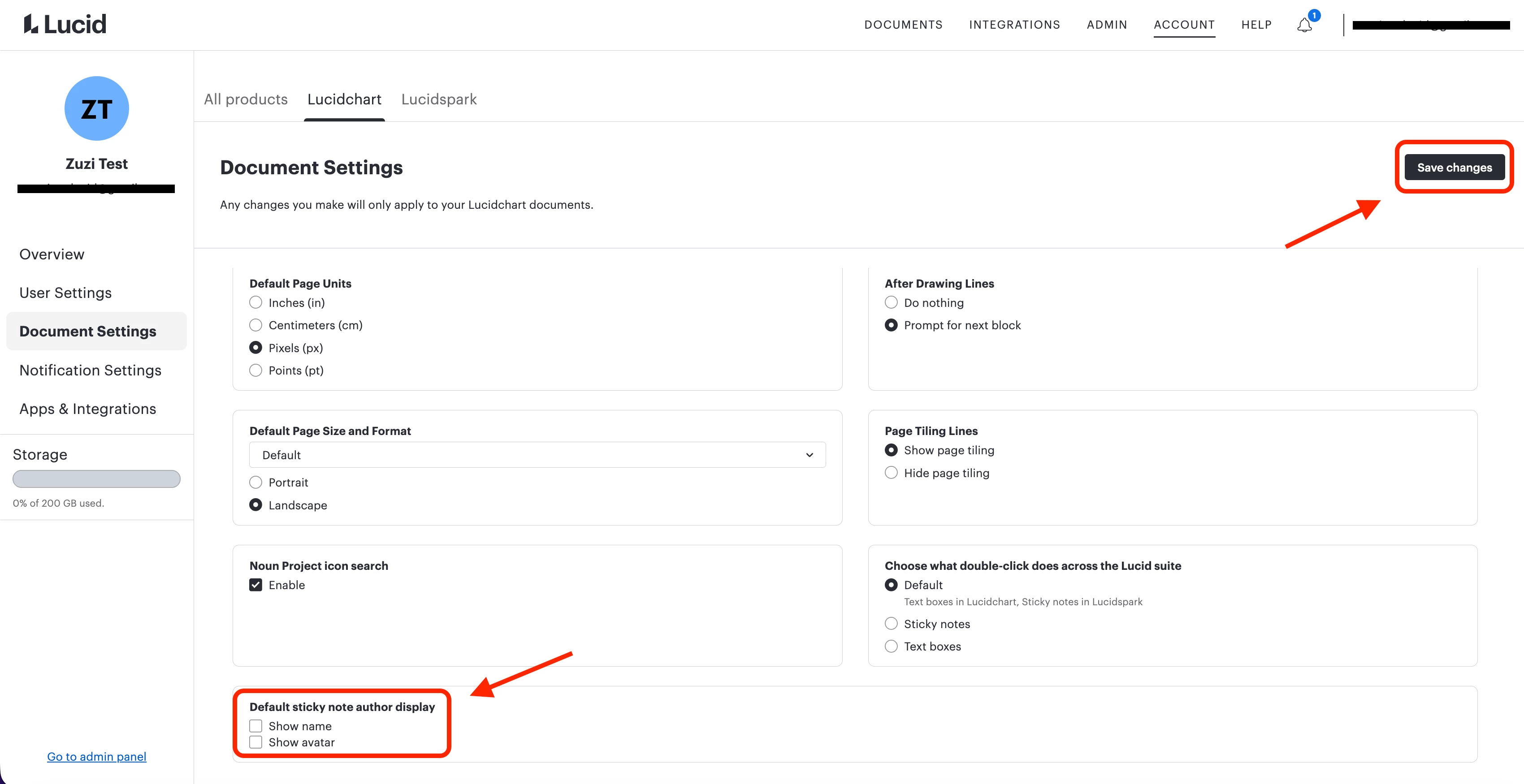
Show authors on sticky notes
As we all know, some time ago sticky notes authors where introduced to Lucidchart (and Lucidspark, but I’m not a LS user). My first and foremost problem with this is, that it changed the default and learned behavior:
- before: sticky notes did not have authors
- after: author names are displayed on sticky notes everywhere
In my company we are using a lot of sticky notes since we are drafting and scribbling all the time with Lucidchart. Also on our production flow charts and architecture diagrams we use a lot of stickies to explain details and sometimes keep track of TODOs (it’s like source-code comments). The author names, especially when wrongly assigned (!), do not add value for us in most cases.
Therefore I wished that when introducing such a feature, the default behavior of the application would stay the same.
I tried to turn off author names in sticky notes via “View->Show/Hide->Show authors”. It works, AFAIK only on sheet level, and it seems to not be a personal setting for me. However: almost everyday I’m experiencing sticky notes with author names that I deactivated before, I’m also experiencing wrongly assigned author names (in case someone copied a sticky note and changed it), and over all I did not want to mess with all that stuff.
This is the first case after 10+ years using Lucidchart that is really annoying for me and my team. In the last two years the overall UX decreased a bit, but at acceptable level. But the sticky notes authors “feature” and how it is treated by Lucid (community feedback seems to be ignored) is not what I’m used to with Lucid.
Best regards
Achim
 Your privacy choices


