Solved

"Shapes in Use" library missing from panel

  • April 9, 2026
  • 4 replies
  • 26 views

Forum|alt.badge.img+1

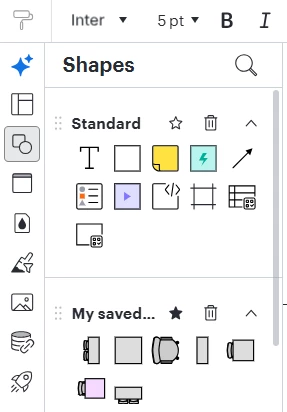
I have created a floorplan using the standard template “Office floor plan” as a starting point.  For some reason, I am not able to see a “Shapes in Use” section in the Shapes panel, and I have spent 2 hours trying to figure this out, and researching online.  It is just not there, anywhere on the Shapes Panel.  See screenshot below, which also shows some of the custom shapes I have added to “My saved shapes” library.
 

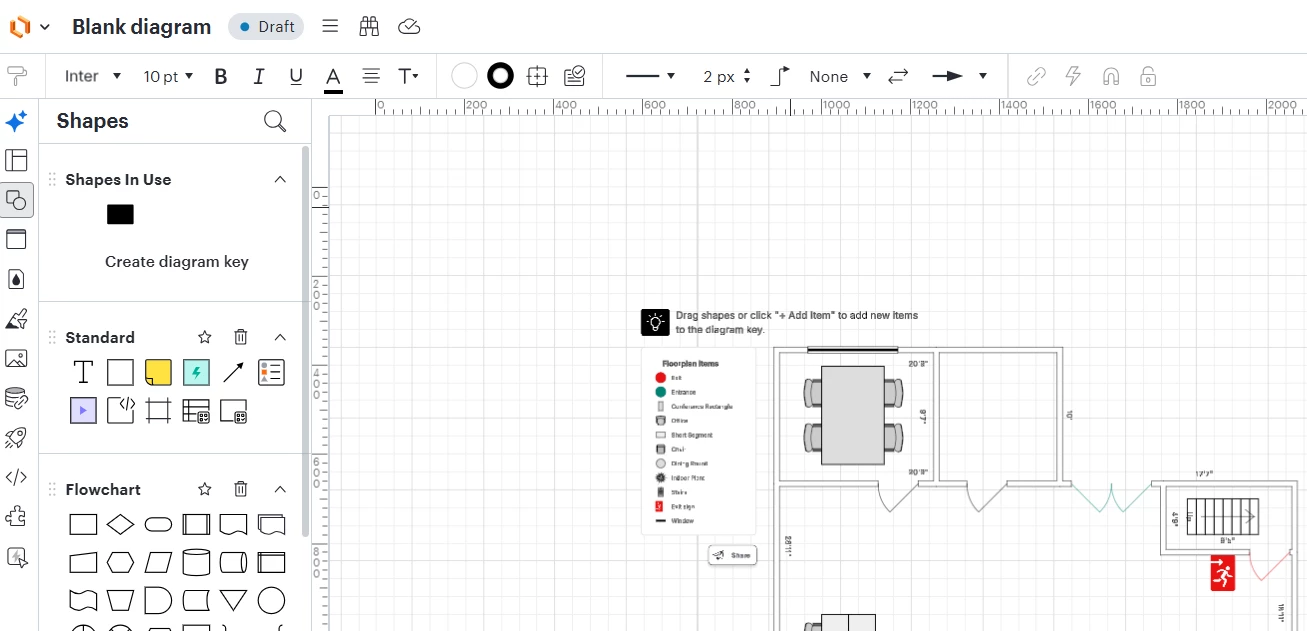
Interestingly, if I create a new document based on the same template, i DO now see a “Shapes in Use” section, however it only has one item (black rectangle) despite their being many other shapes in use, per the diagram key and floorplan itself.   See screenshot below.


I am not sure what I am doing or have done wrong such that I am NOT seeing a Shapes in Use section.  Please HELP.  Thanks in advance.
 

Best answer by roshauna

Hi there, 

Thanks for posting in the Lucid Community! Could you share a temporary Document Support PIN for this document? This will help me take a closer look at what’s going on. This PIN is safe to post in this thread because it is only accessible by members of the Lucid support staff. You can find steps for generating a Support PIN in this Lucid Help Center article: Generate a Lucid Support PIN.

Comments

Forum|alt.badge.img+2
  • Answer
  • April 10, 2026

Hi there, 

Thanks for posting in the Lucid Community! Could you share a temporary Document Support PIN for this document? This will help me take a closer look at what’s going on. This PIN is safe to post in this thread because it is only accessible by members of the Lucid support staff. You can find steps for generating a Support PIN in this Lucid Help Center article: Generate a Lucid Support PIN.


Forum|alt.badge.img+1
  • Author
  • April 13, 2026

Yes, sorry for the delay.  See below:


duX3mpRz5J12fRMBNUpEAjbQlIJtvULbMe219775948


Forum|alt.badge.img+2
  • April 15, 2026

Hi ​@SJH,

Thanks for getting back to me with that additional information. I believe you have identified a bug, and I have reported this to our development team. I apologize for any disruption this may cause, and I will update this thread with any new information about a fix. Please follow along on this thread for updates, and post any additional questions or concerns below.


Forum|alt.badge.img+1
  • Author
  • April 16, 2026

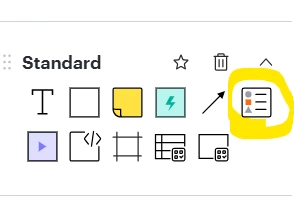
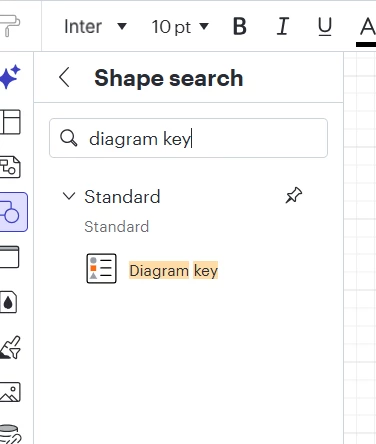
Thank you for the update.     I really need to add a diagram key to this document.  Can you suggest a workaround or alternative way to do this?   Any thoughts or suggestions are appreciated.  


Thank you