Question

Org Chart Image Upload

  • April 22, 2026
  • 3 replies
  • 17 views

Forum|alt.badge.img+1

When trying to upload images into an Org Chart, nothing seems to happen. I select the shape, select upload image and select the image. LucidChart spins for a second and then nothing happens. This used to work as I have an image on the chart but for some reason its not accepting images anymore. I have looked at other posts and have tried the troubleshooting steps below:

  • Cleared out my cache
  • Tried a different browser
  • Made sure the images were .jpg 
  • Made sure the image sizes were small (all under 300kb)
  • Used incognito mode
  • Signed out and back into LucidChart

Nothing seems to be working when trying to upload the images. 


Comments

Leianne C
Forum|alt.badge.img+15
  • Lucid support team
  • April 23, 2026

Hi ​@jestes09, thank you for posting in the community. If you haven’t already, could you please try this in a new blank document to help rule out document specific issues? You will need to create a new Org Chart in this document to troubleshoot.

If that doesn’t resolve the problem, can you please send the following information so I can take a closer look?

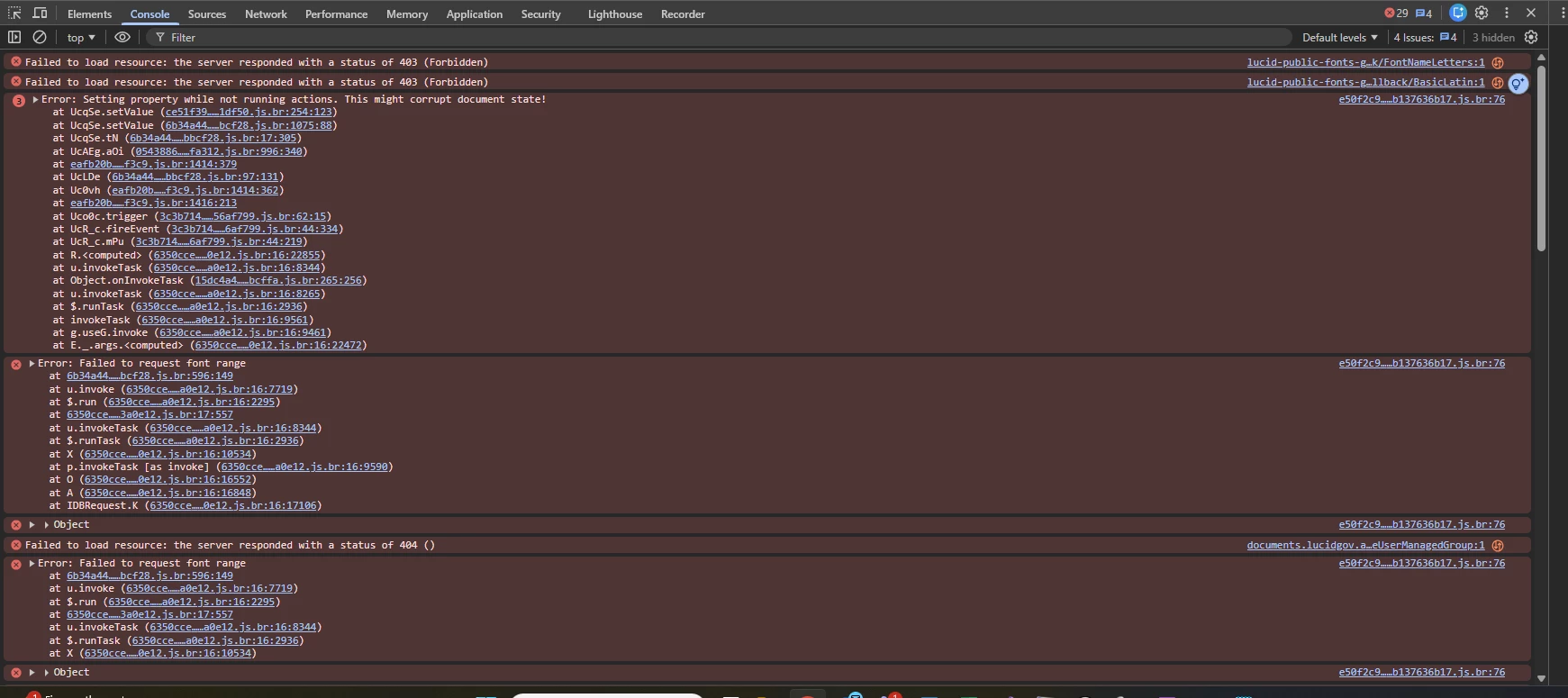
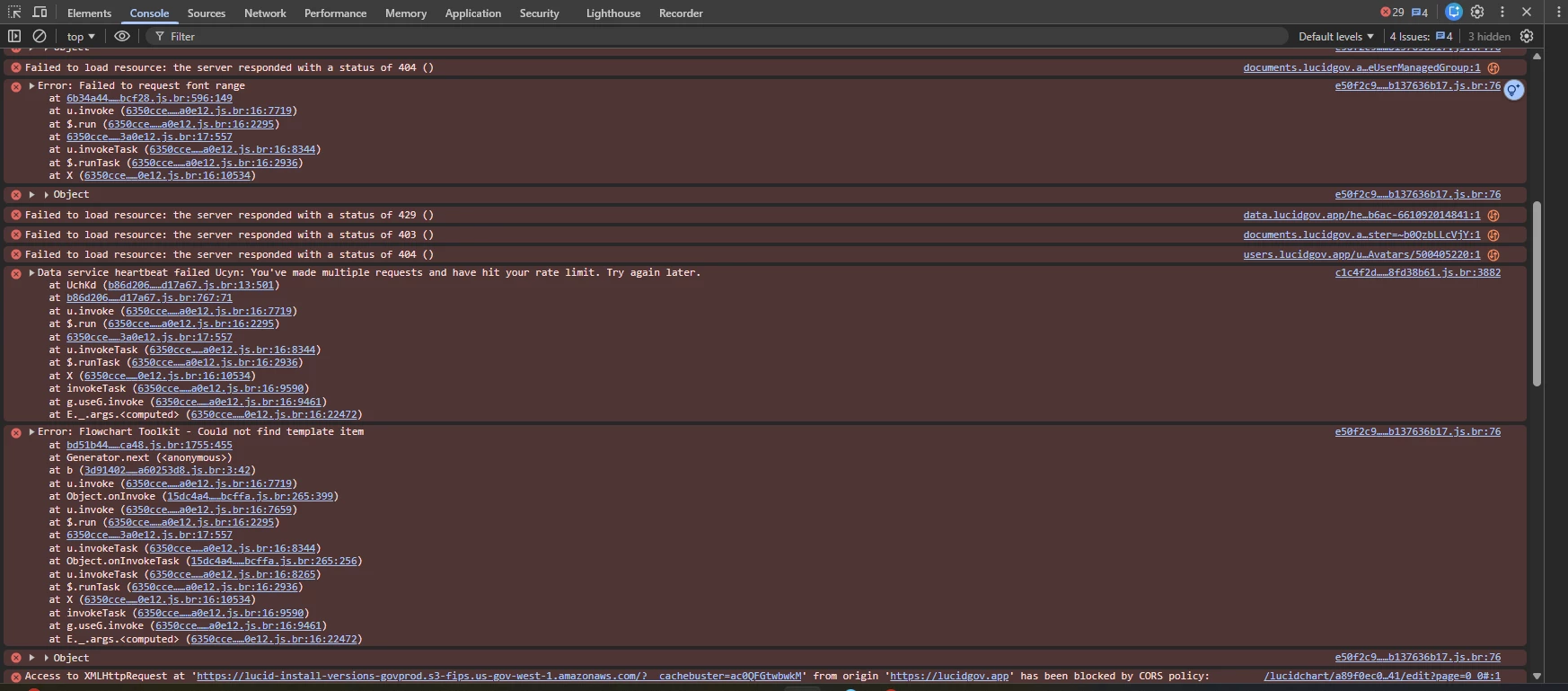
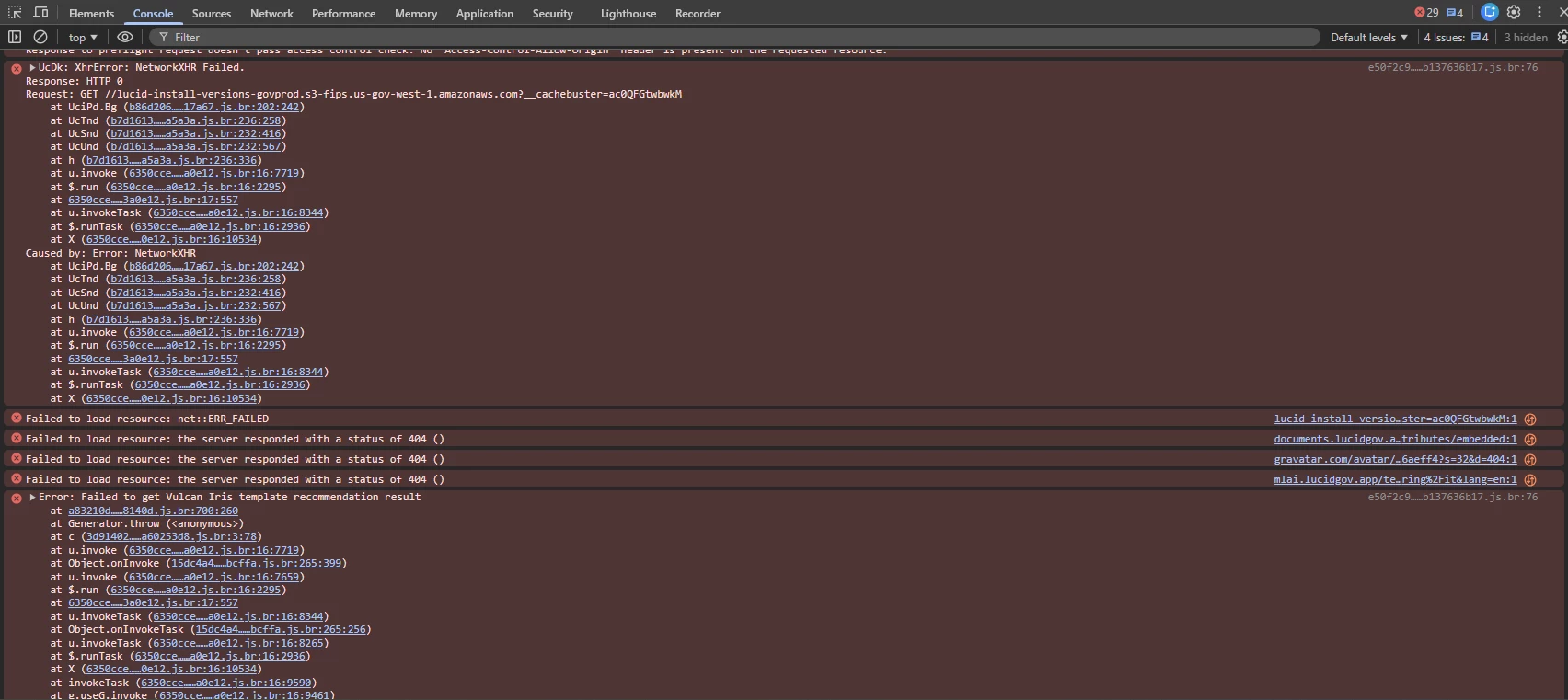
  • A screenshot of the associated Javascript Console output after reproducing the issue. You can open your Javascript Console by pressing Ctrl+Shift+J (if your computer is a Windows/Linux) OR Cmd+Opt+J (if your computer is a Mac).

Thanks in advance for your help and patience! Please let me know if you have any questions. 


Forum|alt.badge.img+1
  • Author
  • April 23, 2026

I opened a new org chart and uploaded a photo without issue. Is there anyway I can save the org chart that I have built so far? It is a pretty large one and I would hate to start over. I did take screenshots of the console logs.


Leianne C
Forum|alt.badge.img+15
  • Lucid support team
  • April 24, 2026

Hi ​@jestes09, thank you for giving that a try and sharing the JS console screenshots. I’m glad to hear it works in the new org chart. 

Could you share a temporary Document Support PIN for this document? This will help me take a closer look at what’s going on. This PIN is safe to post in this thread because it is only accessible by members of the Lucid support staff. You can find steps for generating a Support PIN in this Lucid Help Center article: Generate a Lucid Support PIN.

If you have any questions, please let me know!