

News
New Lucid MCP Tools: Export and Extract with Ease!
We’re making it even easier for your AI to handle the exporting and extracting content from your Lucid documents. We’ve just added two new tools to the Lucid MCP suite that bridge the gap between your diagrams and your final deliverables.
- Export Pages as PNGs: No more manual screenshots. You can now ask the AI to snap a high-res image of any page in your document.
- Example: “Export my ‘Project Timeline’ document in Lucid as a PNG file.”
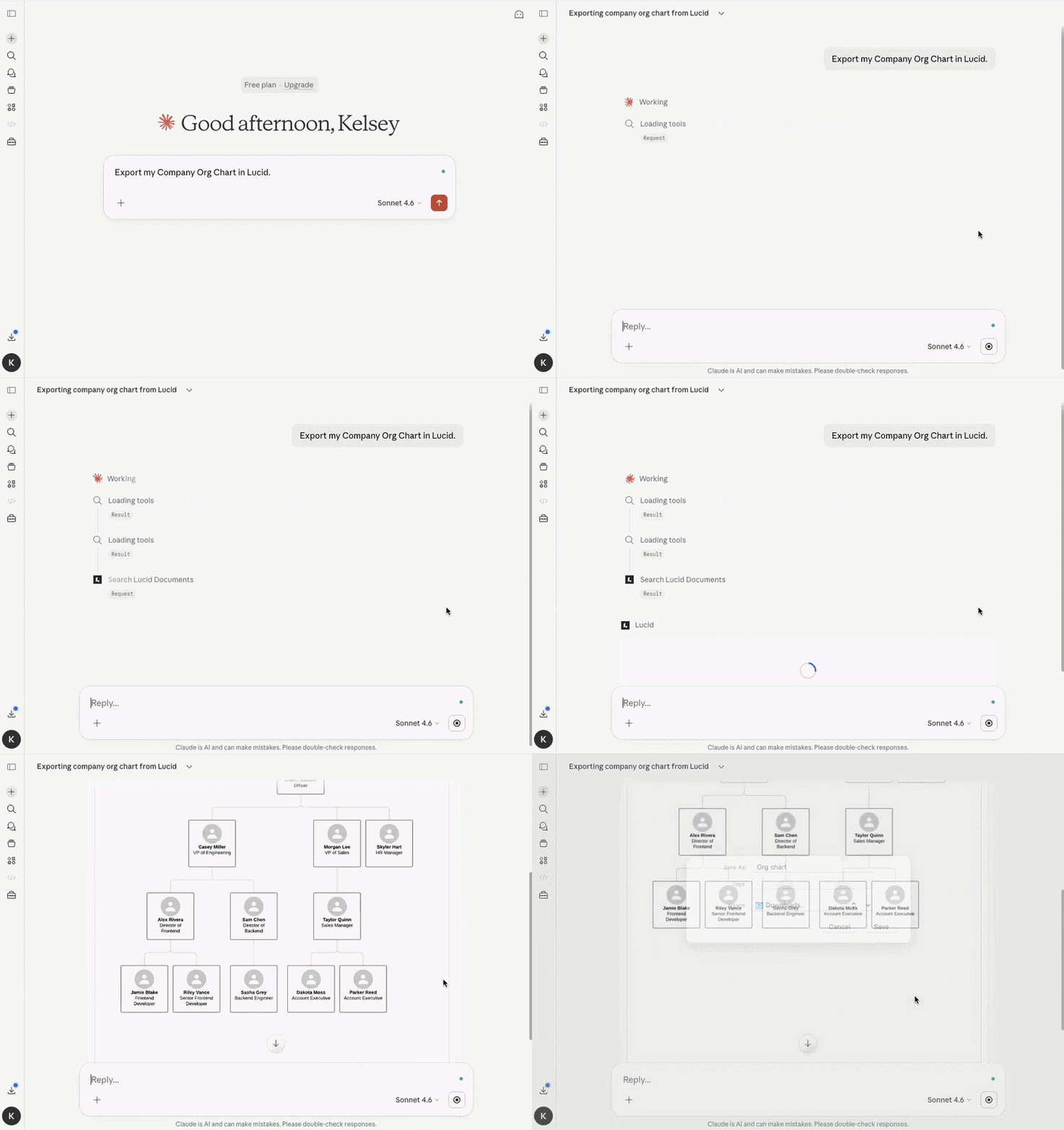
- Fetch Image Assets: Need that specific screenshot or logo hidden inside a diagram? The AI can now grab the source file for you.
- Example: “Find and fetch images from my Lucid Project Brainstorm document.”
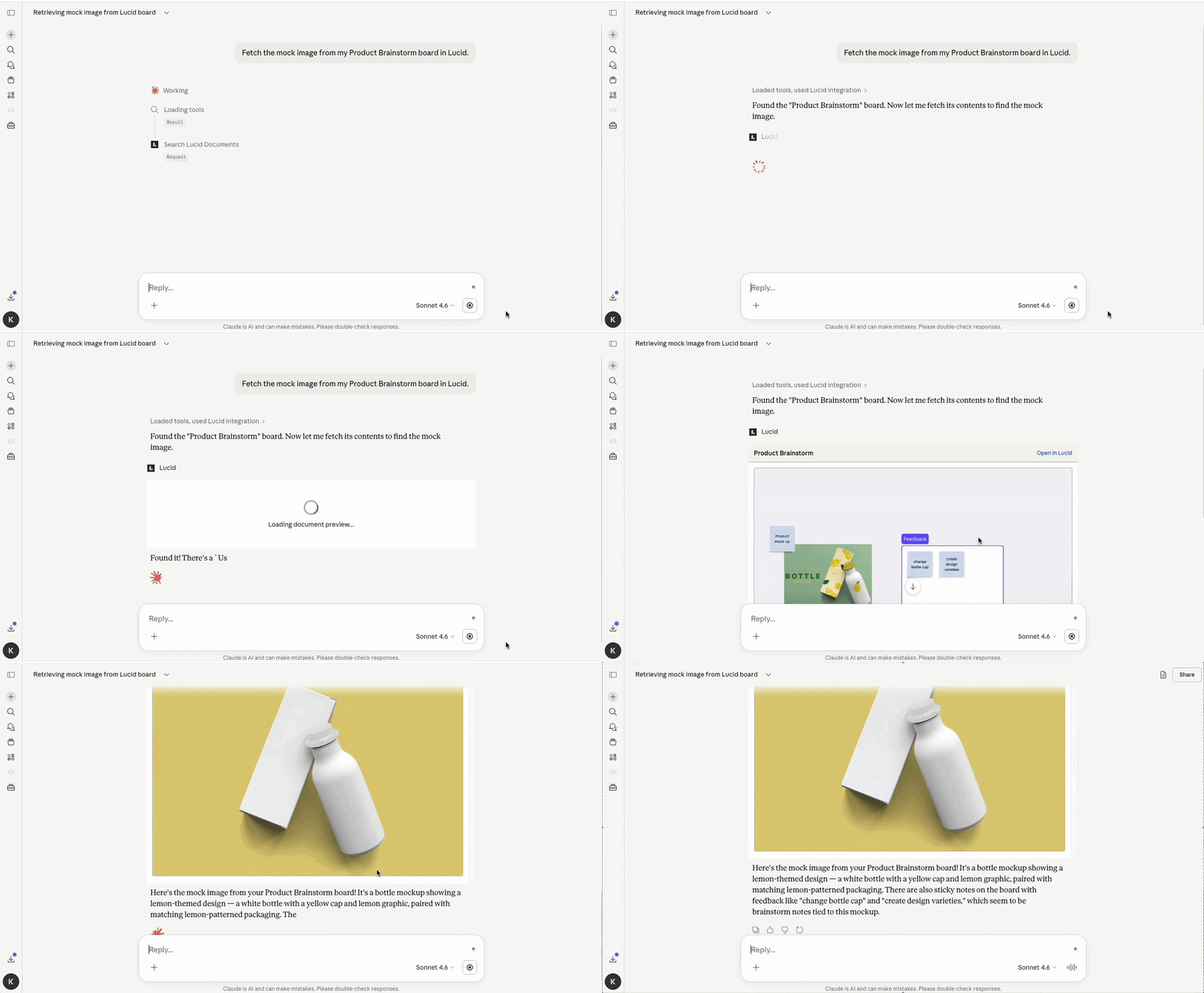
We built these features to bring Lucid’s visual intelligence directly into your AI tools. Previously, your AI could talk about your work, but it couldn't show it. Now, by making these features accessible via MCP, your AI can fetch, export, and present your visual data instantly.
These updates are live and ready to help you move faster. Give them a spin and let us know what you think!
For more information, check out this Help Center article.
 Your privacy choices


