

News
New feature: Export your documents with Lucid AI
We’re making it even easier to export your documentation with the ability to export Lucid documents as an image file directly within Lucid AI.
To use this feature, ask Lucid AI to export your file in a supported file type (PNG, PDF, JPEG, SVG), and the AI will handle the rest. Whether you need a high-res PNG for a presentation or a PDF for a report, Lucid AI will generate and download the file for you instantly.
What’s new?
- Export Command: Include export in your prompt, and instantly download your document.
- Smart Cropping: Lucid AI automatically detects your canvas type, cropping to content for infinite canvases and respecting page sizes for fixed layouts.
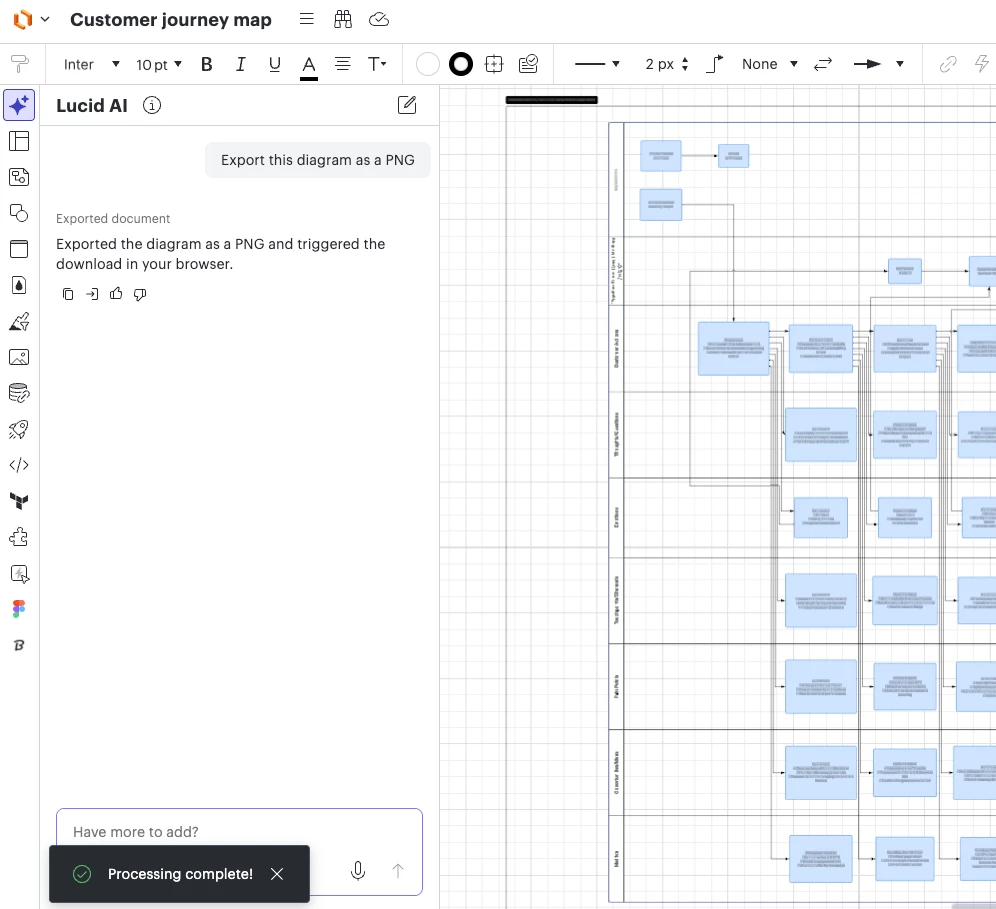
For more information about Lucid AI features, check out this Help Center article.
 Your privacy choices


