
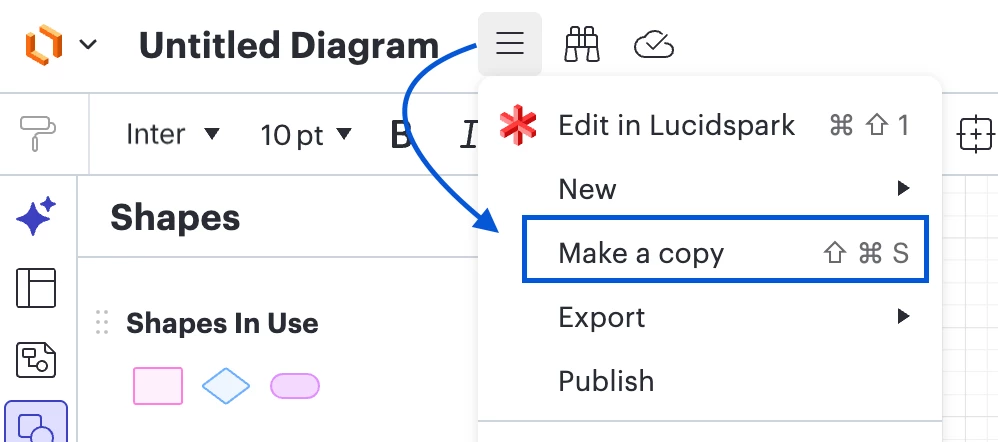
I’ve seen a couple other posts with this same issue but haven’t seen a fix yet. When I try to “make a copy” of a specific file, I get the lower corner popup ”generating copy” but it immediately disappears and nothing happens. No error message but also no copy. It is on one specific file, as well as all copies of that file. I am on an enterprise account where this error is occurring on these files for two users, but a third user is able to make copies. I have tried using an incognito window. Thanks!
Question
Make a Copy not working
 +1
+1

Create an account in the community
A Lucid or airfocus account is required to interact with the Community, and your participation is subject to the Supplemental Lucid Community Terms. You may not participate in the Community if you are under 18. You will be redirected to the Lucid or airfocus app to log in.
Log in to the community
A Lucid or airfocus account is required to interact with the Community, and your participation is subject to the Supplemental Lucid Community Terms. You may not participate in the Community if you are under 18. You will be redirected to the Lucid or airfocus app to log in.
Log in with Lucid Log in with airfocus
or
Enter your E-mail address. We'll send you an e-mail with instructions to reset your password.
 Your privacy choices


