

When exporting a multi-page document to PDF in Lucidchart, the document preview does not allow the user to scroll all pages as it once did. Only the first three pages are visible.
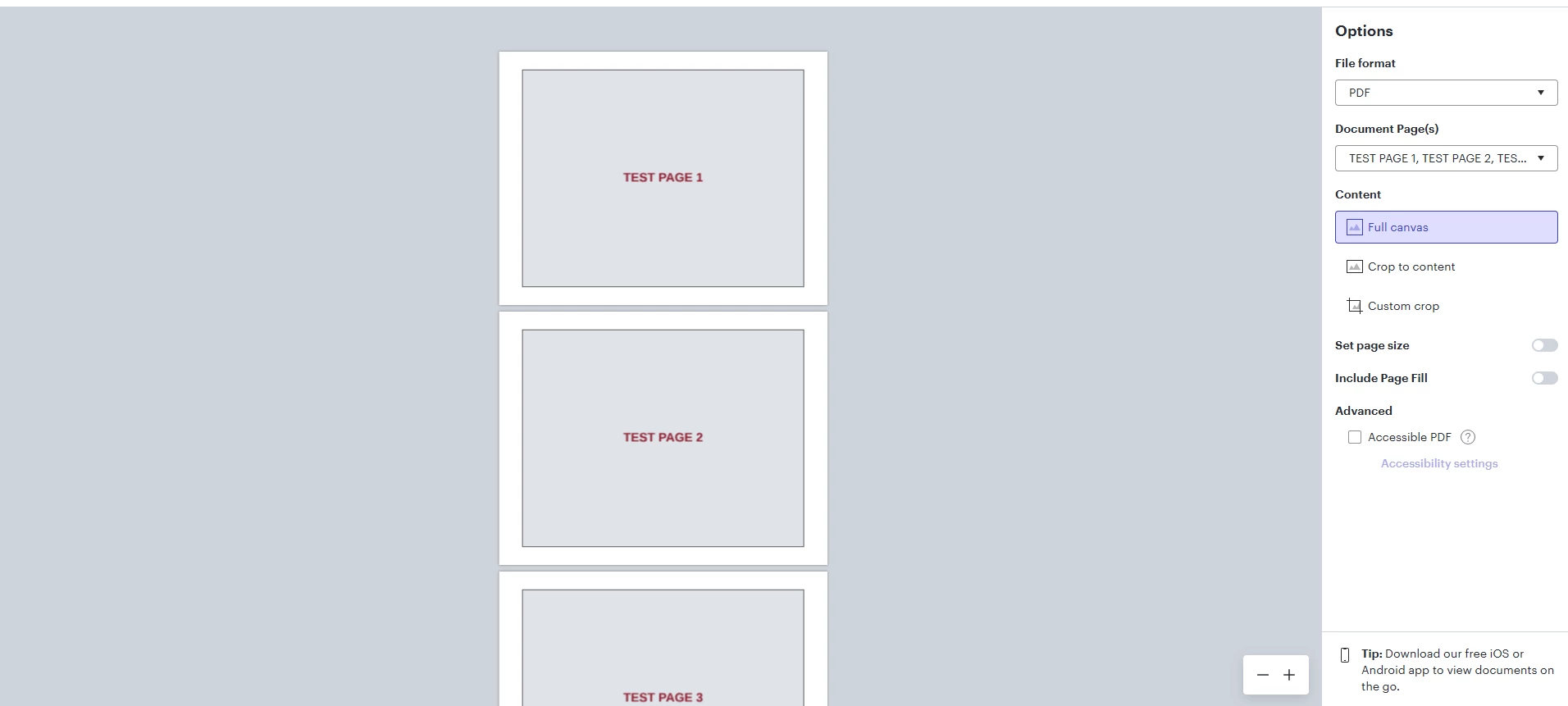
This is the maximum I can scroll to the bottom of this 6 page test document. Additionally, the mouse wheel used to scroll pages and this was changed to zooming in and out. Ctrl+Shift+MouseWheel is now required to scroll up and down
Browser is Chrome
 Your privacy choices


