Question

Lucidchart add-on missing in Google Slides

  • July 10, 2026
  • 2 replies
  • 122 views

Forum|alt.badge.img

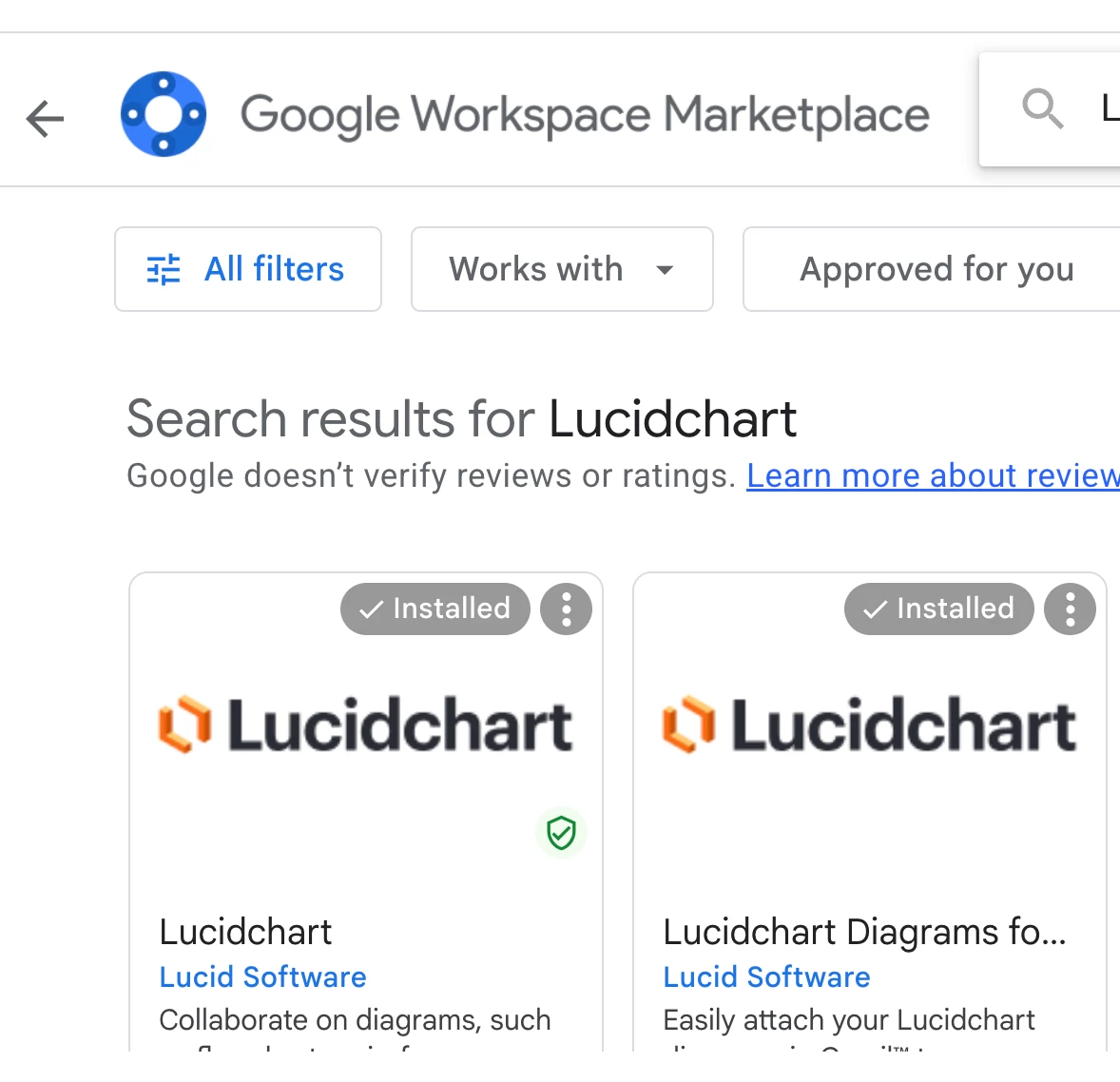
I have a quick question regarding Google Slides integrations. I recently tried installing the Lucidchart add-on for Google Slides. Although the system indicated that the installation was successful, I cannot find or see the app anywhere within my Google Slides interface. I have tried troubleshooting this on my own by getting help from various tutorials but still cannot locate it. Is the Lucidchart app supposed to appear directly inside Google Slides, or is there a specific menu where it is hidden?


Additionally, I would like to inquire if you have plans to provide an institutional or extended trial for Lucidchart?

Thank you for your help

Comments

aparrish
Lucid Legend Level 7
Forum|alt.badge.img+18
  • Lucid Legend Level 7
  • July 13, 2026

@ovul please see this solved thread for the answer to your first question: 

As for your second question, if you're evaluating Lucidchart for an educational institution, nonprofit, or enterprise, I'd recommend reaching out to the Lucid sales team. They can discuss licensing options and let you know if there are any pilot programs, custom evaluations, or organization-specific offers available that aren't part of the standard trial.

If you're looking for an extended trial for a specific use case (education, procurement, enterprise rollout, etc.), sharing that context may also help us suggest the best path forward.


Leianne C
Forum|alt.badge.img+15
  • Lucid support team
  • July 14, 2026

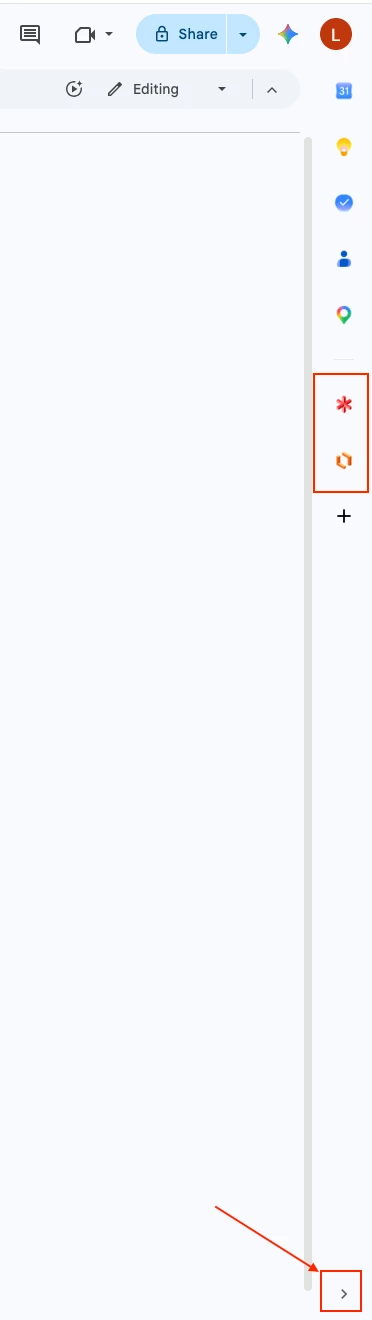
Hi ​@ovul, thank you for posting in the community! Echoing ​@aparrish, you should be able to see an arrow in the bottom right corner of your screen to open the side panel. This is where you can find the add-on: 

I’m also converting this to a private support ticket so the right team can take assist with your trial request. You should receive an email with further communication.

If you don’t receive an email please feel free to reach out in the thread below. Thanks!