Solved

Lucid add-in broken in Confluence for multiple macros on one page

  • November 24, 2025
  • 8 replies
  • 49 views

Forum|alt.badge.img+2

It seems that the new Confluence plug-in has different behaviour and has broken existing pages we have e.g. existing diagrams not showing or showing incorrect page.

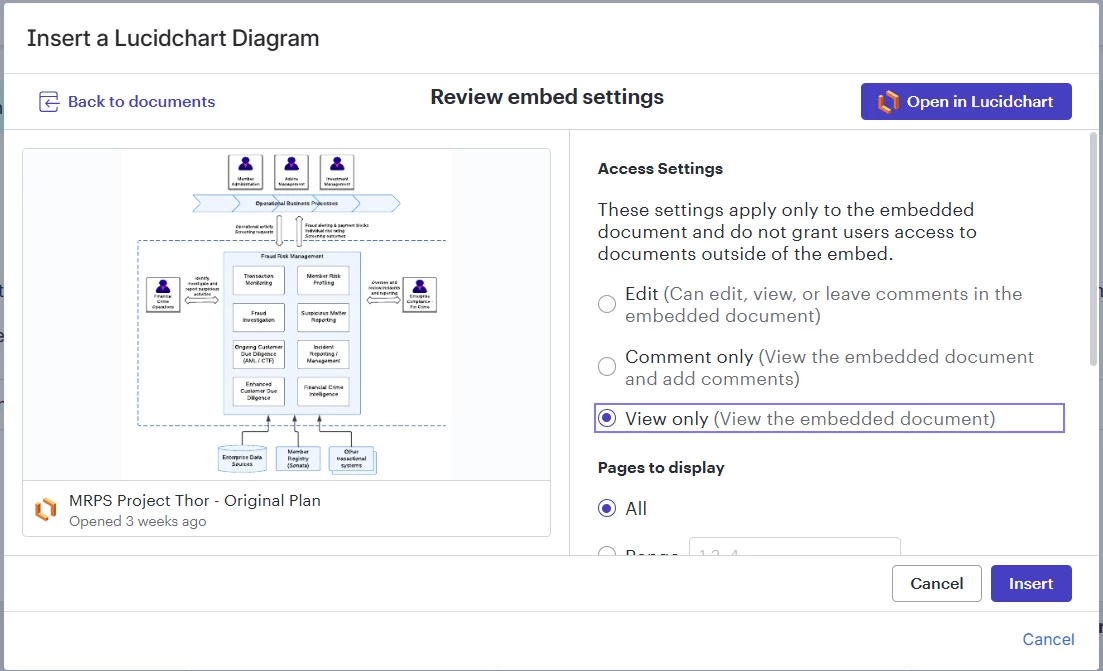
Editing the Confluence page and reviewing / updating the macro settings appeared to fix the problem, until it became apparent that changing the settings for one macro on the page changes it for all - so that all macros now show the same Lucid page.

Here is the scenario:

  • One LucidChart document with multiple tabs / pages
  • One Confluence page with different diagrams (pages) to be included in different sections of the page
  • Using:
    • View only
    • Specific range, with only one page specified
    • Simple Viewer
    • Automatic update turned on

Outcome is that if I edit settings for a diagram in one section of the Confluence page it shows the correct page, but then also changes all other sections to show that same page

Is this a bug or a new limitation? The above scenario worked correctly prior to the recent Lucid add-on update.


Best answer by Leianne C

Hi ​@Matthew.James, thank you for confirming that information and apologies for the delayed response. I unfortunately have not been able to reproduce this issue on my end.

To confirm, is this issue happening in a specific space / page or all spaces and pages? You mentioned “if I edit settings for a diagram in one section of the Confluence page it shows the correct page, but then also changes all other sections to show that same page” does this happen when editing the page? or does it only happen after you update the page?  

Is the same thing happening when your colleagues try to edit the pages of inserted diagrams as well?

This information will help us better understand the scope of the issue. Please feel free to let me know if you have any questions. 

Comments

Leianne C
Forum|alt.badge.img+15
  • Lucid support team
  • November 26, 2025

Hi ​@Matthew.James, thank you for posting in the community. Would you mind sharing the following details so I can look into the issue?

  1. What browser are you using? Have you tried this on an additional browser or using an incognito or private window?
  2. What type of Confluence are you using (Cloud vs. Server vs Data Center)? If Server or Data Center, what version?
  3. What version of the Lucidchart plug-in are you using?

Thank you for your help and patience! Please let us know if you have any additional questions in the meantime. 


Forum|alt.badge.img+2

Hi Leianne

I can confirm it’s not related to browser or private browsing - have re-created in Chrome and Edge with no incognito / private browsing.

We are using cloud hosted Confluence. I don’t know what specific version of the Lucid plug-in we have - is there somewhere I can get that? (I’m not a Confluence admin). I gather we have the latest version (as release in Nov) screenshot below might help confirm what we are using (?)


Leianne C
Forum|alt.badge.img+15
  • Lucid support team
  • Answer
  • December 1, 2025

Hi ​@Matthew.James, thank you for confirming that information and apologies for the delayed response. I unfortunately have not been able to reproduce this issue on my end.

To confirm, is this issue happening in a specific space / page or all spaces and pages? You mentioned “if I edit settings for a diagram in one section of the Confluence page it shows the correct page, but then also changes all other sections to show that same page” does this happen when editing the page? or does it only happen after you update the page?  

Is the same thing happening when your colleagues try to edit the pages of inserted diagrams as well?

This information will help us better understand the scope of the issue. Please feel free to let me know if you have any questions. 


Forum|alt.badge.img+2

Hi Leianne

It is happening both when editing the page and when refreshing the saved page.
However one piece of new information - I deleted and re-inserted the diagrams in the page and observed the following:

  • When I added the new diagram by inserting a ‘new’ lucid chart macro the correct diagram was showed and retained
  • When I added the new diagram by copying an existing macro then the behaviour described above occurs

Suggests perhaps that each instance of the macro has some sort of unique reference which is distinct when creating each new macro but retained and duplicated as part of a copy (?)

So the good news is that I’ve been able to fix my page. This seems to be a change in behaviour since the previous version of the add-in which did allow copying of the macro for a different diagram


Leianne C
Forum|alt.badge.img+15
  • Lucid support team
  • December 4, 2025

Hi ​@Matthew.James, thank you for the update! I’m glad to hear that you were able to fix your page using those steps. I am investigating this and will share an update here as soon as I have more information. Please feel free to let me know if you have any questions in the meantime! 


Leianne C
Forum|alt.badge.img+15
  • Lucid support team
  • December 19, 2025

Hi ​@Matthew.James, just wanted to check in about this issue. Have you or your team noticed it happening in other Confluence pages? This will help us narrow down if the issue was page specific or more widespread. Thank you! 


Forum|alt.badge.img+2

Yes - same problem on multiple pages. All pages that were built using the previous version of the plugin. All fixed by deleting and re-adding the macro, ensuring this was done independently rather than using copy / paste in Confluence


Leianne C
Forum|alt.badge.img+15
  • Lucid support team
  • December 19, 2025

Thank you for confirming that ​@Matthew.James! I’ve relayed this information on to our development team and will update this thread when I have more details. 

Please let me know if you have any additional questions in the meantime!