
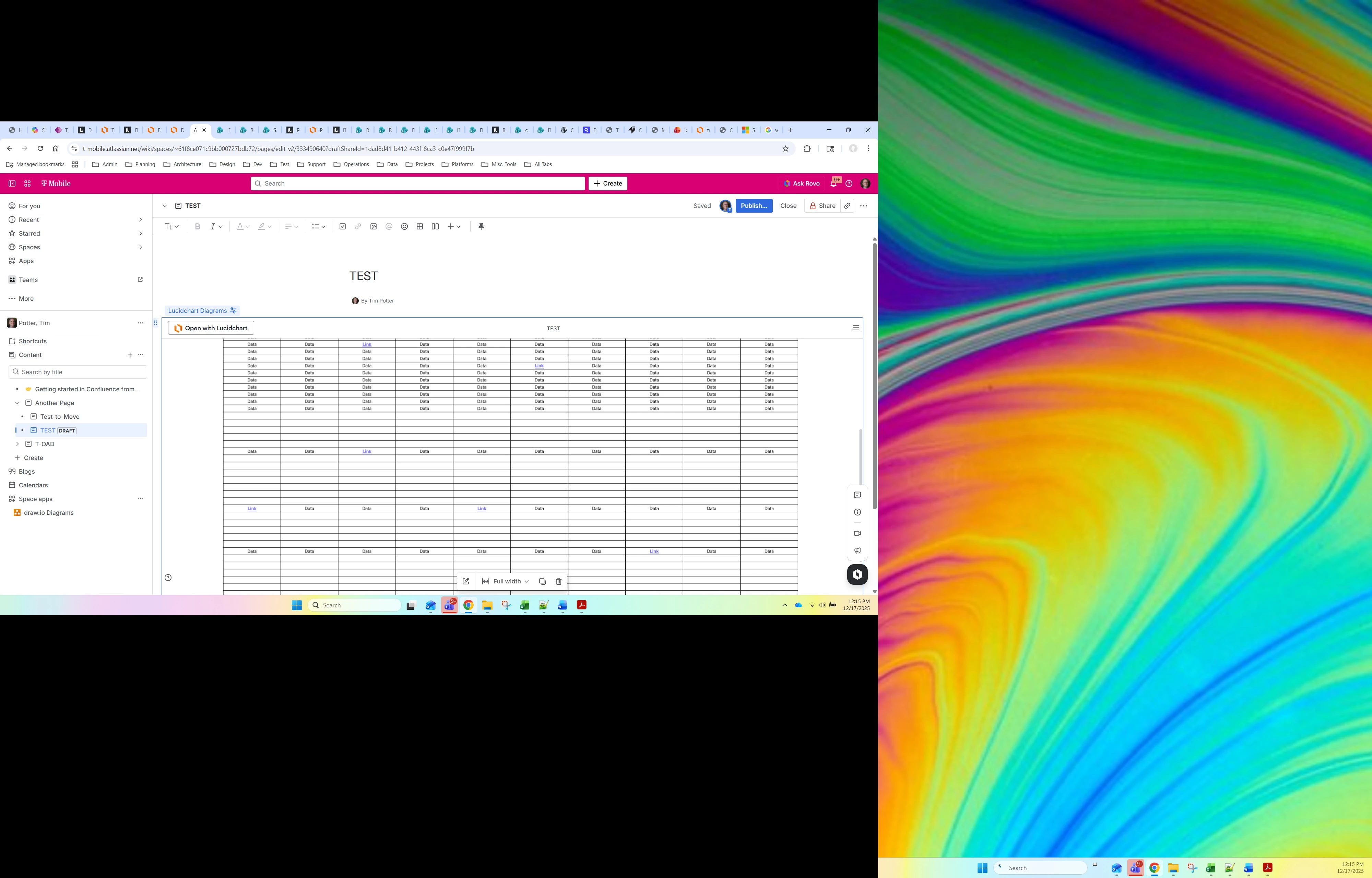
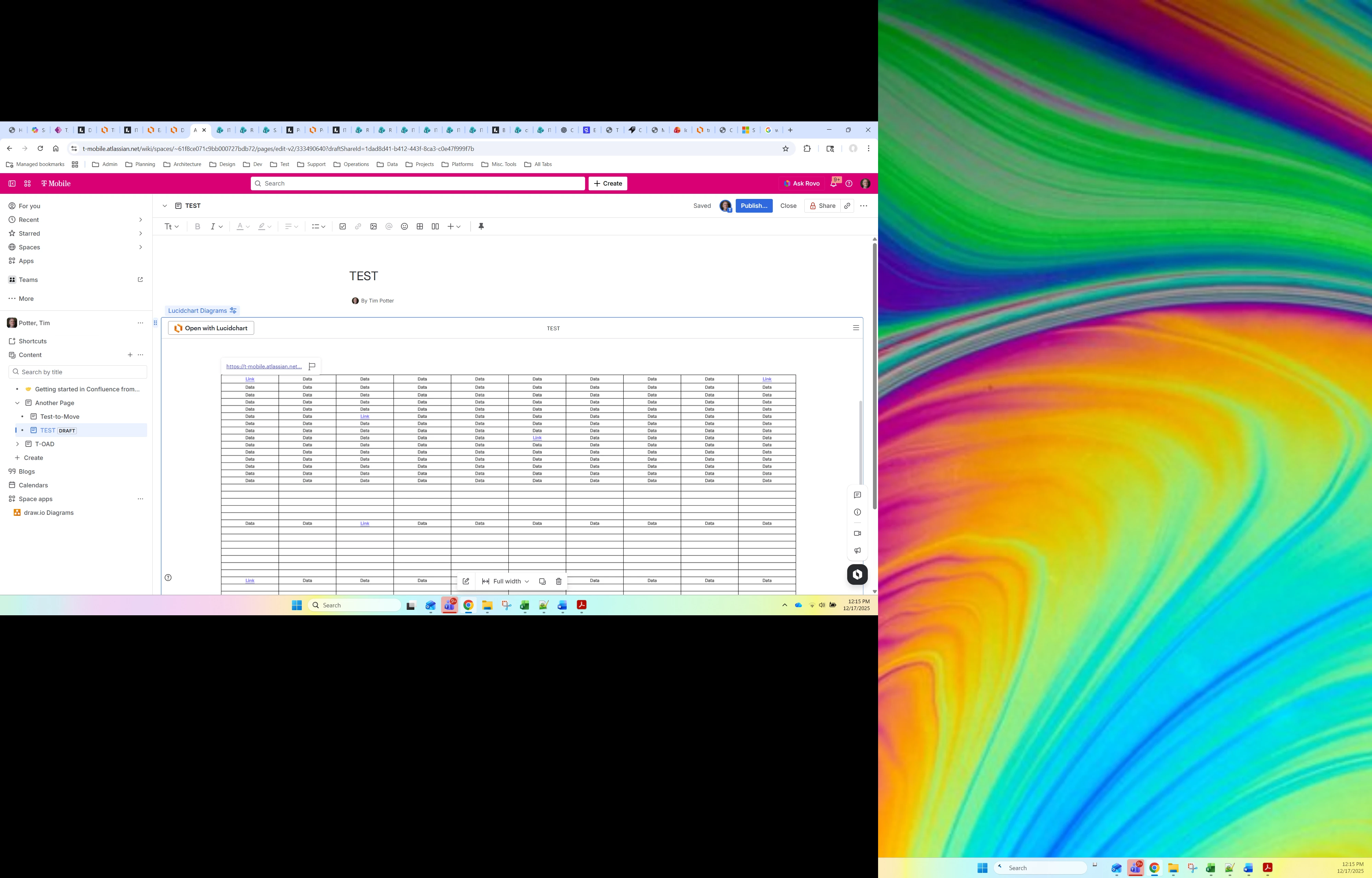
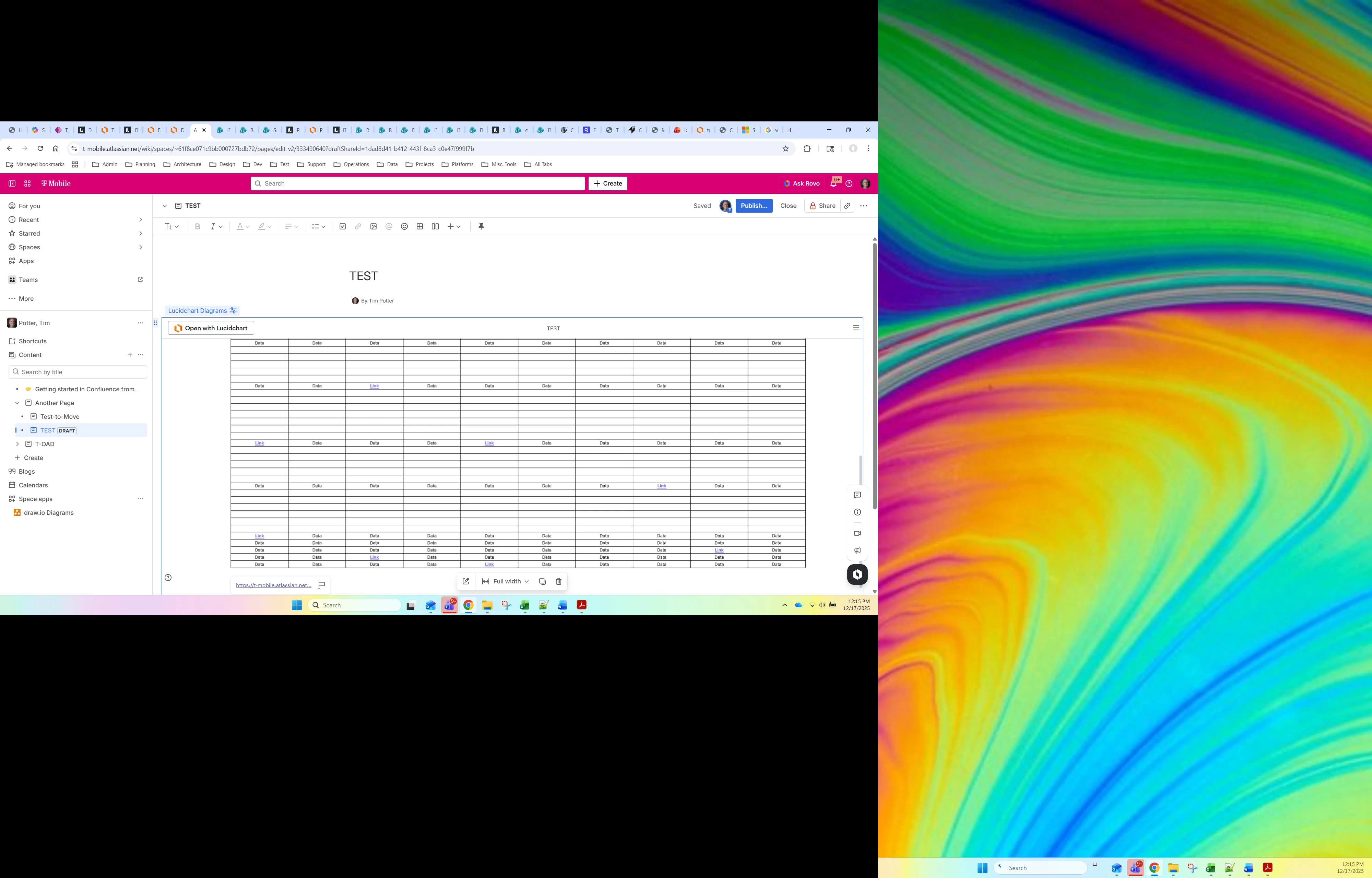
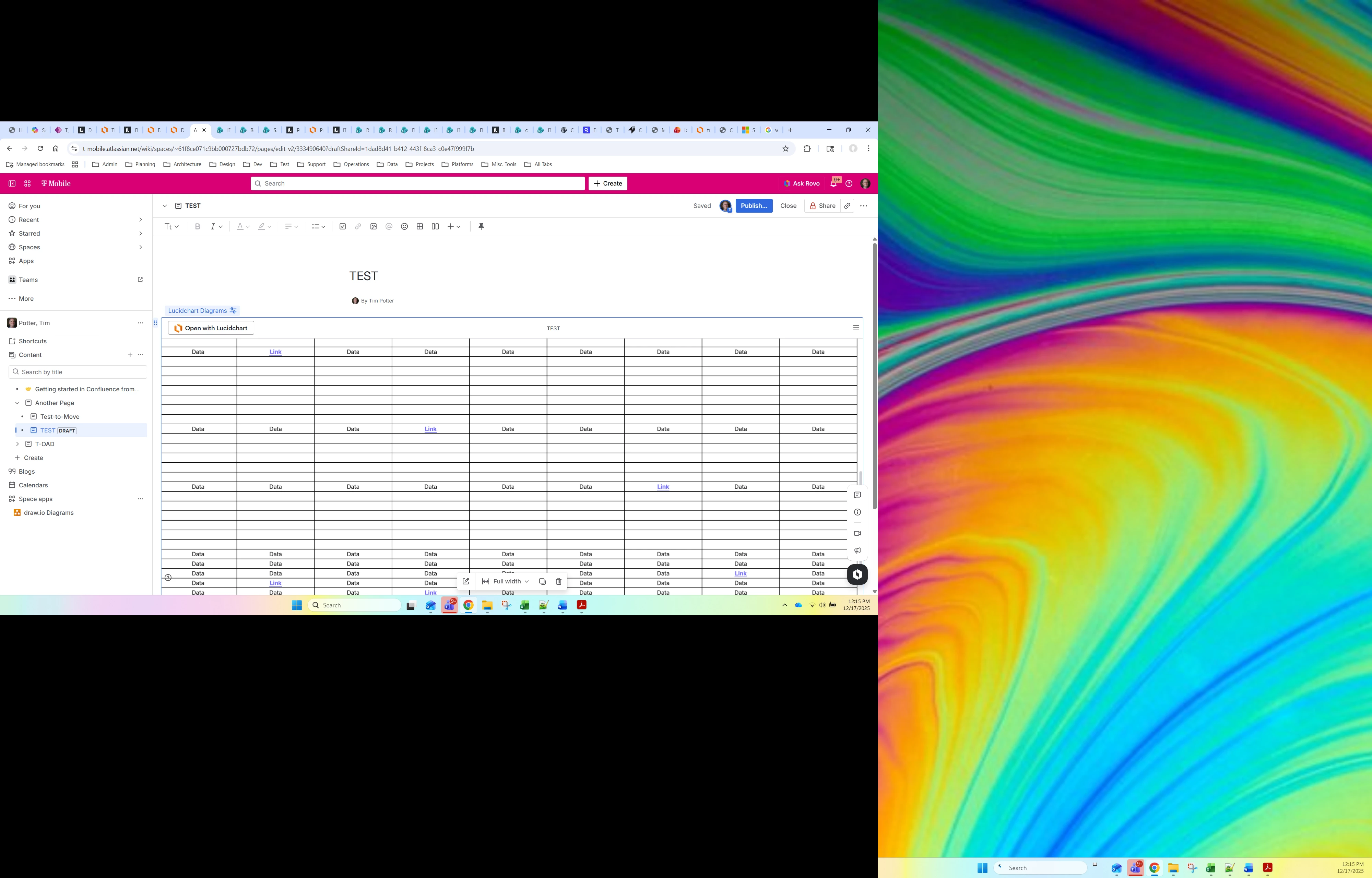
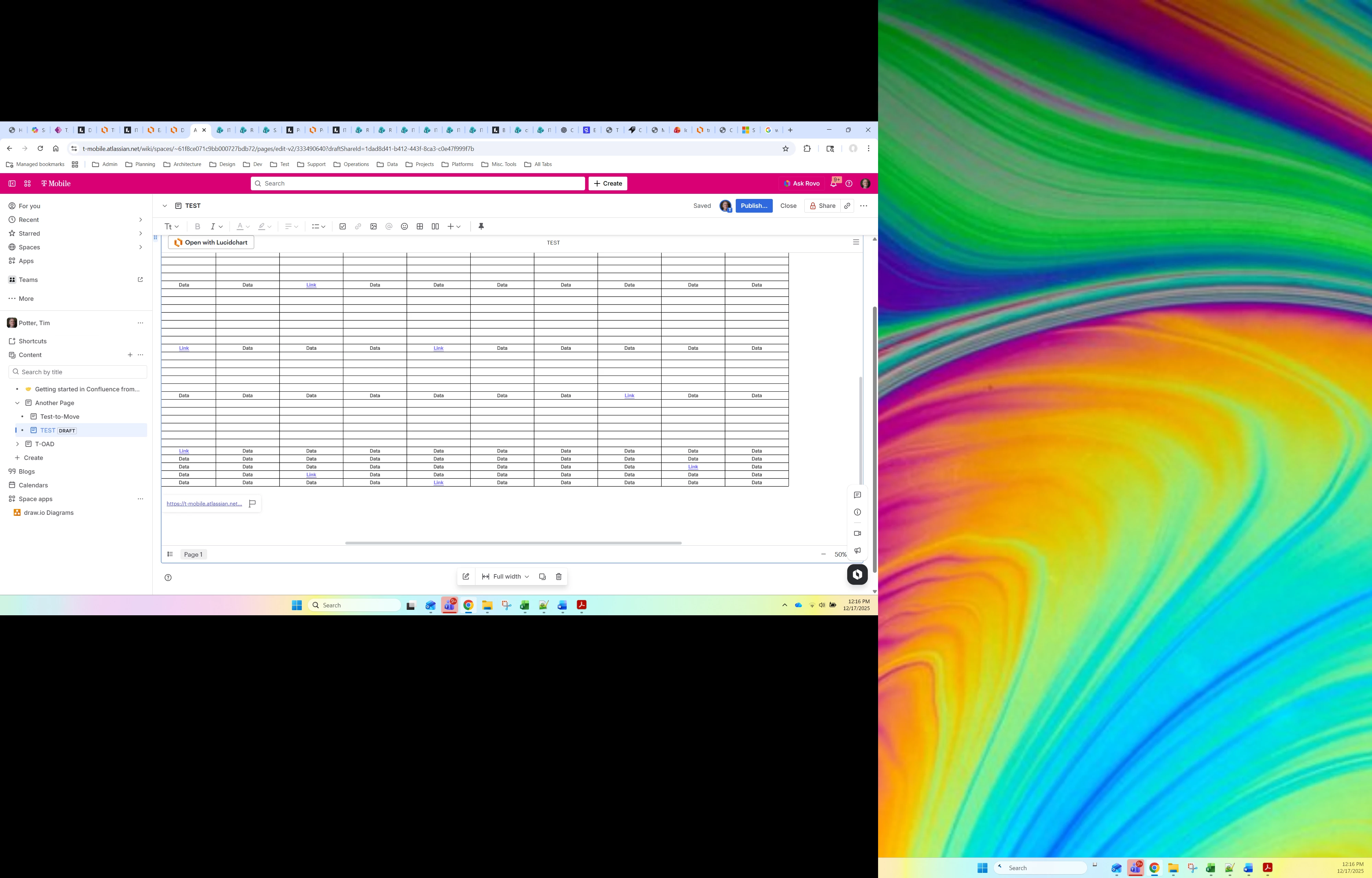
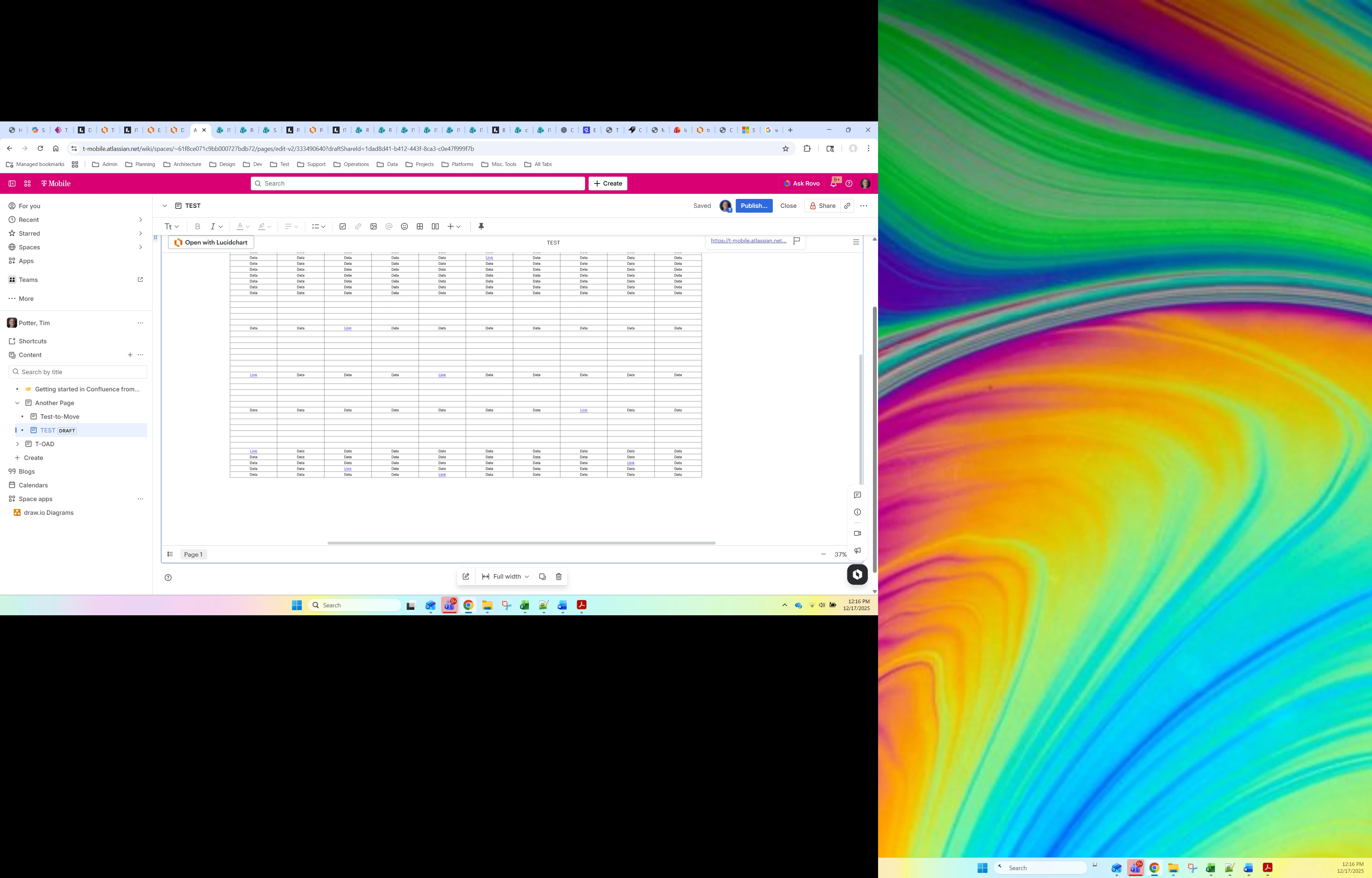
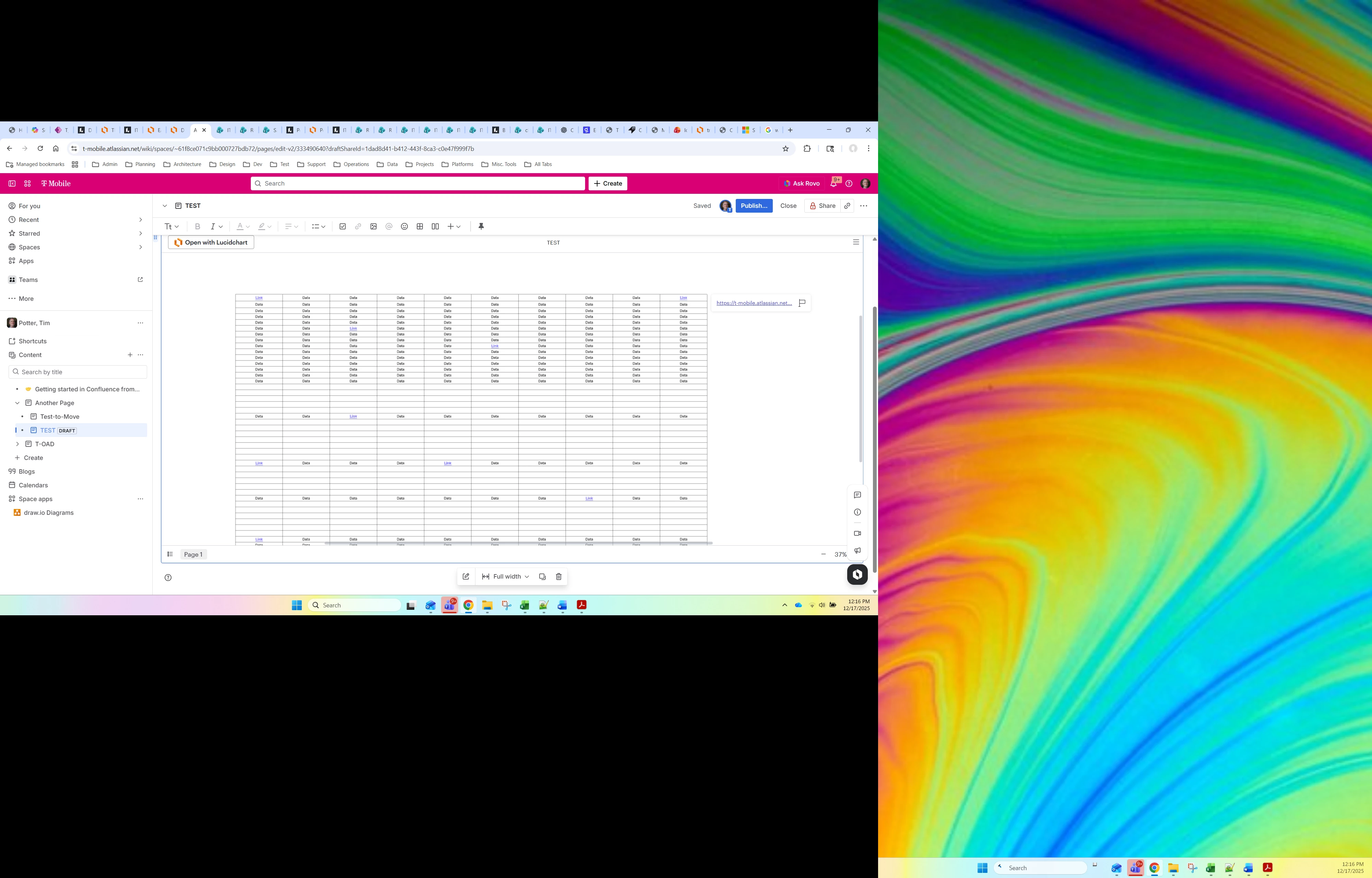
I have large diagram that I am showing in the LucidChart Confluence Macro. The diagram shows up great with one exception. I have link text in the diagram. When you click on the link text in the diagram, the actual link pops up in a small modal generally in a corner of the main diagram. This is not ideal, in that it is not always obvious as I’m looking at the link text, not at the corner, but it sort of works. The problem is that if I’m zoomed into the diagram and click the link text, the link modal does not show up at all (it seems like it pops up outside of the visible frame). This makes the link appear to just not work. I noticed that if I click on the link text and then zoom out, then I’ll see it in the corner of the diagram, but I don’t know how a user would ever know that they need to do that. Isn’t there a way to have the link modal pop up over or directly next to the link text that you clicked?
Idea
Show link without scrolling in Confluence embeds
 +4
+4






Create an account in the community
A Lucid or airfocus account is required to interact with the Community, and your participation is subject to the Supplemental Lucid Community Terms. You may not participate in the Community if you are under 18. You will be redirected to the Lucid or airfocus app to log in.
Log in to the community
A Lucid or airfocus account is required to interact with the Community, and your participation is subject to the Supplemental Lucid Community Terms. You may not participate in the Community if you are under 18. You will be redirected to the Lucid or airfocus app to log in.
Log in with Lucid Log in with airfocus
or
Enter your E-mail address. We'll send you an e-mail with instructions to reset your password.
 Your privacy choices


