

I am using Google Slides with the Lucid plug-in and yesterday I updated the charts in Lucid and then went to update the images in Google Slides.
All of the images resized and many lost the images of the staff members from the cards. Some charts just lost everything except the Key.
Everything was working fine a couple of weeks ago and I am stuck as to why it is now broken.
I have tried clearing the cache and cookies on the browser and restarting the mac. Nothing seems to work.
The staff images are all fine in Lucid, although when I go to import the images using the plug-in the previews shown are broken and are what import into slides.
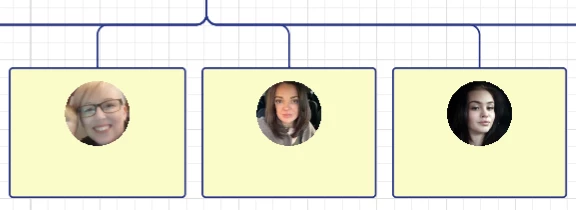
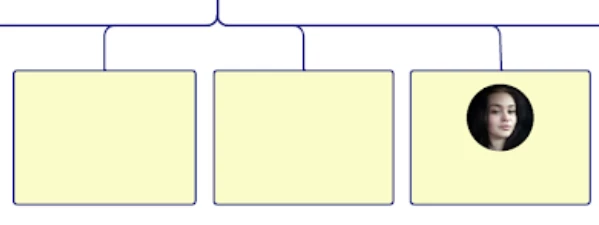
I have attached 2 images to show the staff members in Lucid (3 show) and then what I get in Google Slides (only 1 shows).
Has anyone else suffered with this issue and do you have a fix?
 Your privacy choices


