

I can export a network data flow diagram via CSV but can't import it?
I'm looking for a platform that allows me to import a network diagram via CSV and I'm not quite sure if I'm at the right place or not. I created a diagram using a network diagram "template". From this template I was able to export it as a CSV and the CSV looks very doable from the process I'm running (I can automate this).
However I don't see the ability to import the CSV back into Lucid Chart to create another network diagram. Am I missing something or is this not a supported feature for network diagrams? The import feature only seems to allow you to import certain types of diagrams.
Here's what I've been able to automatically create in draw.io based on a Ruby script that I made:
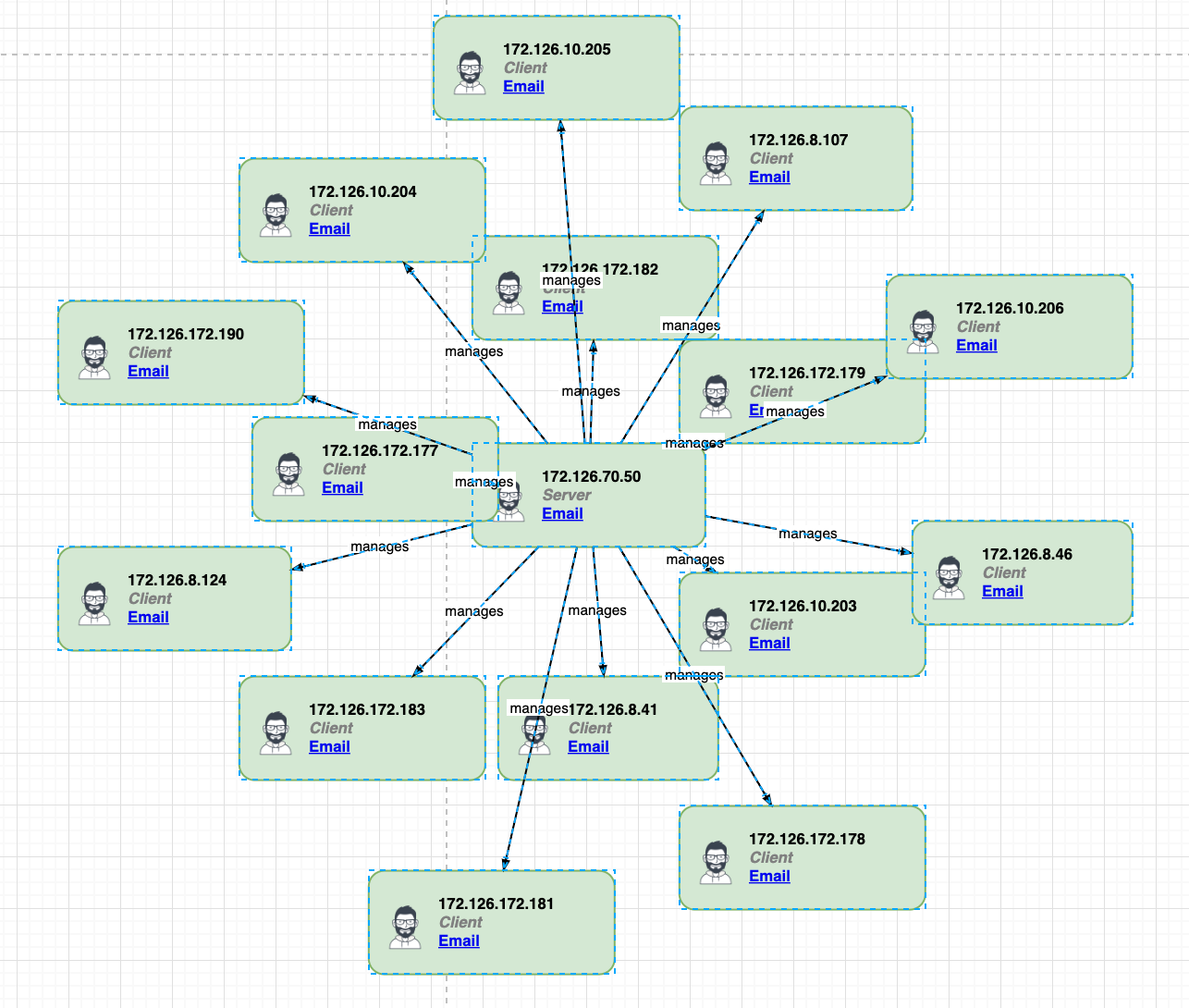
This is obviously a very basic example -- obviously the icons labels etc. aren't accurate. However this is sort of what I'm trying to go with on Lucid Charts with server icons workstation icons etc.
Any idea if this would be possible?

 Your privacy choices


