Solved

How to remove AI-generated alt text icons

  • March 12, 2026
  • 11 replies
  • 179 views

Forum|alt.badge.img+1

Hi all,


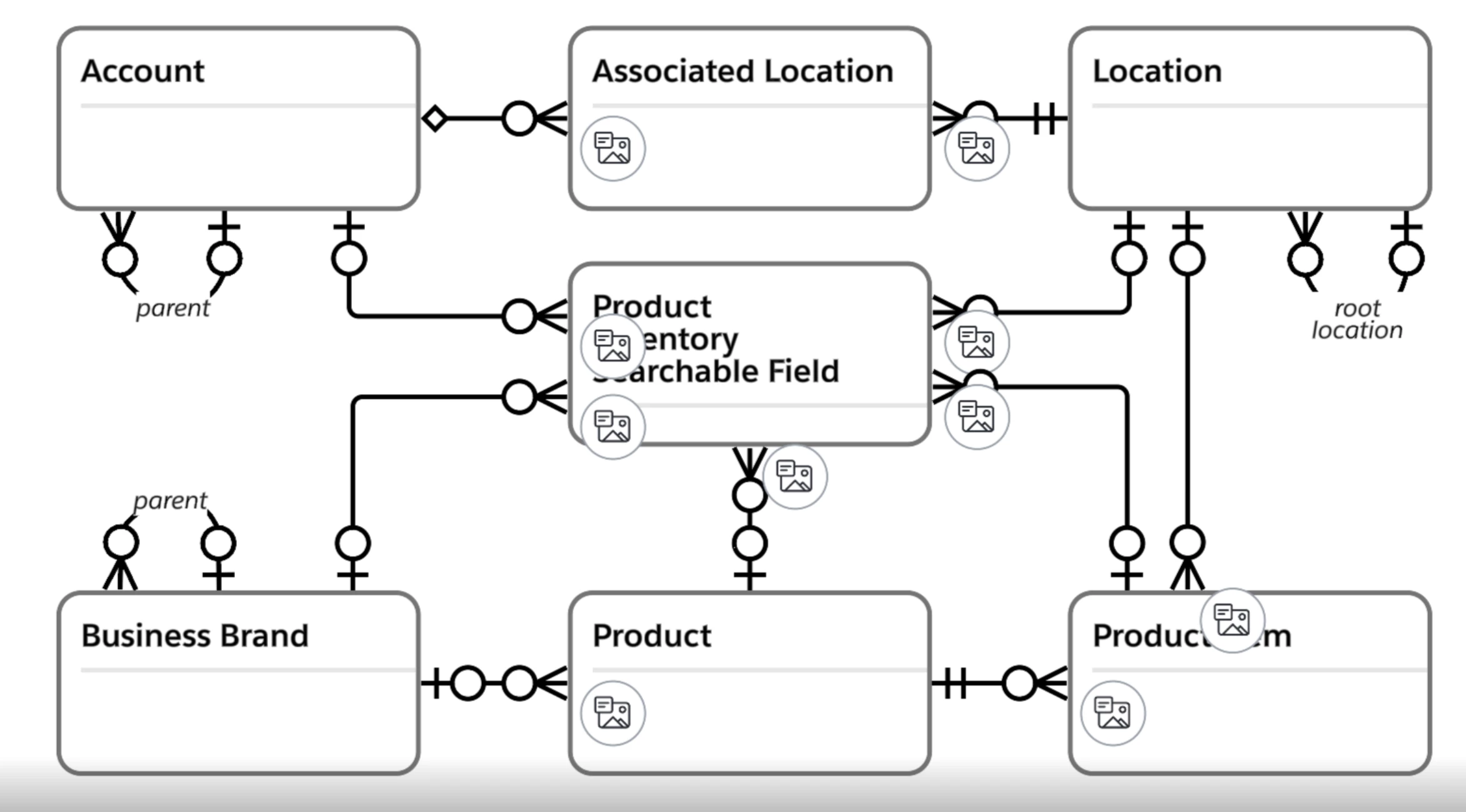
Starting today, several members have AI generated alt text dotted all over diagrams, making it impossible to cleanly screenshot and is generally frustrating because it adds no value and all have to be manually deleted.


Is there any way to get rid/hide these across all documents?


Many thanks!


Best answer by Emma D

Hi all, I have good news! Our development team has let us know that the issue should now be resolved. I’m sorry for any inconvenience this may have caused. If you’re still seeing the issue or have any other questions, feel free to reach out in this thread. We’re happy to help!

Comments

Forum|alt.badge.img+1
  • Author
  • March 12, 2026

I stand corrected, it’s not possible to delete them, upon page reload they reappear.


Forum|alt.badge.img
  • March 12, 2026

I also suddenly had this issue. 
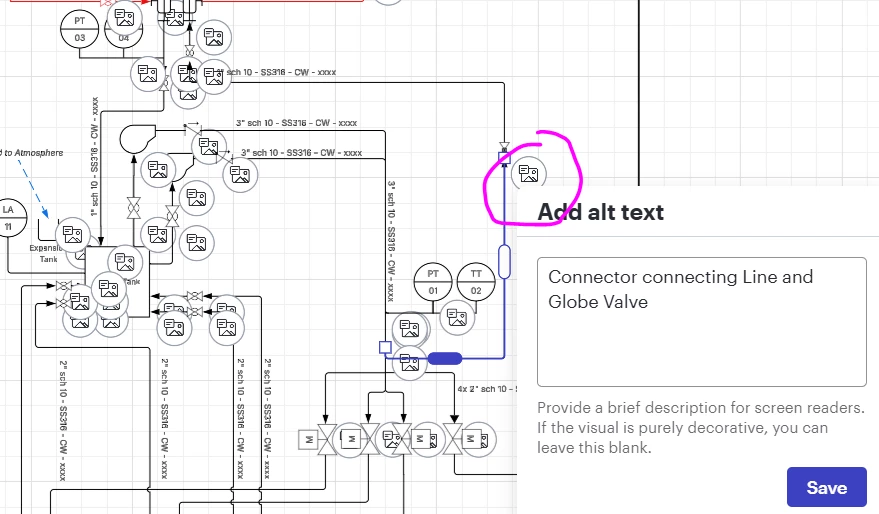
If you delete the text from the box and hit save, that bubble will go away but I cannot find a way to bulk remove them. Hoping someone has an answer, I can’t spend the time to manually remove 300+ of these this way


Forum|alt.badge.img+1

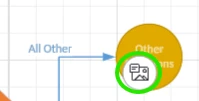
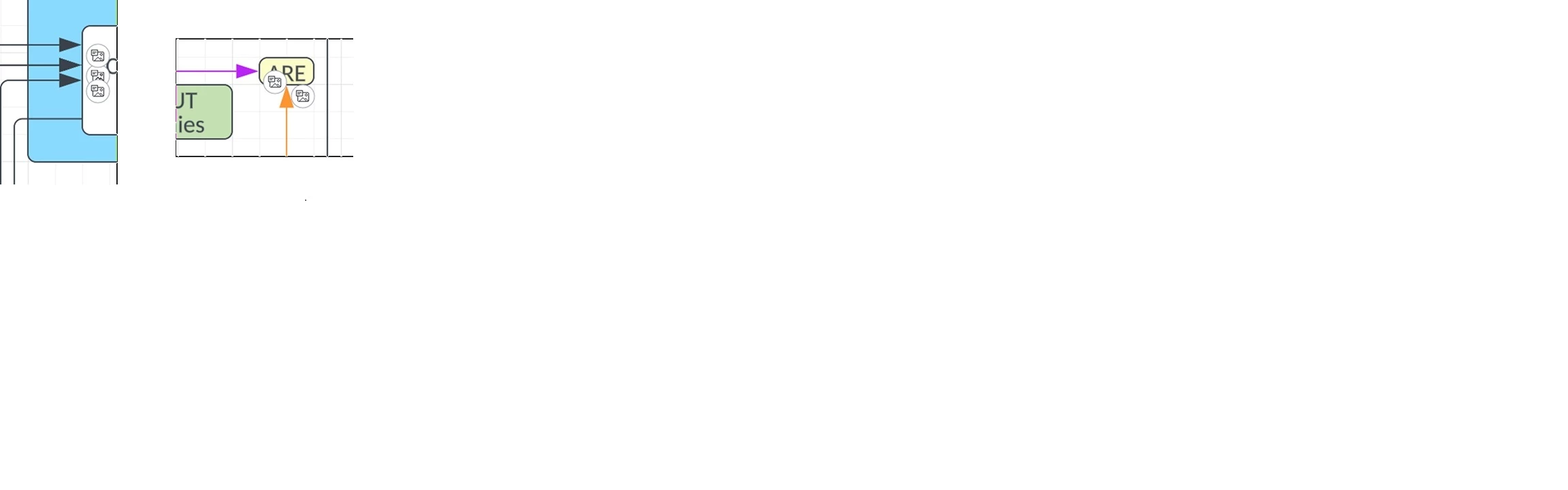
Today, I am seeing these random image icons in one of my Lucidcharts.  They seem to be linked to any line on the chart.  The image icon (see screenshot) is attached to shape that line segment feeds into.  Move the shape, the image icon moves along with it.  Clicking on the image icon brings up an Alt-Text box.  

The image icon can be “hidden” by changing the ordering of the icons, but it doesn’t go away.  The rectangle or diamond shape just sits on top of it.  

I have used CoPilot as well as LucidAI to try to figure out what is happening and cannot seem to determine root cause.  

Things tried:

  1. Tried looking in Shape Data and there is nothing to do with Data links or Attached Images
  2. No Custom Formatting rules are set up. 
  3. We don’t use Smart Fields
  4. Doesn’t appear to be anything tied to Header Fields (nothing selected there)
  5. Nothing to do with Card View
  6. Nothing to do with Overflow text


Forum|alt.badge.img+1

Just posted about this same issue.  I have spent about 2 hours now trying to figure out how to correct and cannot figure it out.  

The only thing I can see that “works” is clicking on the shape and changing the order of what appears.  It essentially brings the shape the front and the image icon goes behind it.  But no one is going to change that manually 3000 times.  

Lucid needs to respond to advise how to get rid of these.  


Forum|alt.badge.img+1
  • Author
  • March 12, 2026

I’m getting a Visio monthly license to export diagrams to work on. Not ideal because it doesn’t support live collaboration, but I have no idea when this will be resolved


Forum|alt.badge.img+2
  • March 12, 2026

As of March 12, 2026, all Line Endpoints are now requesting Alt Text.

Why did this start showing?

It is creating a nearly unusable diagram.


Forum|alt.badge.img

I went through and deleted about 50 of these from a diagram so I could continue working.  Page refreshed and they all came back… rather infuriating.


Zoe H102
Forum|alt.badge.img+4
  • March 12, 2026

Me too. Not every file, and not every diagram on every tab of this file.


Micah
Forum|alt.badge.img+20
  • Lucid community team
  • March 12, 2026

Hi all, thank you for such detailed posts. Our very sincere apologies for the trouble! We’ve escalated this internally to our development team and hope to have an update out to you via this thread very soon, as it’s certainly not intended behavior. 


Emma D
Forum|alt.badge.img+7
  • Lucid support team
  • Answer
  • March 13, 2026

Hi all, I have good news! Our development team has let us know that the issue should now be resolved. I’m sorry for any inconvenience this may have caused. If you’re still seeing the issue or have any other questions, feel free to reach out in this thread. We’re happy to help!


Forum|alt.badge.img

Thank you to the devs!