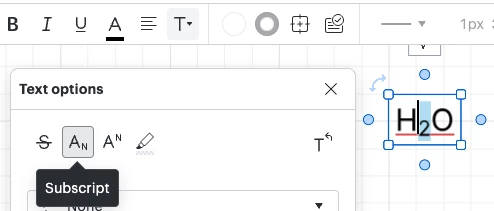
Whenever I copy and paste any text with subscripts, it automatically turns it to code, with a popup asking me, “Not code? Convert to text block”. However, when I convert it back to a text block, it removes the subscripts. Very annoying. Paste as plain also does not work. Is there a way to turn this feature off?
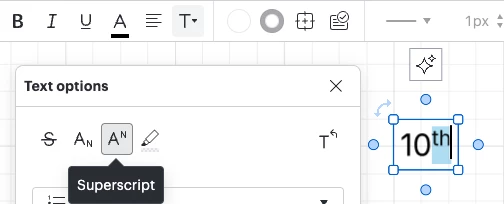
How do I turn off conversion to code when copying and pasting subscripts?
Best answer by Ambar D
Hi
In order to add superscripts or subscripts to your text in Lucidchart, you can use the Text options drop-down menu in the top menu bar to format your text.


However, I’ve also been able to recreate this same experience when pasting plain text containing subscripts and superscripts.
I’m checking in with our product team to see if they have any additional insights! I’ll get back to you in this thread with additional information as soon as possible.
Create an account in the community
A Lucid or airfocus account is required to interact with the Community, and your participation is subject to the Supplemental Lucid Community Terms. You may not participate in the Community if you are under 18. You will be redirected to the Lucid or airfocus app to log in.
Log in to the community
A Lucid or airfocus account is required to interact with the Community, and your participation is subject to the Supplemental Lucid Community Terms. You may not participate in the Community if you are under 18. You will be redirected to the Lucid or airfocus app to log in.
Log in with Lucid Log in with airfocus
Enter your E-mail address. We'll send you an e-mail with instructions to reset your password.