
Solved
How do I generate a diagram with AI in Lucidchart?
I am on a trial account researching Lucid to see if it will suit my company’s needs. I want to try generating a diagram in Lucidchart using Lucid Collborative AI. The directions state the following:
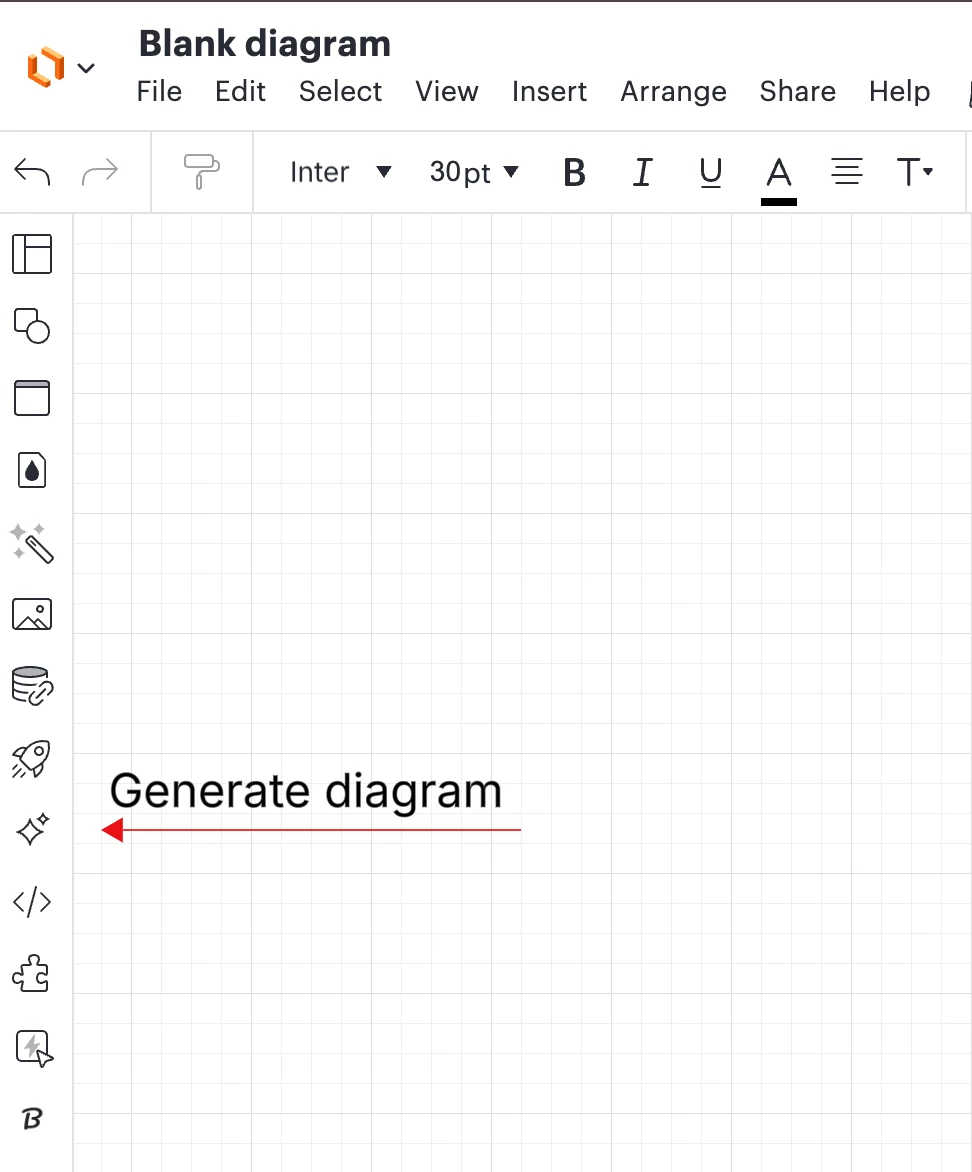
Select the Generate diagram icon from the Primary Toolbar to the far-left of the workspace.
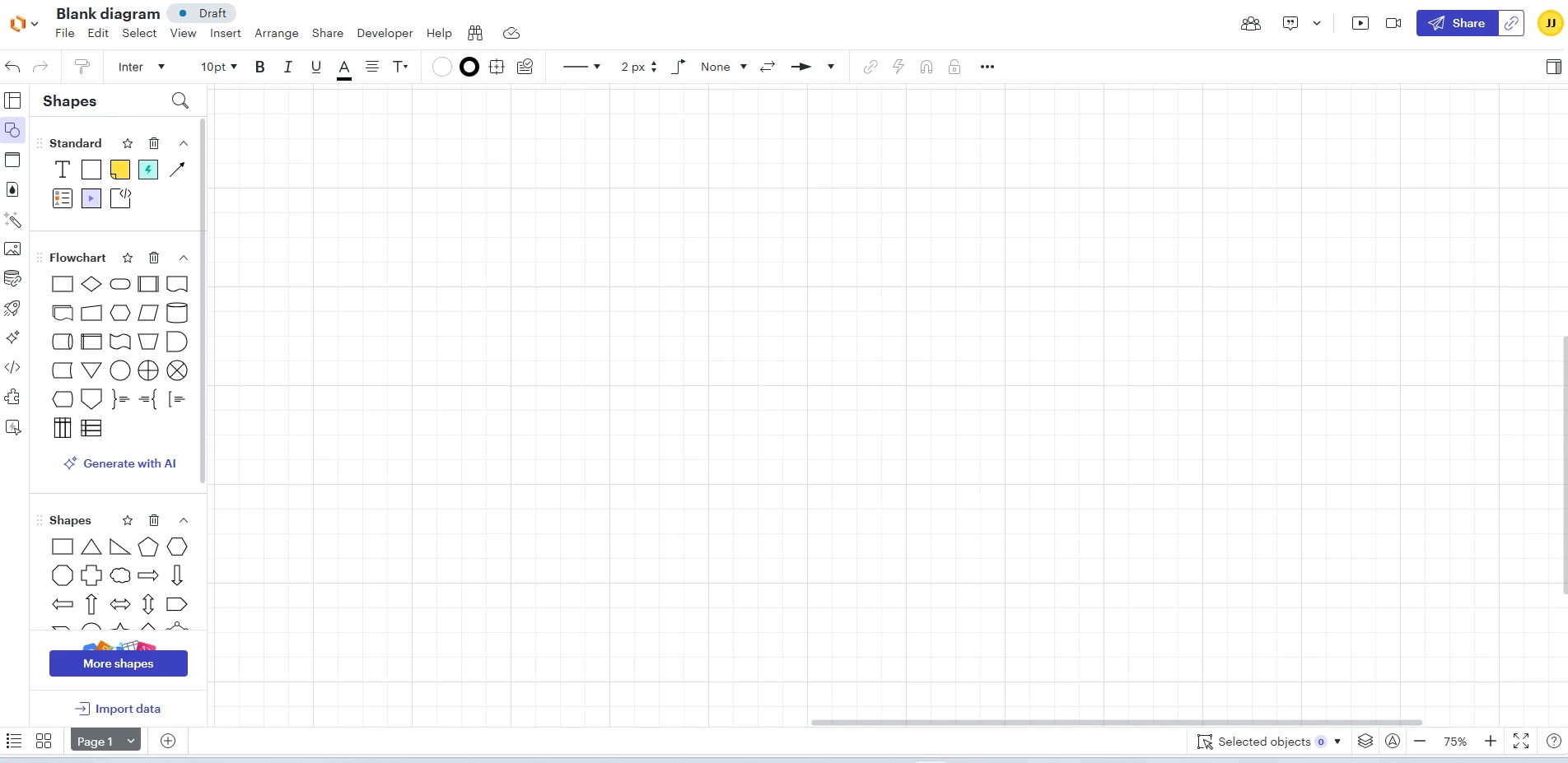
I cannot find the AI button as my screenshot below does not show this AI button. Could you please advise how I can get to it?
 Your privacy choices


